Technical SEO
Technical SEO for Local Service Businesses
Focuses on city pages, location pages, and local schema
- Timeline
- Architecture and schema work ships in 5 to 7 weeks
Call (714) 823-3164 or ask a question. Clear recommendations, even if we never work together.
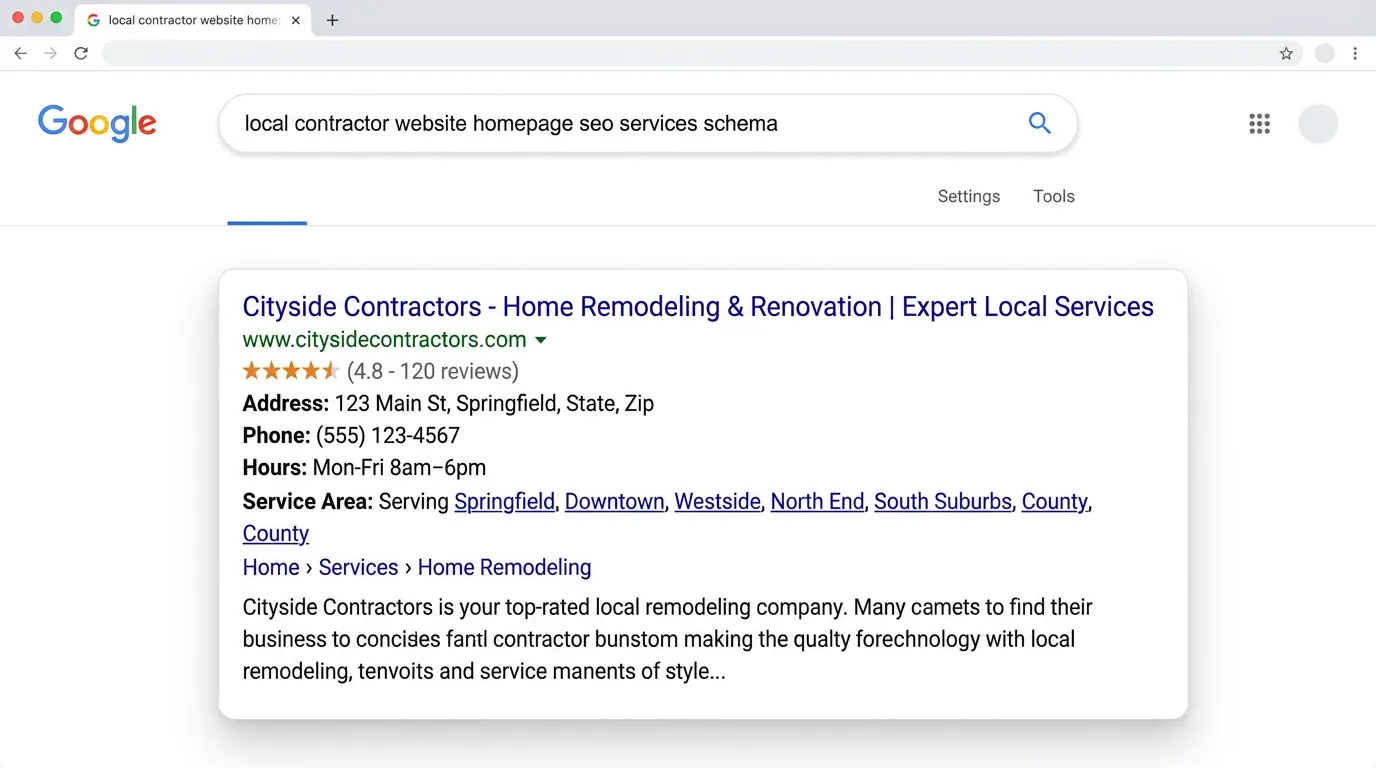
Technical SEO for local businesses applies crawl, speed, and structured data work to the patterns local sites use. Those patterns are city pages, service area pages, location pages, and click to call flows. The work prevents duplicate city page penalties. It also makes your location data machine readable for Maps and AI answers.
The problem
Local sites break in ways generic technical SEO checklists never mention. A company builds 30 city pages by swapping the city name in the same paragraph, and Google indexes four of them and ignores the rest as duplicates. A multi location business puts the same LocalBusiness schema block on every page, so all three offices claim the same address. The phone number in the footer is an image, so no crawler can read it. The address in the schema says Suite 200 while the Google Business Profile says Ste 200 and the Yelp listing says nothing at all. Each of these is invisible to the owner and expensive in aggregate.
What it is
This is technical SEO shaped around how local search works. We build a page structure that keeps city and service pages genuinely different from each other. Those pages get linked in a sensible order instead of sitting in a flat pile. We add location aware structured data, so each location page carries its own LocalBusiness entity with the right geo coordinates and hours. Service pages carry Service markup with a properly defined areaServed. We make sure the name, address, and phone in the site code match your Google Business Profile character for character. When the source markup does not match, it undermines the citation work. And we treat the mobile call path as a technical job. That means tracked tel links and sticky call bars that do not break the layout. It also means page speed on the exact pages your Google Business Profile links to.
Signs you need this
- You built city pages by swapping the city name and most are not indexed
- Multiple locations share one address in your site code
- Your phone number appears as an image or inside a script
- The address on your site does not exactly match your Google Business Profile
- Your Google Business Profile links to a slow page or the wrong page
What is included
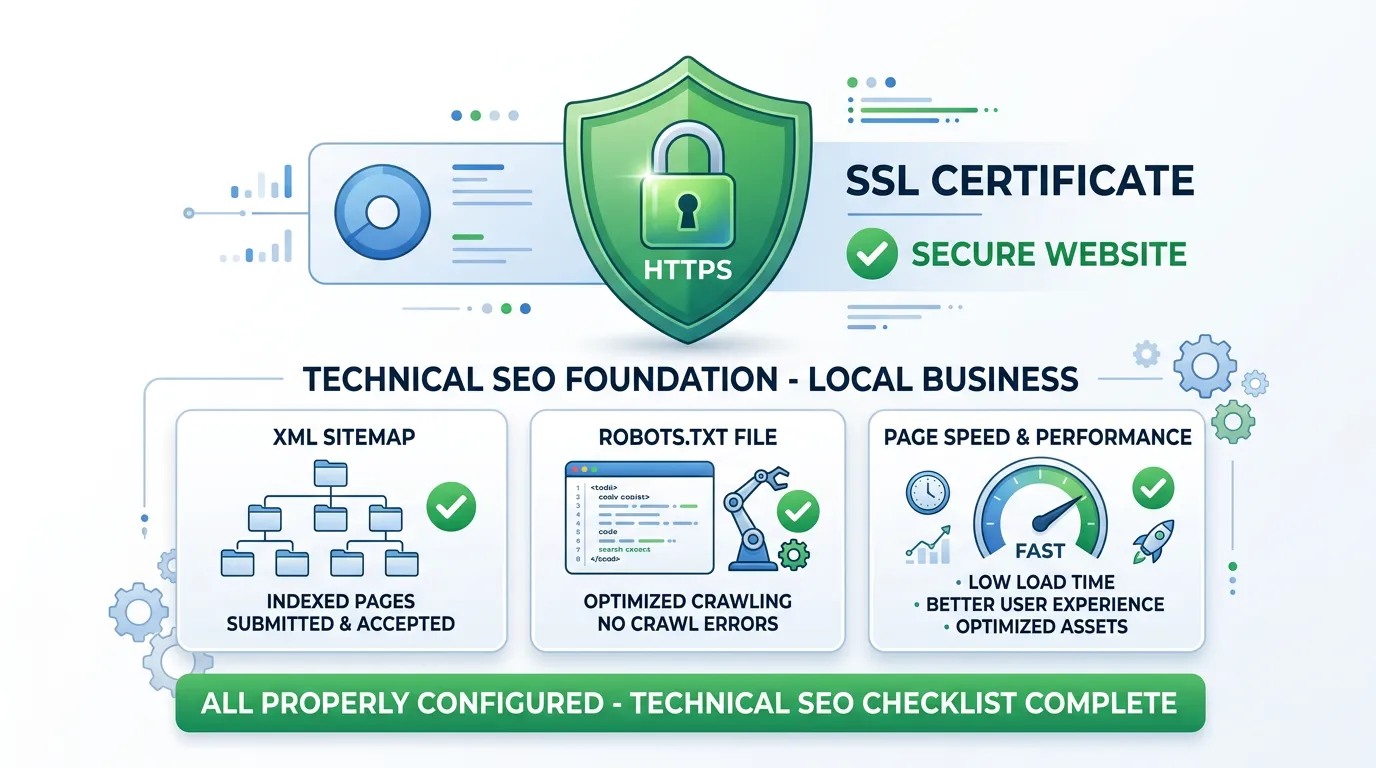
- City and service page architecture plan with internal linking rules
- Duplicate and near duplicate content detection across location pages
- Per location LocalBusiness schema with correct geo and hours
- Service schema with areaServed matching your real service area
- NAP consistency check between site code, Google Business Profile, and citations
- Crawlable text phone numbers with tracked tel links
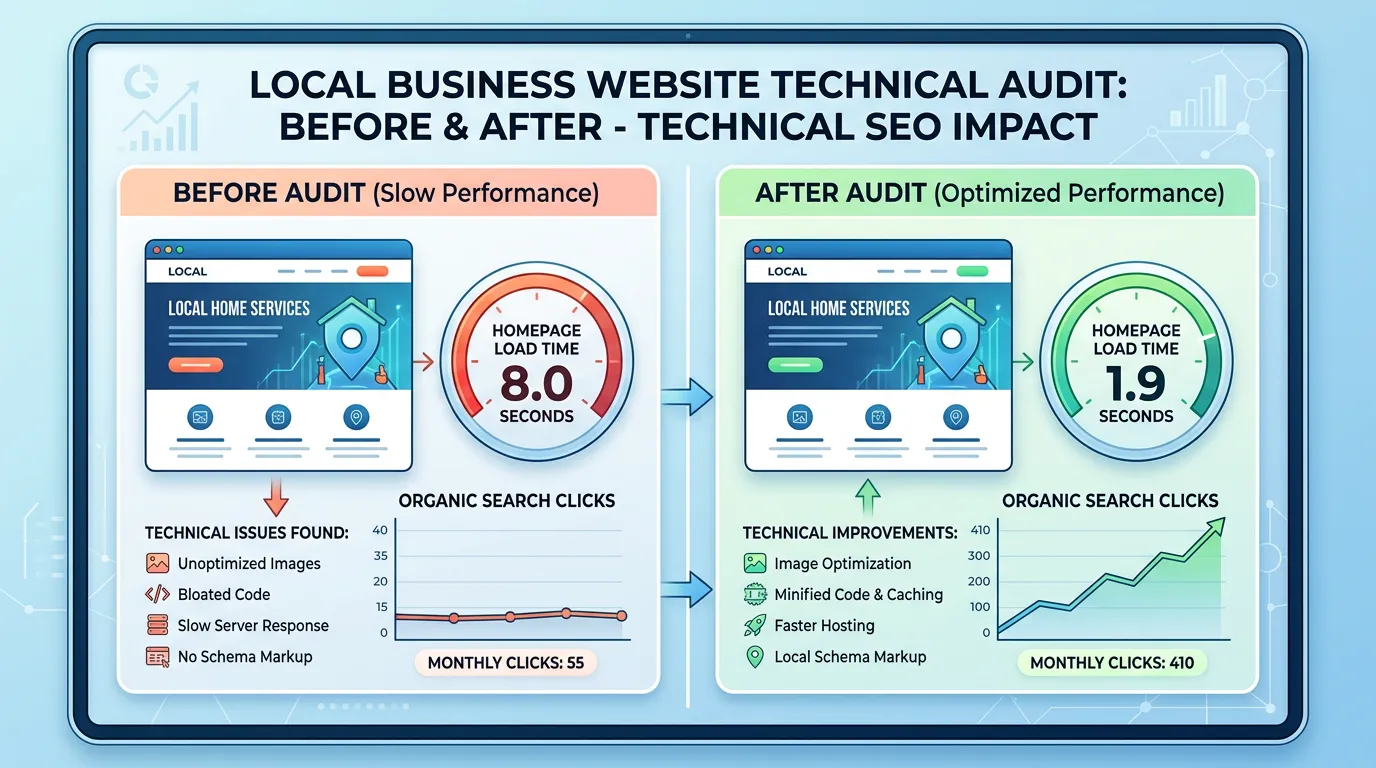
- Speed work prioritized on Google Business Profile landing pages
- Location page indexing verification in Search Console
- Breadcrumb structure reflecting the city and service hierarchy
Our process
Local architecture review
Week 1 to 2We map every city, service, and location page and check how they link to each other. Flat structures where 40 city pages hang off the homepage with no hierarchy get restructured into service and city groupings.
Duplication analysis
Week 2 to 3Every location page gets compared against its siblings for text similarity. Pages above roughly 80 percent similarity get flagged for rewriting or consolidation, since Google is unlikely to index all of them anyway.
Local schema build
Week 3 to 5Each location gets its own entity with a distinct address, phone, geo coordinate, and hours. Service pages get areaServed defined by the cities you genuinely serve, not a fifty mile radius nobody drives.
NAP and call path fixes
Week 4 to 6Name, address, and phone get standardized in the site code to exactly match the Google Business Profile. Phone numbers become crawlable text with tracked tel links, and mobile call buttons get tested on real devices.
Index and verify
Week 5 to 12Location pages get submitted and checked individually in Search Console. We track how many of them Google actually indexes over the following six weeks, which is the honest scoreboard for this work.
Realistic timeline: Architecture and schema work ships in 5 to 7 weeks. Indexation of rebuilt location pages typically improves within 3 to 8 weeks of recrawling. Ranking movement for city terms usually trails by another 2 to 4 months.
The path from a Maps tap to a tracked call
Local technical work is easiest to follow as one chain. Someone taps your listing and either reaches a call or drops off. Every link in the chain is a setting somebody chose.
A break at any step ends the call, and four of the five steps live in your website code, not your listing.
City page rules that decide whether Google keeps the page
Nearly every local site we open has too many city pages with too little in each one. These are the rules we hold to when we rebuild them.
Do this
- Write each city page from jobs your crew really did in that city
- Link a city page from its matching service page, not only the footer
- Give every city page its own title, heading, photos, and questions
- Name the neighborhoods, roads, and permit desks you deal with there
- Publish a city page only when a van can get there this month
Not this
- Do not swap one city name into the same paragraph thirty times
- Do not hang forty city links off the footer and call it structure
- Do not repeat one address in the schema on every location page
- Do not hide the city list in a dropdown with no crawlable links
- Do not build a service by city grid until three plain city pages work
How many city pages a three van plumber needs
Take a plumbing company in Chino with three vans. Drive time sets the real service area, not hope. If a van will not cross the 60 at four in the afternoon for a service call, the city on the far side has not earned a page yet.
That usually leaves eight to twelve cities worth writing about. We start with three, the ones already sending you work. Each one gets real detail: the neighborhoods you cover, the age of the homes, the repair you get called for most there, and the questions those customers ask on the phone.
Then we watch what Google does with them. If all three get indexed and hold, we add three more. If two land in the crawled but not indexed bucket, the pages are too thin, and adding more makes it worse. Track indexed city pages, not published ones.
Google decides how many city pages you have. You only decide how many you publish.
Local setup questions that come up mid build
I work from home and hide my address. What goes on the site?
Do call tracking numbers hurt my local SEO?
Should the city name go in the URL, the title, or both?