Technical SEO
Crawlability and Indexation Fixes
A page that is not indexed cannot rank, no matter how good it is
- Timeline
- Fixes ship in 2 to 5 weeks
Call (714) 823-3164 or ask a question. Clear recommendations, even if we never work together.
Crawlability and indexation work makes sure search engines can reach every page worth ranking. It also makes sure they are allowed to store that page in the index. The crawlability and indexation work fixes robots.txt rules, XML sitemaps, canonical tags, redirect chains, and noindex directives. It also closes internal linking gaps that leave pages invisible to search.
The problem
A page that Google never crawls or refuses to index is worth exactly zero. The frustrating part is how easy it is to cause. A developer sets noindex on staging and forgets to remove it on launch. A plugin auto generates canonical tags pointing every page to the homepage. Someone blocks a directory in robots.txt to keep test files private and takes half the crawlability and indexation service pages with it. Nobody notices, because nothing looks broken to a human visitor. The site works, the pages load, and Google is simply not looking at them.
What it is
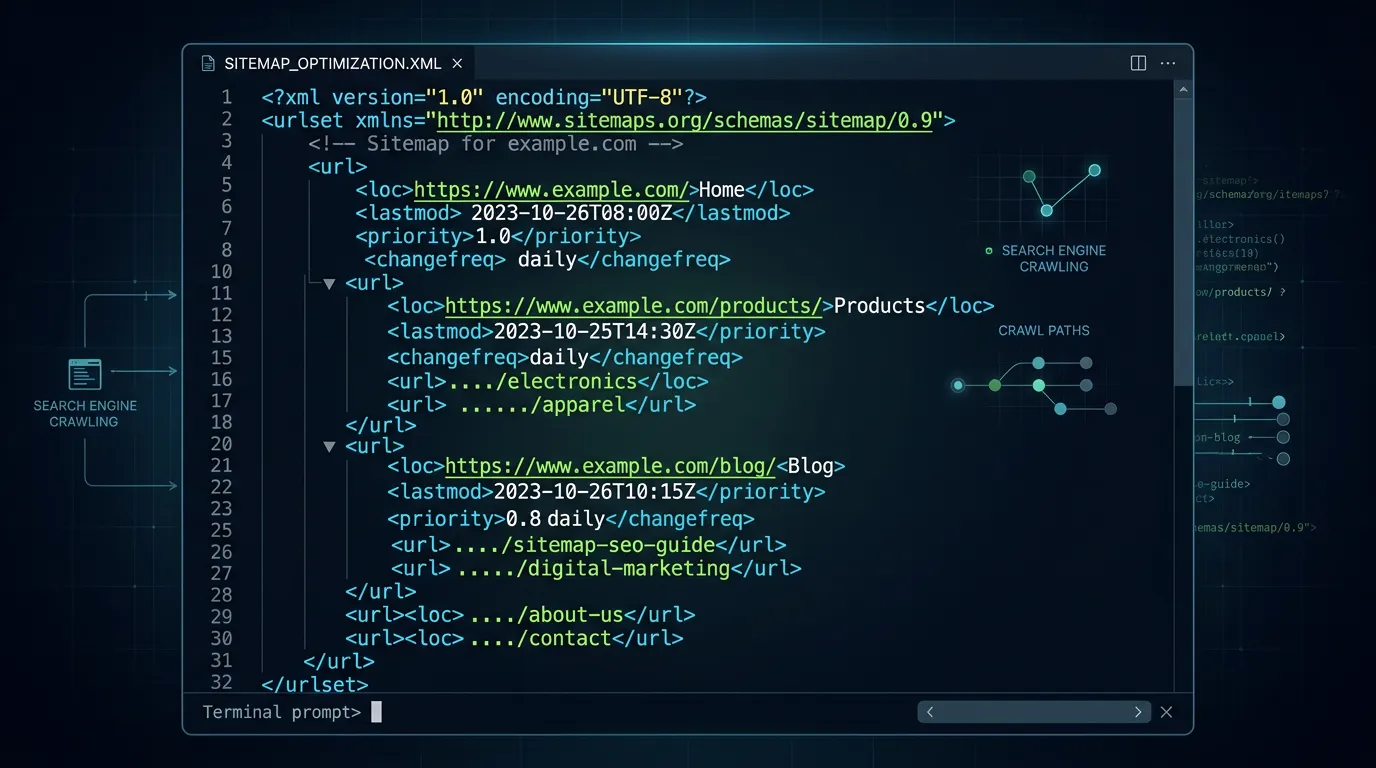
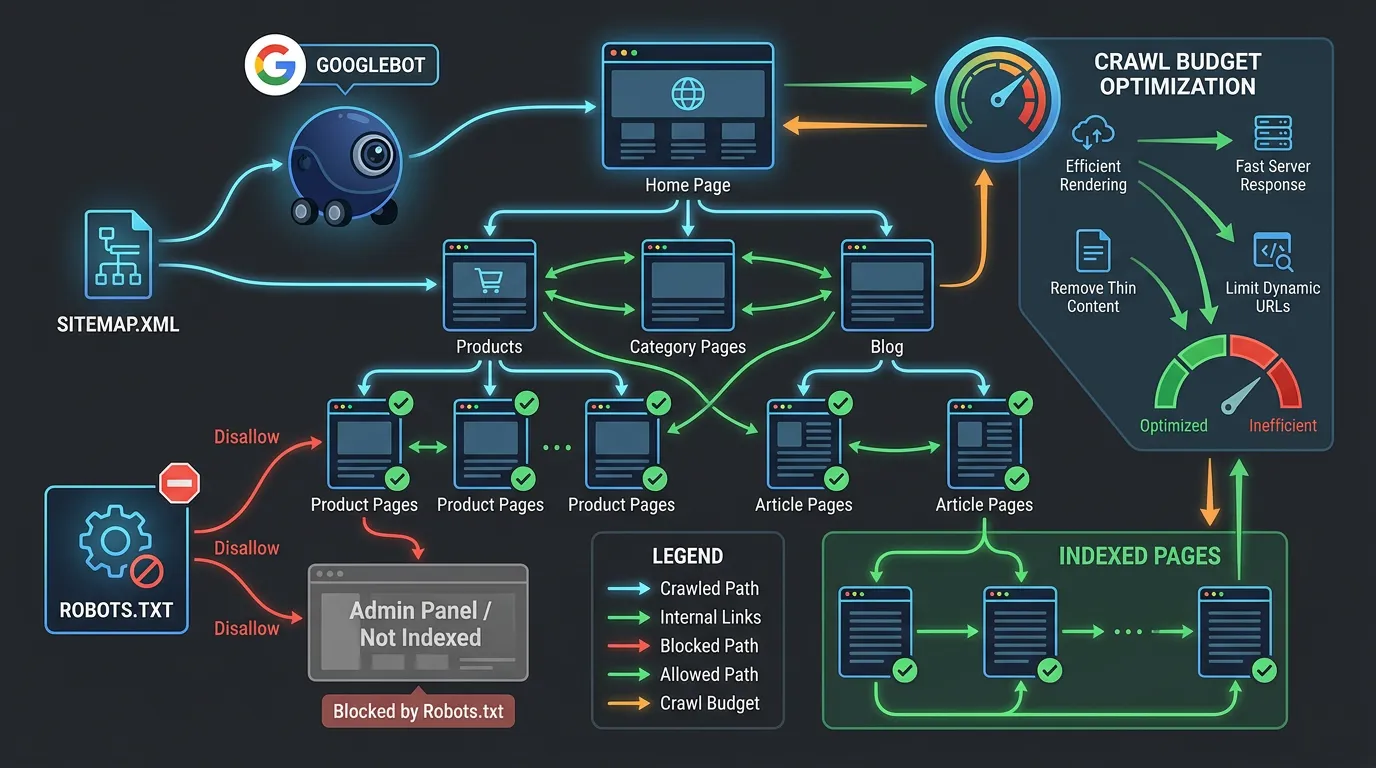
This is a step by step pass over every signal that controls what gets crawled and what gets stored. We check robots.txt line by line against a live crawl. We confirm the XML sitemap holds only indexable canonical URLs that return 200 status codes. We audit canonical tags for self reference and conflicts. We hunt for stray noindex and nofollow directives, both in meta tags and in HTTP headers. We collapse redirect chains to a single hop. We find orphan pages that no internal links point to. We settle duplicate URL versions so one address wins. Then we verify in Search Console rather than assuming the fix worked.
Signs you need this
- Search Console reports pages as crawled but currently not indexed
- Your sitemap says 300 URLs and Google shows 40 indexed
- Searching site colon yourdomain returns pages you deleted a year ago
- New pages take months to appear in search results
- Both the www and non www versions of your site load without redirecting
What is included
- Robots.txt review and rewrite with a documented reason per rule
- XML sitemap rebuild containing only indexable canonical URLs
- Canonical tag audit and correction across every template
- Noindex and nofollow directive sweep in HTML and HTTP headers
- Redirect chain collapse to single hop 301s
- Orphan page report with internal linking recommendations
- Duplicate URL consolidation for www, https, and trailing slash versions
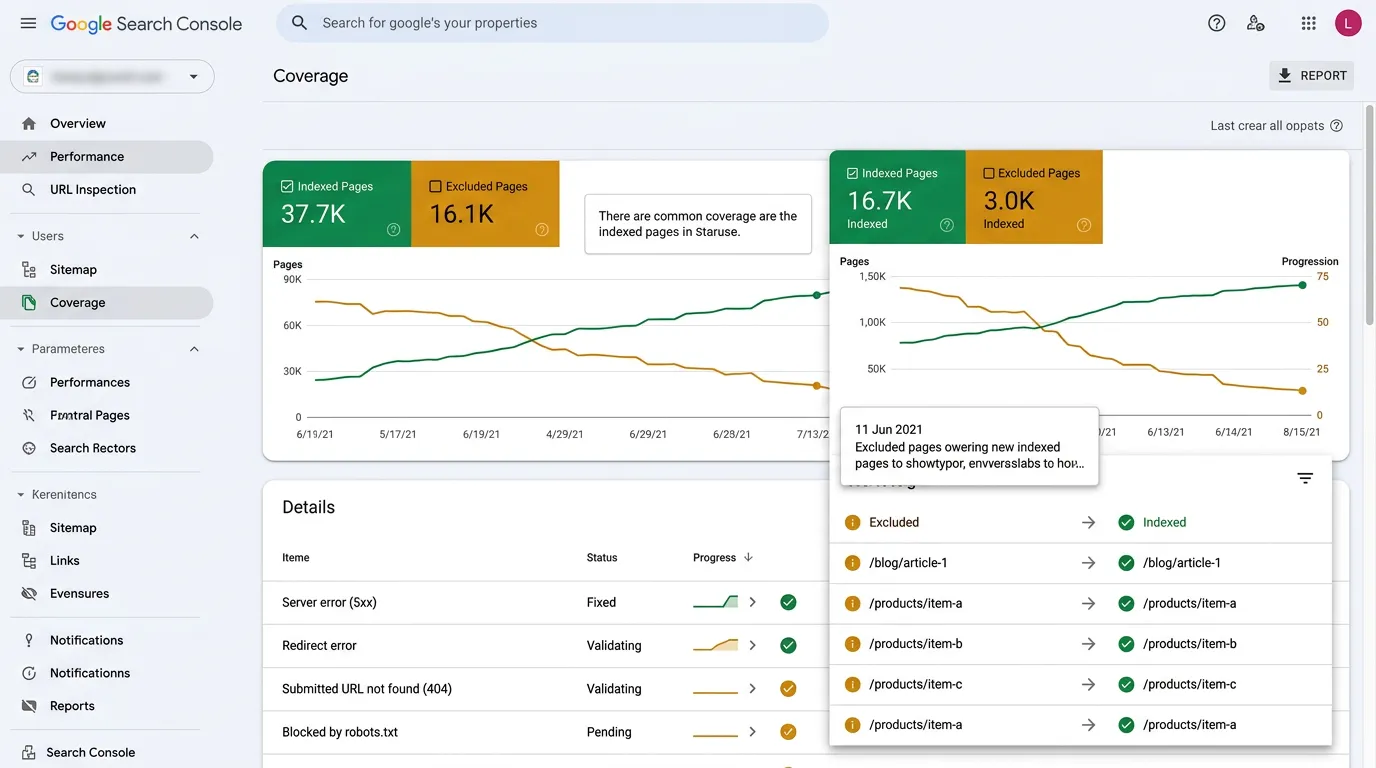
- Search Console URL inspection and indexing requests on priority pages
- Pagination and faceted URL handling rules where they apply
Our process
Index gap analysis
Week 1We compare three lists: the URLs on your site, the URLs in your sitemap, and the URLs Google reports in the Page Indexing report. Anything appearing in one list and missing from another is a lead worth chasing.
Directive audit
Week 1 to 2Robots.txt, meta robots tags, X-Robots-Tag headers, and canonical tags all get checked against what they should say. We document every rule that blocks something and confirm each block is intentional.
Fix and consolidate
Week 2 to 4Bad directives get removed, canonicals get corrected, redirect chains get flattened, and duplicate URL versions get pointed at one canonical address. Sitemaps get rebuilt from the corrected URL list.
Internal link repair
Week 3 to 5Orphan pages get linked from relevant parent pages and navigation. Pages buried five clicks deep get pulled closer to the homepage so crawlers reach them more often.
Resubmit and verify
Week 4 to 10New sitemaps get submitted, priority URLs get inspected and requested individually, and we track the Page Indexing report weekly until indexed counts move in the right direction.
Realistic timeline: Fixes ship in 2 to 5 weeks. Google typically recrawls priority pages within days to three weeks after resubmission. Full index recovery on a large site can take 8 to 12 weeks because crawl budget is spent gradually.
The Five Gates Between Publishing and Ranking
A page has to clear five gates. Most indexing trouble is really a page stuck at one of them, and the right fix depends on which one.
Search Console tells you which gate a page is stuck at. Start there before changing anything.
Search Console Index Statuses in Plain English
The Page Indexing report uses wording that hides the real message. Here is what each status usually means and where to look first.
| Status | What it means | Usual cause | First thing to check |
|---|---|---|---|
| Discovered, currently not indexed | Google knows the URL and has not fetched it yet | Low priority or a slow server | Internal links and response time |
| Crawled, currently not indexed | Google read it and chose not to store it | Thin or near duplicate content | How the page differs from its siblings |
| Duplicate without user-selected canonical | Google picked a different page over yours | No canonical tag set | The canonical tag on that template |
| Alternate page with proper canonical tag | Working the way it should | Usually nothing at all | That the canonical target is correct |
| Excluded by noindex tag | You told Google to skip it | A setting left over from staging | Meta robots tag and X-Robots-Tag header |
| Soft 404 | The page loads but looks empty | Empty results or missing content | That real content renders for a bot |
| Blocked by robots.txt | The crawler was refused entry | A directory rule written too broadly | Every Disallow line, one at a time |
Statuses come from the Search Console Page Indexing report. Google adjusts the wording over time, the meanings hold.
Check These Yourself Before Hiring Anyone
Seven checks, about twenty minutes, no paid tools. They tell you whether you have an indexing problem or a content problem.
Search site colon yourdomain in Google
Count roughly what shows. Far under your page count means keep going.
Open the Page Indexing report
Compare indexed pages to your sitemap total. A wide gap is the signal.
Load yourdomain.com/robots.txt
Read every Disallow line. If you cannot say why it exists, flag it.
View source on a missing page, search for noindex
One tag left over from staging is the most common cause of all.
Type your homepage four ways
With www, without, http and https. All four should land on one URL.
Run URL Inspection on one missing page
Google states the reason it chose. Believe it, then fix that reason.
Click from your homepage to the missing page
If you cannot reach it in three clicks, crawlers struggle as well.
Fix the Cause, Then Ask for Indexing
Requesting indexing in Search Console is the button everyone reaches for first. It is also the least useful move when the page is blocked. If a canonical tag points somewhere else, or a robots rule refuses the crawler, the request changes nothing. Google still follows the directive it was given.
The order that works is boring. Remove the block. Confirm the page returns a 200 status and points its canonical at itself. Link to it from a page that is already indexed. Then submit it once. Search Console limits how many URLs you can submit per day, so save those requests for pages that earn money.
After that, wait. Two to four weeks is normal for a priority page on a site Google visits often. On a small site that rarely changes, a month is not a sign of trouble. Submitting the same URL every day does not move it up any queue, and it uses the quota you may need next week.