
Resources
Google Business Profile Checklists and Guides
A Google Business Profile is not a directory listing you fill in once
Call (714) 823-3164 or ask a question. Clear recommendations, even if we never work together.
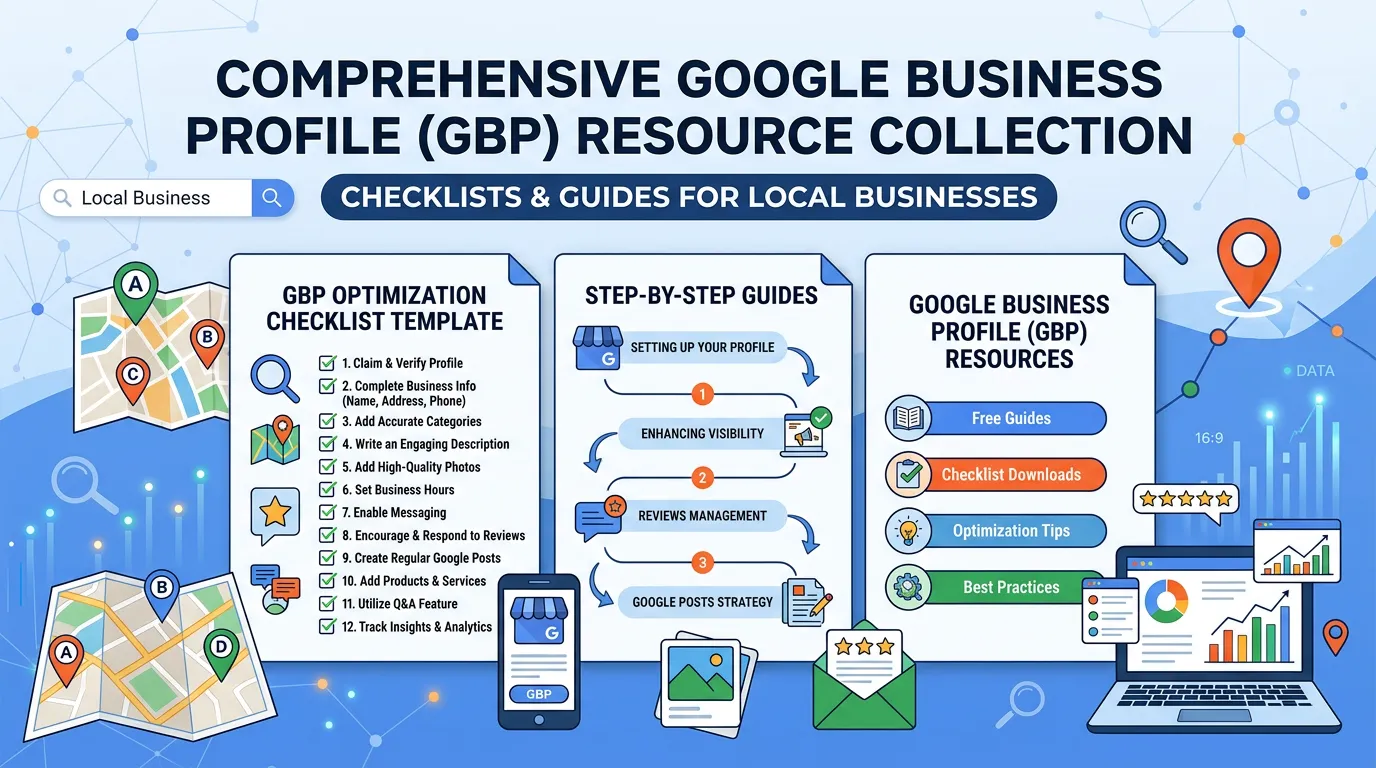
These checklists cover setting up, verifying, and running a Google Business Profile. They walk through category choice, service lists, photo standards, and posting rhythm. They also cover questions and answers, plus how to get a suspended profile back. Each one is a step list you work through, not theory about why profiles matter.
A Google Business Profile is not a directory listing you fill in once. It is a live surface, and Google changes it without telling anyone. Small mistakes on it cost real calls. These checklists exist because most profile problems are procedural rather than strategic. Someone picked the wrong primary category during setup. Someone listed a suite number that does not match the lease. Or a stranger's suggested edit changed the hours to closed on Saturday. The material walks each stage in order. First, choosing between a storefront and a service area business. Then passing video verification on the first attempt. Then writing service descriptions using the words customers actually type. After that come photo standards that hold up on a phone screen, a posting rhythm you can keep during busy season, and watching the questions section before someone else answers on your behalf. There is a separate track for suspensions. A suspended profile is an emergency with its own rules, and the reinstatement form rewards documentation far more than explanation. Office managers get the most out of this section. Much of profile work is repeatable maintenance. It does not need a marketer, only somebody with fifteen minutes a week and a list. Some readers should start with the verification and address material: owners in trades with strict address rules, home based businesses, and companies that recently moved. That is where most of the damage starts.
More resources
Local SEO Guides
Local SEO GuidesReputation Management Resources
Reputation Management ResourcesPPC and Advertising Guides
PPC and Advertising GuidesWebsite Conversion Guides
Website Conversion GuidesVideo Marketing Resources
Video Marketing ResourcesContent Marketing and Topical Authority Guides
Content Marketing and Topical Authority Guides
Profiles go wrong without anyone touching them
Owners assume a profile stays how they left it. It does not. Google adds attributes on its own, pulls data from your website, and accepts edits from the public. A stranger can suggest that your hours changed or that you closed, and the change can go live before you hear about it.
The common damage is small and quiet. A category gets added that you do not serve. The website link points at a page killed in a redesign. A duplicate listing appears because a customer added your shop as a new place. None of it announces itself, and calls just get a little thinner.
The fix is a habit, not a project. Turn on profile notifications, then look at the whole listing once a month with a saved screenshot of how it should read. Two people should have access, because profiles get orphaned when the one person who managed it leaves.
That is why this section is built as checklists. Most profile trouble is procedural. Somebody skipped a step, or nobody checked for six months.
Storefront or service area, and what changes
This one choice at setup changes verification, what the public sees, and which rules can get you suspended. Pick wrong and you fight the profile for years.
| Question | Storefront | Service area business |
|---|---|---|
| Do customers come to you? | Yes, and the address is shown to everyone | No, and the address is hidden after verification |
| Where do you verify? | At the address on the listing | Still at your real address, even though it stays hidden |
| Service area | Optional, and often left empty | Required. List the cities you actually serve |
| Most common suspension cause | Suite number that does not match the lease | A mailbox, a virtual office, or a coworking desk |
| Photos that help most | Storefront, signage, inside the shop | Trucks, crews, equipment, finished jobs |
A hybrid is allowed when customers really do visit and you also travel. Choose it only if both are true, because a shown address nobody visits invites both suspensions and awkward drop ins.
The fifteen minute monthly profile check
Print this and give it to whoever runs the front desk. Once a month, in order, takes about a quarter of an hour.
Hours, including the next holiday
Set holiday hours two weeks ahead. Google prompts late and people miss it.
Updates made by Google or the public
Look for changed hours, a changed name, or a category you did not add.
New questions in the questions section
Answer the same day in your own words, before a stranger answers for you.
New reviews, and a reply on each
Even a one line reply. It shows a person reads them.
Five to ten photos from the last month
Real jobs beat anything staged, and the date rides along with the file.
Services list against what you sell now
Add the work you picked up, remove the work you dropped.
A search for duplicates of your name and phone
Report duplicates instead of editing them. Editing can merge the wrong pair.
The website link still lands on a live page
Redesigns break this constantly, and nobody notices for months.
Categories and services, done carefully
Categories decide which searches you can appear for at all. They matter more than any other field on the profile, and they are the easiest one to get wrong.
Do this
- Set the primary category to the work that pays best, not the broadest label.
- Add secondary categories only for services you truly sell and staff.
- Check what the top three competitors in your city use as their primary.
- Change one thing at a time and write the date in a notes file.
- Match your service names to the headings on your website.
Not this
- Stack ten categories to cover every possibility you can imagine.
- Pick a category for work you cannot deliver, such as 24 hour emergency service.
- Add city names or keywords to the business name field.
- Make a big category change in the middle of your busy season.
- Copy a national franchise category list without checking what they actually do.
What a suspension week looks like
A suspension hides your profile immediately, which usually means the phone stops. Here is the order of operations, and what not to do while you wait.
Reinstatements are won on documents, not on the explanation box. Never open a second profile while you wait, because a duplicate makes the case harder to win.