
Resources
PPC and Advertising Guides
Most wasted ad spend in local service advertising comes from three places
Call (714) 823-3164 or ask a question. Clear recommendations, even if we never work together.
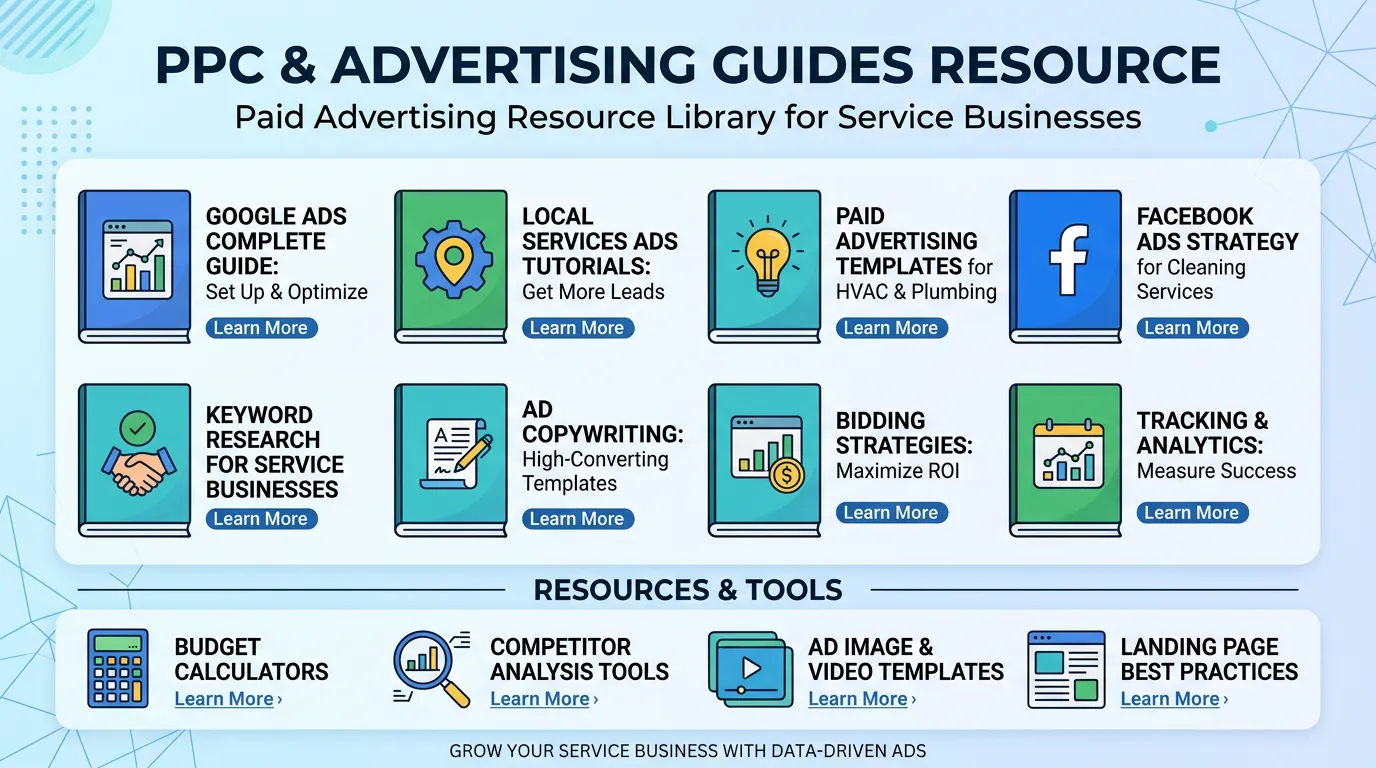
Advertising guides cover Google Ads, Local Services Ads, Microsoft Advertising, and remarketing for service businesses. They explain campaign structure, negative keyword lists, bidding choices, and conversion tracking. They also show you how to read a search term report, so your budget stops going to clicks that were never going to call.
Most wasted ad spend in local service advertising comes from three places. The first is broad keywords nobody screened. The second is conversion tracking that was never verified. The third is landing pages that ask for a form fill when the customer wanted to call. These guides work through all three. You will find campaign structures for emergency work and for planned projects. Those two need different bidding, different ad copy, and different pages. There is material on Local Services Ads, including the license and insurance checks. It also covers how paying per lead changes the math compared to paying per click. Negative keywords get real attention. In the trades, one unfiltered word like jobs, salary, free, or training can eat a quarter of the monthly budget before anyone notices. Tracking gets more attention still. If you cannot tell which campaign produced a booked job, everything else in the account is guesswork dressed up as a chart. The measurement pieces cover call tracking numbers, form conversions, and importing offline sales for jobs that close weeks later. They also explain why the conversion count in the ads dashboard is almost always higher than the number of real customers. This section suits owners running their own account, office managers auditing an agency, and anyone deciding whether a paid budget is worth starting at all. Cost figures quoted are Southern California ranges, which run higher than national averages in most trades.
More resources
Local SEO Guides
Local SEO GuidesGoogle Business Profile Checklists and Guides
Google Business Profile Checklists and GuidesReputation Management Resources
Reputation Management ResourcesWebsite Conversion Guides
Website Conversion GuidesVideo Marketing Resources
Video Marketing ResourcesContent Marketing and Topical Authority Guides
Content Marketing and Topical Authority Guides
The first two weeks of a new account
New accounts start rough and that is normal. For the first few days Google shows your ads to a wide mix of people while it learns which ones respond. Your cost per lead in week one is usually the worst number you will see, and judging the account on it is how good campaigns get killed early.
Set the daily budget as your monthly number divided by 30.4, then leave the bids alone. Changing bids every day resets what the system has learned and keeps you in the expensive part of the curve. Once a week is plenty for the first month.
Spend your daily attention on the search terms report instead. Read it every second day at first. Expect to remove a large share of what shows up, because broad matching pulls in job seekers, students, parts buyers, and people two counties away. Each one you block makes tomorrow cheaper.
By the end of week two you should have a real negative list, a sense of your true cost per click, and at least a few leads to listen to. That is the point where the account becomes worth optimizing rather than watching.
Campaign shapes for different job types
Emergency work and planned projects do not belong in the same campaign. They need different hours, different bids, different ads, and different pages.
| Job type | Campaign shape | Bidding | Landing page |
|---|---|---|---|
| Emergency repair | Search, tight keyword list, running 24 hours | Start on clicks, move to a cost per lead target | Phone first, with a call button above the fold |
| Planned replacement | Search plus a remarketing list | Cost per lead target once you have about 30 conversions | Photos, financing, one short form |
| Maintenance plans | Small search budget plus your own brand terms | Manual bids or a low cap | Price, what is included, and a sign up |
| Commercial work | Search, business hours only, exact match heavy | Higher bids, tighter matching | Job detail, references, a direct line |
One campaign for all four means the emergency terms eat the day's budget by ten in the morning and the high ticket work never gets shown.
A negative keyword list to paste on day one
Every trade wastes money on the same handful of word groups. Add these before your first ad runs, then keep building from your own search terms report.
jobs, hiring, careers, salary, apprentice, resume
Job seekers click a lot and never call for service.
free, cheap, DIY, how to, tutorial, video
Research traffic. Useful for your blog, terrible for your ad budget.
parts, supply, wholesale, rental, used
They want a box from a supplier, not a truck at the house.
school, training, certification, license, course
Trade students, and there are more of them than you would guess.
Names of big retailers and marketplaces
Someone looking for a national site will not settle for a local shop.
Cities and counties outside your service area
List them by name. Do not trust location settings to do this alone.
complaint, scam, lawsuit, class action
Reputation searches, not buying searches.
Trade specific words for work you refuse
Mobile home, tenant, warranty, insurance job. Block what you will not do.
Reading a search terms report
This report is the only place you see the words real people typed. It is also where most accounts are saved or lost.
Do this
- Read it weekly for the first month, then every two weeks.
- Judge a term only after it has spent about three times your target cost per lead.
- Give the terms that convert their own ad group and their own ad.
- Keep one shared negative list applied across every campaign.
- Add negatives at the right level, since a campaign level block hits every ad group.
Not this
- Add a negative because of one bad click on a Tuesday.
- Block a whole word that also appears in terms that convert.
- Run broad match with no negative list attached.
- Assume the term shown equals the keyword you bought.
- Delete a campaign in week one because the first four leads were poor.
Where a 3,000 dollar month actually goes
This is an example, not a promise. The point is to show how each rate multiplies, so you can see which number is worth improving first.
Move the close rate from 40 to 50 percent and the cost per booked job drops to about 200 dollars without touching the ad account. That is why close rate belongs in an advertising review.