Local SEO
Service Area and City Page Optimization
Builds one strong page per city instead of sixty thin ones
- Timeline
- Eight to twelve weeks for a set of ten to twenty pages
Call (714) 823-3164 or ask a question. Clear recommendations, even if we never work together.
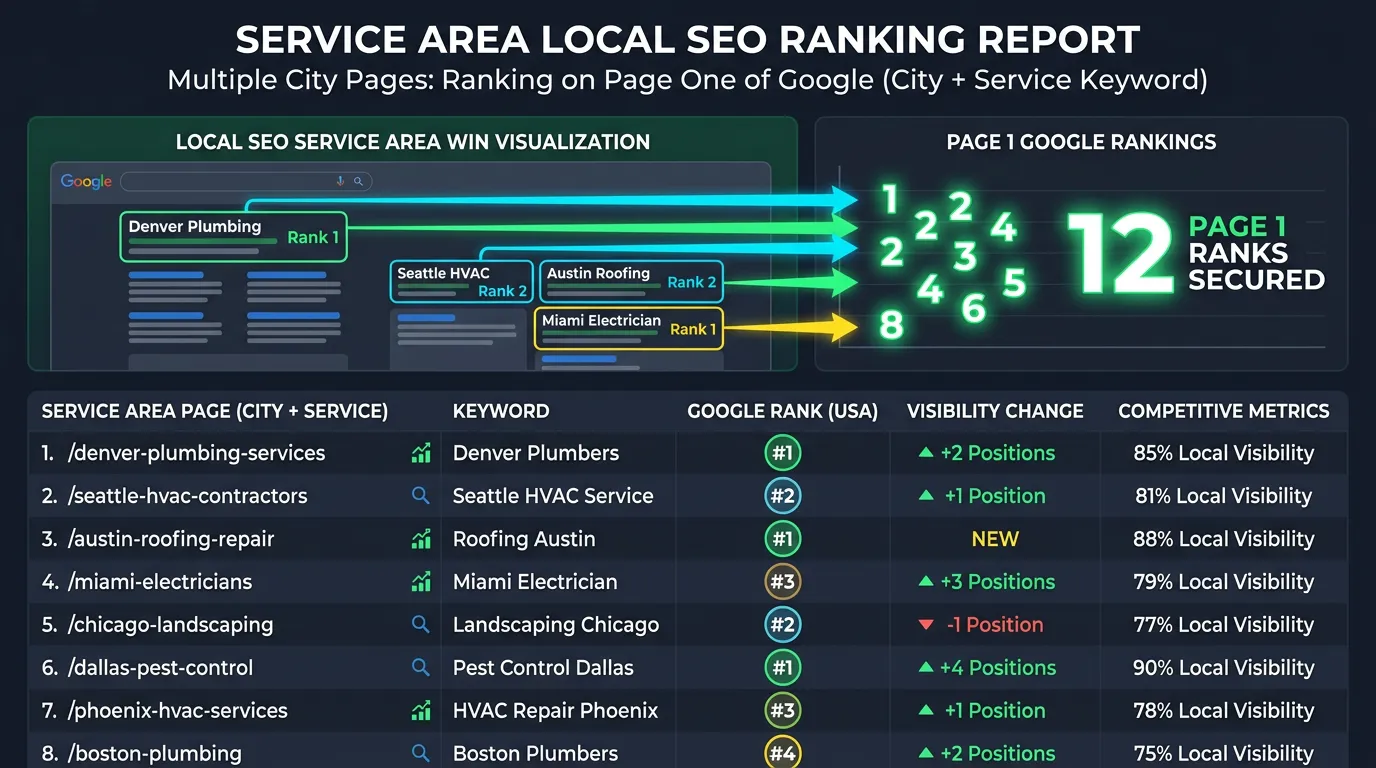
Service area page optimization is the work of building and improving one page for each city or region a business serves. Done right, every page carries its own local detail, service specifics, and proof of work in that area. Google then indexes and ranks the page. Pages without that detail get filtered out as duplicate content.
The problem
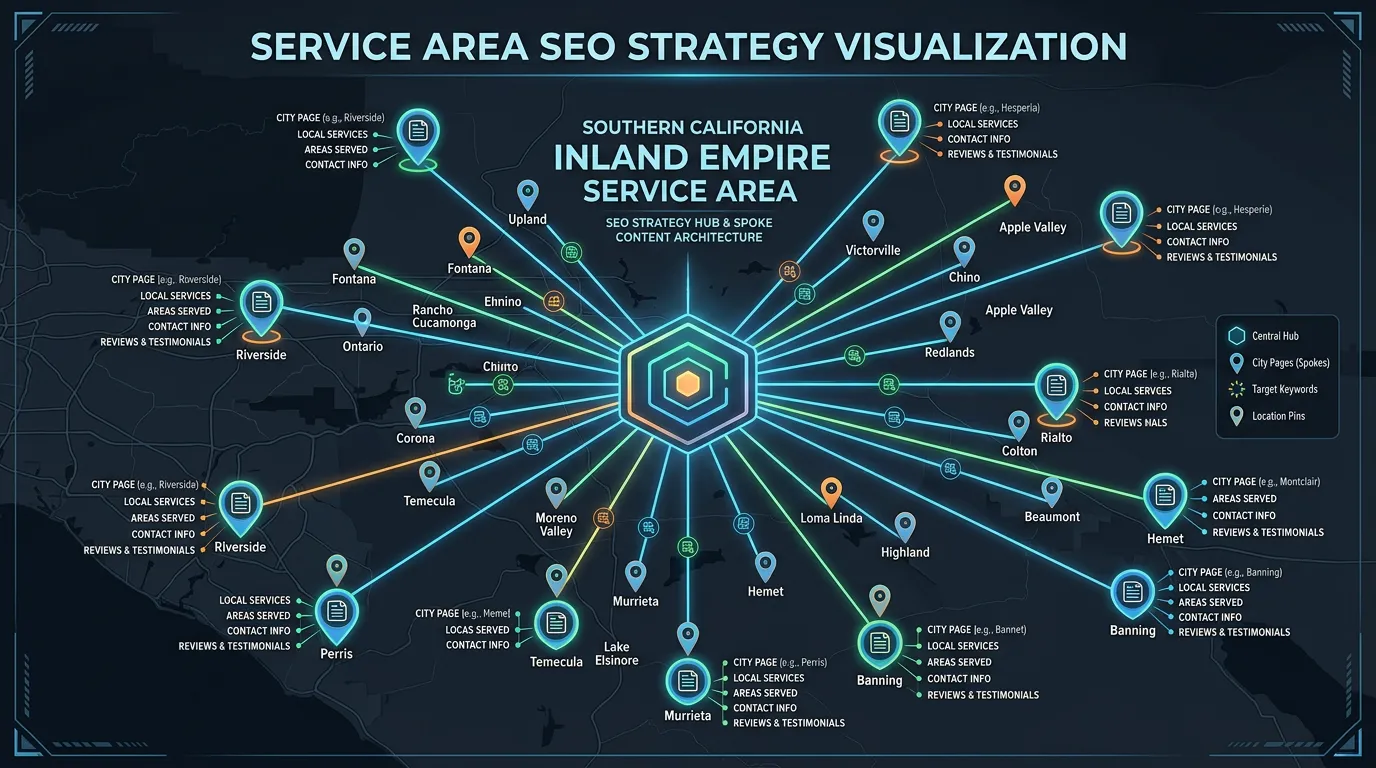
The standard approach is to take one paragraph, swap the city name, and publish it forty times. Google has been filtering that pattern for over a decade. The result is a folder full of pages where three are indexed and thirty-seven are not, none of them rank, and the whole site looks lower quality because of it. The second failure is subtler: pages that rank but read like they were written by someone who has never driven through the city, so visitors leave without calling.
What it is
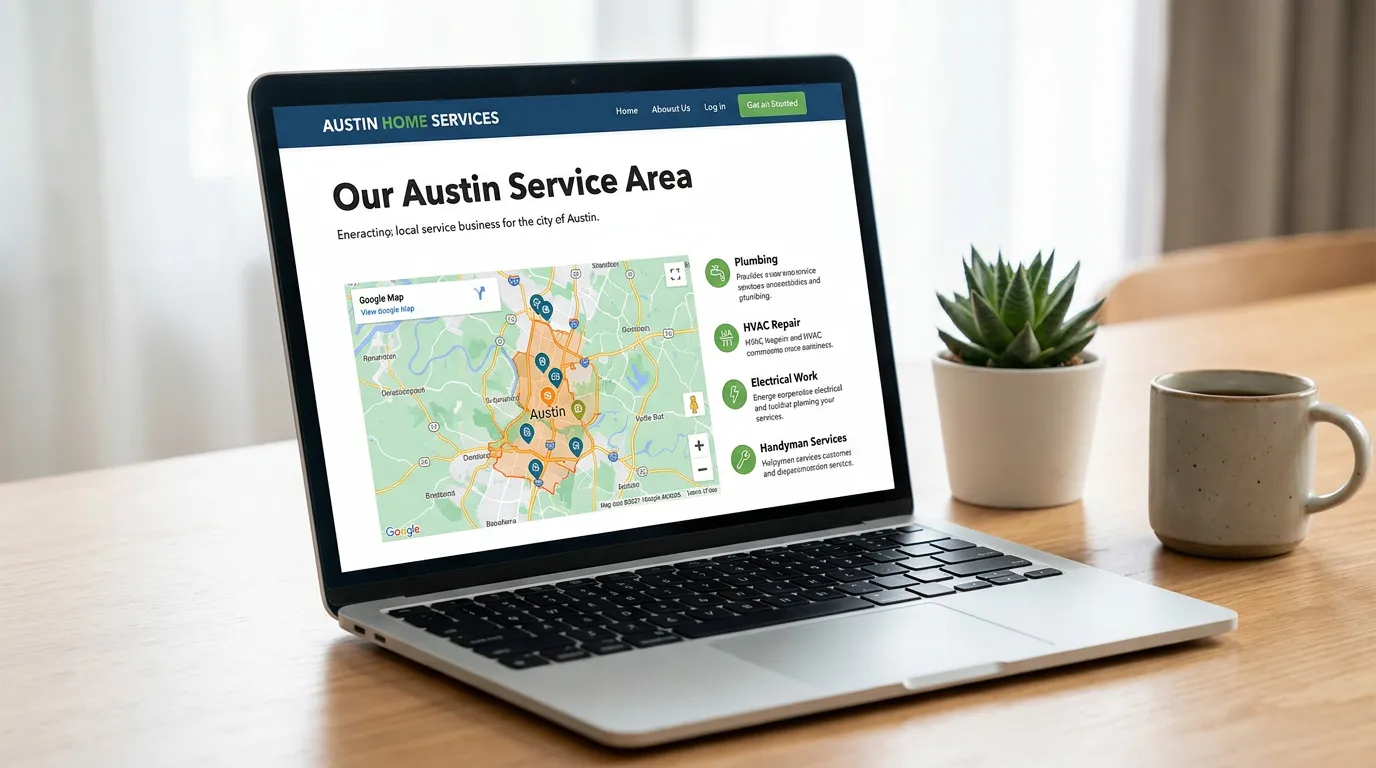
A service area page has one job. It has to convince Google and a real person that you really work in that city. That takes specifics. Name the neighborhoods and landmarks you serve, and give the drive time from your shop. Cover the permit or inspection quirks in that jurisdiction. Show jobs you have completed there with photos, reviews from customers in that city, and the services people ask for most locally. Each page also needs its own title and H1. It needs internal links from your related service pages, Service schema with areaServed, and a call to action that works on a phone. We also fix cannibalization, where three of your pages compete for the same term.
Signs you need this
- You have sixty city pages and only a handful are indexed
- Your city pages are identical except for the city name
- You rank well in your home city and vanish one town over
- City pages get traffic but almost nobody calls from them
- Several of your pages compete for the same keyword
What is included
- Audit of existing city pages showing indexed versus filtered
- Priority city list based on job history and travel time
- Page template with sections that force unique content per city
- 8 to 20 built or rewritten city pages
- Local proof blocks: neighborhoods, completed jobs, local reviews
- Service schema with areaServed on every page
- Internal linking from service pages and the footer or area index
- Indexation verification in Search Console after publish
- Cannibalization fixes with merges or redirects where pages overlap
Our process
Audit and cull
Week 1We check every existing city page for index status, impressions, and duplication with a Screaming Frog crawl plus Search Console data. Pages that have never been indexed and never will be get merged or removed rather than rewritten.
Priority list
Week 1 to 2Cities get ranked by job history, drive time, competition, and revenue per job. We would rather build eight pages that can rank than thirty that cannot. Cities you rarely serve get one combined regional page instead.
Template design
Week 2 to 3We build a page structure with slots that cannot be filled generically: local neighborhoods, a recent project in that city, a local review, and drive time. If a slot cannot be filled honestly, the city is not ready for a page.
Write and build
Week 3 to 8Pages get written in batches, each with distinct body copy, its own title and meta description, real photos where available, and schema. We interview your team for job details rather than inventing them.
Index, link, and measure
Week 8 onwardPages get submitted, internally linked from related service pages, and checked in Search Console for indexing. At 60 days we review impressions and positions per page and rewrite the underperformers.
Realistic timeline: Eight to twelve weeks for a set of ten to twenty pages. Indexing within days to three weeks after publish. Ranking movement typically 3 to 5 months, faster in low competition cities and slower where a franchise dominates.
What Happens to Sixty Thin City Pages
Owners count pages and assume more is better. Google counts something else. This is the shape almost every mass built city folder takes.
An illustration of the pattern, not a measurement of your site. Page count is not progress.
Thin Page Versus a Page That Earns Calls
Same sections, two very different pages. The test is simple: could you paste this section onto the next city page without editing a word?
| Section | The thin version | The version that works |
|---|---|---|
| Opening | We proudly serve Ontario | Drive time and the parts of town you cover |
| Service list | The same nine links as every page | The three services people actually book there |
| Proof | A stock photo of a van | A job on a real street, with photos |
| Local detail | Population and the year it was founded | Permit office, common house age, water quality |
| Reviews | The same four reviews sitewide | A review from a customer in that city |
| Call to action | Contact us | Call now, we can be there this afternoon |
Anything you can copy to the next city untouched is doing no work on either page.
Writing a City Page Somebody Would Read
Write it for the person deciding who to call. Google tends to agree with that person more often than not.
Do this
- Name real neighborhoods, streets, and landmarks you work near
- Say how long the drive takes from your shop
- Mention permit or inspection quirks in that city
- Use photos from jobs there, even phone photos
- Answer the question that city asks most often
Not this
- Do not paste the county population from an encyclopedia
- Do not list twenty nearby cities at the bottom
- Do not publish a page for a city you have never worked in
- Do not repeat the city name in every single sentence
- Do not point every page at the same generic contact form
When You Have No Jobs in a City Yet
Sooner or later you want a page for a city you have never billed a job in. Building it anyway is how folders of dead pages get started. You have three honest options.
Wait. Cover the city on a regional page alongside its neighbors, then promote it to a full page after two or three jobs. On that first job, take photos and ask the customer for a review that names the city. Now the page has something real to say.
Or run ads there for a month first. Paid clicks tell you whether the demand exists before you spend eight hours writing. If the ads produce nothing, the page was not going to either.
Or write the page without pretending. Drive time, the supply house you pull parts from, the permit office and its inspection hours, the housing stock and what usually fails in it. That is real information a local reader can check. What you cannot do is invent a job or a customer. That is the one mistake that costs trust permanently.