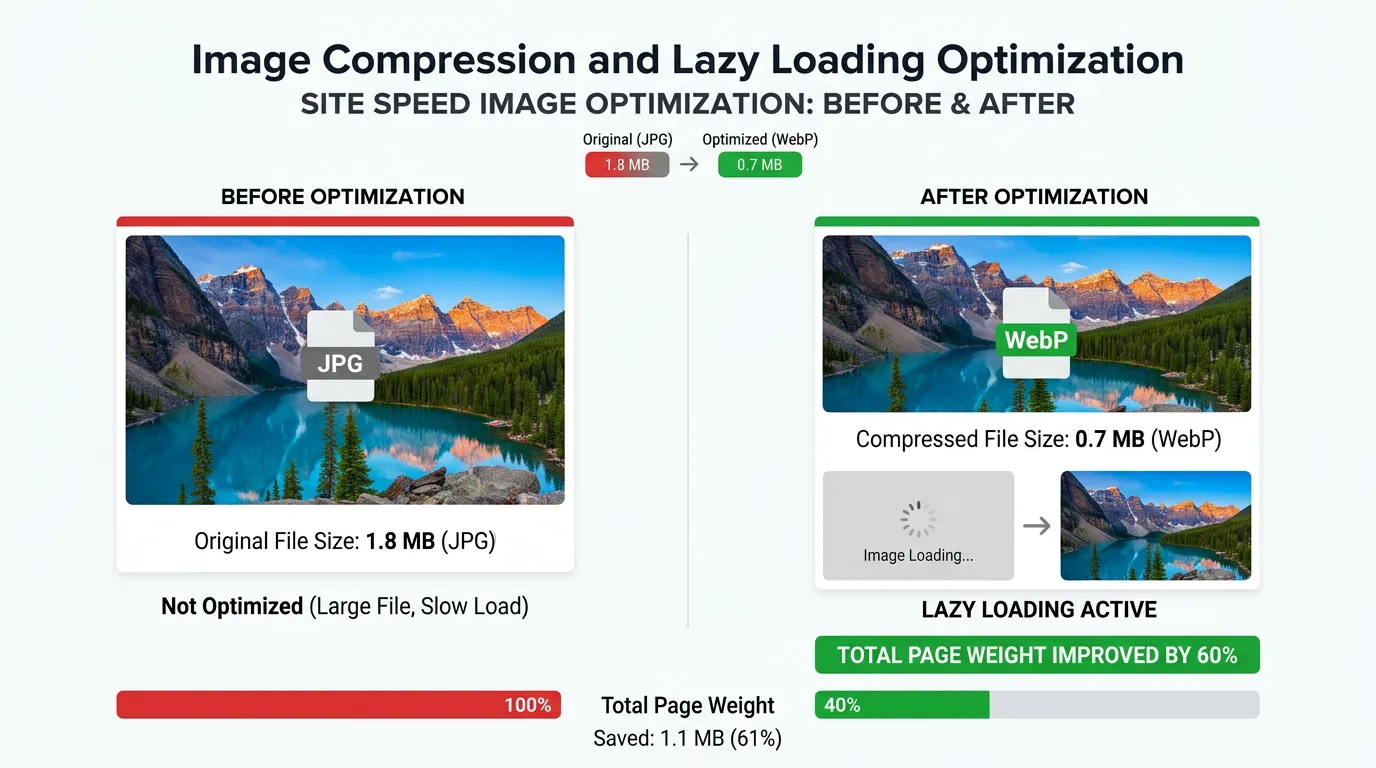
Technical SEO
Website Speed Optimization
Most service sites are slow because of oversized images and too many scripts
- Timeline
- Lab score improvements show immediately after deployment
Call (714) 823-3164 or ask a question. Clear recommendations, even if we never work together.
Site speed optimization is the work of cutting how long a webpage takes to load and become usable. It targets server response time, image weight, render blocking scripts, caching, and delivery. The goal is getting useful content on screen fast, on real phones and real networks.
The problem
A homeowner with a leaking water heater taps your ad or your listing, waits four seconds on a spotty LTE connection, and taps back to call the next company. That visitor cost you money to earn and left before seeing a single word. The usual culprits are boring: a hero image exported at 4000 pixels wide, a slider plugin loading a library nobody uses, six tracking scripts firing before the page paints, and shared hosting that takes 900 milliseconds to return the first byte. Owners rarely feel it because their office wifi and cached browser hide the problem completely.
What it is
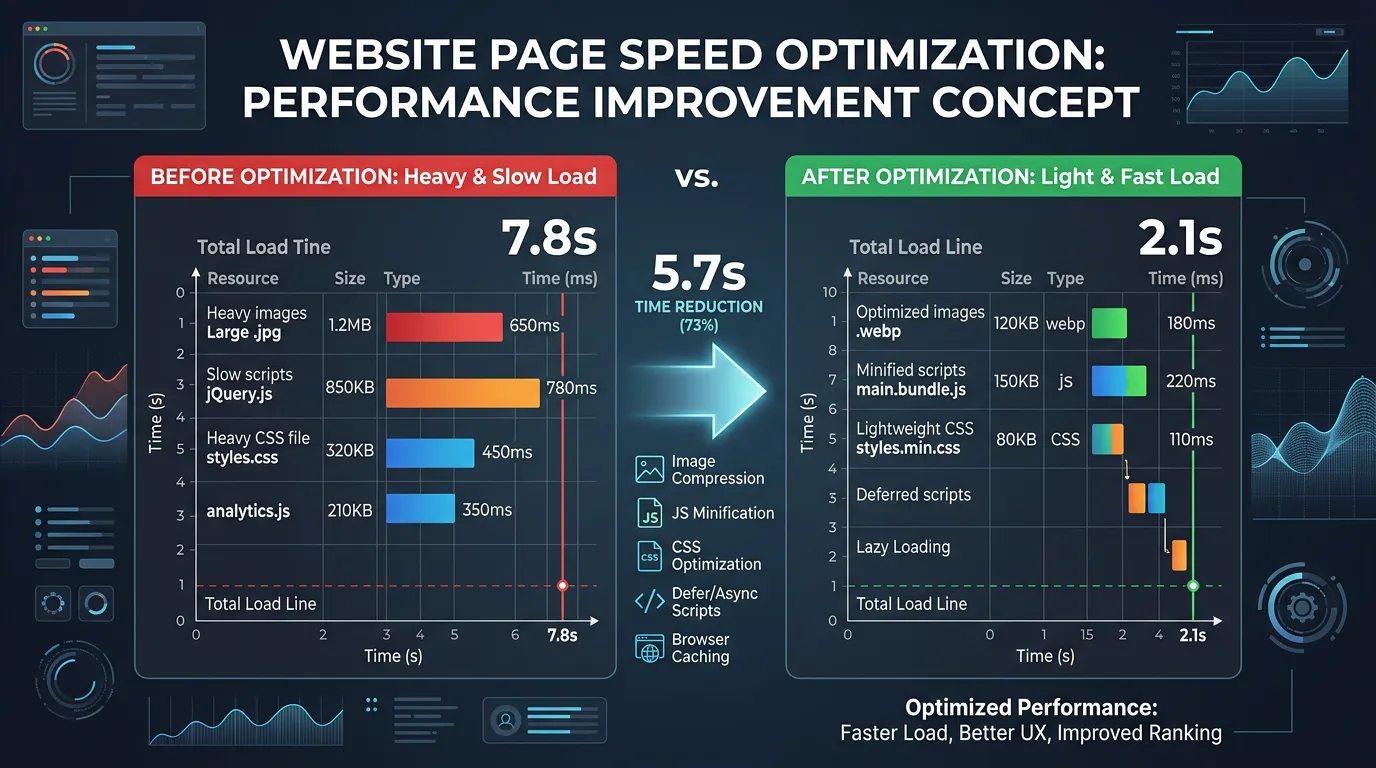
Site speed work starts by separating server time from browser time. The fixes for the two are completely different. On the server side we look at time to first byte, hosting quality, and PHP and database performance. We also check object caching, and whether a CDN serves static assets from a spot near the visitor. On the browser side we look at image formats and sizes. We check whether images are lazy loaded below the fold and preloaded above it. Then come render blocking CSS and JavaScript, font loading behavior, and third party scripts that tie up the main thread. We measure with PageSpeed Insights and WebPageTest on throttled mobile connections. We fix in order of measured impact and retest after every change. Shipping ten fixes at once just leaves you guessing which one worked.
Signs you need this
- PageSpeed Insights mobile score sits under 50
- Your homepage hero image is over one megabyte
- Bounce rate on mobile is far higher than on desktop
- The site feels fine on your office wifi and slow on a phone downtown
- You are on the cheapest shared hosting plan and have never changed it
What is included
- Time to first byte and hosting performance diagnosis
- Image conversion to WebP or AVIF with correct responsive sizes
- Lazy loading below the fold and preloading of the hero image
- Render blocking CSS and JavaScript deferral
- Page and object caching configuration
- CDN setup and static asset offloading
- Third party script audit with load order changes
- Font loading strategy with display swap and subsetting
- Before and after test results from throttled mobile runs
Our process
Measure on real conditions
Week 1We test your top templates in PageSpeed Insights and WebPageTest using a mid range Android profile on a throttled connection, because that is what your customers actually have. Desktop scores on fiber tell you almost nothing useful.
Split server from browser
Week 1 to 2We separate time to first byte from rendering time. If the server takes 800 milliseconds, no amount of image compression saves the page. Hosting and caching get addressed first when that is the bottleneck.
Asset work
Week 2 to 5Images get resized, converted, and served responsively. Unused CSS gets removed, scripts get deferred, and the critical rendering path gets trimmed so the top of the page paints without waiting on the rest.
Delivery and caching
Week 4 to 6Full page caching, browser cache headers, and a CDN get configured and tested against dynamic pages so nothing serves stale content to a logged in user or a form submission.
Retest and lock in
Week 5 to 8Each change gets retested individually. We document the final configuration so a future plugin update or theme change does not quietly undo it, which is how most site speed work gets lost.
Realistic timeline: Lab score improvements show immediately after deployment. Real user field data updates on a 28 day rolling window, so plan on 6 to 10 weeks before the numbers Google uses reflect the site speed work. Hosting migrations add 1 to 2 weeks.

A Page Weight Budget You Can Hold a Developer To
Site speed work goes better with a number to aim at. These targets suit a service business page loading on a phone over cellular.
| What loads | Target on mobile | What we usually find | First move |
|---|---|---|---|
| Total page weight | Under 1.5 MB | 3 MB to 6 MB | Start with images, they are most of it |
| Hero image | Under 150 KB | 1 MB to 4 MB | Resize to display size, convert to WebP |
| All images on the page | Under 800 KB | 2 MB or more | Lazy load everything below the fold |
| JavaScript | Under 300 KB | 800 KB and up | Remove unused plugins and sliders |
| CSS | Under 100 KB | 300 KB from page builders | Strip unused rules template by template |
| Fonts | Two files, under 100 KB | Six or more weights loaded | Cut to two weights, set display swap |
| Server response | Under 800 ms | 900 ms to 2 s on cheap hosting | Page caching first, hosting second |
Targets, not laws. A page that misses one and still loads fast on a real phone is fine as it is.
Where the Seconds Actually Go
On most service business sites, three things account for nearly all the wasted time. Photos exported at full camera size. Scripts that load before anything paints. A server that thinks for a full second before it answers.
The order you fix them in matters. Compressing images on a site with a 1,800 millisecond response time is like waxing a car with a flat tire. Fix the server or add page caching first, then cut weight, then chase the smaller items.
You can spot your own biggest offender in about a minute. Open your homepage on a phone and watch what shows up last. If the big photo is the laggard, you have an image problem. If nothing appears for a long beat and then everything lands at once, it is the server or the scripts.
Speed Checks You Can Run Today
Seven checks with free tools. Run them before you buy anything, because two of them are often fixable in an afternoon.
Check the file size of your hero image
Anything over 300 KB on a phone is worth fixing this week.
Run PageSpeed Insights on your busiest page
Read the field data at the top, not the score at the bottom.
Find your server response time in that report
Over 800 milliseconds points at hosting or missing caching.
Count the plugins running on the site
Each one adding a script to every page is a candidate for removal.
Look for a slider or carousel on the homepage
They are heavy, and most visitors never see the second slide.
List your third party tags
Chat, reviews, heatmaps, pixels. Name the value of each one.
Load the site on cellular with wifi turned off
Office internet hides the problem your customers are living with.
More Speed Questions
Should I lazy load every image?
Is AMP still worth building?
Does a CDN help a business that serves one county?