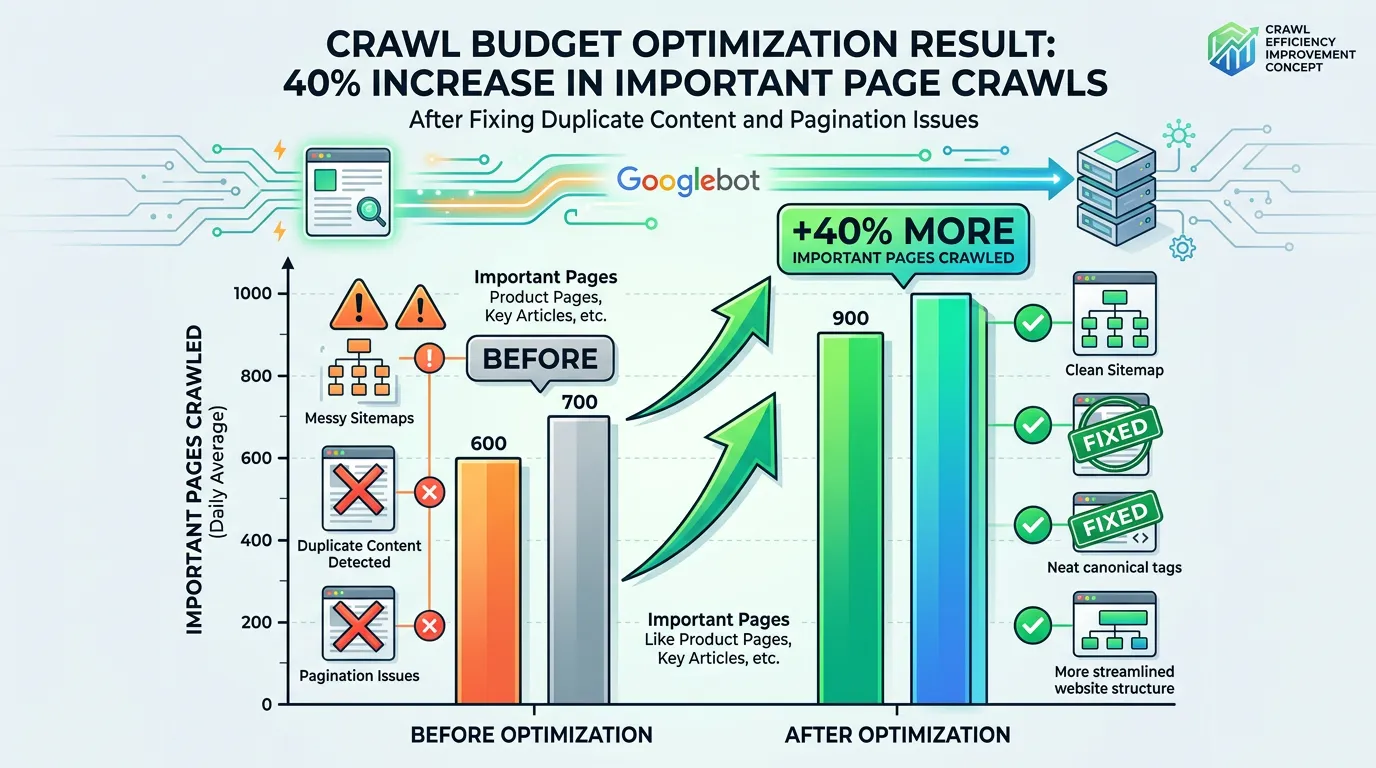
Technical SEO
Server Log File Analysis for SEO
The only data source showing what Googlebot actually did on your server
- Timeline
- Two to four weeks from log access to findings, longer if retention needs to be set up first
Call (714) 823-3164 or ask a question. Clear recommendations, even if we never work together.
Log file analysis for SEO reads raw server logs to see exactly which URLs search engine bots requested. It also shows when they came, how often, and what status code they got back. Logs are the only direct evidence of crawl behavior. They show where crawl budget is wasted and which important pages bots rarely visit.
The problem
Every other SEO tool tells you what should happen. Log files tell you what did happen. Without them you are guessing about crawl behavior, and the guesses are often wrong. A site can have a perfect sitemap while Googlebot spends 60 percent of its requests on filtered URL variations, old redirect chains, and image files nobody links to. Meanwhile the twelve service pages that produce revenue get crawled once every three weeks. Search Console gives you a summarized crawl stats view, but it will not tell you which directory is eating the budget or that a bot is hammering a broken parameter pattern 4,000 times a day.
What it is
We collect raw access logs from your server or CDN, usually 30 to 90 days worth. Then we verify which requests really came from Googlebot, using reverse DNS instead of trusting the user agent string. Everything loads into the Screaming Frog Log File Analyser, or into BigQuery when the volume is large. From there we build the picture: crawl requests by directory, by status code, by file type, and by bot. We compare the crawled URLs against your sitemap and against our own crawl. That finds pages Google requests that are not in your site structure. It also finds pages in your structure that Google never requests. Then we recommend specific robots rules, redirect cleanups, parameter handling, and internal linking changes. The point is to move crawl attention toward the pages that matter.
Signs you need this
- You have thousands of URLs and no idea which ones Google prioritizes
- Search Console crawl stats show high request volume with low indexing
- New pages take a very long time to get crawled
- Your site generates parameter URLs from filters, sorting, or search
- You migrated the site and want proof bots found the new URLs
What is included
- Raw log collection and Googlebot verification by reverse DNS
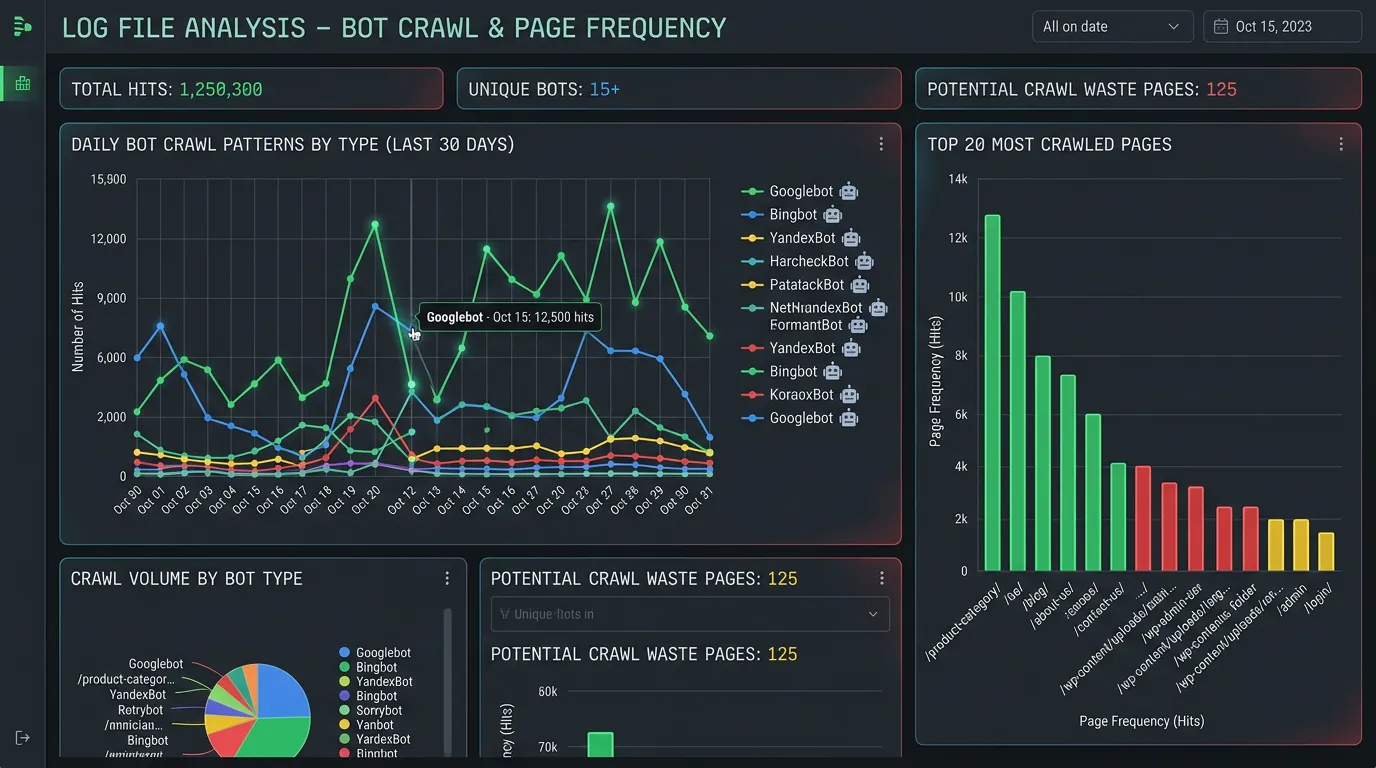
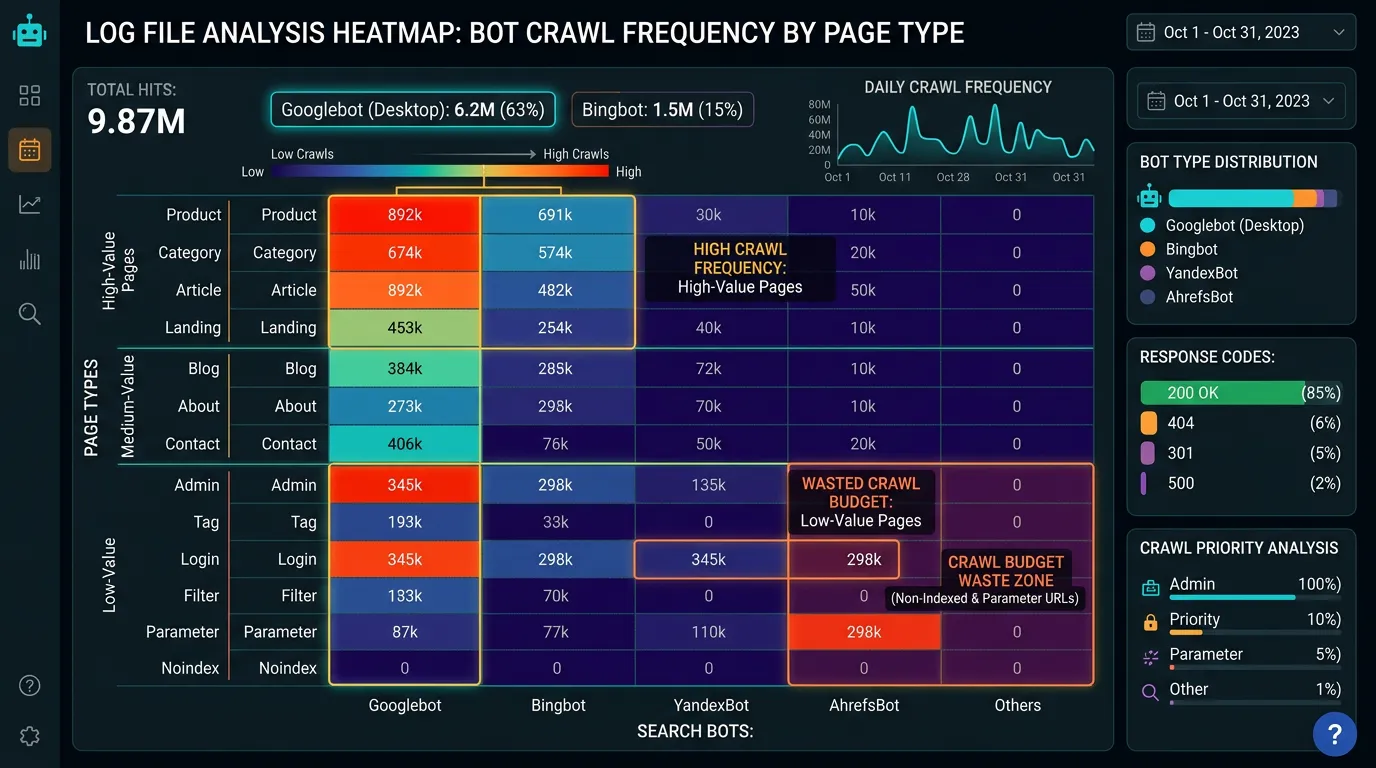
- Crawl frequency report by directory and page template
- Status code distribution showing 404s, 301 chains, and 5xx errors bots hit
- Crawl waste report ranking the URL patterns consuming the most requests
- Uncrawled priority page list with the reason each is being skipped
- Bot breakdown separating Googlebot, Bingbot, and AI crawlers
- Crawl versus indexation comparison against Search Console
- Specific robots, redirect, and internal linking recommendations
Our process
Log collection
Week 1 to 2We work with your host or CDN to export raw access logs, ideally 30 to 90 days. Some hosts rotate logs every 24 hours, so the first step is often setting up retention before there is anything to analyze.
Verification and parsing
Week 2User agent strings are trivially faked, so every claimed Googlebot request gets verified by reverse DNS lookup. Logs then get parsed and normalized into a queryable dataset with URLs cleaned of session parameters.
Crawl pattern analysis
Week 2 to 3We map requests by directory, template, status code, and bot. This is where crawl waste becomes visible: the parameter pattern taking a fifth of all requests, the redirect chain crawled thousands of times, the image directory with no value.
Gap comparison
Week 3The crawled URL list gets compared against the site crawl and the sitemap. Pages Google never requests get investigated for orphan status, low internal link equity, or slow response times discouraging deeper crawling.
Recommendations and re measure
Week 4, then again at day 60You get specific rules to implement, then we pull logs again 30 to 60 days later to confirm crawl attention actually shifted toward the pages that matter.
Realistic timeline: Two to four weeks from log access to findings, longer if retention needs to be set up first. Crawl behavior changes take 30 to 60 days to show clearly in a follow up log pull, since bots adjust gradually.
What a single log line tells you
A log file is one line per request. Each field on that line answers a different question about how bots use your site.
| Field | Example value | What we read from it |
|---|---|---|
| Client IP | 66.249.66.1 | Proves a bot is really Googlebot |
| Timestamp | 20/Aug/2026:09:14:03 | Crawl times and the gaps between visits |
| Requested URL | /services/ac-repair/?sort=price | The exact path asked for, parameters and all |
| Status code | 200, 301, 404, 503 | What the bot got back instead of the page |
| User agent | Googlebot smartphone | Splits bots from people, mobile bot from desktop |
| Response time | 412 ms | Slow replies push Google to crawl less |
| Bytes sent | 184320 | Heavy pages cost more crawl for the same value |
Ask your host for combined format logs. The shorter common format leaves out the user agent, which makes the log file close to useless for this work.
Getting the logs is usually the hard part
Most of the delay here has nothing to do with analysis. It is getting the files. Plenty of shared hosts keep raw access logs for 24 to 72 hours, then delete them. If that is your setup, step one is asking the host to extend retention. Then you wait about 30 days for data to build up.
Where the files live depends on your stack. On cPanel hosting they sit under raw access logs and download as zipped text. On a managed WordPress host you often have to open a ticket. If you sit behind a CDN, the edge answers many requests before your server sees them, so origin logs show a partial picture. Edge logs usually need a paid plan.
Log file size surprises people too. A busy 500 page site can produce a few hundred megabytes a month once you count image and script requests. We strip asset requests early unless we are checking crawl weight.
Crawl waste patterns we look for first
These eight patterns cause most of the wasted crawl on service business sites. We rank them by requests eaten, then fix from the top.
Parameter URLs from filters
Sort and filter links breed near endless copies of one page
Redirect chains
Every hop is its own request, so a three hop chain costs triple
Old paths from a past migration
Bots keep returning to retired URLs for months after a rebuild
Internal search result pages
Every query a visitor types can become its own crawlable URL
Date archives and deep pagination
Calendar widgets can generate pages years into the future
Soft 404s that return a 200
An empty page reporting success gets crawled again and again
Asset folders nothing links to
Old uploads and theme files pull requests away from real pages
A staging copy left open
A second crawlable copy of the site doubles the crawl demand
Log questions owners ask us
Can I just block the wasted URLs in robots.txt?
How far back should the logs go?
My host says they cannot give me logs. Now what?