
Email and Marketing Automation
Email Performance Tracking and Reporting
Open rates became unreliable after Apple Mail Privacy Protection
- Timeline
- Performance tracking is in place within 4 to 5 weeks
Call (714) 823-3164 or ask a question. Clear recommendations, even if we never work together.
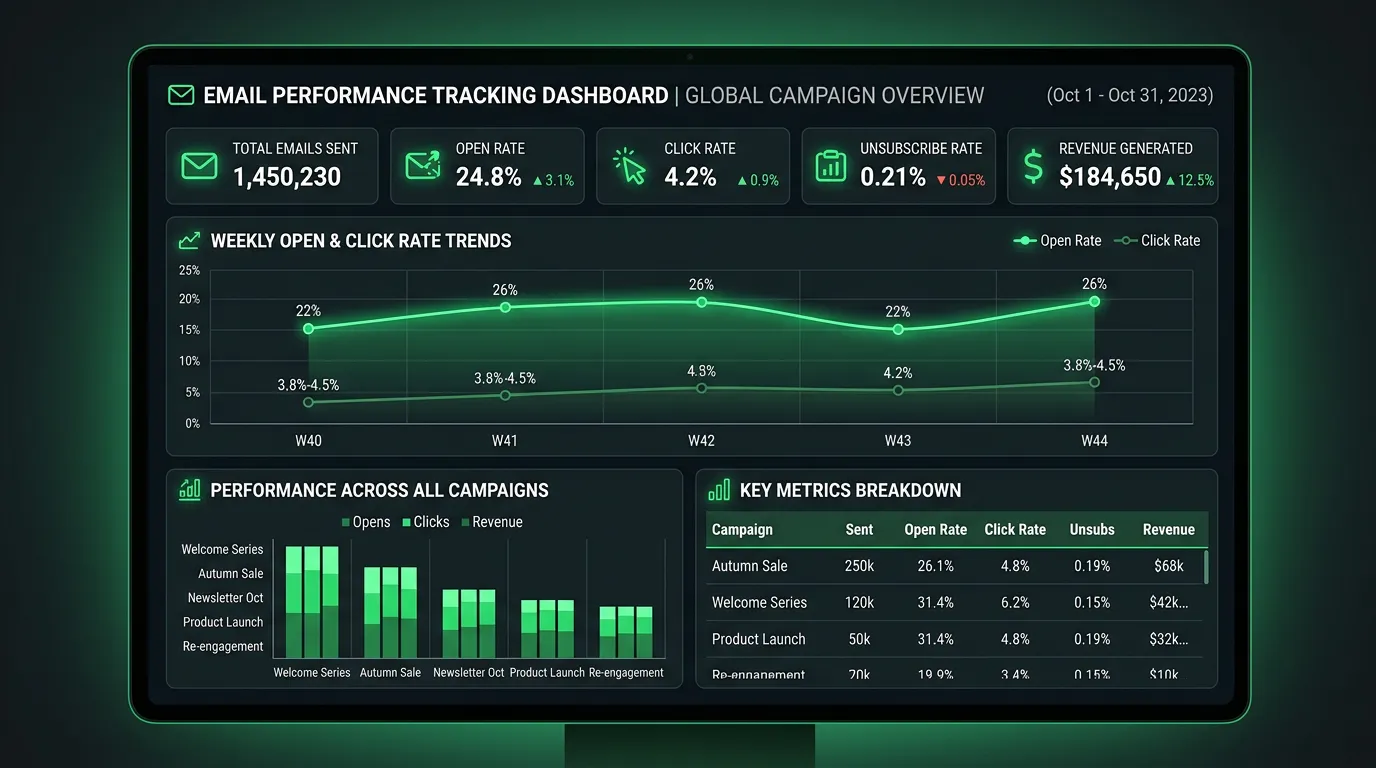
Email performance tracking measures what a campaign produced in business terms, not just engagement. It combines deliverability monitoring, link tracking with UTM parameters, call attribution, and matching against your job records. That way every send can be judged on the performance tracking work it booked and the revenue it brought in.
The problem
Email reporting is full of numbers that feel good and mean little. Apple Mail Privacy Protection pre loads images for a large share of recipients, which registers as an open whether or not anyone read the message, so open rate stopped being a reliable measure years ago. Meanwhile the numbers that matter go unmeasured. Nobody knows how many jobs came from the March send. Nobody notices that Gmail started routing to the promotions tab or that a domain reputation issue quietly cut delivery in half. A business can watch a dashboard full of green percentages while the channel produces nothing at all.
What it is
Real measurement starts before the send. Every link gets UTM parameters, so email traffic shows up correctly in GA4 instead of getting lumped in with direct. Templates carry a dedicated call tracking number, so phone responses get credited to email instead of disappearing. After the send, we watch delivery against bounce, complaint, and unsubscribe rates by provider. A Gmail specific problem looks very different from a general one. Google Postmaster Tools gives domain reputation and spam rate data that no email platform reports. Then we close the loop. We match the contacts who clicked against your job records over the following weeks, because a maintenance reminder often books a job eleven days later through a phone call that no click tracking would ever connect. The report says how many jobs and how much revenue, with the assumptions written out.
Signs you need this
- Your only email metric is open rate
- You cannot say whether email produced any jobs last quarter
- Nobody has checked whether your emails land in the inbox or promotions
- Email traffic shows up as direct in your analytics
- You have never looked at your domain reputation in Postmaster Tools
What is included
- UTM tagging standard applied to every campaign link
- GA4 configuration so email traffic and conversions report accurately
- Dedicated call tracking number placed in email templates
- Deliverability dashboard covering bounces, complaints, and unsubscribes
- Google Postmaster Tools setup and domain reputation monitoring
- Inbox placement checks across Gmail, Outlook, and Apple Mail
- Click to booked job matching against your job software records
- Monthly report stating jobs and revenue produced with stated assumptions
Our process
Tracking foundation
Week 1 to 2We set the UTM convention, wire GA4 to record email traffic and conversions correctly, and add a call tracking number reserved for email so phone responses are attributable.
Deliverability instrumentation
Week 2 to 3Google Postmaster Tools gets connected, DMARC reporting gets turned on, and we baseline current bounce, complaint, and inbox placement rates so later changes are measurable against something.
Revenue matching setup
Week 3 to 4We define how a click or call becomes an attributed job, usually by matching contact records within a set window. The window and its assumptions get written down so the reporting stays honest and consistent.
Reporting build
Week 4 to 5A monthly report gets built showing sends, delivery health, engagement, attributed jobs, and revenue. It fits on one page, with detail underneath for anyone who wants it.
Review and adjust
Ongoing, monthlyEach month we compare results against the previous period, flag deliverability changes early, and adjust send timing, segments, and subject lines based on what the data supports.
Realistic timeline: Performance tracking is in place within 4 to 5 weeks. Deliverability data becomes meaningful after two to three sends. Revenue attribution needs 60 to 90 days before trends are trustworthy, since service purchases often lag the email that prompted them.
The Spam Rate Numbers Google Publishes
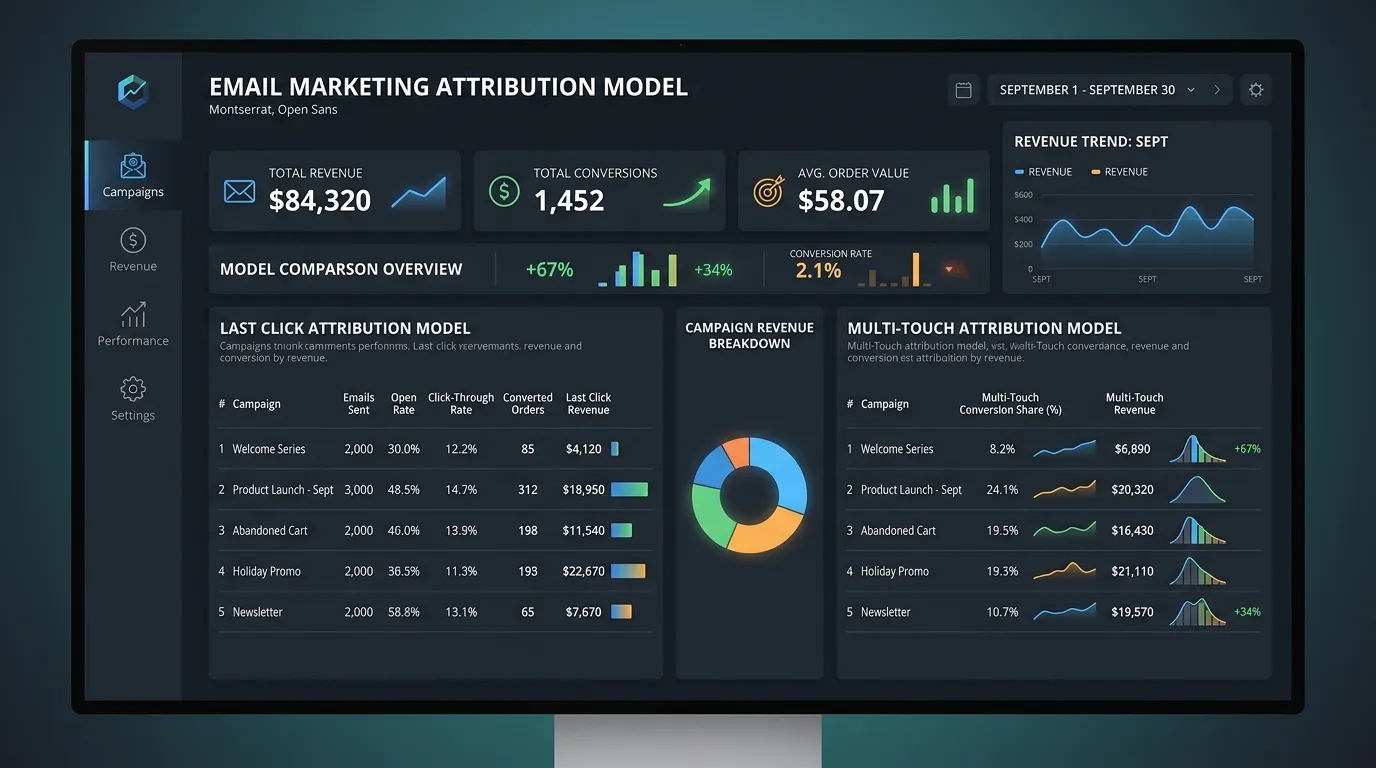
Google states these limits in its own sender guidelines. They apply to anyone sending to Gmail addresses at volume, including your shop.
What to Watch, and When to Worry
Seven numbers cover an email program. Everything else on the dashboard is context, not a decision.
| Metric | Where it comes from | Healthy sign | Act when |
|---|---|---|---|
| Delivery rate | Email platform | Above 98 percent | It drops two sends running |
| Hard bounce rate | Email platform | Under 2 percent | Any send goes over 5 percent |
| Spam complaints | Postmaster Tools | Under 0.1 percent | Anything near 0.3 percent |
| Domain reputation | Postmaster Tools | High or medium | It slips to low |
| Click rate | Platform plus GA4 | Steady against your own past | It falls by half with no change |
| Reply rate | Your inbox | Any replies at all | A quarter with zero |
| Attributed jobs | Job software match | Counted every month | You cannot produce the number |
Compare each row to your own history. Published averages hide list quality, and list quality is what actually moves these.
Why Email Never Gets the Credit
Email loses credit for work it caused. A homeowner reads a maintenance reminder at 7am on a phone, does nothing, then calls at lunch from the truck. No click, no form, no trace.
Last click reporting hands that job to whatever the caller touched last, which is often a branded Google search. The email vanishes from the report even though it started the whole thing.
Two fixes recover most of it. A call tracking number used only in email catches the phone response. Matching your click list against jobs booked over the next thirty days catches the rest.
Write the window down and keep it the same every month. A thirty day match window that quietly becomes ninety makes every trend line meaningless.
The Monthly Email Review, in About Thirty Minutes
Run these in order. The first two catch the problems that cost money quietly.
Open Postmaster Tools first
Domain reputation and spam rate before you look at anything else.
Compare delivery to last month
A quiet drop is the most common early warning you will get.
Pull the click list per send
You want names and addresses, not just a percentage.
Match clicks against booked jobs
Use the same window every single month or the trend lies.
Check the email call tracking line
Count the calls and listen to two of them all the way through.
Confirm GA4 shows email traffic
If it lands under direct, a UTM tag is missing somewhere.
Read the unsubscribe reasons
Too frequent and not relevant call for two different fixes.
Write one sentence on what changes
A report with no decision attached is just a saved file.
Frequently asked questions
Why are open rates unreliable now?
What email metrics actually matter?
How do I track a phone call that came from an email?
What is a good email open or click rate for my industry?
How do I know if my emails are landing in spam?
Sources
- Gmail Help: Email sender guidelines(opens in a new tab) Google's published spam rate targets of 0.10 percent and 0.30 percent, and the roughly 5,000 messages per day threshold that defines a bulk sender to Gmail.