Email and Marketing Automation
Marketing Automation Workflows
Messages fire from real events, not from someone remembering
- Timeline
- Six to eight weeks to build and test a core workflow set
Call (714) 823-3164 or ask a question. Clear recommendations, even if we never work together.
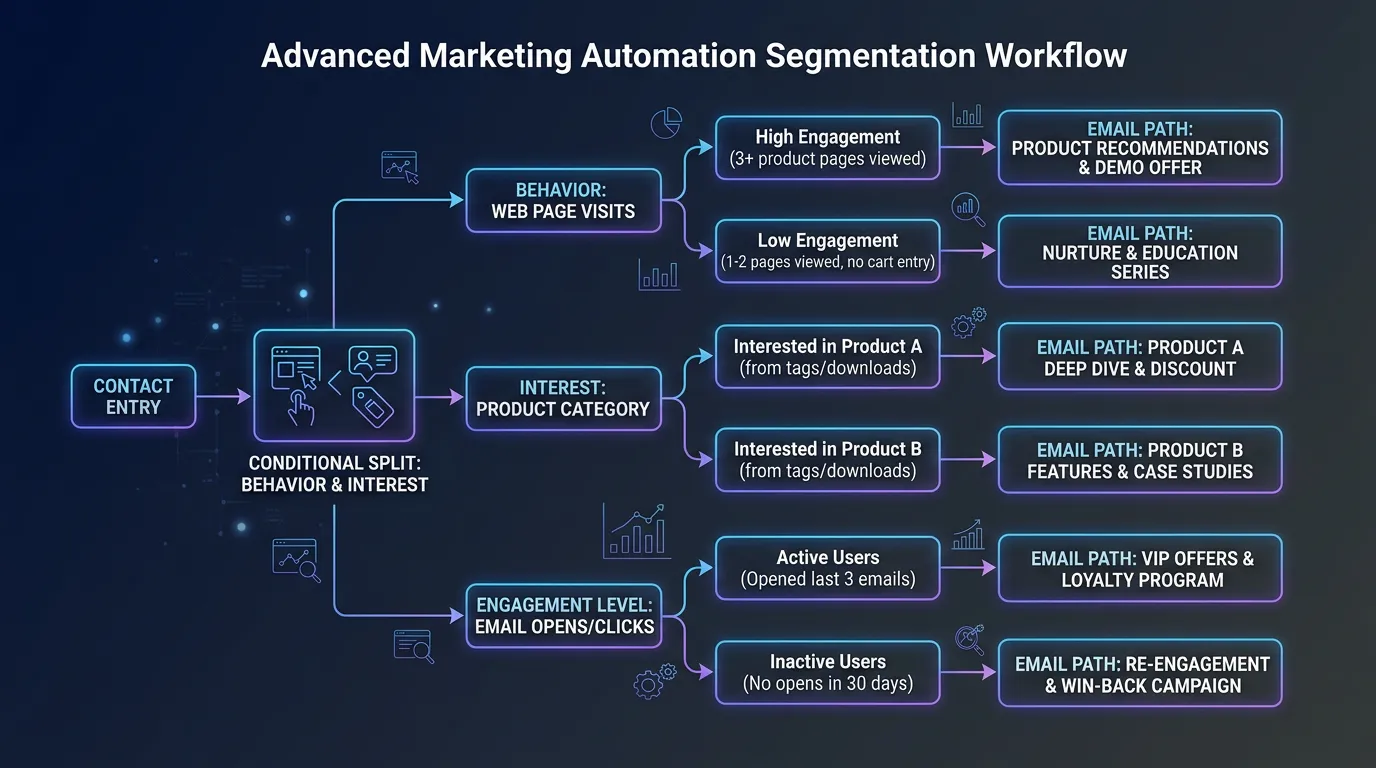
Marketing automation workflows are rules that send messages on their own when a set event happens or a condition is met. Common triggers include a new lead filling out a form, an estimate going unanswered, a job finishing, or a service date coming due. Each trigger starts its own path of messages.
The problem
The most expensive gap in most service businesses is the space between a lead arriving and someone responding to it. A form comes in at 4:45pm on a Friday, the office closes, and by Monday morning that homeowner hired somebody else. The second most expensive gap is the estimate nobody chased. A crew spends an hour measuring a job, sends a quote, hears nothing, and the file quietly dies because chasing it is awkward and never urgent. Both gaps cost real money every week, and both are fully solvable with rules that do not depend on anyone's memory or mood.
What it is
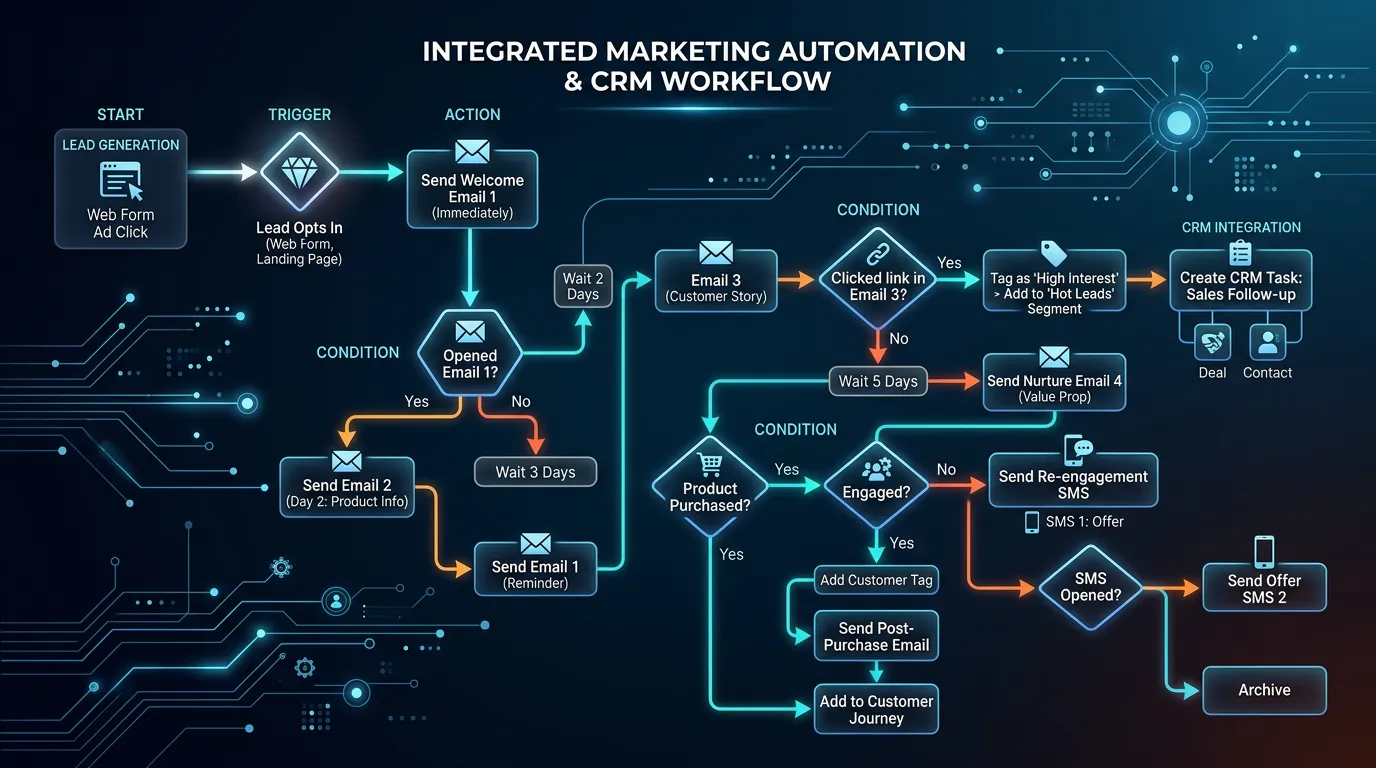
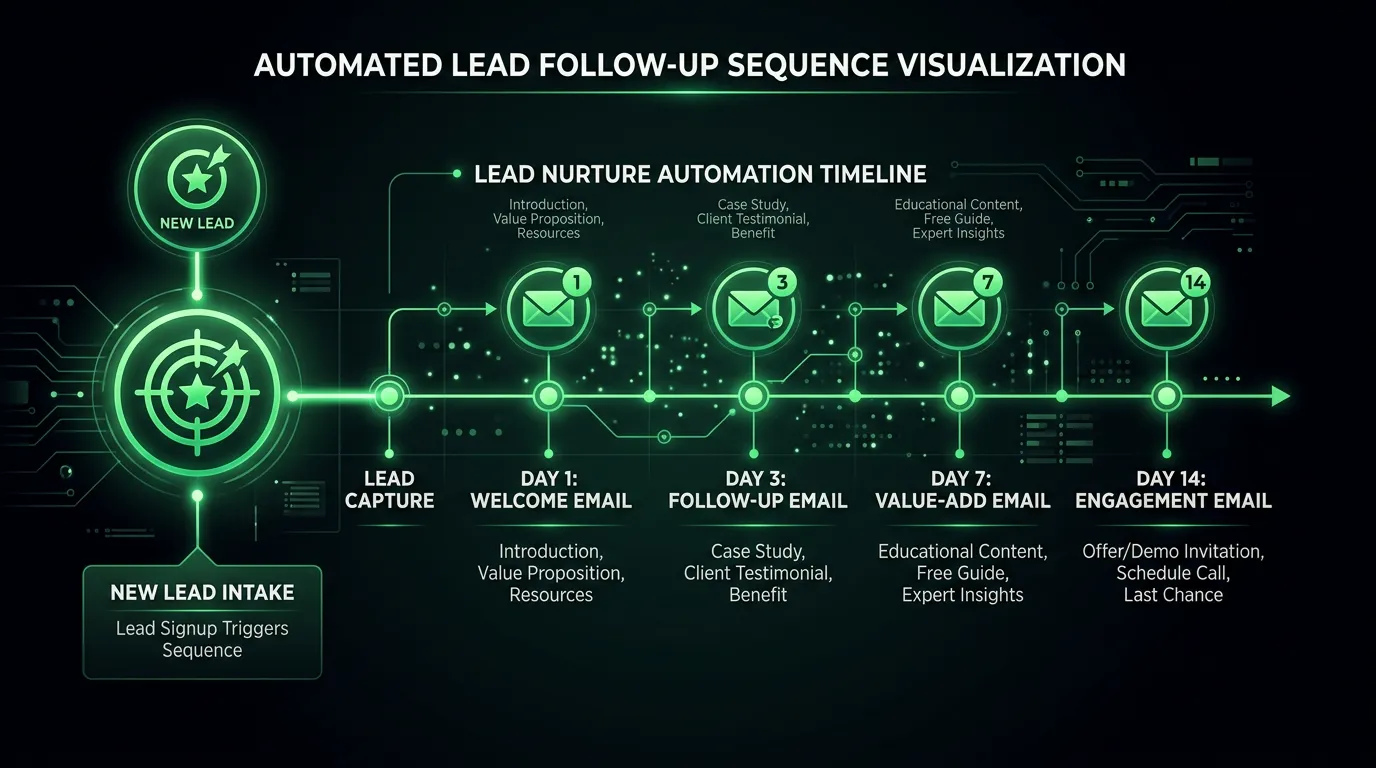
Workflows are built around events your business already creates. A form submission triggers an instant reply that promises when you will respond, then a reminder if nothing is scheduled within 48 hours. An estimate marked as sent in Jobber or Housecall Pro triggers a check in on day three, a question focused message on day seven, and a final note on day fourteen. A completed job triggers a thank you, then a review request a couple of hours later, when satisfaction is high and the memory is fresh. A service date passing eleven months triggers a maintenance reminder. Every workflow also has exit conditions, so a customer who books stops getting the chase sequence. Most self built automations miss that detail, and it is why people end up annoyed.
Signs you need this
- Leads that arrive after hours often go unanswered until the next day
- Nobody follows up on estimates unless the customer calls first
- Review requests get sent manually when someone remembers
- Your job software holds data your marketing never touches
- You have automations that were built once and nobody has checked since
What is included
- Integration between your job software or CRM and the email platform
- Instant new lead acknowledgment with response time promise
- Unanswered estimate follow up path with defined exit conditions
- Post job thank you and review request timed to completion
- Service due and maintenance reminder automation by last job date
- Internal alerts to your team when a lead sits untouched
- Text message steps where the platform and consent allow it
- Suppression rules so booked customers exit chase sequences
- Workflow documentation showing every trigger, delay, and exit
Our process
Event mapping
Week 1 to 2We list every event your business already records: form submitted, estimate sent, job scheduled, job completed, invoice paid. Those events are the only reliable triggers, so the workflows get designed around what actually exists in your systems.
Integration build
Week 2 to 4Your job software gets connected to the email platform, natively if a connector exists or through Zapier or Make if not. We test that events flow through with the right fields attached before building anything on top.
Workflow construction
Week 3 to 6Each automation gets built with its triggers, delays, branches, and exit conditions. Exit conditions get as much attention as the messages, because a chase sequence that keeps running after someone books is worse than no sequence.
Live testing
Week 5 to 7We run real test records through every path, including the edge cases: a lead who books immediately, one who replies, one who never responds, and one who unsubscribes mid sequence.
Launch and monitor
Week 6 onwardWorkflows go live one at a time so problems are traceable. For the first month we check every marketing automation weekly for stuck contacts, duplicate sends, and integration failures, which are common early on.
Realistic timeline: Six to eight weeks to build and test a core workflow set. Results start immediately since automations act on live events. Integration complexity is the main variable, and a system without a native connector can add two to three weeks.
Triggers, Timing, and When to Stop
Every workflow needs three decisions: what starts it, when the messages go, and what makes it stop. This is the shape we start from.
| Trigger | First message | Follow ups | Exit condition |
|---|---|---|---|
| Web form submitted | Within 5 minutes | 48 hours, then day 5 | Booked or replied |
| Estimate sent | Same day recap | Day 3, day 7, day 14 | Won, lost, or replied |
| Job completed | Two hours later | One nudge at day 3 | Review left or link clicked |
| Missed call | Text in 2 minutes | One email that evening | Call returned |
| Service date due | 30 days before | 7 days before, then day of | Job scheduled |
| Invoice unpaid | Day 15, polite note | Day 30, then hand to office | Paid or flagged |
Copy the shape, not the numbers. Set your own delays against how fast your team really answers the phone.
How One Quiet Estimate Moves Through the System
This is the single workflow that pays for the rest. Each step has a job, and the last step matters most.
The tag at the end is what lets you count how many quiet estimates the sequence saved.
Building Workflows That Do Not Backfire
Marketing automation problems are rarely about the writing. They come from missing exits, weak triggers, and nobody watching.
Do this
- Send one internal alert carrying the name, phone, job type, and city
- Test every path with a real address on a real phone before turning it on
- Give each workflow an owner who receives the failure notice
- Cap the whole system so no contact gets more than two automated emails a week
- Write messages so a reply reaches a person who can book the job
Not this
- Do not trigger on a tag somebody has to remember to add by hand
- Do not run a chase sequence with no exit when the customer books
- Do not use a no reply address on anything a customer might answer
- Do not launch six workflows in one week, because you will not know which one broke
- Do not put a discount in the first message, since it costs you money on leads who were ready anyway
What Breaks, and How You Find Out
Automations fail quietly. Nothing turns red on your screen. The sequence simply stops, and you notice a quarter later when your estimate close rate drops for no clear reason.
The causes are boring. A token expires after somebody changes a password. A field gets renamed in a software update, so the trigger never matches. A plan limit gets hit and messages queue instead of sending.
Build yourself a canary. Put your own address in the system as a fake customer and push a test record through each path once a month. If your phone does not buzz, something is broken.
Watch the counts too. Every workflow should show a steady number of entries per week. A trigger that fired forty times in June and twice in July is the clearest warning you will ever get.