Email and Marketing Automation
Email List Growth Systems
Most service businesses already miss half the emails they could collect
- Timeline
- Systems are in place within 6 to 7 weeks
Call (714) 823-3164 or ask a question. Clear recommendations, even if we never work together.
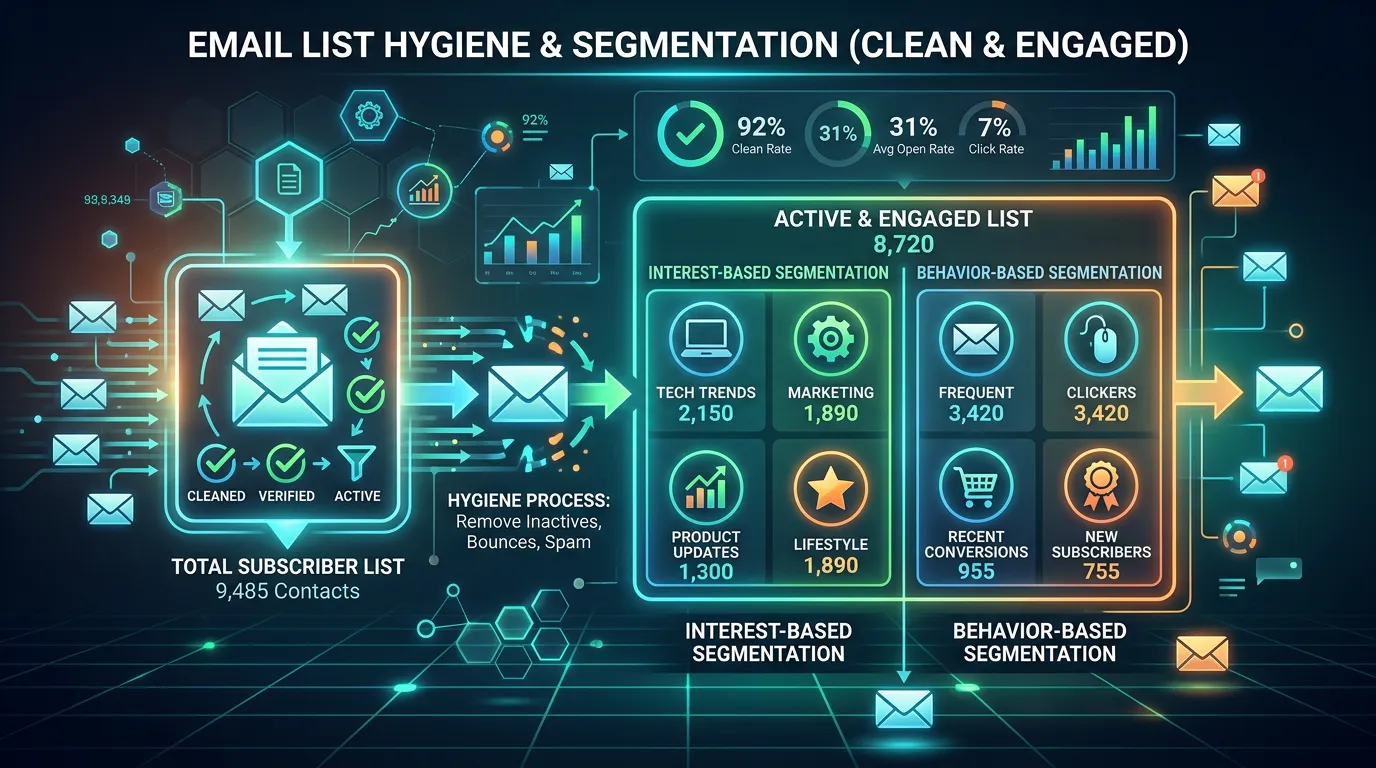
Email list growth systems are the methods a business uses to collect contact details with permission, week after week. For service businesses that means catching every customer at the point of service, adding website opt in offers worth having, and keeping the list clean so growth is real rather than cosmetic.
The problem
Two failures happen at the same time. The first is that businesses do not collect what is right in front of them. A technician completes a job, takes payment, and leaves without ever asking for or recording an email address, so a paying customer never enters the list. Over three years that is thousands of missed contacts. The second is chasing the wrong growth. Somebody adds a popup offering a newsletter nobody wants, buys a list from a vendor, or scrapes addresses, which produces a big number and a terrible sending reputation. The list grows and the results get worse, because bounces and complaints teach the mail providers to filter you.
What it is
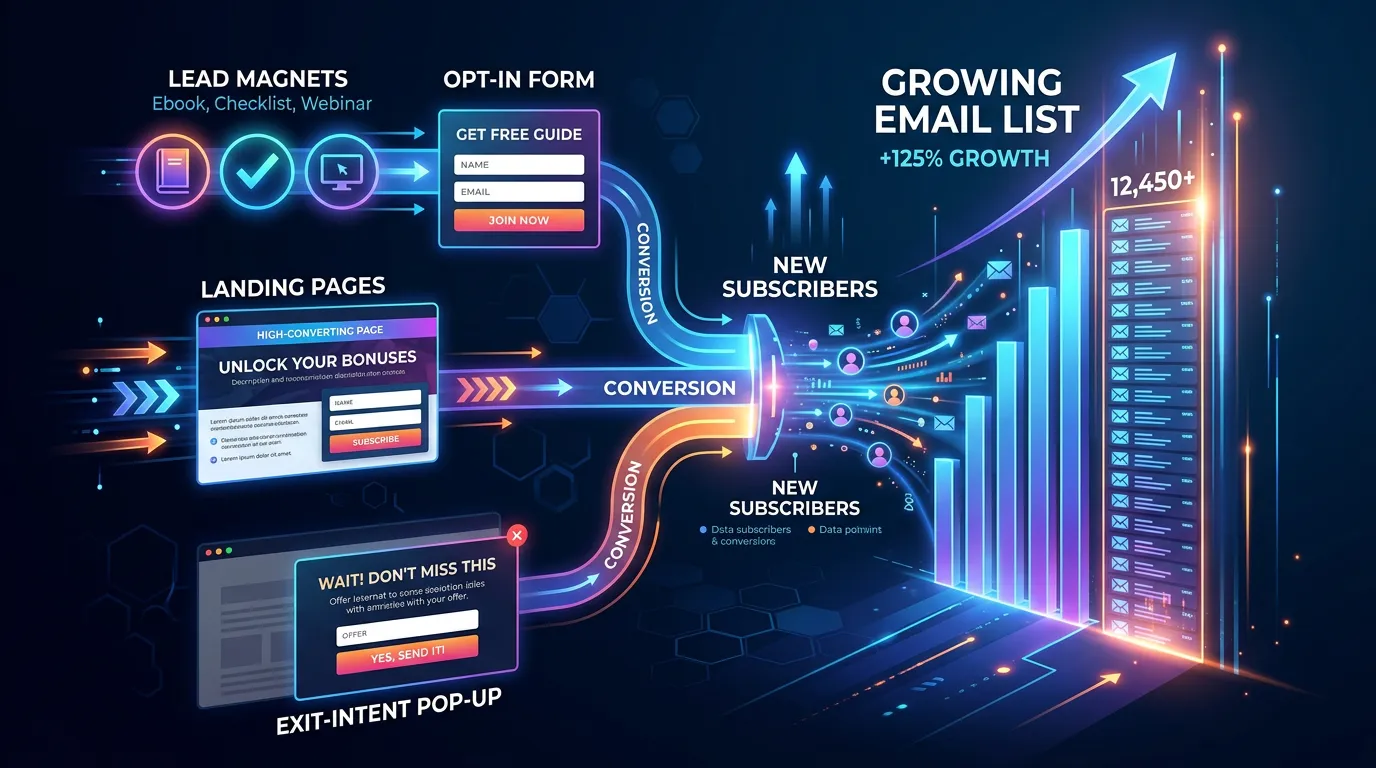
Real list growth for a service business runs on two tracks. The first and bigger track is operational capture. That means making email a required field in your job software, adding it to the intake script your office uses, putting it on the estimate form, and confirming it at checkout. This costs nothing, and it usually doubles list growth within a quarter. The second track is website capture, but only with an offer worth an address. For a home services company that might be a seasonal maintenance checklist or a cost guide for a common project. For a dental office it might be a new patient guide. Popups have their place when they fire on exit intent or scroll depth, not at two seconds. Then there is hygiene: removing hard bounces right away, sunsetting contacts who have not engaged in a year, and using double opt in where the source is uncertain.
Signs you need this
- You have served thousands of customers and have a few hundred emails
- Email is optional in your job software and technicians skip it
- Your only capture method is a contact form
- You bought a list at some point and deliverability got worse
- Nobody removes bounced addresses so the same failures resend every time
What is included
- Point of service capture process built into your job or intake software
- Office intake script updated to collect and confirm email addresses
- One useful opt in offer written and designed for your main service
- Website capture placements with sensible triggers and mobile handling
- Estimate and invoice capture points added to existing paperwork
- Double opt in configuration where list source is uncertain
- Bounce, complaint, and inactive contact cleanup rules
- Monthly list health report showing net growth and churn
Our process
Capture gap audit
Week 1 to 2We trace every point where you interact with a customer and mark where an email address could be collected but is not. The estimate form, the invoice, the front desk, and the phone intake are the usual misses.
Operational capture setup
Week 2 to 4Email becomes a required or strongly prompted field in the systems your team already uses, and the office gets a short script for asking in a way customers accept. This is process work more than marketing work.
Opt in offer creation
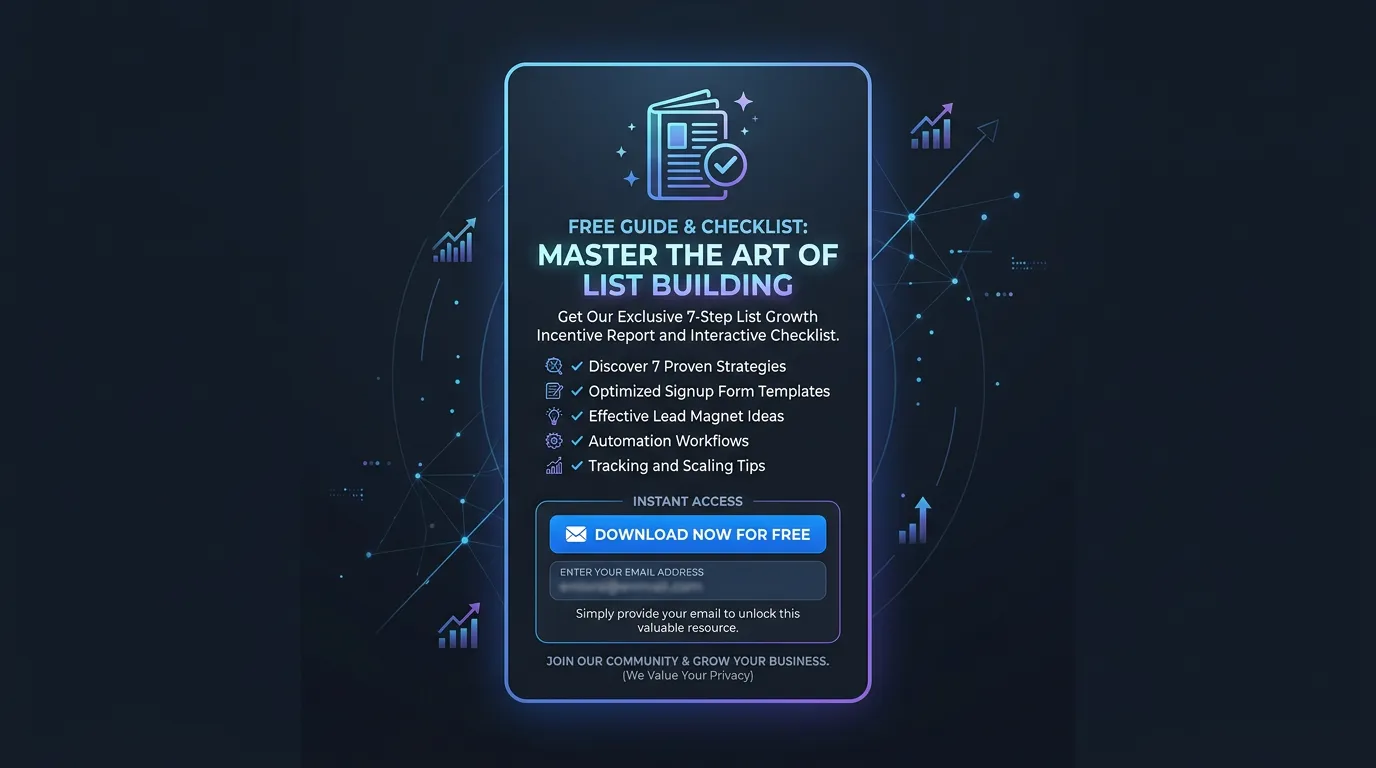
Week 3 to 6We build one genuinely useful resource tied to your main service, then place it where relevant traffic already lands rather than on every page. One good offer outperforms four generic ones.
Website placement and testing
Week 5 to 7Capture forms go into content, footers, and a well timed exit intent popup. We check mobile behavior carefully, since popups that cover the screen on a phone cost more in lost visits than they gain in signups.
Hygiene rules and reporting
Ongoing, monthlyBounce handling, complaint monitoring, and a sunset policy for inactive contacts get configured. Monthly reporting shows net growth after removals, which is the only growth number that means anything.
Realistic timeline: Systems are in place within 6 to 7 weeks. Operational capture shows results immediately, often doubling monthly additions in the first quarter. Website opt in volume depends entirely on traffic and typically settles into a steady rate after 60 days.
Where a Real List Comes From
Every step loses people. The first drop is the biggest one, and it happens inside your own shop.
The gap between line one and line two is where most service business lists are lost.
Capture Points Most Shops Miss
Walk your own customer path and mark each spot below. Every one you skip is a paying customer who never enters the list.
The phone intake script
Ask once, then read it back to confirm the spelling.
The estimate paperwork
A field on the form, not something the tech adds later.
The invoice or receipt
Offer to email the receipt, which requires an address.
The technician tablet
Make it required before the job can be closed out.
Front desk intake forms
New patient and new client paperwork already asks for it.
Warranty registration
People hand over an address to protect what they bought.
Events and referral partners
Home shows, chamber lists, and the agent who sends you work.
Old files and spreadsheets
Three years of past jobs are usually sitting on a hard drive.
How to Ask So People Say Yes
The ask matters more than the channel. Asking for an email with no reason gets a shrug. Asking so you can send the receipt and the list growth service record gets a yes far more often.
Give the reason and the limit in one breath. This works at the counter: what is the best email for your receipt and service reminders, we send about one a month.
Train the answer to the next question too. When someone asks whether they will get spam, the honest reply is a reminder near their service date and a seasonal note. Say the real number out loud.
Then honor it. The fastest way to poison a list built this way is to send weekly promotions to people who only agreed to a receipt.
How to Treat an Address Based on Where It Came From
Permission is not one thing. The source decides how fast you can send and how hard you clean.
| Source | Strength | Send right away? | Cleanup rule |
|---|---|---|---|
| Paid customer in job software | Strong | Yes | Remove on first hard bounce |
| Estimate request form | Strong | Yes | Sunset after 12 quiet months |
| Website opt in offer | Medium | Confirm first | Use double opt in |
| Event sign up sheet | Medium | Verify the spelling | Watch bounces closely |
| Name passed by a customer | Weak | One intro email only | Remove with no reply |
| Bought or scraped list | None | No | Delete the file |
When you cannot answer the first column for a group of contacts, that group does not get sent to.
A list whose source you cannot explain is a liability, not an asset.