Email and Marketing Automation
Email Marketing for Local Service Businesses
Your past customer list is usually the cheapest lead source you own
- Timeline
- Setup and the first reactivation campaign run 5 to 6 weeks
Call (714) 823-3164 or ask a question. Clear recommendations, even if we never work together.
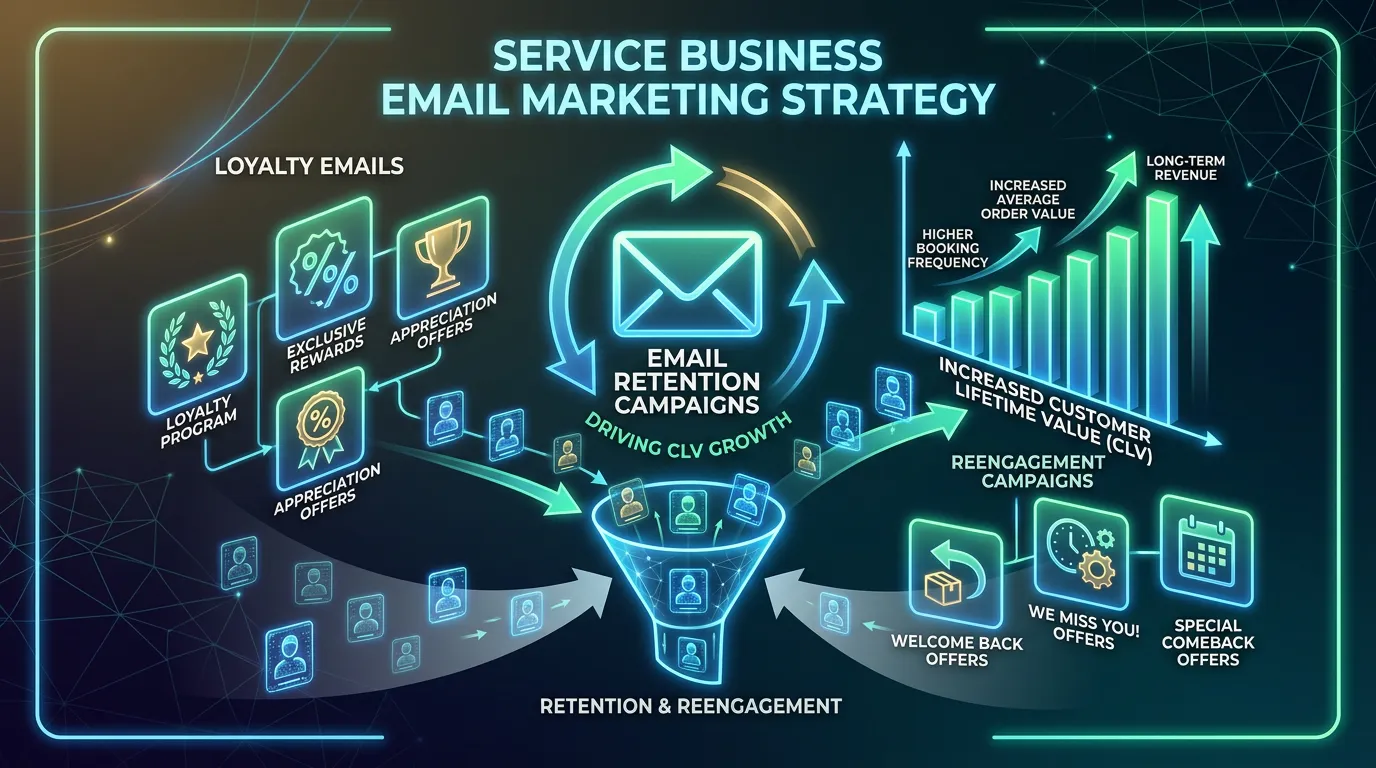
Email marketing for local businesses uses your customer list to bring in repeat work and referrals inside one service area. It runs on seasonal timing, service interval reminders, and winning back past customers. It does not rely on the frequent promotional sending you see in retail email programs.
The problem
Local businesses are told to copy retail email tactics and it does not translate. A homeowner does not want three emails a week from a plumbing company. Send that often and you get unsubscribes and complaints from people who liked you. But the opposite failure is more common and more expensive: total silence. A company installs a system, does great work, and never contacts that customer again. Five years later the homeowner needs service, does not remember the company name, searches Google, and hires whoever ranks. The relationship you paid to create got handed to a competitor because nobody sent a reminder.
What it is
Local email works on the calendar of the trade and on each customer's own service history. An HVAC company emails before the first heat wave, not in April, because that is when a homeowner will act. A pest control company emails ahead of ant season. A dental office emails each patient at the six month recall mark. An auto shop emails on mileage or on time since the last service. The content stays short and useful. It names the customer's city so it reads as local rather than mass mailed, and it makes booking take one tap. Volume stays low, roughly one or two sends a month plus event triggered messages. In this category, relevance and timing produce the response. More frequency only produces unsubscribes.
Signs you need this
- You have not contacted past customers since the day you finished their job
- Repeat business happens by accident when someone happens to remember you
- Your busy and slow seasons are predictable and you do nothing to smooth them
- Customers call competitors for work you could have done
- You send the same message to every customer regardless of what they bought
What is included
- Seasonal send calendar built around your trade's demand curve
- Past customer reactivation campaign segmented by last service date
- Service interval reminders tied to each customer's own history
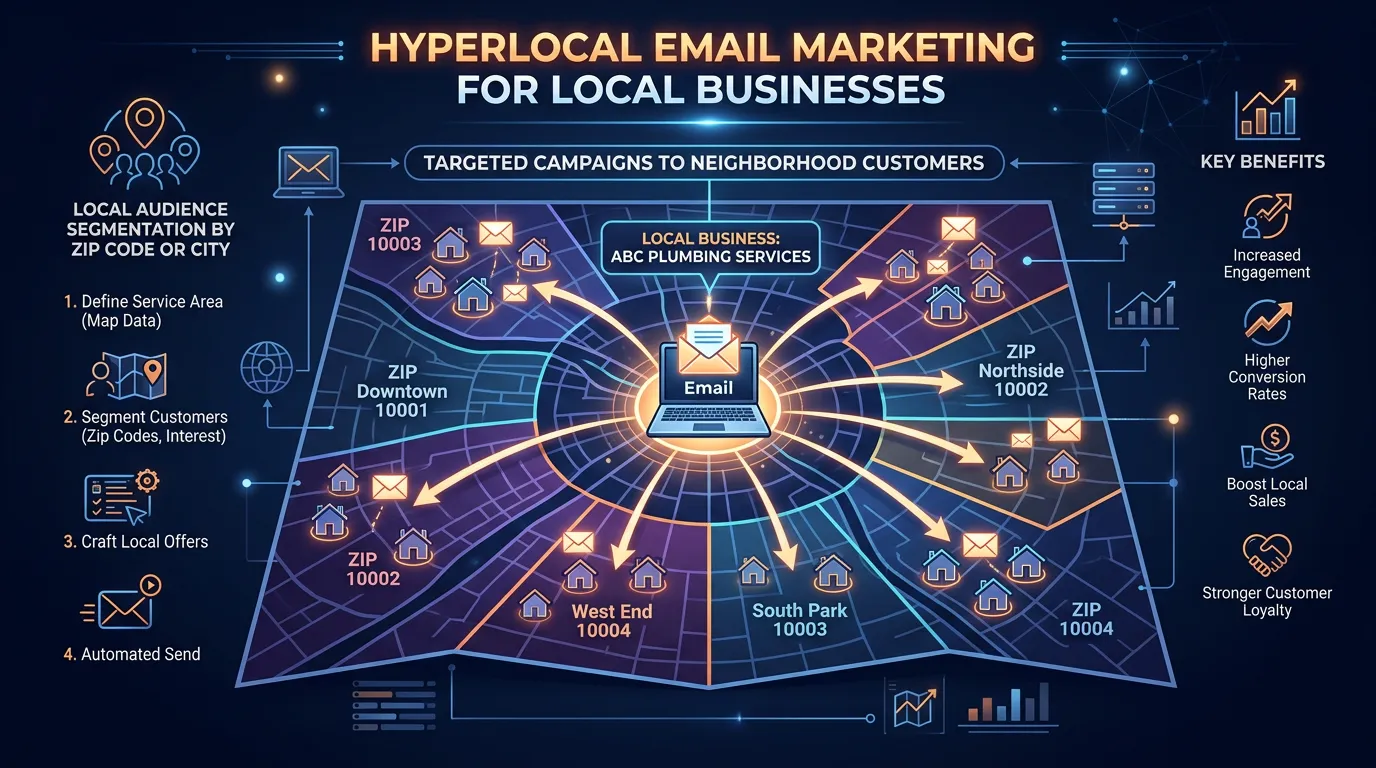
- City level personalization so emails read as local, not mass mailed
- Referral request messages timed after positive service experiences
- Mobile first templates that load fast and tap through to booking
- Local offer design that protects margin instead of discounting broadly
- Send timing tested against when your customers actually open
Our process
Seasonality mapping
Week 1 to 2We chart your job volume by month for the last two or three years and mark the weeks demand rises. Sends get scheduled just before those points, since a reminder that arrives after the heat wave starts is competing with panic searches.
Customer history segmentation
Week 2 to 3The list gets split by service purchased and last job date, so each customer receives the reminder that matches their own equipment or schedule instead of a generic promotion.
Reactivation campaign
Week 3 to 5The first big send targets customers who have not been back in the normal interval. This is usually the highest response campaign of the year because it reaches people who already trust you and simply forgot.
Template and booking path build
Week 4 to 6Templates get built to render fast on a phone with one clear action. We test on iOS Mail, Gmail app, and Outlook, since a template that breaks in one client can silently cost a third of your responses.
Ongoing rhythm
Ongoing, monthlyOne or two sends a month follow the seasonal calendar, with interval reminders running automatically underneath. Every send gets reviewed for jobs produced, and the calendar shifts based on what worked.
Realistic timeline: Setup and the first reactivation campaign run 5 to 6 weeks. Reactivation typically produces its strongest response on the first two sends. Seasonal reminders build results across a full year, since each one only gets one chance annually.
When to Send, by Trade, in Southern California
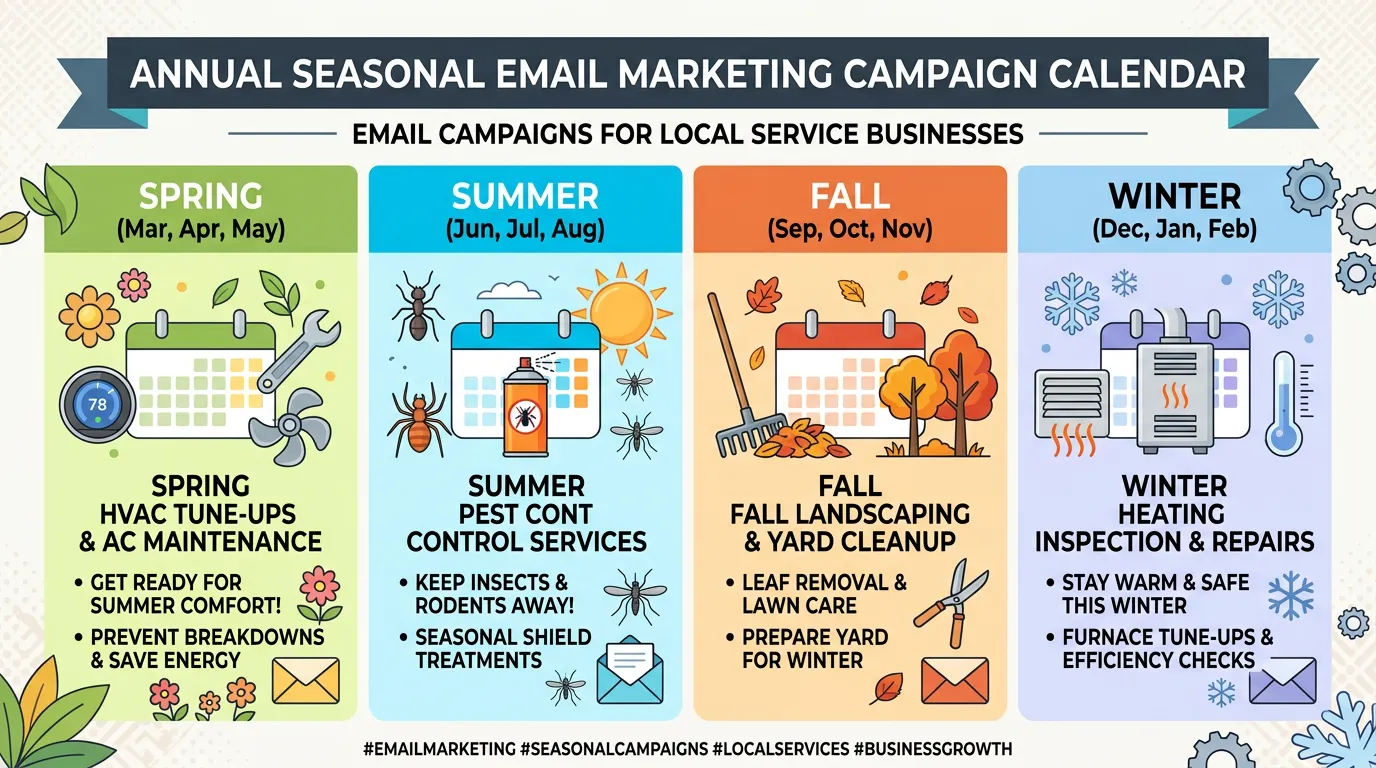
Local demand runs on a calendar. These windows sit a few weeks ahead of the moment customers start looking.
| Trade | Send window | Message | Why then |
|---|---|---|---|
| HVAC cooling | Late April into May | Tune up before the first hot week | The first 95 degree day fills your schedule |
| HVAC heating | Mid October | Furnace check and a fresh filter | Cold snaps here arrive with no warning |
| Pest control | February and March | Ant and spider prevention | The first warm rain moves them indoors |
| Landscaping | March, then September | Spring cleanup, then fall repair | Watering rules and heat shift both times |
| Roofing | September into October | Inspection before the rain | Ahead of the first real storm |
| Auto repair | Early November | Road trip safety check | Long holiday drives get planned now |
| Dental | Each patient's recall date | Personal recall, plus a year end note | Insurance benefits reset January 1 |
Two to three weeks ahead of demand is the sweet spot. During the rush you are competing with panic searches and ad budgets.
A Reactivation Campaign, Start to Finish
This is the campaign that usually produces the most work in a year. It is five steps, and the last one is not email.
The phone step is where most of the revenue shows up. The email exists to give your office a reason to call.
The Offer That Fits a Local Trade
Percentage off is the laziest offer and the most expensive one. Twenty percent off a job you would have won anyway is money handed straight back.
Better offers cost you less and feel worth more. A free second opinion. A waived diagnostic fee when the repair is approved. Priority scheduling during the first hot week of summer.
Aim at the slow window, not the busy one. An offer good only Tuesday through Thursday in February moves work into hours your crew is already being paid for.
And put an end date on everything. An open offer is not an offer, it is your new price, and customers who saw it once will expect it forever.
Making a Mass Email Read as Local
The difference between a note and a flyer is mostly detail. These are the details customers notice.
Do this
- Merge the customer's own city into the subject line or first sentence
- Name the equipment or the service they actually bought from you
- Sign it from a real person on your team with a reply address that works
- Mention something only a neighbor would know, like fire season or June gloom
- Keep the whole email readable on one phone screen
Not this
- Do not write to a city you do not serve just because it is close by
- Do not use stock photos of houses that clearly are not from around here
- Do not send at 6am, since it is buried by the time people look
- Do not send one message to residential and commercial customers at once
- Do not stack your license number and legal text above the offer