
FAQ and Problem Solution Articles
Why Is My PPC Not Working When the Clicks Keep Coming?
A step by step check for a PPC account that spends every day and never seems to make the phone ring.
Call (714) 823-3164 or ask a question. Clear recommendations, even if we never work together.
Paid search, or PPC, that spends without producing calls usually fails for one of four reasons: the clicks are the wrong searches, the tracking is wrong so nobody knows what worked, the page after the click does not match the ad, or nobody answers the phone fast enough. Check them in that order.
Jump to a section
- Start With the Search Terms, Not the Ads
- Then Check Whether Your Numbers Are Even True
- Look at Where the Click Actually Lands
- Count the Hours and Draw the Map Properly
- The Leak That Is Not in the Account at All
- When Paid Search Is Genuinely the Wrong Tool
- Follow One Click All the Way Through
- The Thirty Minute Check You Can Run Yourself
- What to Do While You Are Fixing It
- Questions Owners Ask at This Point
- Questions

Start With the Search Terms, Not the Ads
When a PPC campaign spends and the phone stays quiet, almost everyone starts by rewriting ads. Start somewhere else. Open the search terms report and read what people actually typed. In Google Ads it sits in the reports area under the campaign, listed as search terms. Set the date range to the last 90 days and sort by cost. Then read the top 50 rows out loud. Some of them will be searches you would never send a truck to. The same words show up in trade account after trade account: free, cheap, DIY, how to, jobs, salary, training, parts, and city names you do not serve. Add up what those rows cost you. In accounts where nobody has ever done this, a large share of the spend is often sitting right there in plain view. Once you have the list, add those terms as negative keywords, which you can do straight from the report in two clicks. Google adds them as exact match by default, so broader junk may need a phrase match version too. Do this weekly for the first two months, then monthly after that. This one habit fixes more struggling accounts than any ad rewrite, and it costs twenty minutes.
Then Check Whether Your Numbers Are Even True
Before you change anything else, find out whether the account is telling you the truth. Broken tracking is the most common problem we find in audits, and it turns every other decision into a guess. Four failures cover most of it. First, the only conversion is a page view. If a visit to the contact page counts as a lead, the account is paying to buy browsers. Second, one lead counts as three. A thank you page that reloads, or a counting rule set to every instead of one, inflates everything you see. Third, calls count too early. A conversion that fires the second the phone rings will count wrong numbers and four second hang ups as leads. Set a duration threshold so only real conversations count. Fourth, nothing gets imported. Events sitting in GA4 that never reach Google Ads cannot teach the bidding system anything at all. Test it yourself in ten minutes. Fill in your own form from your phone on cell data. Call your own tracked number and talk for a minute. Then look for both of them in the account the next day. If they are not there, stop optimizing and fix this first. Otherwise you are tuning a machine that reports fiction.
Look at Where the Click Actually Lands
The next leak is the page. Click your own ad on your phone and count the seconds until you can see the thing you searched for. If the headline does not repeat the words in the ad, most people leave. If the phone number sits below the fold, most people leave. If the page is your homepage and the search was for one service, most people leave. There are three fixes, in order. Match the headline to the search, so somebody searching for tankless water heater installation lands on a page that says tankless water heater installation at the top. Put the phone number and a short form in the first screen, with a tap to call button that stays visible as they scroll. Then cut the form down to the fields you need to quote the job. Name, phone, zip code, and one line about the problem is usually enough for a trade. Every extra required field loses a few more people. Check the load time on cell service, not on office wifi. A page that takes eight seconds on a phone in a driveway has already lost that call. This is normally the cheapest fix available, because it changes the result of traffic you are already paying for.
Count the Hours and Draw the Map Properly
Two settings quietly waste money in most accounts we open. The first is the ad schedule. Ads run at 2 in the morning, somebody clicks, nobody answers, and you paid for it anyway. Pull your calls by hour, then decide. Either run ads only when a human answers, or arrange for somebody to answer around the clock. Both are fine choices. Paying for clicks that ring an empty office is not. The second setting is location targeting. Google gives you two options here. One shows your ads to people who are in your area. The other also shows them to people who are merely interested in your area, which includes somebody two states away who typed your city name. If your calls come from places you have never worked, that setting is usually the reason. Set it to presence, meaning people who are actually in the locations you picked. Then look hard at your radius. A 30 mile circle drawn around Chino covers plenty of ground you may not want to drive to on a Friday. Zip code lists take longer to set up and are far tighter. If a chunk of your leads are jobs you would turn down for distance, fix this before you touch a bid.
The Leak That Is Not in the Account at All
Sometimes the ads work fine and the business loses the lead anyway. This is the hardest one to hear, because nothing on the dashboard shows it. Paid search leads are not patient. Somebody who taps your ad has three more tabs open behind it. If your phone rings four times and drops to voicemail, they call the next ad instead. Check three things. Who answers between 5 and 8 in the evening, which is when homeowners call after work. What happens to a missed call, and whether anything texts that person back within a minute. And how quickly a form fill gets a real reply, because minutes matter here and hours do not work. Then listen to your own calls, since most call tracking records them. Ten calls will teach you more than a month of reports. You will hear price shoppers, wrong service requests, and often a friendly person who chats for two minutes and never asks for the appointment. That last one is not a marketing problem. It is a phone script problem, and it can be fixed this week for nothing. When we audit a paid account that looks broken, a real share of the missing jobs turns up right here.
When Paid Search Is Genuinely the Wrong Tool
Not every account can be fixed, and it is worth knowing when to stop. When the math does not work, the money usually does more somewhere else. A better website, steady review collection, and a well run Google Business Profile all keep working while you sleep, and they do not switch off the day a card gets declined. Paid search is rented attention. It is the fastest channel there is, and the leads stop the day you stop paying. That trade is fine when the numbers work, and expensive when they do not. So before you spend another month, be honest about the four situations where paid search usually loses. If two or more of these describe you, put the budget elsewhere for a quarter and come back when the picture changes. That is a cheaper decision than another six months of hoping the account turns around.
- Your average job is worth less than a few hundred dollars
- Your monthly budget buys fewer than about 30 clicks
- Nobody answers the phone after 5 PM or on weekends
- Your review profile is thin or sits under four stars
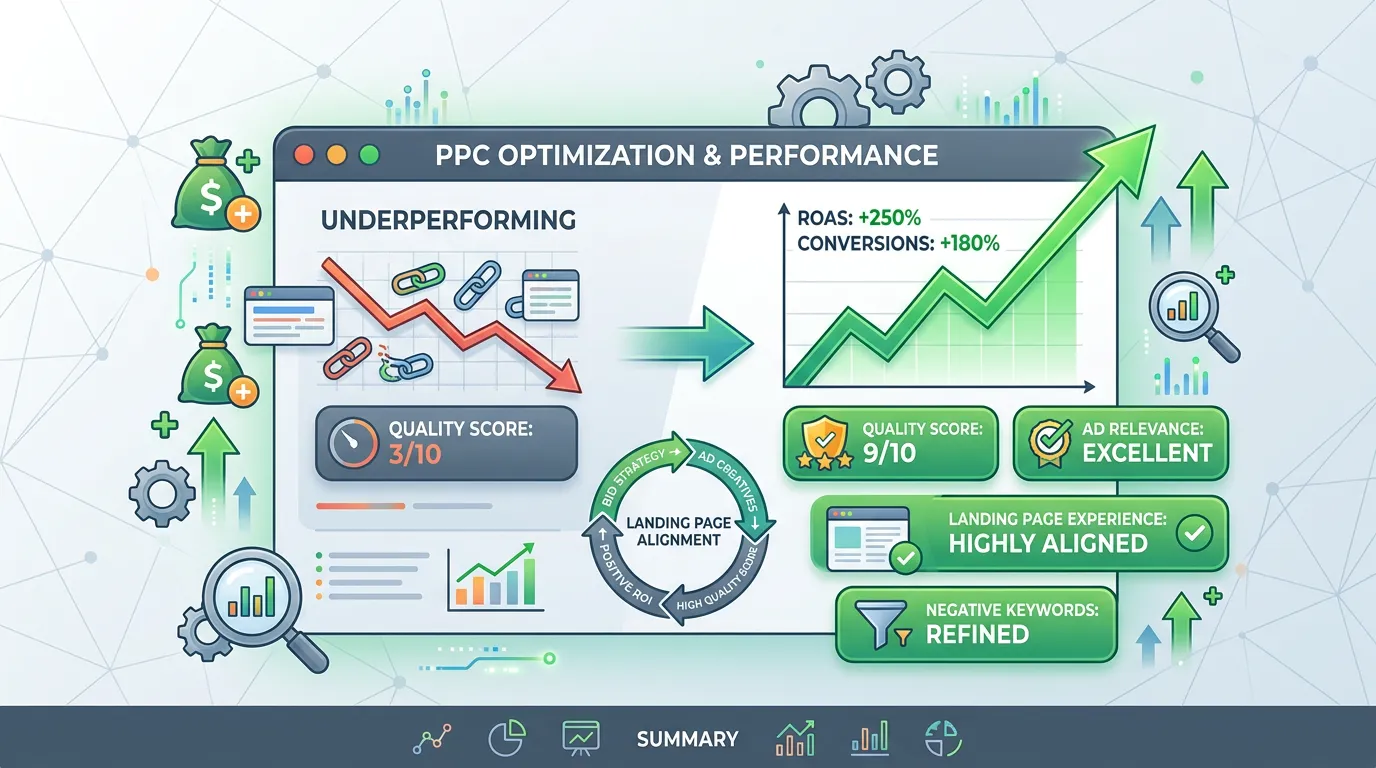
Follow One Click All the Way Through
Every lost lead falls out at one of these five points. Work through them in order, because a fix at step four cannot rescue a click that was wrong at step one.
Most owners react by rewriting ads, which sits between step one and step two. The leak is usually further down the line.
The Thirty Minute Check You Can Run Yourself
No agency needed for any of this. Work down the list in order and write down what you find.
Read 90 days of search terms
Sort by cost and read the top 50 rows.
Add the junk as negatives
Do it from the report itself in two clicks.
Submit your own form
From your phone, on cell data, not office wifi.
Call your own tracked number
Talk a minute, then look in the account tomorrow.
Click your ad on a phone
Time the page and find the phone number.
Check the location setting
Presence, not presence or interest.
Listen to ten recorded calls
Count how many asked for the appointment.
What to Do While You Are Fixing It
The reaction to a bad month often costs more than the bad month itself did.
Do this
- Fix tracking first, before you touch bids, budgets, or ad copy.
- Cut spend on the worst campaign before you touch a working one.
- Change one thing at a time so you can tell what actually helped.
- Give any change two to three weeks before you judge the result.
- Keep a written log of what changed and on which date.
Not this
- Do not pause the whole account on a slow week. Restarting resets the learning.
- Do not judge a keyword on 40 clicks. That is noise, not a result.
- Do not swap five things at once and then wonder which one worked.
- Do not raise bids to fix a lead problem the landing page is causing.
- Do not quit the channel before you have read one search terms report.
Questions Owners Ask at This Point
How many clicks before I can judge a keyword?
Should I pause everything and start fresh?
My click through rate is fine. Why no leads?
Would rather we handled it?
This article covers how to do the work yourself. If you would rather have it done for you, that is what our pay per click advertising service is.
Pay Per Click Advertising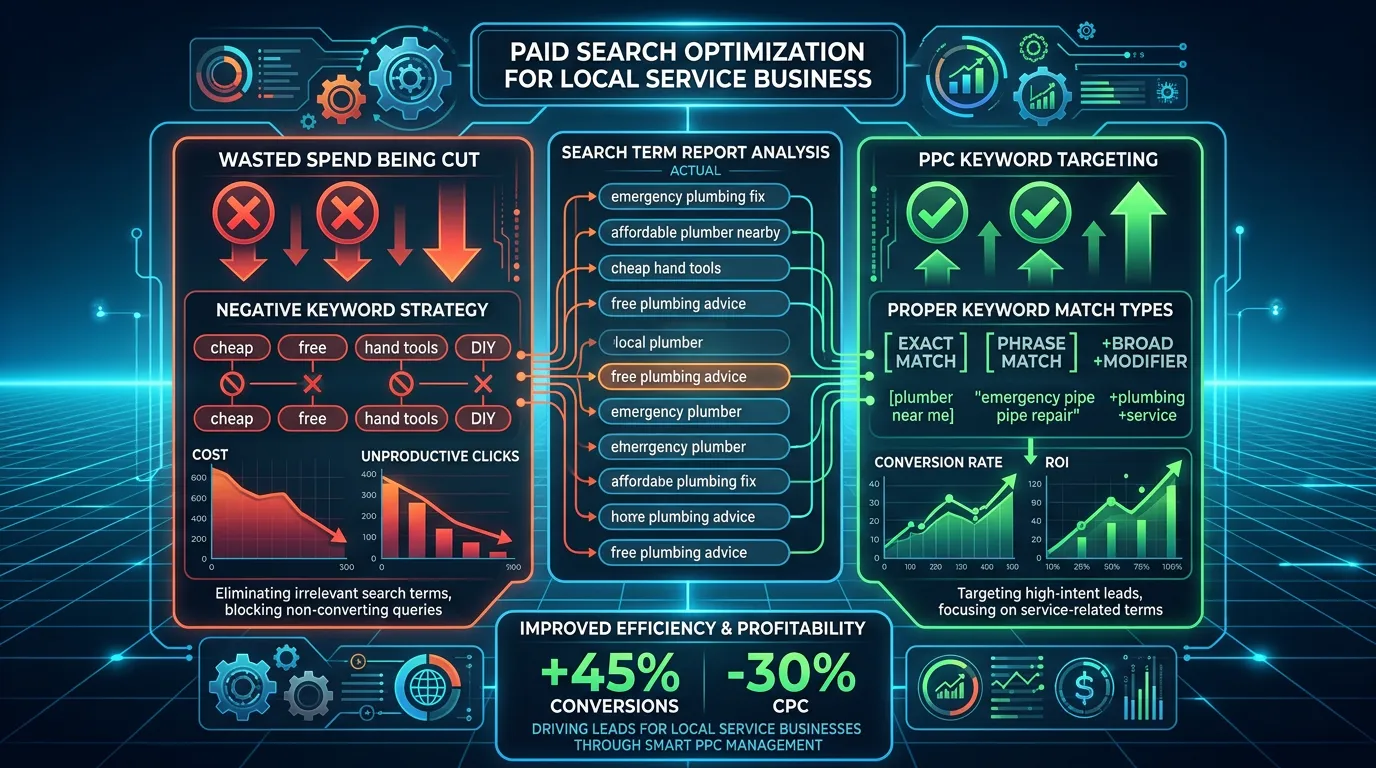
Frequently asked questions
How long should I wait before deciding paid search failed?
Is it normal for the first month to be expensive?
Can I run ads straight to my homepage?
What if my agency will not give me account access?
Sources
- Google Ads Help: About the search terms report(opens in a new tab) Google documents the search terms report as the list of terms people actually searched that caused an ad to show, which is the source for finding wasted spend.
- Google Ads Help: Get negative keyword ideas using the search terms report(opens in a new tab) Google describes selecting terms in the search terms report and adding them as negative keywords, and notes they are added as negative exact match by default.
- Google Ads Help: Understand your conversion tracking data(opens in a new tab) Defines a conversion as a valuable action such as a phone call or form submission, which is why counting a page view as a conversion misreports results.