Web Design and Development
Website Technical Foundation
Hosting, CMS, URL structure, backups, staging, SSL, and schema
- Timeline
- Set up during a build with no separate schedule
Call (714) 823-3164 or ask a question. Clear recommendations, even if we never work together.
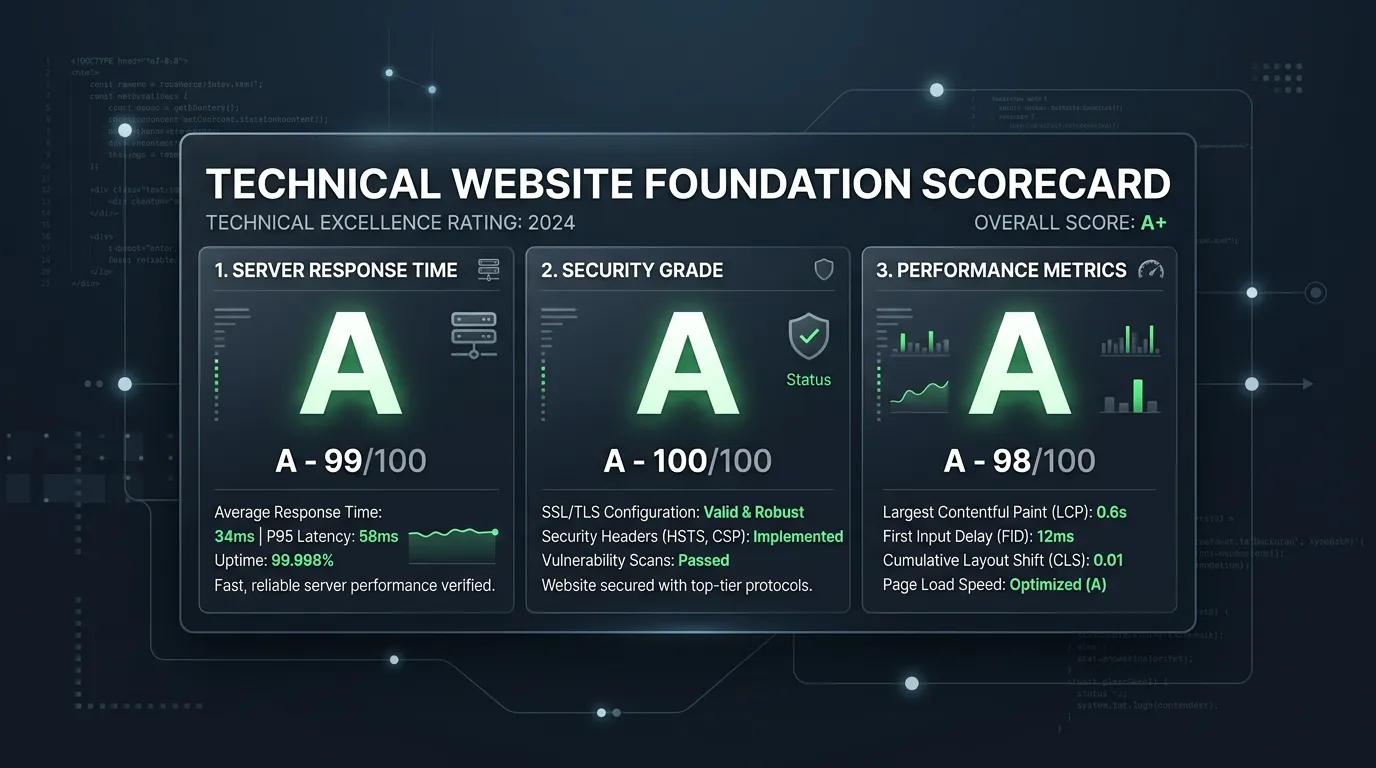
A website's technical foundation is the layer under the design. It covers hosting, the content management system, the URL structure, security, backups, staging, sitemaps, and schema markup. It sets how fast the site loads and how easily it grows. It also sets how well search engines read it, and how fast you get back up when something breaks.
The problem
Technical foundation problems never announce themselves. The site sits on cheap shared hosting with a neighbor site eating the resources, so it loads in seven seconds every Monday morning. There is no staging environment, so every change goes live on the real site and something breaks in front of customers. Backups run monthly, if at all, so a bad plugin update costs three weeks of content. URLs got structured as p equals 4127 instead of readable paths. None of this shows in a screenshot, and all of it costs money quietly for years.
What it is
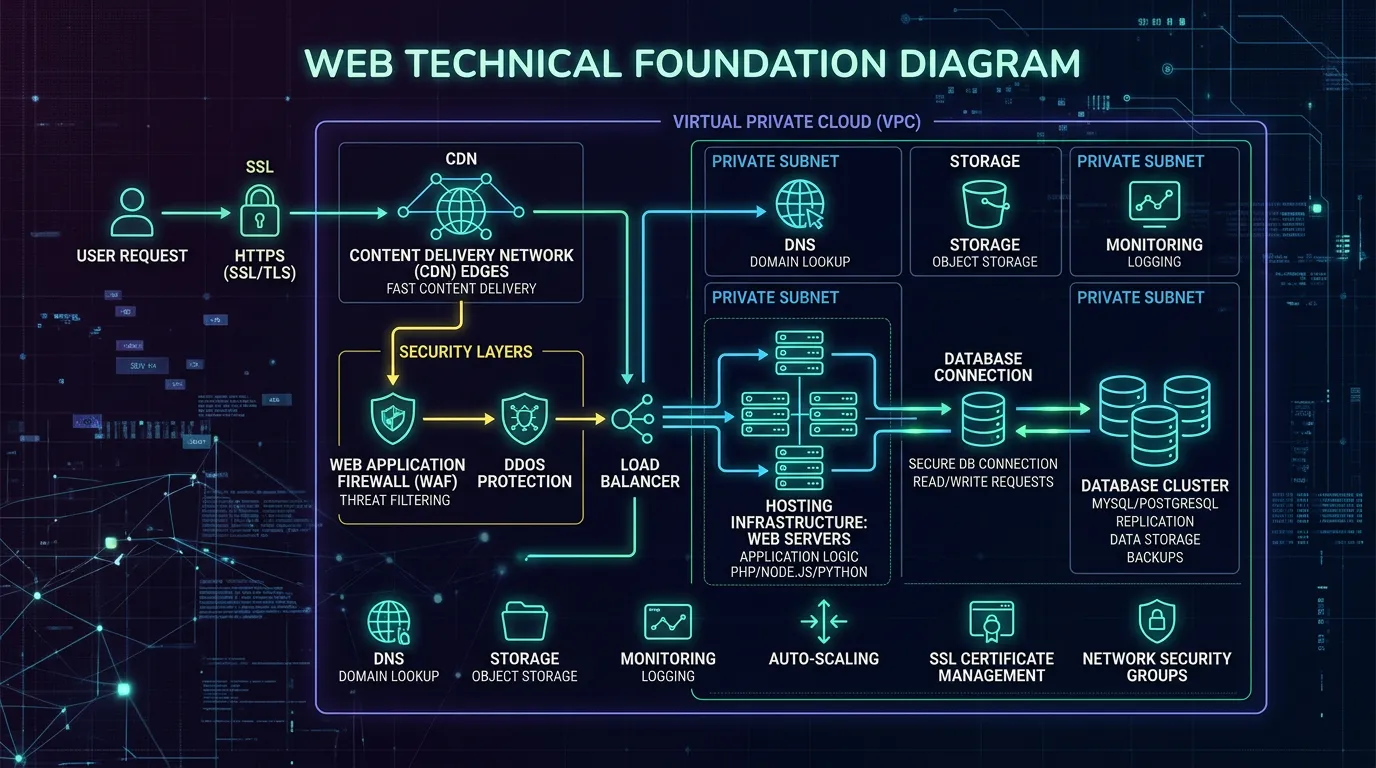
The technical foundation is everything a visitor never sees. We choose hosting sized to your traffic, with server side caching and a content delivery network. We pick a content management system based on who will maintain it. What is quickest for us to build does not decide it. We set a URL structure that reads clearly. It can take on new services and cities without breaking. We install SSL, automated daily backups stored off the server, and a staging site. We add LocalBusiness, Service, FAQ, and Breadcrumb schema. That way search engines and AI answer tools read your facts as data instead of guessing from paragraphs.
Signs you need this
- Your site slows to a crawl at predictable times of day
- There is no staging site, so every edit goes live immediately
- Nobody knows when the last backup ran or whether it can be restored
- Your URLs contain question marks, numbers, or dates that mean nothing
- Your site has no structured data, so search engines infer your hours from text
What is included
- Hosting selection and setup sized to your traffic, with caching and a CDN
- Content management system chosen for the person who will maintain it
- Readable URL structure that supports new services and cities without breaking
- SSL certificate with automatic renewal and no mixed content warnings
- Automated daily backups stored off the web server with a tested restore
- Staging environment blocked from search engines for testing changes
- LocalBusiness, Service, FAQPage, and BreadcrumbList schema markup
- XML sitemap, robots file, and canonical tags configured correctly
- DNS records documented, including mail records so email keeps working
- Security hardening: login limits, two factor access, and update policy
Our process
Platform Decision
Week 1We ask who updates the site, how often, and what integrations you need. A staff member posting monthly needs a different system than a marketing team publishing weekly. Getting this wrong is what creates rebuilds three years later.
Hosting and Environments
Week 1 to 2We provision hosting with caching and a CDN, then set up a staging environment that mirrors production and is blocked from indexing. Every change from here on gets tested on staging first.
Structure and URLs
Week 2We define the URL pattern for services, sub services, service areas, and resources before pages are built. Renaming URLs after launch means redirects, and redirects are debt.
Schema and Indexing Setup
Week 8 to 10We add structured data for the business, its services, and its FAQs, then validate it in Google's testing tools. Sitemaps, robots rules, and canonical tags get configured and checked against a crawl.
Backups and Handover Docs
Week 11 to 12Backups are configured, a restore is actually performed once to prove it works, and you receive a document listing hosting, DNS, CMS, and every credential.
Realistic timeline: Set up during a build with no separate schedule. As a retrofit on an existing site, two to five weeks depending on whether hosting or platform needs to change.

Picking the Platform by Who Maintains It
Platform arguments usually skip the only question that matters, which is who sits down and edits the site next month.
| Who updates the site | How often | What we usually recommend | The trade you accept |
|---|---|---|---|
| Office manager, no tech background | A few times a year | WordPress with a locked down editor | Updates and security need a support plan |
| An in house marketer | Weekly posts and pages | WordPress or a hosted CMS | You have to stay picky about plugins |
| Nobody, you call an agency | Rarely | A static build on cheap hosting | Every edit is a request, not a login |
| A developer on staff | Constantly | A headless or modern framework build | You depend on that person staying |
| A team across several locations | Varies by location | One CMS with location templates | Setup takes longer up front |
The right platform is the one the person who actually maintains it can use on a Tuesday afternoon without calling for help.
URL Structure Is a Ten Year Decision
URLs look like a small choice during a build. They are not. Every link another site sends you, every printed flyer, and every saved bookmark points at the address you picked that week.
We plan the pattern before any page exists. Services sit at /services/water-heater-repair/. Service areas sit at /service-areas/chino-hills/. If you need a page for one service in one city, it goes under the city, not stacked three folders deep.
The test is simple. Can you add a tenth service and a fourth city next year without renaming anything? If not, the structure is wrong. Fixing it later means redirects, and redirects work, but each one is a small tax you keep paying.
Your Handover Document Should List All of This
At the end of a build you should be able to part ways with your agency on a Friday and still control everything on Monday. Check these lines.
Domain registrar login
Who the domain is registered to matters more than where it is hosted.
DNS records, written down
Mail records included, so email survives a hosting move.
Hosting account and billing
In your name and on your card, not the agency's.
An owner level CMS account
Owner, not editor, so you can add and remove people.
Backup location and schedule
Where copies live and how far back the history goes.
How the SSL renews
Automatic in most cases. Know which case yours is.
Analytics and Search Console
You as owner, the agency added only as a user.
The date a restore was tested
Proof a backup was actually put back at least once.
Foundation Questions
Can we move hosting later without downtime?
Which schema types does a service business actually need?
Do plugins slow a site down?