Web Design and Development
Ongoing Website Support and Maintenance
Updates tested on staging first, never straight onto the live site
- Timeline
- Ongoing monthly
Call (714) 823-3164 or ask a question. Clear recommendations, even if we never work together.
Ongoing website support is a monthly service that keeps a site secure, current, and working. We test software and plugin updates on staging. We patch security holes and watch uptime. We handle backups, broken link checks, and content edits. It exists because websites break quietly, and nobody on staff is watching for it.
The problem
Websites decay. Plugins go out of date and become security holes. PHP versions get deprecated and the host forces an upgrade that breaks a page builder. A form plugin updates and stops sending emails, and nobody notices for five weeks because the leads just stop arriving silently. SSL certificates lapse and browsers throw scary warnings. Every one of these is cheap to prevent and expensive to fix after the fact. The most common version we see is the silent form failure, where a business loses a month of leads and never knows why the phone got quiet.
What it is
Website support is a monthly routine, not an on call promise. Each month we apply core, theme, and plugin updates on staging. We check the site for breakage, then push the updates to production. We monitor uptime every few minutes and get alerted before you do. We run a monthly form submission test, so a silent failure gets caught in weeks instead of months. We check for broken links and crawl errors. We verify that backups can restore, and we watch page speed for slips. We also handle a set amount of content editing. A phone number change or a new service does not become a project quote.
Signs you need this
- Your plugins show a dozen pending updates and nobody wants to click them
- You once lost leads because a form silently stopped sending
- Nobody knows whether your backups work
- Changing a phone number on the site requires calling a developer
- Your host emailed about a PHP version upgrade and you ignored it
What is included
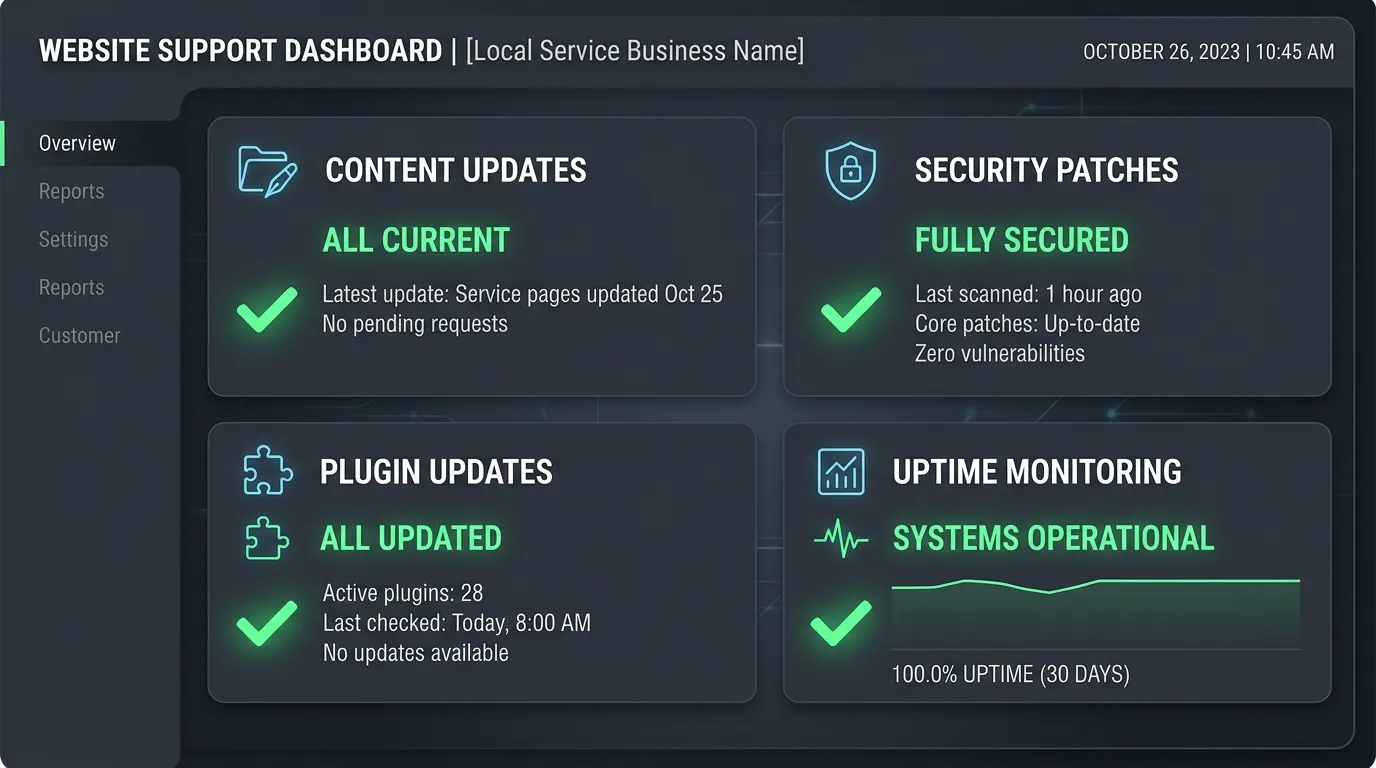
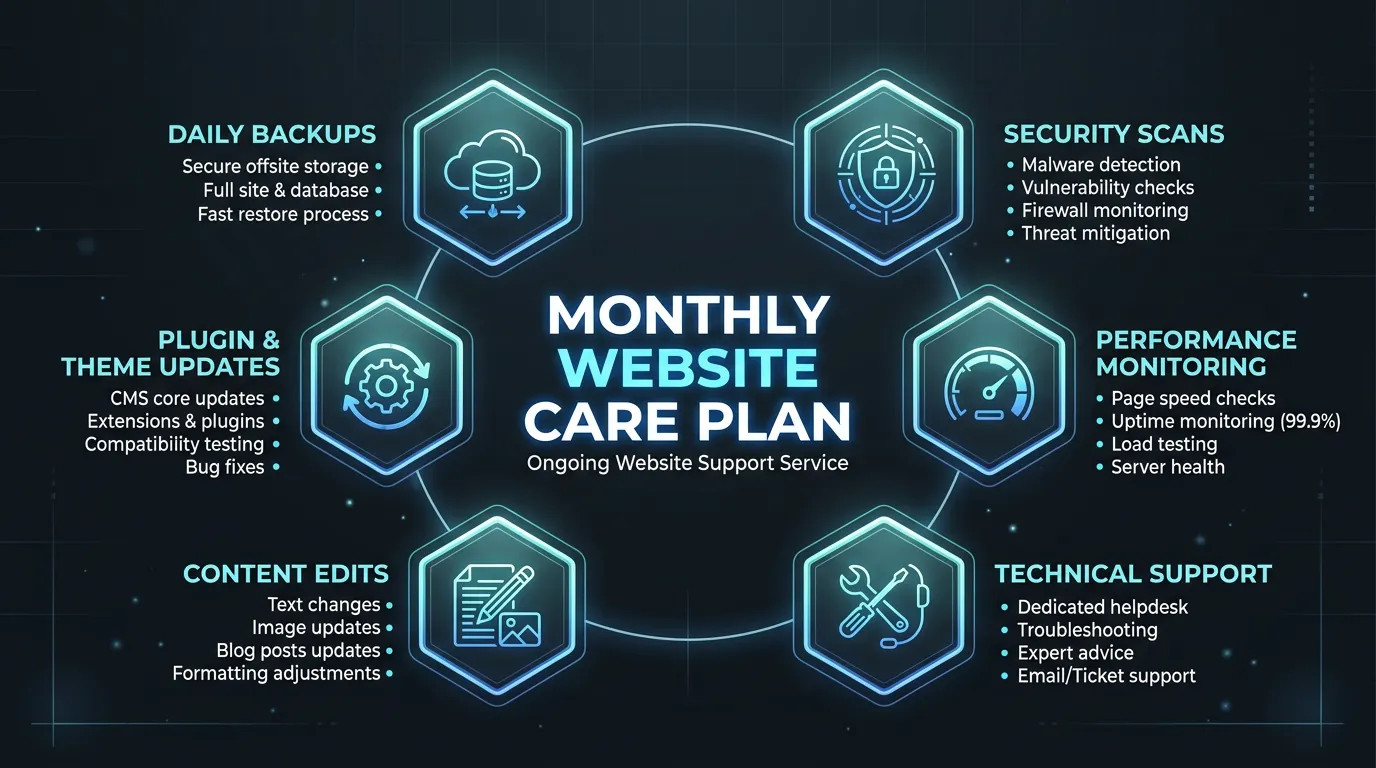
- Monthly core, theme, and plugin updates applied on staging first
- Security monitoring with malware scanning and login hardening
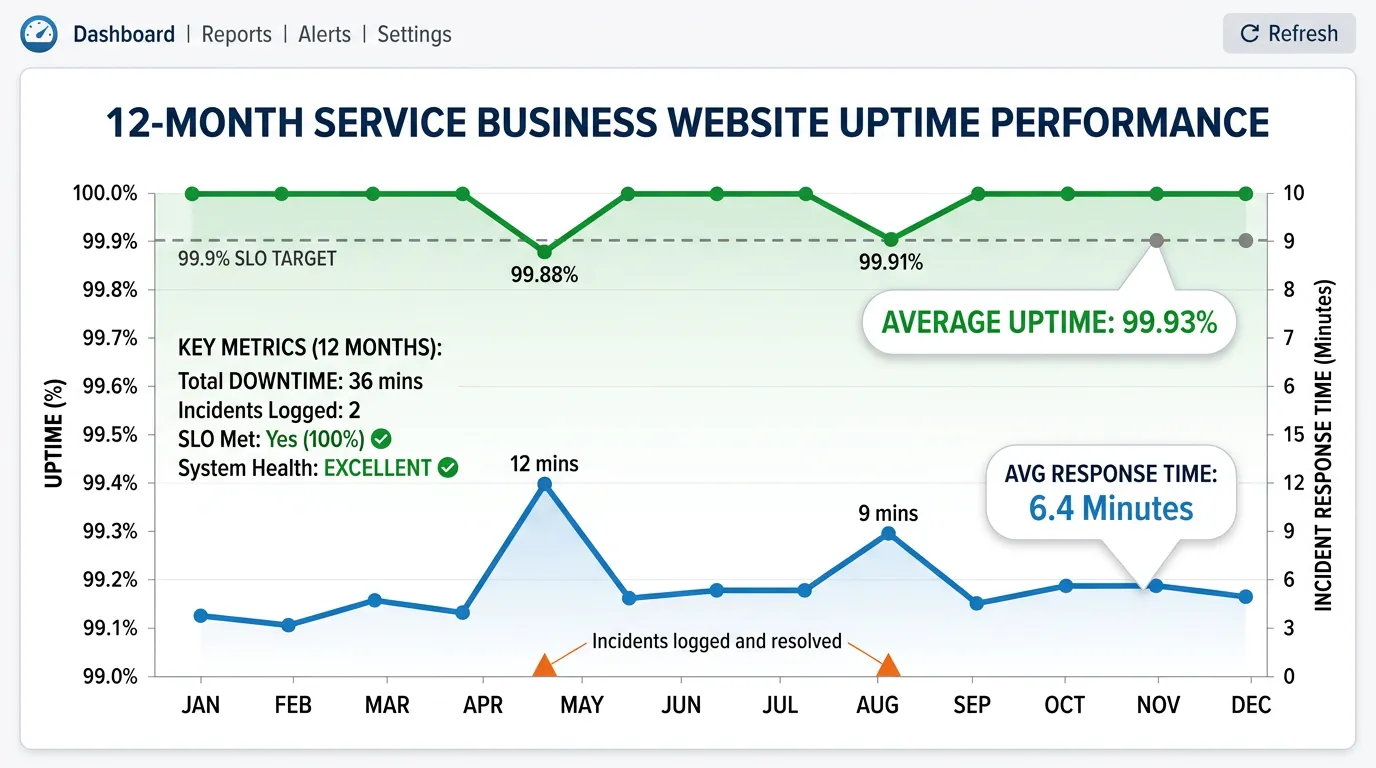
- Uptime monitoring checked every few minutes with alerts to us, not just to you
- Monthly live form submission test so silent failures get caught fast
- Daily off server backups with a restore verified each quarter
- Broken link and crawl error check with fixes applied
- Page speed regression check against your baseline
- A block of content edit time each month for text, photos, and page changes
- SSL certificate and domain expiration tracking
- Monthly report of what was updated, what broke, and what was fixed
Our process
Onboarding Audit
Week 1We document the hosting, DNS, CMS, plugins, and integrations, then fix anything already broken and establish a speed and uptime baseline before the routine starts.
Monthly Update Cycle
MonthlyUpdates are applied on staging, the site is checked page by page for breakage, and only then pushed to production. Anything that breaks gets rolled back and reported instead of quietly left half working.
Continuous Monitoring
ContinuousUptime checks run every few minutes and alert us directly. Security scanning runs daily. If the site goes down at 2 AM, we usually know before your first customer does.
Lead Path Testing
MonthlyOnce a month we submit a real form and place a real call through any tracking number, and confirm both arrive where they should. This is the check almost nobody runs, and it is the one that catches lost leads.
Content Edits and Report
Monthly, ongoingWe handle your edit requests within a few business days, then send a report listing every update, incident, fix, and edit from the month.
Realistic timeline: Ongoing monthly. Onboarding takes about a week. Most sites we take over need a first month cleanup of overdue updates before the routine settles.
What a Month on a Care Plan Looks Like
The scheduled work is spread across the month on purpose, so a bad update and a busy edit week never land on the same day.
Uptime and security monitoring run the whole time, not on a schedule.
What Breaks, and How Long It Hides
Loud failures get fixed fast, because customers complain. The quiet ones cost far more, because nothing tells you they happened.
| What breaks | How owners find out | How long it hides | What catches it |
|---|---|---|---|
| Form stops sending | The phone gets quiet | Four to eight weeks | A monthly live form test |
| Tracking number expires | Calls stop, nothing else changes | Weeks | A monthly live test call |
| A plugin breaks a page | Found by accident later | Weeks or months | Page checks after updates |
| Host forces a PHP upgrade | Half the site turns white | Immediate | Testing it on staging first |
| Malware gets injected | Google flags the listing | Days to weeks | Daily malware scans |
The first two rows are only ever caught by testing the lead path on purpose.
Questions to Ask Before You Sign Any Care Plan
Most maintenance contracts read alike. The differences that matter sit in four questions, and any honest provider answers them in a minute.
Ask whether updates run on a staging copy first, and what happens when one breaks the site. Then ask where backups live, how far back they reach, and when a restore was last tested.
Ask what response time means in writing. Business hours, weekends, holidays, and what counts as an emergency should all be spelled out.
Last, ask what happens if you leave. You should keep the domain, the hosting account, the backups, and every login, with no exit fee attached.
The Ten Minute Check You Can Run Yourself
Do this on the first of the month, even when someone else maintains the site. It catches the failures that never produce an error message.
Submit your own contact form
Use an address you check daily
Call your tracking number from a cell
Confirm it rings the right line
Check the padlock and its expiry date
Certificates lapse without warning
Open the site in a private window
You see what a stranger sees
Read your hours and holiday notice
The stalest item on most sites
Search your business name in Google
Watch for a warning under the result
Open two service pages on a phone
Look for broken images or layout
What a Care Plan Does Not Cover
Clear limits prevent arguments later. A care plan is a routine, not a budget for new work.
New pages, new design, and new integrations get quoted on their own. The included edit time exists so a phone number change never becomes a project, not so a plan can absorb a booking system.
It also does not cover damage from work done outside the plan. If another vendor installs something on the live site at midnight, we will fix it, and that time is billed.
And it is not marketing. Website support keeps the site working. Getting more people to it is separate work with a separate budget, and we will say so plainly.