Video Marketing
YouTube Optimization for Local Businesses
Titles written for what people search, not for clever wording
- Timeline
- Channel cleanup in two weeks
Call (714) 823-3164 or ask a question. Clear recommendations, even if we never work together.
YouTube optimization is the work of getting your videos found and watched on YouTube. It covers channel structure, titles and descriptions written for search, thumbnails that earn clicks, chapters, playlists, and end screens. Retention data then drives the improvements. For local businesses, the target is how to and what does it cost searches.
The problem
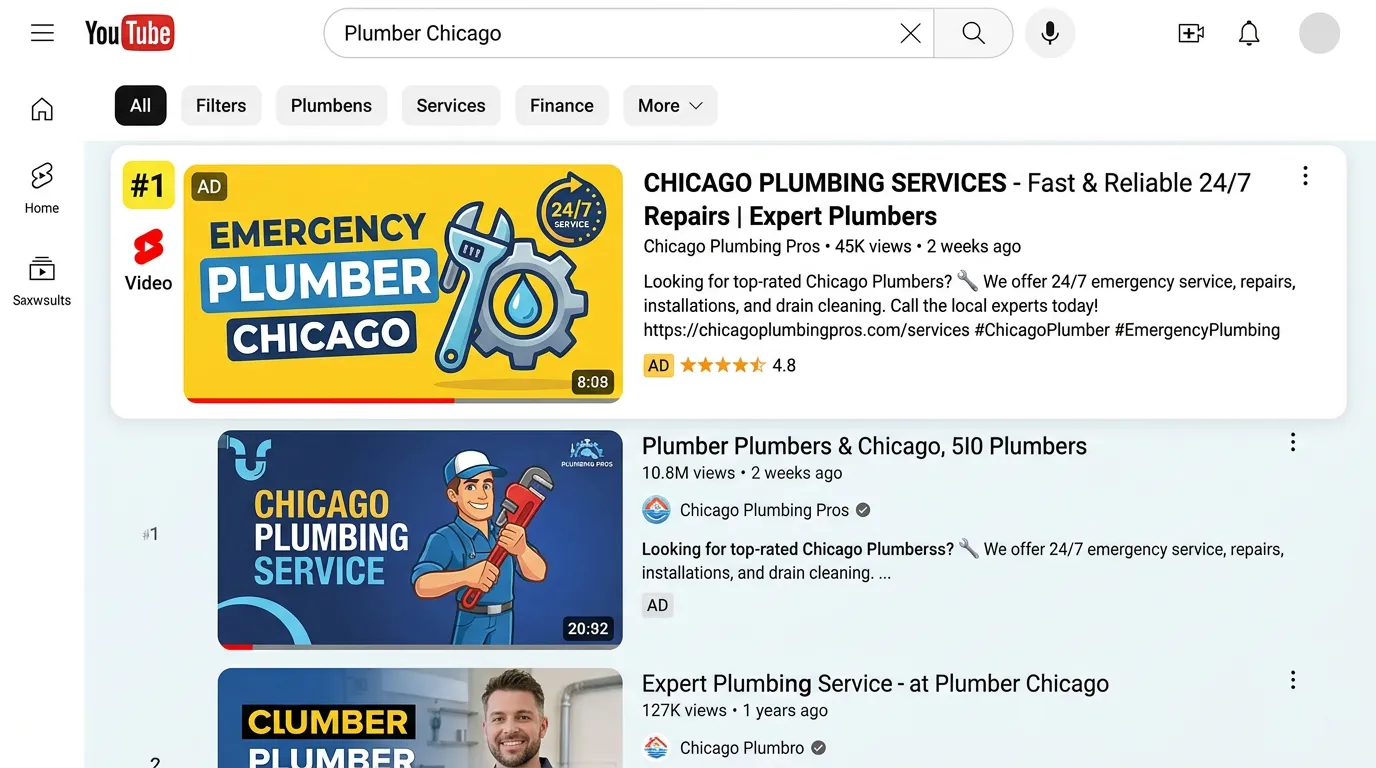
Local businesses upload videos to YouTube like it is a storage locker. The title is IMG 4471 or Our New Commercial. The description is empty. The thumbnail is whatever frame YouTube grabbed, usually someone mid blink. There are no chapters, no playlists, and no end screen pointing anywhere. Then the owner checks back in three months, sees 31 views, and concludes YouTube does not work for their trade. YouTube is the second largest search engine in the world and it was never given a chance to understand what the video was about.
What it is
YouTube optimization treats the platform as a search engine with its own rules. Titles get written around phrases people actually type, like how much does a water heater replacement cost. The useful words go in the first 50 characters. Descriptions open with a real summary and include your service area, phone number, and links. Thumbnails get designed, not auto selected, because click through rate on impressions is the gate everything else passes through. Chapters make long videos easy to scan. Playlists group related videos, so one view leads to another. Then we read retention graphs to find the exact second viewers leave, and we fix that pattern in the next video.
Signs you need this
- Your videos are uploaded with default file names as titles
- Your thumbnails are auto selected frames
- Your channel has no playlists and no about section details
- Videos get views only when you share the link yourself
- You have long videos with no chapters, so nobody can skip to their question
What is included
- Channel setup with banner, description, links, and a channel trailer
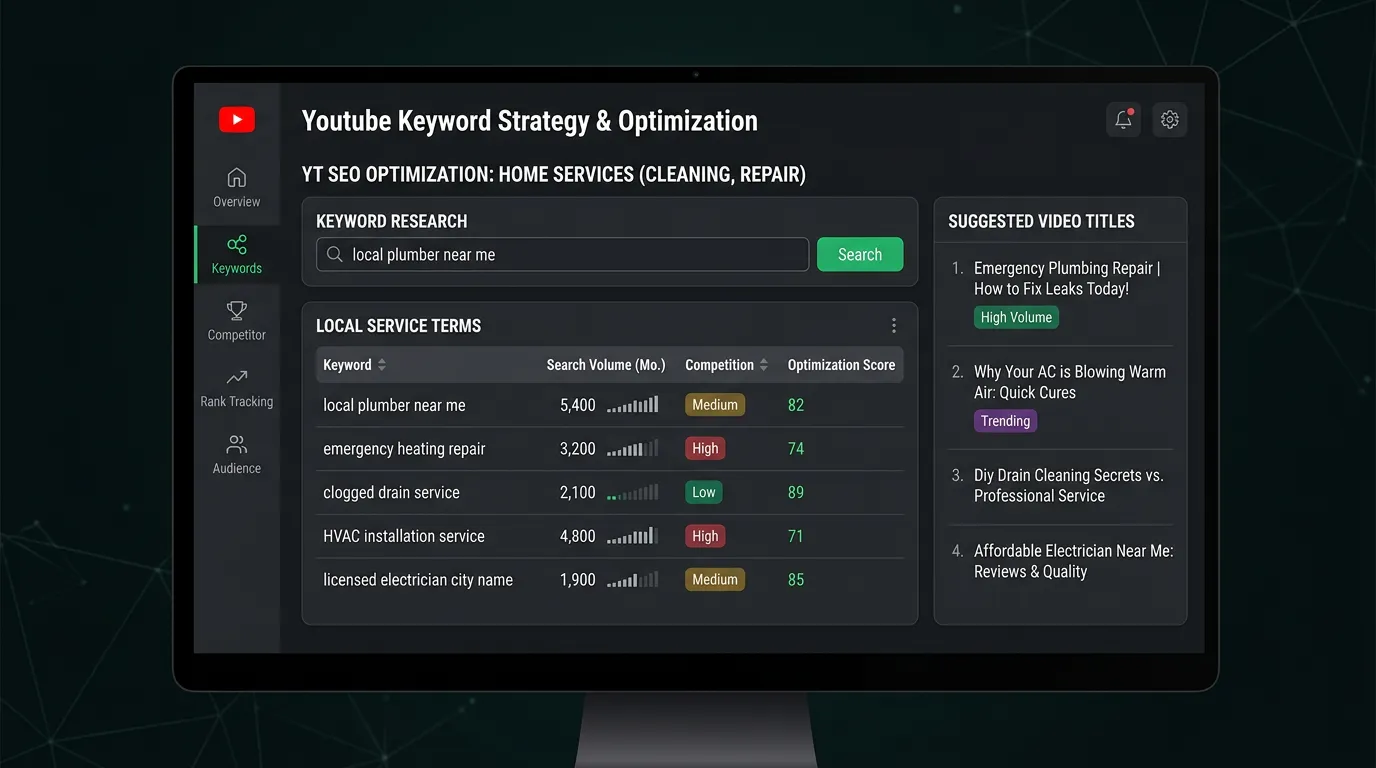
- Keyword research using YouTube search suggestions and Google video results
- Titles written for search intent with key terms in the first 50 characters
- Descriptions with a real summary, service area, phone number, and links
- Custom designed thumbnails tested against each other where volume allows
- Chapters added to any video over two minutes
- Playlists organized by service so views chain together
- End screens and cards pointing to the next logical video or your site
- Retention graph review identifying the exact drop off points
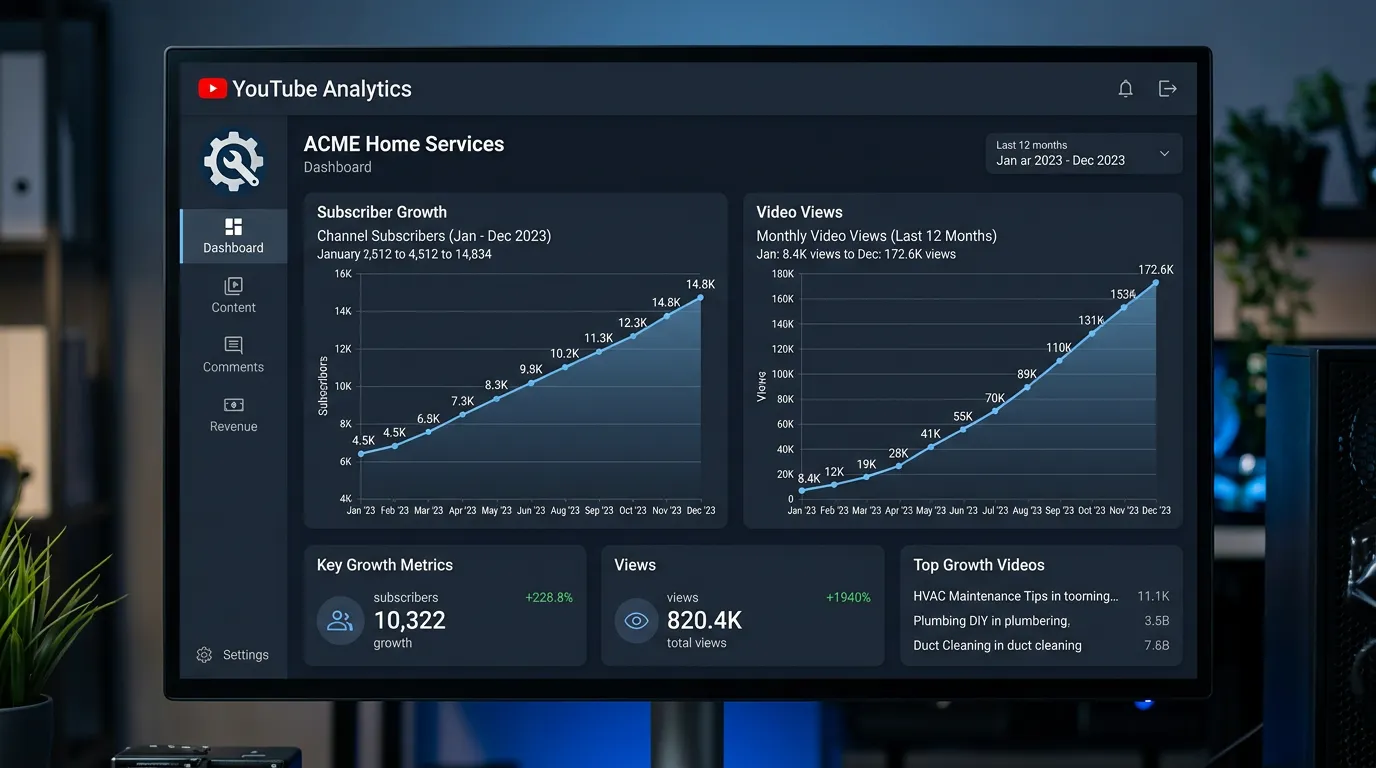
- Monthly report on impressions, click through rate, and average view duration
Our process
Channel Cleanup
Week 1 to 2We fix the basics first: banner, about section with your service area and phone number, verified links, and a channel trailer. Then we rewrite titles and descriptions on existing uploads, which often lifts views on videos already published.
Search Topic Research
Week 2We use YouTube's own search suggestions plus Google results that show video carousels to find the questions people ask about your services. How to and cost questions are where local businesses realistically compete.
Metadata and Thumbnails
Week 2 to 4Every video gets a search focused title, a written description, chapters, and a designed thumbnail. Thumbnails use large readable text and a real face or a clear result, because they are viewed at postage stamp size.
Structure the Channel
Week 4Videos get grouped into playlists by service, end screens point at the next video, and cards link to the matching page on your site so viewers can act while interested.
Retention Driven Iteration
Ongoing, monthlyEach month we review the retention graph for every video. A cliff at 15 seconds means the hook failed. A slow steady decline is normal. Those patterns shape the next round of scripts.
Realistic timeline: Channel cleanup in two weeks. YouTube search results build slowly, so expect three to six months before videos accumulate steady discovery traffic.
Titles That Get Found Against Titles That Do Not
Retitling videos you already published is usually the fastest win on a neglected channel. These are the kinds of rewrites we make.
| Uploaded as | Rewritten to | Why the change works |
|---|---|---|
| Our New AC Commercial | Why Your AC Blows Warm Air and 5 Common Causes | Matches what a homeowner types at two in the morning in July |
| IMG 4471 | What a Water Heater Replacement Really Costs | Cost questions carry the highest buying intent in the trades |
| Meet the Team | Who Shows Up When You Book a Repipe | Answers a worry instead of naming a page on your website |
| Bathroom Remodel Project | Small Bathroom Remodel From Start to Finish | Sets an expectation the viewer can picture before clicking |
| Tips and Tricks | 3 Signs Your Electrical Panel Needs an Upgrade | A count tells people how long the video will take |
Put the words people search in the first fifty characters, because phones cut off the rest.
Reading a Retention Graph Without Guessing
The retention graph in YouTube Studio shows what share of viewers are still watching at each second. Four shapes come up again and again, and each one points at a different fix.
A cliff in the first fifteen seconds means the opening broke a promise. Either the hook was slow or the thumbnail suggested something the video did not deliver. A sag in the middle usually sits right where someone introduced themselves or explained what the channel is about. Cut that section out of the next script entirely.
A small bump upward is the useful one. People rewound to see something again, and it is nearly always a number, a close up of a part, or a step someone missed. Whatever is on screen at that second deserves its own video. A steady gentle decline with no cliffs is a healthy graph, so leave that video alone and copy its structure.
Thumbnails Judged at the Size of a Stamp
Most people see your thumbnail smaller than a postage stamp on a phone. Design for that size and nothing else.
Do this
- Use three or four words at a size you can read at arm's length
- Show one face with a clear expression, or one clear finished result
- Keep the same colors and font across the channel so people recognize you
- Shoot a thumbnail frame on the shoot day while the lighting is already set
- Shrink it down and look at it on your phone before you upload
Not this
- Do not accept the frame YouTube picked for you
- Do not put anything important in the bottom right, where the timestamp sits
- Do not promise something the video does not actually show
- Do not write a full sentence, since nobody can read it at that size
- Do not put light text over a bright sky or a white wall
Channel Questions That Come Up After Month One
Should I delete old videos that get no views?
Do Shorts help my regular videos?
How many videos before the channel is worth anything?