Reputation Management
Review Generation Systems
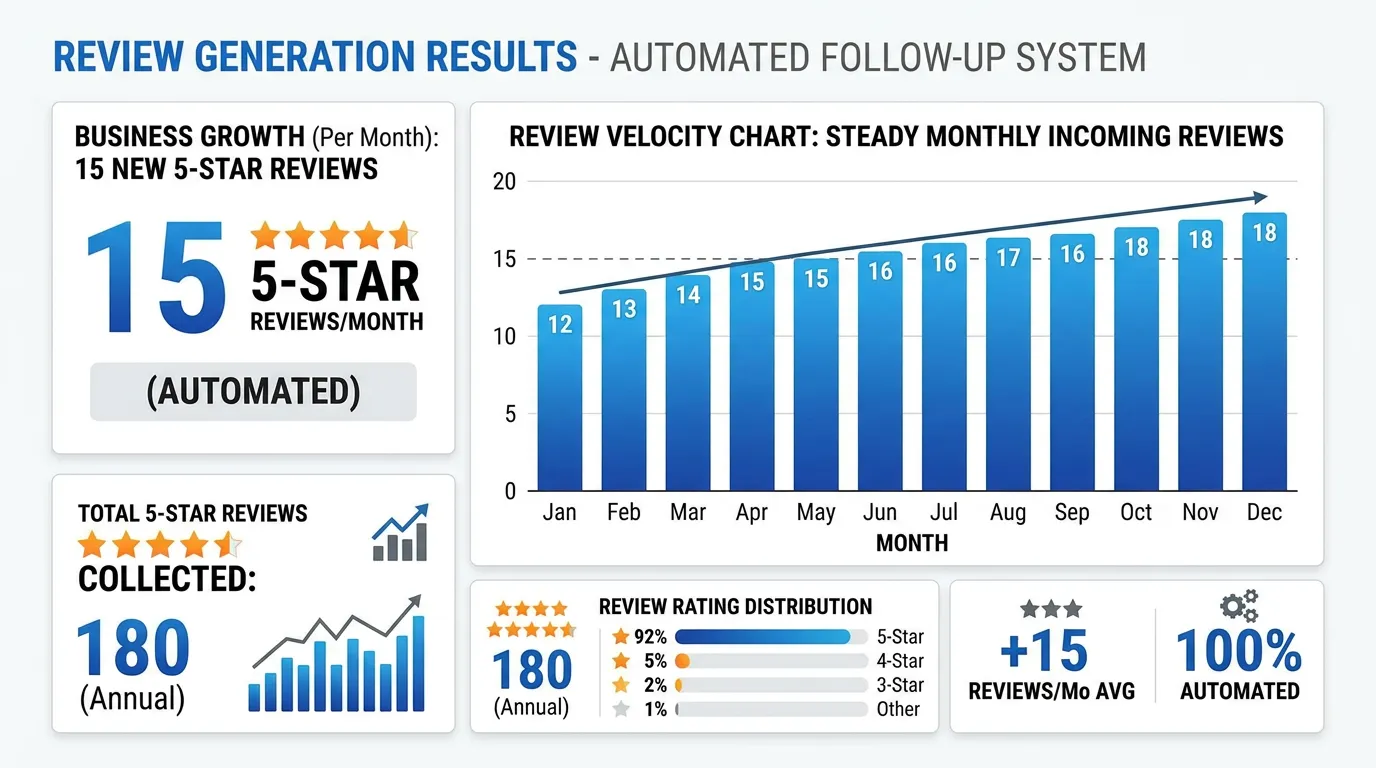
Text requests sent within minutes beat emails sent days later
- Timeline
- Live in 3 weeks
Call (714) 823-3164 or ask a question. Clear recommendations, even if we never work together.
A review generation system is a repeatable process for asking customers for a review when they are happiest with the work. It has four parts: an in person ask, a text with a direct review link sent right away, one reminder, and tracking by staff member. That is what keeps new reviews coming in steadily.
The problem
Every owner knows they should ask for reviews. Almost nobody does it consistently. The technician finishes the job, gets in the truck, and drives to the next one. The office means to send an email but the day gets away. Two months pass with no new reviews while the competitor down the street collects six. The problem is never intent. It is that asking was never built into the workflow, so it depends entirely on someone remembering during a busy day.
What it is
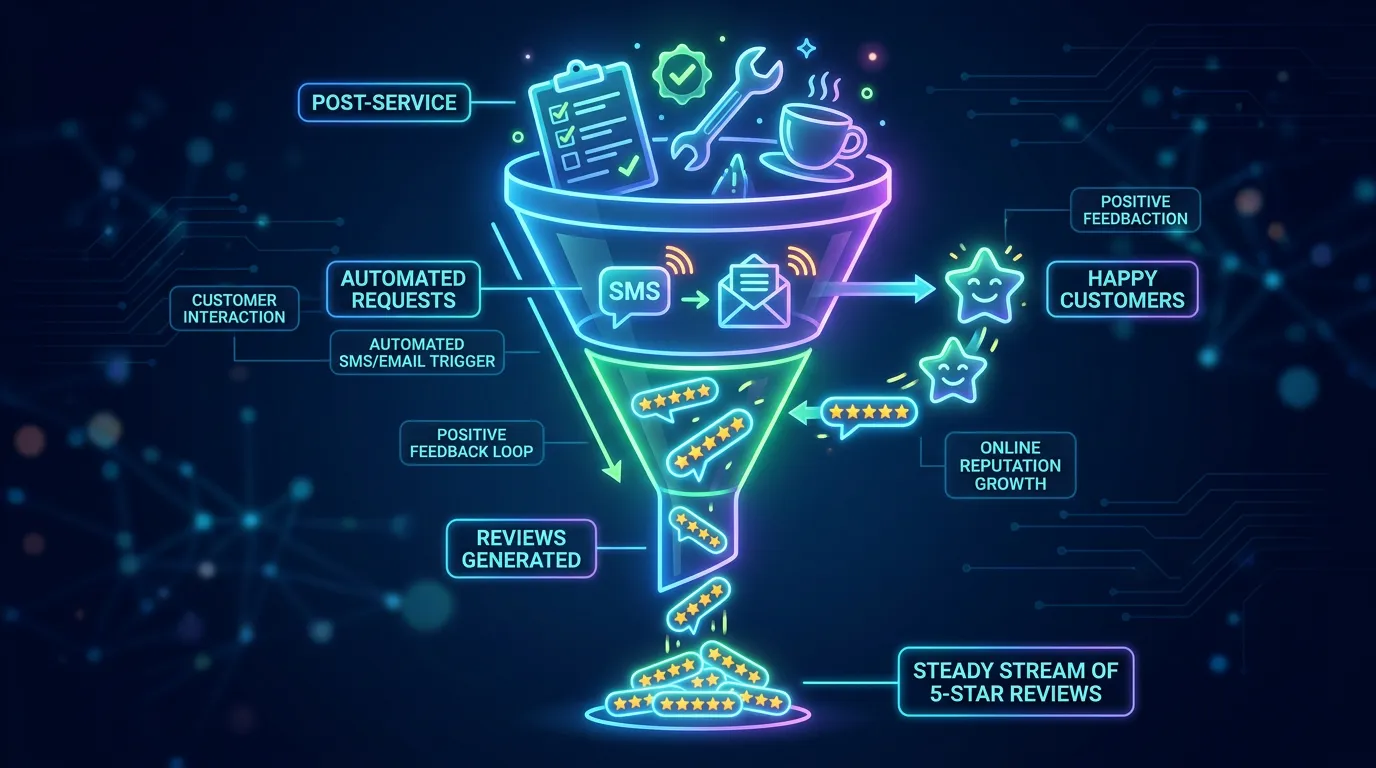
The system has four parts, and each one is kept small on purpose. The spoken ask happens while you are still with the customer. It is one sentence, and it comes from the person who did the review generation work. The text goes out within minutes of the job closing. It holds one line and one link that opens the review form directly. One reminder follows two days later if nothing was posted, and then it stops. Behind all of that, each request gets logged against the staff member who did the job. That turns asking for reviews into a habit you can measure instead of a hope. If you use a CRM or field service software like ServiceTitan, Jobber, or Housecall Pro, the request fires on its own when a job is marked complete.
Signs you need this
- Your review count has moved by fewer than ten in the last year
- Nobody on your team knows the link to send a customer
- You get reviews only when a customer thinks of it on their own
- Reviews arrive in a burst after a push and then stop completely
- Your best technician has generated zero reviews this year
What is included
- Direct review links for each platform, shortened and tested on mobile
- QR codes for invoices, business cards, and truck door decals
- Text message templates written to be read on a lock screen
- Email template for customers who prefer email or have no mobile number
- Single reminder sequence with a hard stop after one follow up
- Verbal ask script for technicians, providers, or front desk staff
- Trigger setup in your CRM or field service software where one exists
- Per staff member tracking so you can see who asks and who does not
- Monthly volume report against the target set from competitor velocity
Our process
Find the ask moment
Week 1We walk your job or appointment flow and find the point of highest satisfaction. In trades that is the walkthrough at completion. In dental it is checkout. In senior care it is often after the first month, not the first visit.
Build the links and templates
Week 1 to 2Direct review links get generated for each platform, tested on both iPhone and Android, and shortened. Text templates get written under 160 characters so nothing gets cut, with the customer's name and the tech's name included.
Wire up the trigger
Week 2 to 3If you use ServiceTitan, Jobber, Housecall Pro, or a similar system, the request fires on job completion. If not, we set up a simple manual flow that takes the office ten seconds per job rather than a separate task list.
Train the team
Week 3Fifteen minutes covering the one sentence ask, when not to ask, and the policy rules. Techs practice saying it out loud, because the ones who have said it once will say it again and the ones who have not will skip it.
Measure and coach
Ongoing, monthlyMonthly numbers by staff member. When one tech generates fifteen reviews and another generates none over the same job count, that is a specific conversation, not a general reminder in a team meeting.
Realistic timeline: Live in 3 weeks. First new reviews within days of launch. Steady state velocity, meaning a predictable monthly count, settles by month 3 once the habit sticks with the team.
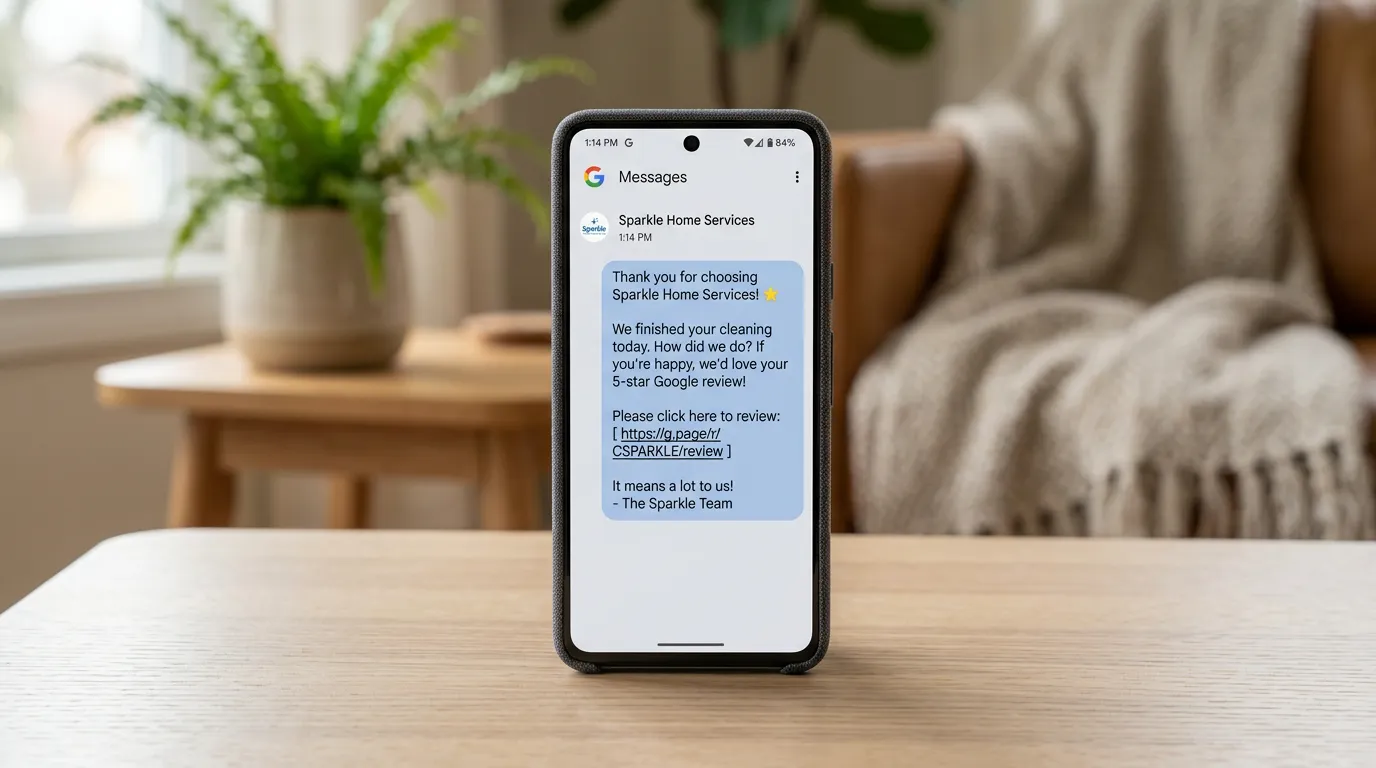
What Happens in the First Two Days After a Job
The whole system is five steps long. Anything longer than this gets skipped in a busy week, which is why most review programs die by month two.
The hard stop after one reminder is deliberate. Two chases annoy people, and annoyed customers sometimes write the review you did not want.
How Many Asks It Takes to Hit a Number
Pick the number first. Say you want ten new Google reviews a month. That target has to fit your job count, or it turns into pressure on the team and nothing else.
Until you have your own data, plan on a rough assumption: one posted review for every five customers who get both the verbal ask and the text. Ten reviews a month then needs about fifty asks. A shop closing sixty jobs a month can do that. A shop closing twenty jobs a month cannot, and needs a target of three or four instead of ten.
After sixty days you throw the assumption out and use your own rate. Count asks sent and reviews posted, then divide. If your rate is far below the planning number, the text is almost never the problem. It is the verbal ask being skipped in the truck, and that shows up clearly once the numbers are broken out by staff member.
Test the Request Before a Customer Ever Sees It
Every one of these has broken a real launch. The whole test takes about twenty minutes and saves a month of sending requests nobody can act on.
Open the link on an iPhone and an Android
It should land on the review box, not the profile page
Test it while signed out of Google
The customer has to sign in, so see what that looks like
Count the characters in the text
Stay under 160 so it does not split into two messages
Send one to yourself and read the lock screen
The first six words decide whether it gets opened
Check what name the text comes from
A bare number reads as spam and gets ignored
Include a way to opt out
Texting rules require it and it costs you nothing
Confirm which phone field the CRM sends to
Many systems store the office line, not the mobile
Build a do not ask list
Open disputes, billing fights, and warranty callbacks
Two Things Owners Ask Right Before Launch
What about customers who do not text?
Can we ask the same customer again next year?