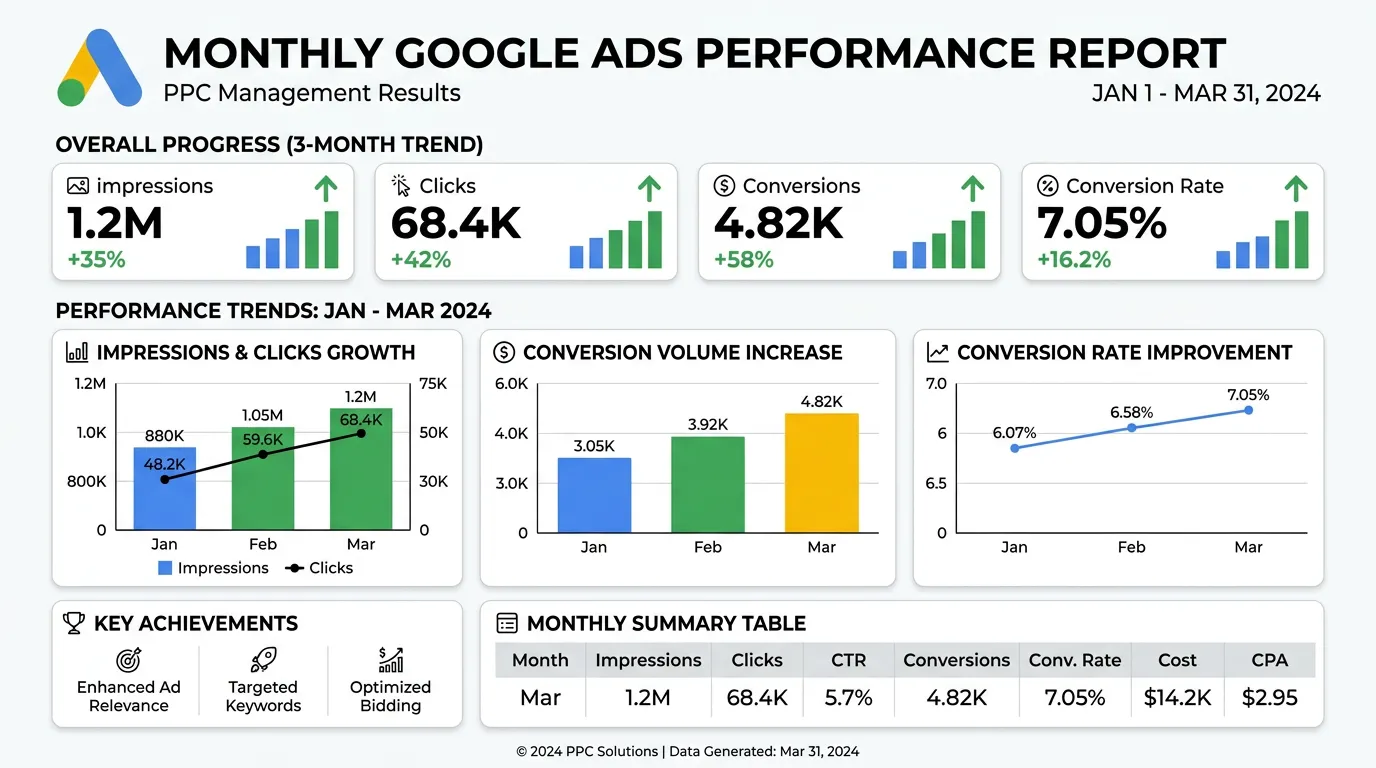
Pay Per Click Advertising
Google Ads Management
Search campaigns built around the jobs you actually want to book
- Timeline
- Live within two weeks of access
Call (714) 823-3164 or ask a question. Clear recommendations, even if we never work together.
Google Ads management is the ongoing work of running search campaigns inside a Google Ads account. That means choosing keywords, writing ads, setting bids and budgets, and blocking bad search terms. It also means reporting on cost per lead. The goal is paid clicks that turn into phone calls, not traffic.
Jump to a section
The problem
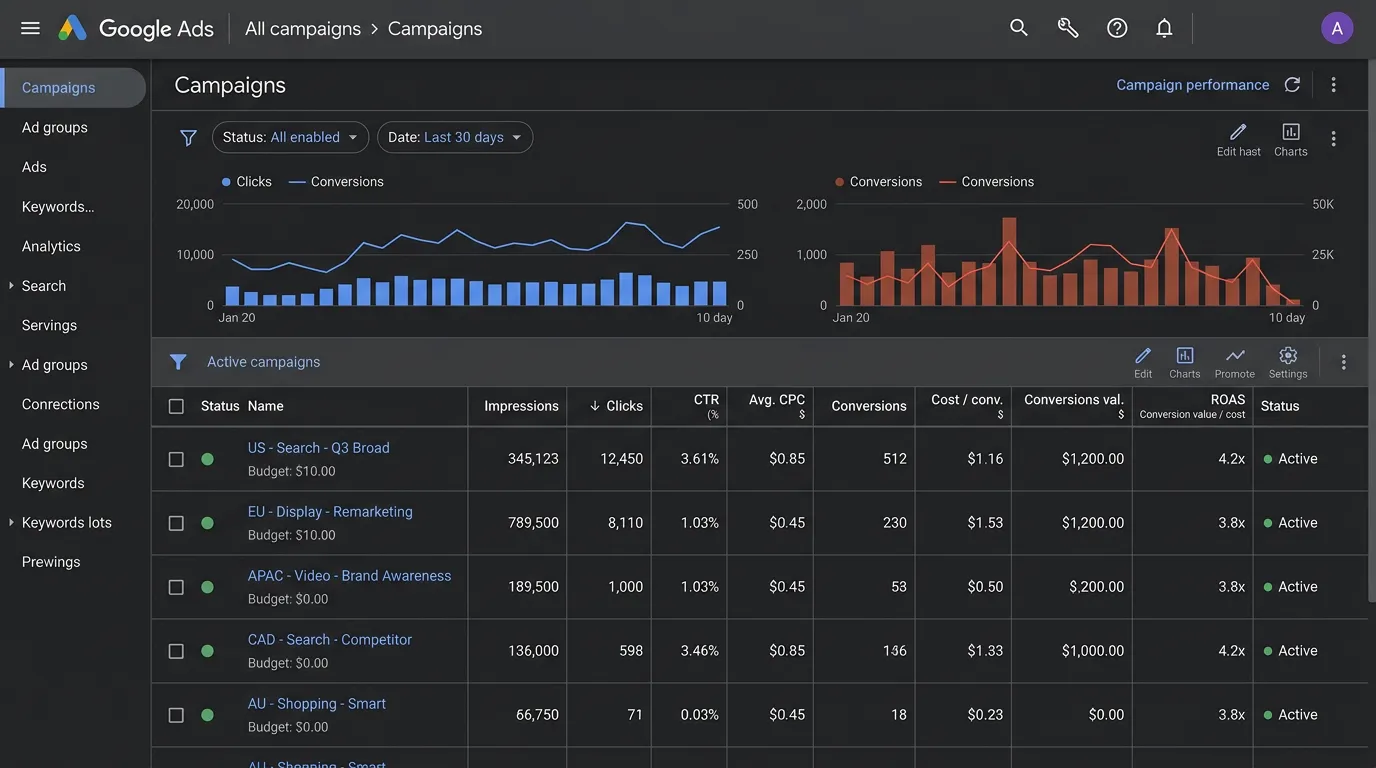
Most Google Ads accounts we open are spending money on searches the owner would never quote. Broad match pulls in job seekers, students, DIY questions, and people two counties away. The account looks busy in the dashboard. The phone rings no more than it did last month. Meanwhile the report from the last agency leads with impressions and click through rate, which tells an owner nothing about whether the spend paid for itself.
What it is
Google Ads management covers the whole search account. That includes campaign structure, keyword selection, match types, and negative keyword lists. It also includes responsive search ads, bid strategy, budget pacing, location targeting, and the ad schedule. Then there are the asset extensions that take up more space on the results page. We build the account so each service line has its own campaign, its own budget, and its own cost per lead. After that we work the search terms report every week. We cut waste and add the phrases that are booking work.
Signs you need this
- Your search terms report is full of queries you would never send a truck to
- Cost per lead has climbed every quarter and nobody can explain why
- The account runs on broad match with one campaign covering everything
- You get calls from cities you do not serve
- Your last report led with impressions and click through rate, never calls
What is included
- Campaign and ad group structure mapped to your service lines
- Keyword list with match types and a starter negative keyword list
- Three responsive search ads per ad group with a pinned brand headline
- Sitelink, callout, call, location, and structured snippet assets
- Location targeting set to presence only, with radius or zip code lists
- Ad schedule matched to the hours your phones are answered
- Weekly search term review with negative keyword additions
- Shared and campaign level budget pacing to prevent early month burn
- Monthly report showing spend, calls, forms, and cost per lead by campaign
Our process
Account Access and Baseline
Days 1 to 3We take manager access to your existing account or build a new one under your ownership. Then we pull the last 12 months of search terms, conversions, and spend so the starting point is a number instead of a feeling.
Service Line and Keyword Mapping
Days 3 to 7We list every service you want to sell and group keywords by intent: emergency, replacement, repair, quote, and brand. Services you do not want, like warranty work or rentals, go into the negative list before a dollar is spent.
Build and Launch
Week 2Campaigns launch on manual CPC or maximize clicks until conversion data exists, then move to target CPA. Budgets start low on purpose because waste is highest in the first two weeks, before the negative list has any depth.
Search Term Mining
Week 2 to 8For six to eight weeks we read the search terms report weekly and block queries that will never buy. This is where most of the early savings come from. Expect the negative list to grow by several hundred terms.
Bid and Budget Tuning
Ongoing, monthlyOnce a campaign has 15 to 30 conversions we shift budget toward the service lines with the lowest cost per booked job and set adjustments by device, location, and hour of day.
Realistic timeline: Live within two weeks of access. Clicks and calls inside 48 hours of launch. Cost per lead usually drops 20 to 40 percent by month three, then holds.

Match Types and What Each One Really Buys
Match type decides which searches can trigger your ad. In a new account it is the biggest lever on waste, bigger than bids and bigger than ad copy.
| Match type | How it is written | What it can trigger | Best use | Main risk |
|---|---|---|---|---|
| Exact | [water heater repair] | That phrase and close variants | Your proven money terms | Low volume on its own |
| Phrase | "water heater repair" | Searches that carry the same meaning | Finding new wording safely | Drifts wider than it used to |
| Broad | water heater repair | Anything Google reads as related | Later, with clean conversion data | Jobs, DIY, and parts searches |
| Negative phrase | "repair jobs" | Blocks any search holding that phrase | Cutting a whole theme of waste | Blocks good terms if set too wide |
| Negative exact | [free water heater] | Blocks that one search only | Surgical cuts next to good terms | Slow to build, one at a time |
New accounts start on exact and phrase. Broad match comes later, once the negative list has depth and the conversion data is trustworthy.
Picking a Bid Strategy for the Data You Actually Have
Bid strategy is not a preference. It follows from how many conversions the account records each month. Automated bidding learns from examples. Give it too few and it guesses with your money.
Under about 15 conversions a month we run manual CPC or maximize clicks and set bids ourselves. Between 15 and 30 a month, maximize conversions usually beats a person. Above 30 a month, target CPA becomes safe, because Google finally has enough history to aim at a number instead of chasing one.
The common mistake is a target CPA built on hope instead of history. If the account books leads at 90 dollars and you set the target to 40, the system quietly stops entering auctions. Traffic falls off a cliff and the owner blames the algorithm. We move a target by no more than 15 percent at a time.
Every strategy change restarts a learning period of one to two weeks. That is why we batch changes instead of poking at the account on a Tuesday afternoon.
What a Managed Account Gets Looked At Every Month
Set and forget is how accounts drift. This is the list we work through, and what each item is really looking for.
Search terms report, read every week
New negatives added in the same sitting
Budget pacing against the calendar
Catches a campaign that dies on the 20th
Impression share lost to budget versus rank
Tells you if the fix is money or bids
Call log checked against the ad schedule
Hours nobody answers get bids pulled back
Location report by city and zip code
Finds spend leaking into towns you skip
Asset and extension performance
Low rated headlines swapped for new angles
Conversion actions tested live, not assumed
One broken tag can hide a whole month
Auction insights for new names
A new competitor shows up here first
Questions Owners Ask Once the Account Is Running
Should I bid on my own business name?
Can Google spend more than my daily budget?
Is a high click through rate a good sign?