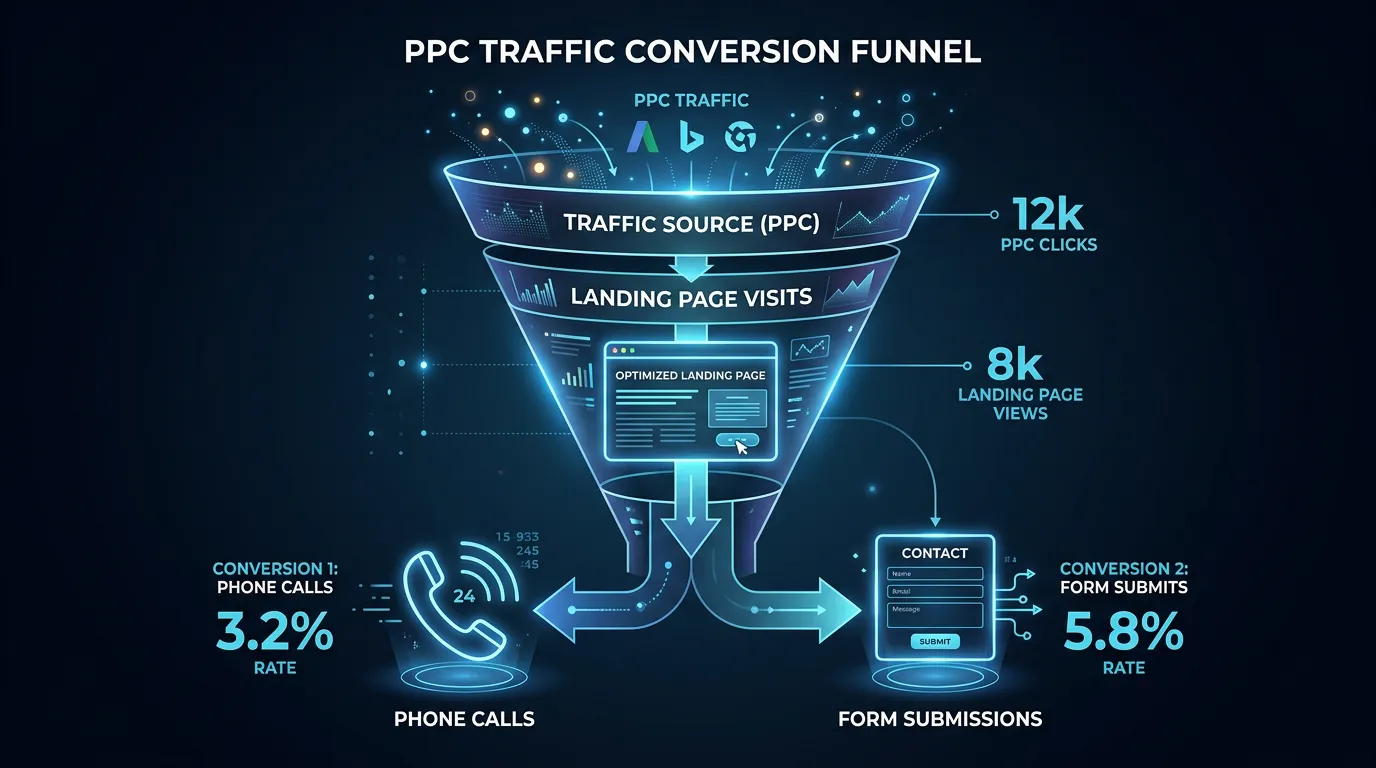
Pay Per Click Advertising
Conversion Tracking Setup for Paid Campaigns
Tracks calls, forms, and chats, not just page views
- Timeline
- Two to three weeks for a full setup on a normal site
Call (714) 823-3164 or ask a question. Clear recommendations, even if we never work together.
Conversion tracking setup is the technical work of recording what happens after an ad click: phone calls, form submissions, chats, and booked jobs. It uses Google Tag Manager, GA4, call tracking numbers, and offline conversion imports. Together they tie every lead back to the campaign and keyword that produced it.
Jump to a section
The problem
We have audited accounts spending 8,000 dollars a month where the only tracked conversion was a page view of the contact page. Every optimization decision in that account was made on fiction. The other common failures: the same lead counted three times because a thank you page reload fires the tag again, call conversions counted the second the phone rings even if the caller hangs up in four seconds, and GA4 conversions that never got imported into Google Ads so the bidding algorithm had nothing to learn from. Bad tracking does not just hide results. It actively teaches the machine to buy the wrong clicks.
What it is
Conversion tracking setup covers everything between the click and the money. We install Google Tag Manager and set up GA4 with proper event names. We add a call tracking platform with dynamic number insertion, so the phone number on the page changes with the traffic source. That is how a call gets tied to a single keyword. We set counting rules so one lead equals one conversion. We add call duration thresholds so a 12 second hang up does not count as a lead. Where your CRM allows it, we push closed job data back into Google Ads through offline conversion import. Then bidding aims at revenue instead of form fills.
Signs you need this
- Your only conversion action is a page view of the contact or thank you page
- Google Ads reports more conversions than you have actual leads
- Nobody can tell you which keyword produced last week's best job
- Phone calls are your main lead source and none of them are tracked
- Your site was redesigned and conversion counts changed overnight
What is included
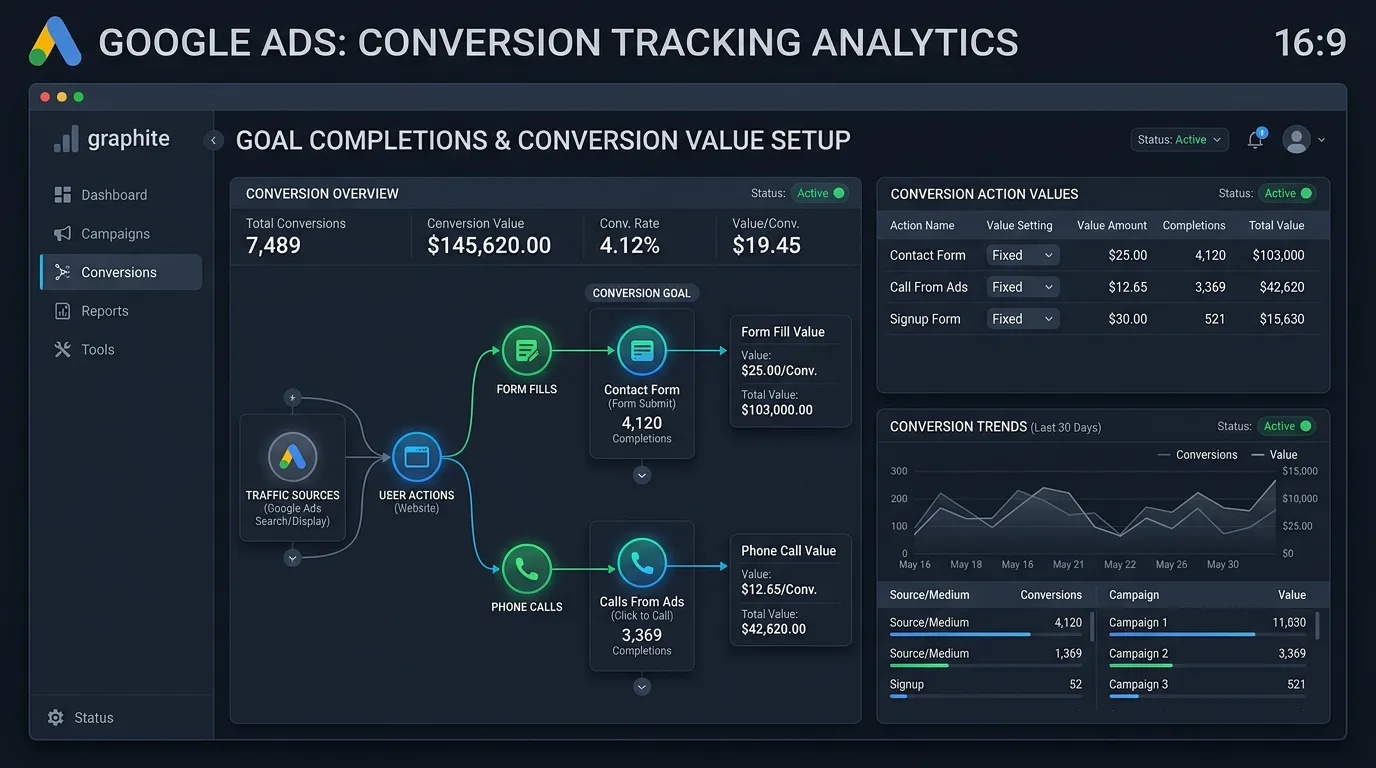
- Google Tag Manager container installed with a documented naming convention
- GA4 property configured with key events for calls, forms, chats, and bookings
- Call tracking platform setup with dynamic number insertion on every page
- Call duration threshold so short hang ups are excluded from conversions
- Conversion actions in Google Ads with correct counting and attribution windows
- Enhanced conversions configured to recover data lost to browser restrictions
- Consent mode configuration for privacy compliance
- Offline conversion import from your CRM where an integration exists
- A one page tracking map showing every event, where it fires, and what counts
Our process
Tracking Audit
Days 1 to 5We document every existing tag, pixel, and conversion action, then test each one live. Duplicate tags, tags left over from a previous agency, and conversions counting the wrong thing all get flagged with screenshots.
Container and Event Build
Week 1 to 2We install or clean up Google Tag Manager, define the event taxonomy in plain language, and build triggers for form submissions, click to call taps, chat starts, and booking completions.
Call Tracking Install
Week 2We provision tracking numbers with local area codes, set up dynamic number insertion so the displayed number matches the traffic source, and confirm your real number still shows for direct visitors and your Google Business Profile.
Validation Testing
Week 2 to 3We submit real test forms, place real test calls from an outside phone, and verify each lands in GA4, Google Ads, and your inbox with the right source attached. Nothing goes live until every path is confirmed.
Offline Import and Ongoing Checks
Ongoing, monthlyWhere your CRM supports it we push booked and closed jobs back into Google Ads monthly. We also re verify tags after any website change, since a redesign or plugin update breaks tracking more often than anything else.
Realistic timeline: Two to three weeks for a full setup on a normal site. Longer if a CRM integration is involved. Tracking must be verified before any campaign launches, never after.
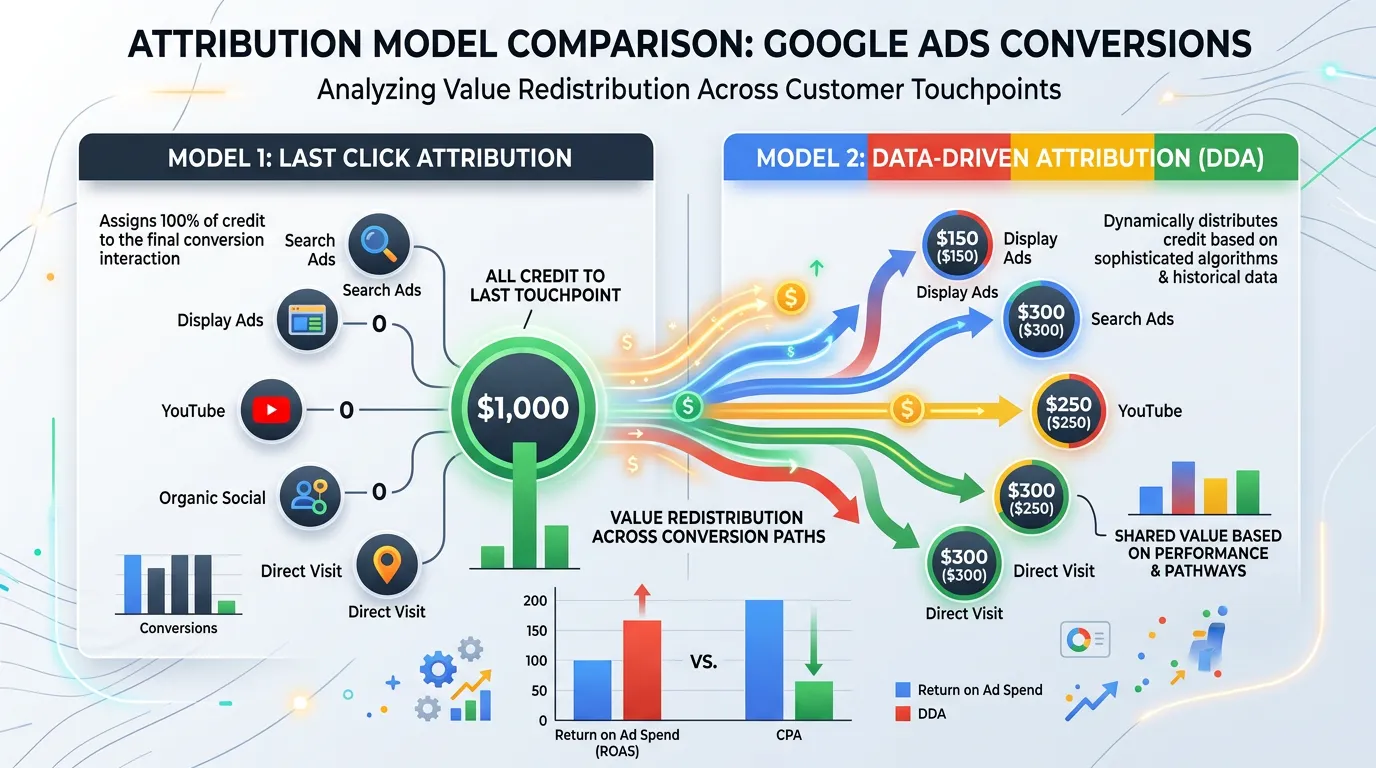
How One Phone Call Becomes A Tracked Lead
Five things happen in order. Break one and the call still rings, but nobody can say which ad paid for it.
The number swap is the step most setups skip, and it is the one that ties a call to a keyword.
What Breaks Tracking And How You Notice
Tracking rarely breaks loudly. It goes quiet, and reports look normal until somebody tests. These are the causes we see most.
| What changed | What stops working | The clue |
|---|---|---|
| Website redesign or theme update | Tags left behind with the old pages | Conversions drop to zero overnight |
| Form plugin update | The submit trigger no longer fires | Leads reach your inbox but not GA4 |
| New consent banner | Tags blocked until someone accepts | Recorded conversions fall sharply |
| New chat widget | Chat leads counted nowhere | Office says chats are up, reports are flat |
| Thank you page URL edited | The old trigger never matches | Forms read zero, calls look fine |
| Tracking number swapped by hand | Old number still sits on some pages | Calls split across two sources |
We retest key events monthly and after any site change, because none of these announce themselves.
Counting Rules That Keep The Numbers Honest
Most inflated conversion counts come from settings, not bad luck. These are the ones we set on every account we take over.
Do this
- Set call and form conversions to count One per click, not Every.
- Require a call to run at least 60 seconds before it counts as a lead.
- Pick one primary action per lead type and mark the rest secondary.
- Turn on enhanced conversions to recover data browsers now block.
- Write down every event, where it fires, and what counts as a lead.
Not this
- Do not count a view of the contact page as a conversion.
- Do not import a GA4 key event that Google Ads already tracks.
- Do not put a tracking number on your Google Business Profile.
- Do not launch a campaign before somebody places a live test call.
- Do not count chat opens. Count chats where contact details were left.
The Twenty Minute Test That Saves A Quarter
Before a campaign spends a dollar we run the same test on every account. It takes about twenty minutes and it catches nearly everything.
Fill in your own form from a phone on cell service, not office wifi. Then call the tracking number from a phone that is not saved in your contacts. Stay on for ninety seconds so the duration rule is cleared. Now check four places: your inbox, GA4, Google Ads, and your CRM.
The lead has to show up once in each one, with the source attached. Twice anywhere means a duplicate tag. Missing from Google Ads usually means the conversion action was never imported. Missing the source means the click ID was dropped, often by a redirect or a form that opens in a new window.
Call Recording And Click IDs, Answered
Do recorded calls need an announcement in California?
What is a click ID and why does my CRM need it?