Pay Per Click Advertising
Google Ads Account Audit
One time review with a written report you keep
- Timeline
- Ten to fourteen business days from access to delivered report
Call (714) 823-3164 or ask a question. Clear recommendations, even if we never work together.
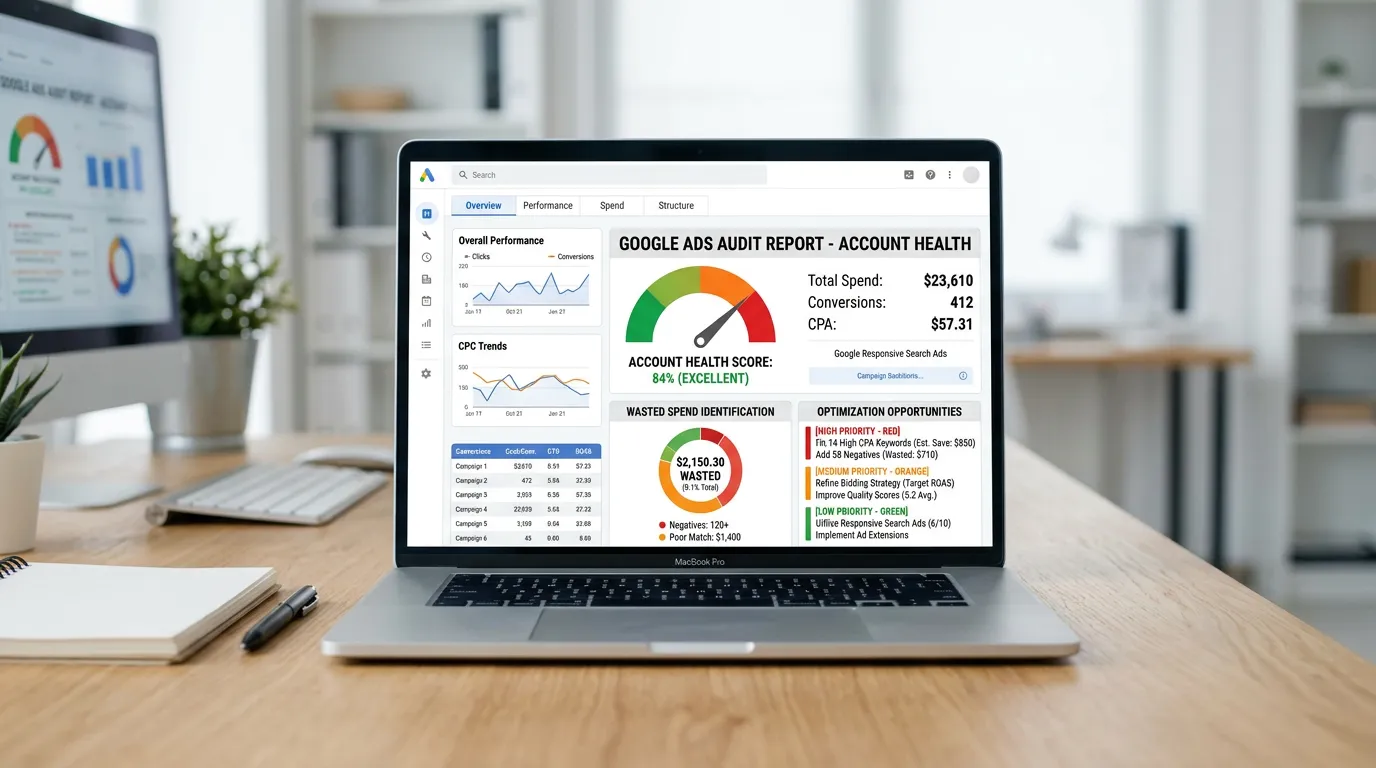
A Google Ads audit is a one time review of an existing account that finds wasted spend, tracking errors, structural problems, and missed opportunities. You get a written scorecard and a dollar figure for the waste you can recover. You also get a fix list in priority order that you can hand to anyone, including your current agency.
The problem
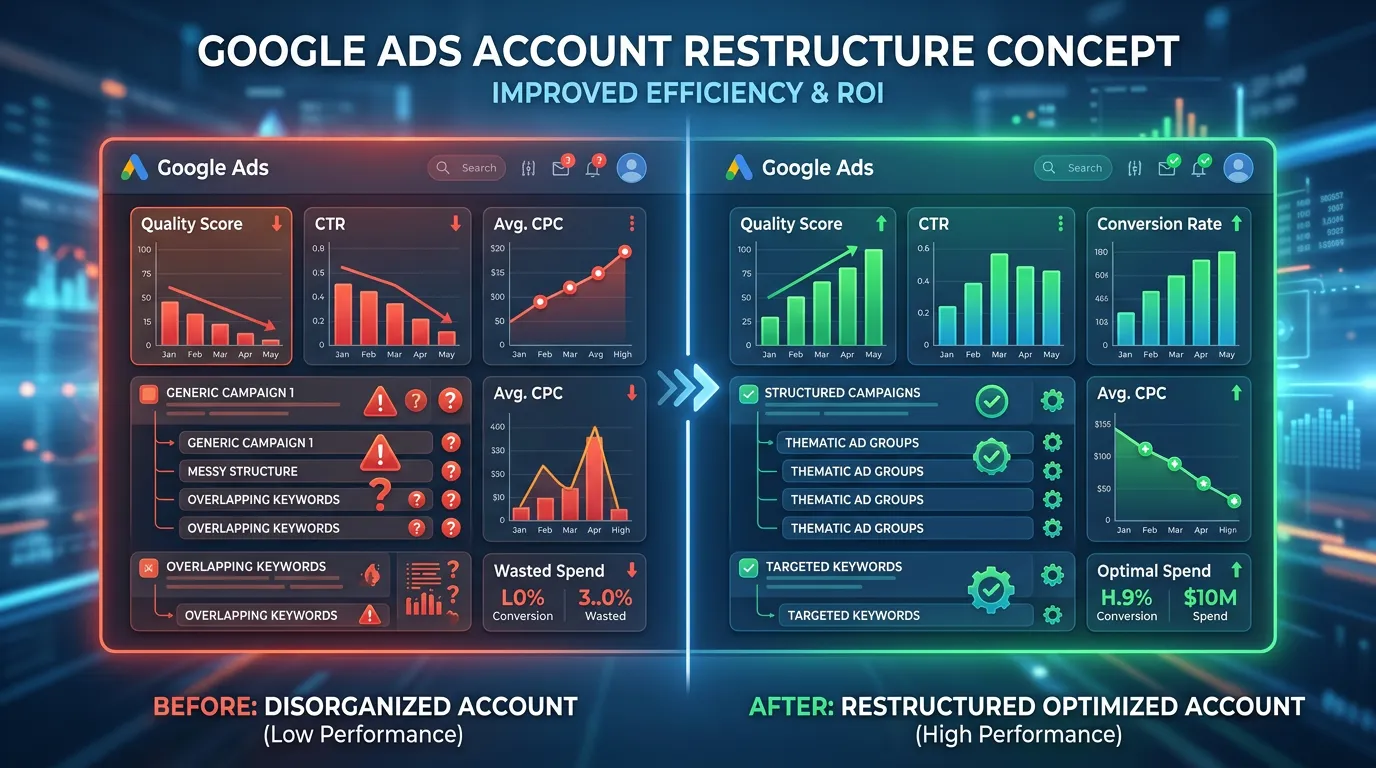
Owners rarely know whether their paid account is being handled well or handled at all. The dashboard is dense, the agency report is designed to look positive, and the only signal an owner really has is whether the phone feels busy. That is not enough to make a decision on. So accounts drift for years with the same three problems: broad match burning budget on unrelated searches, conversion tracking that inflates the numbers, and every ad group pointed at the homepage. An audit turns the guessing into a document with numbers in it.
What it is
The audit is a structured review across seven areas: account structure, keywords and match types, negative keyword coverage, ad copy and assets, landing page alignment, conversion tracking accuracy, and budget and bidding. We pull 12 months of data and read the full search terms report. We test every conversion action live and check your landing pages on a real phone. You get a scored report. You get a waste calculation that shows what percentage of spend went to searches with no chance of converting. And you get a fix list ordered by dollars recovered per hour of work. It is a deliverable, not a sales presentation. It works whether you hire us or hand it to whoever runs your account now.
Signs you need this
- Your spend has grown but your call volume has not
- You cannot explain what your agency changed last month
- You are considering switching agencies and want an outside read first
- Your account has run for years with no structural change
- The reported conversion numbers do not match what your office sees
What is included
- Written audit report scored across seven areas
- Twelve month search terms analysis with a wasted spend dollar figure
- Conversion action testing with screenshots of what fires and what does not
- Account structure diagram showing how campaigns and budgets are split
- Ad copy review against ad strength, asset ratings, and message quality
- Landing page alignment table mapping ad groups to destinations
- Auction insights summary showing who you actually compete against
- Prioritized fix list ordered by expected dollars recovered
- A recorded walkthrough of the findings you can replay for your team
Our process
Read Only Access
Days 1 to 2You grant read only access to your Google Ads account, GA4, and Google Tag Manager. We never make changes during an audit. If you also run Local Services Ads or Microsoft Advertising we look at those too.
Data Pull and Search Term Read
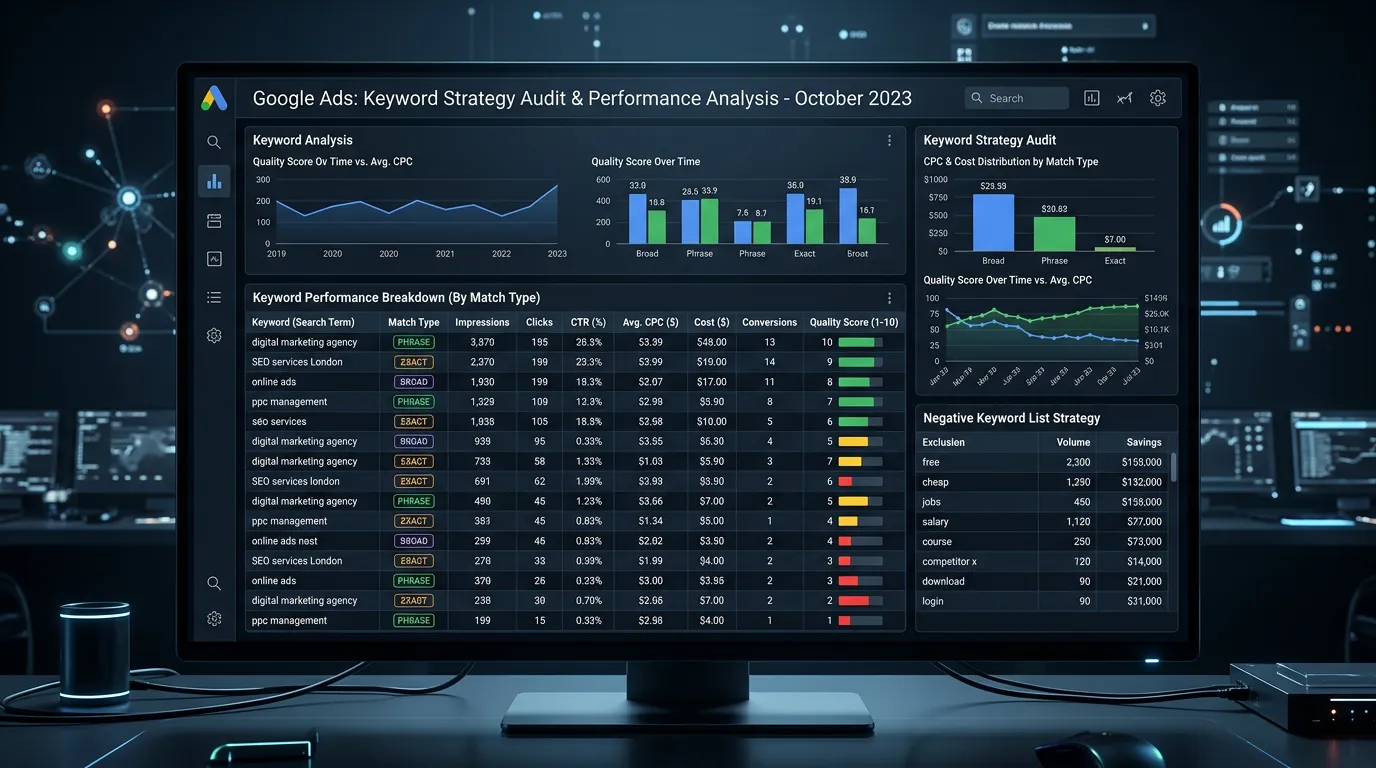
Days 2 to 6We export 12 months of search terms and score every query as qualified, questionable, or waste. This is the slow part and the part most audits skip. It is also where the recoverable dollar figure comes from.
Tracking Verification
Days 4 to 7We submit test forms and place test calls to confirm every conversion action fires once, records the right source, and counts a real lead. Inflated conversion counts invalidate every other number in the account.
Structure and Page Review
Days 6 to 9We map ad groups to landing pages, check page speed on mobile, review ad assets, and compare your campaign splits against the services that actually make you money.
Report and Walkthrough
Days 9 to 12You get the written report and a recorded walkthrough explaining each finding in plain language, ordered by what to fix first. No pressure to hire us, and the document is yours.
Realistic timeline: Ten to fourteen business days from access to delivered report. Faster is possible on small accounts but the search term read is what makes it useful, and that takes time.
The Seven Scores And What Red Looks Like
Each area gets a score. Here is what passing and failing look like in each one, so you know what is being measured before we start.
| Area | Passing looks like | Failing looks like |
|---|---|---|
| Account structure | One campaign per service line, plus brand | One campaign holding everything you sell |
| Keywords and match types | Phrase and exact carrying most of the spend | Broad match with no conversion data behind it |
| Negative keywords | Hundreds of terms, added in the last month | An empty list, or one from launch day |
| Ads and assets | Two or three ads per group, assets rated Good or Best | One ad written years ago and never touched |
| Landing pages | Each ad group points at a matched page | Every campaign points at the homepage |
| Conversion tracking | One lead counts once, with a call duration rule | Page views counted as conversions |
| Budget and bidding | Spend follows cost per booked job | Even budgets set once and never revisited |
Every score comes with the evidence behind it, including screenshots, so you can check our work or argue with it.
How A Search Term Gets Marked As Waste
The waste figure in the report is not an estimate from a benchmark. It comes from reading your actual queries, one screen at a time, and sorting each into three buckets.
Qualified means someone in your area asking for work you do. Questionable could go either way: research phrases, part numbers, and vague terms like ac not working. Waste was never going to buy. That covers job and salary searches, how to questions, free and cheap, warranty and rental, brands you cannot service, and cities you do not drive to.
We add up the spend in the waste bucket. That is the recoverable number, and it is conservative on purpose. Questionable stays out, even though some of that money is also lost, because a figure you cannot argue with beats a bigger one you can.
The queries come with the report. Most owners find a few they disagree with, which is a good sign a person did the sorting.
What To Have Ready Before Day One
The audit moves faster when access is already in place. Here is what we ask for and what each item is actually used for.
Read only access to Google Ads
Add our email as a user. No password sharing.
Viewer access to GA4 and Tag Manager
Needed to test what fires and what does not.
A login or export from call tracking
Call length tells us which leads were real.
Your service list and the zip codes you serve
Geography cannot be scored without it.
Average ticket and close rate by service
Turns cost per lead into cost per booked job.
The last three reports from your agency
We compare the claims against the account.
Anything you were told that you did not believe
It usually points straight at the real problem.
The point of an audit is not to make your last agency look bad. It is to hand you numbers, so the next decision is yours instead of a feeling.
Two Questions Owners Ask First
Could I do this myself?
What if the audit finds nothing much wrong?