Lead Generation Systems
Lead Qualification Systems
Sorts leads before your team spends time on them
- Timeline
- Definition and questions in the first two weeks, scoring and routing live by week six
Call (714) 823-3164 or ask a question. Clear recommendations, even if we never work together.
Lead qualification is sorting incoming leads by whether they match the work you want, before your team spends time on them. It uses screening questions, scoring rules, and routing logic. Good leads reach the right person fast, and poor fits get handled cheaply or declined.
The problem
More leads is not always better. A dispatcher spends the morning on a caller who wants a repair on a unit that should be replaced, a homeowner outside your service area, a tenant who cannot authorize work, and a price shopper collecting a fifth bid. That is four hours gone and no revenue. Meanwhile a real replacement job called at 9:15 and got a callback at 2pm because nobody knew it was the important one. The problem is not lead volume, it is that every lead is treated identically until someone manually figures out which ones matter.
What it is
A qualification system decides what a good lead looks like for your business. Then it applies that decision automatically, as early as it can. It starts with a definition: service area boundaries, job types you want, minimum ticket, who can approve the lead qualification work, and timeline. Those turn into a few screening questions, asked on the form or by whoever answers the phone. Answers create a score or a tier, and the tier decides routing. Hot leads go straight to a salesperson with a text alert. Standard leads join the normal queue. Poor fits get a polite decline or a referral. Spam and vendor pitches get filtered before anyone sees them. It also includes a feedback loop, because the first version of any scoring model is wrong.
Signs you need this
- Your team spends hours on calls that never turn into work
- Estimators drive to appointments that were never going to buy
- Good leads wait hours because nobody knew which ones were urgent
- You get calls from well outside your service area every week
- Form spam and vendor pitches arrive in the same inbox as real leads
What is included
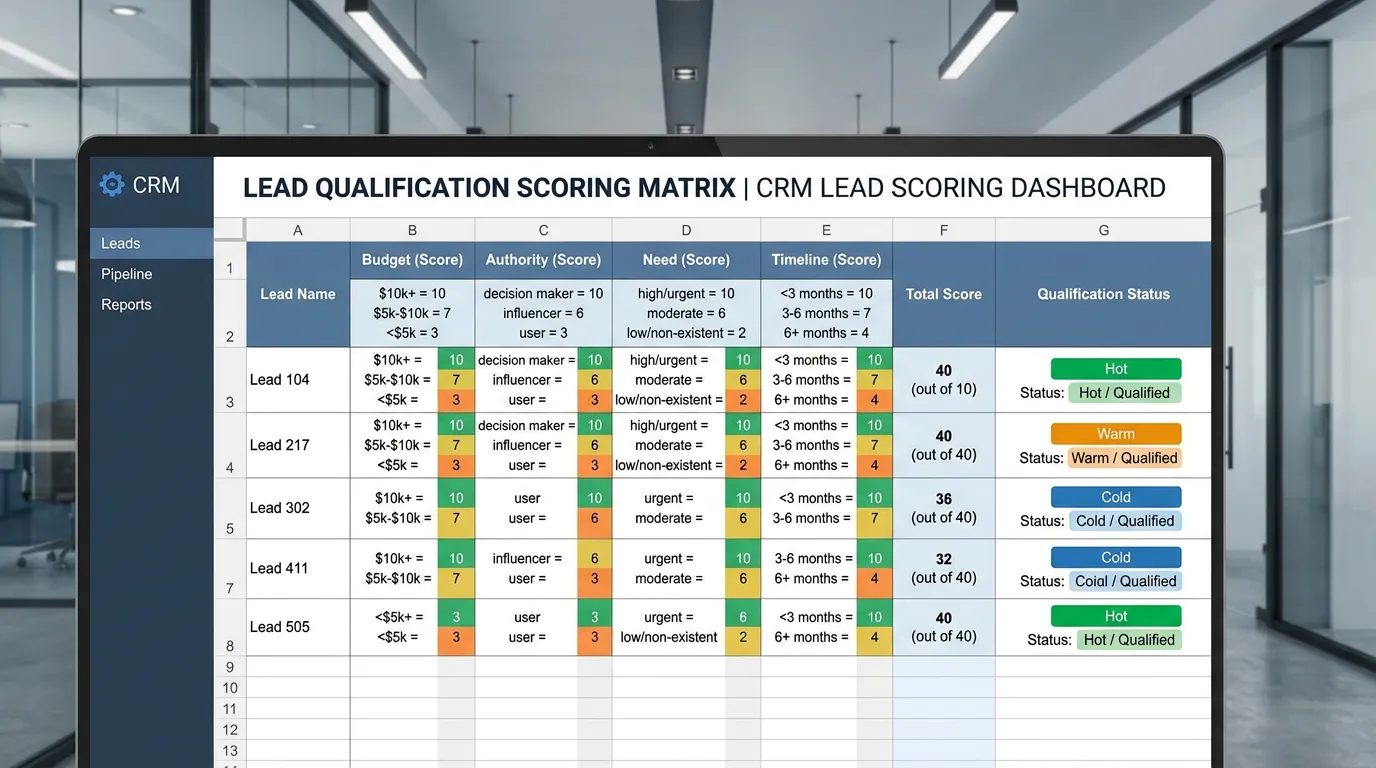
- Written definition of your ideal job by type, ticket size, and service area
- Screening question set for web forms, kept to two or three questions
- Phone script questions for whoever answers, with a simple tier decision
- Scoring rules that assign each lead a tier automatically
- Routing logic sending each tier to the right person or queue
- Instant text or app alert for top tier leads
- Spam and solicitation filtering using honeypots, blocklists, and duration rules
- Polite decline and referral templates for out of area or out of scope requests
- Service area boundary logic based on zip code entered at capture
- Monthly review comparing predicted tier against jobs actually booked
Our process
Define a Good Lead
Week 1 to 2We look at your last 50 booked jobs and your last 50 wasted appointments and find the patterns: zip codes, job types, ticket sizes, and how they described the problem. This is the definition, and it usually contradicts what the owner assumed.
Write the Screening Questions
Week 2Two or three questions that separate good from poor fit without scaring anyone off. Property type, zip code, and whether the issue is repair or replacement usually do more work than a long intake form.
Build Scoring and Tiers
Week 2 to 4Answers map to three tiers rather than a hundred point score, because a three tier model gets used and a complicated one does not. Each tier gets a written definition your staff can apply on a live call.
Set Routing and Alerts
Week 4 to 6Top tier leads trigger an immediate text to the right person. Standard tier enters the callback queue. Poor fit gets an automated response with a referral or a clear explanation of what you do not do.
Filter the Junk
Week 4 to 6Form spam, vendor pitches, and sub 30 second calls get filtered out of the lead count entirely. This also cleans your reporting, since counting spam as leads makes cost per lead look better than it is.
Recalibrate
Ongoing, monthlyEvery month we check whether tier one leads actually booked at a higher rate. When they did not, the rules change. Scoring models that never get corrected slowly become superstition.
Realistic timeline: Definition and questions in the first two weeks, scoring and routing live by week six. Meaningful calibration needs 60 to 90 days of outcome data to compare predictions against booked jobs.
The three tiers, written out
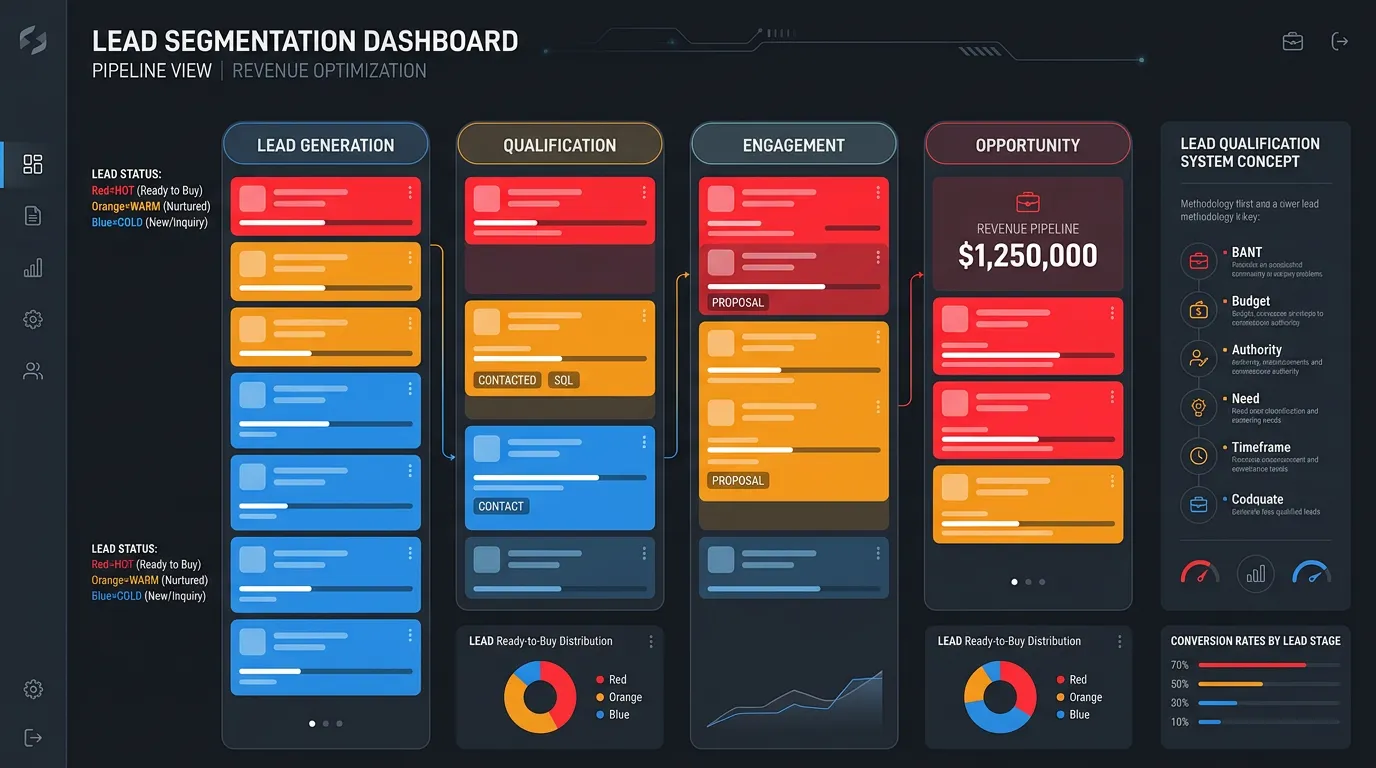
Tiers only work if anyone can apply them during a live call. Three is the limit. Here is what they usually look like for a home service company.
| Tier | What it looks like | Where it goes | Response target |
|---|---|---|---|
| Tier one | In area, right job, decision maker, ready soon | Text alert to the assigned rep | Under 15 minutes |
| Tier two | Fits the lead qualification work, but timing or details are thin | Normal callback queue | Same business day |
| Tier three | Out of area, wrong trade, renter with no approval | Polite decline with a referral | Within an hour, by email or text |
| Filtered | Vendor pitch, bot form fill, 12 second hangup | Nowhere, and out of the lead count | None |
Print this on one page for whoever answers the phone. A model that lives only in software does not get used.
Screening questions and what each one sorts
Two or three of these, picked for your trade, sort better than a ten field intake form. The value is in what the answer tells you, not the answer itself.
What is your zip code?
Service area, in one step
Is this a repair or a replacement?
Rough ticket size
Do you own the home?
Who can approve the work
When are you hoping to start?
Now, weeks, or someday
Has anyone else looked at it?
First call or fifth bid
How old is the system?
Repair odds versus replace
Is the problem happening now?
Emergency or scheduled
Is this a home or a business?
Different crew, different price
The cost of getting the filter wrong
Lead qualification can fail in two directions, and they do not feel the same.
Too loose is the one everybody notices. Trucks roll to jobs that were never going to sell, and a dispatcher loses a morning to someone who wanted free advice over the phone.
Too tight is quieter and more expensive. The renter you declined was calling for a landlord who owns nine units. The price shopper on a small repair had a panel upgrade coming in the spring. Nobody reports these, because they never enter your system at all.
So we check the filter from both ends. Each month we sample declined leads and listen to a few calls that scored tier one and never booked. If tier one is not booking better than tier two, the rules are wrong, not the sales team.
Routing rules that hold up on a busy Monday
Scoring is the easy half. Routing is where these systems quietly stop working, usually about a month after launch.
Do this
- Send a tier one alert to one named phone, not a group
- Give every tier a written response time
- Let staff override a tier if they add the reason
- Log why a lead was declined so the rules can be checked
- Compare tiers against booked jobs every month
Not this
- Do not route leads to a shared inbox and hope
- Do not build more than three tiers
- Do not ask for a budget on a first web form
- Do not leave a tier three lead with no reply at all
- Do not rewrite the rules after one bad week