Lead Generation Systems
Form and Call Tracking
Ties every call and form fill back to a real source
- Timeline
- Two to four weeks to install and validate
Call (714) 823-3164 or ask a question. Clear recommendations, even if we never work together.
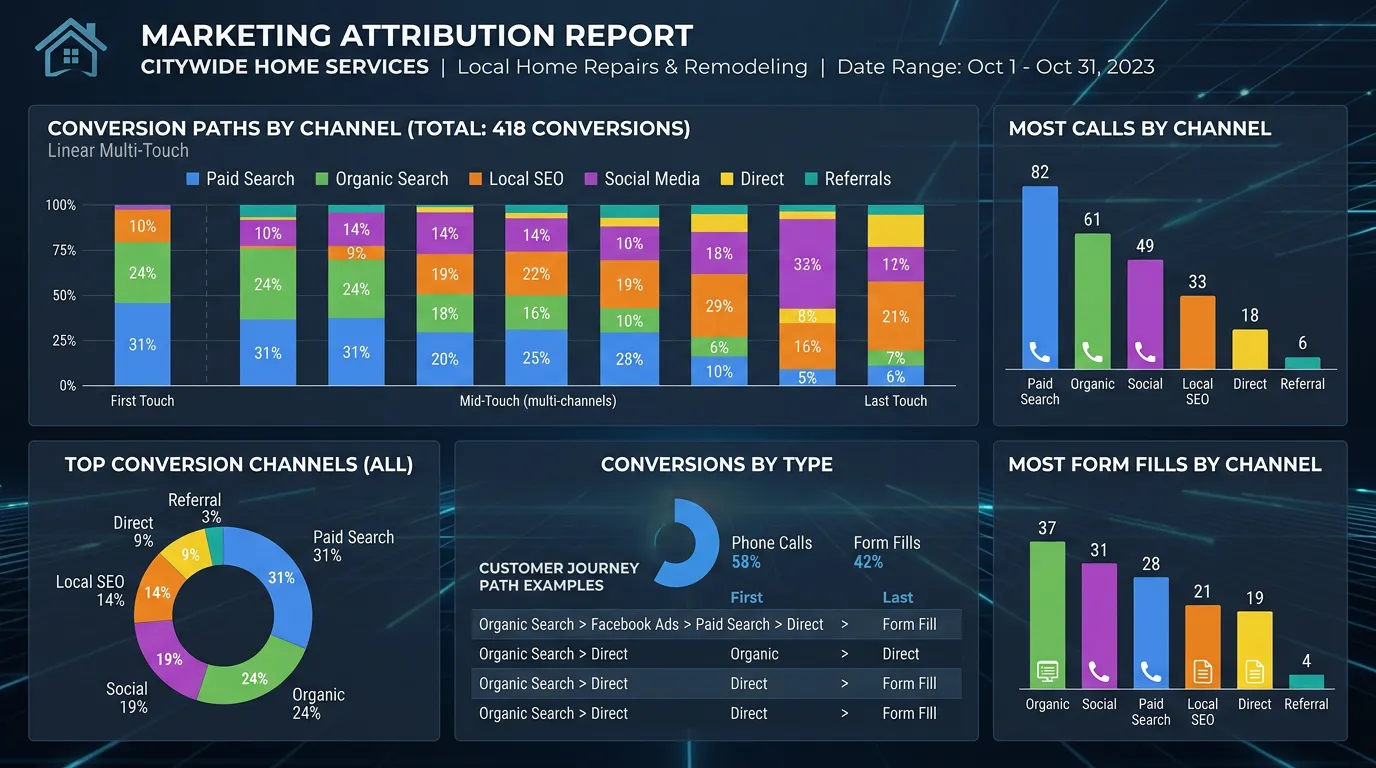
Form and call tracking is the measurement layer that records every inbound lead and ties it back to the source that produced it. It captures the exact campaign and landing page too, using dynamic phone numbers, conversion events, and consistent link tagging. Then you make marketing decisions from real data instead of impressions.
The problem
The most common answer to which marketing works is a guess. Someone remembers a good week after the mailer went out, so the mailer stays. Google Ads reports 40 conversions but your office logged 12 real calls, and nobody can reconcile the two. Meanwhile calls that came from the map pack, calls from the website, and calls from a truck wrap all ring the same line, so there is no way to separate them. Without tracking, you cannot cut the channel that is wasting money, because you cannot prove which one it is. So everything stays and the budget only grows.
What it is
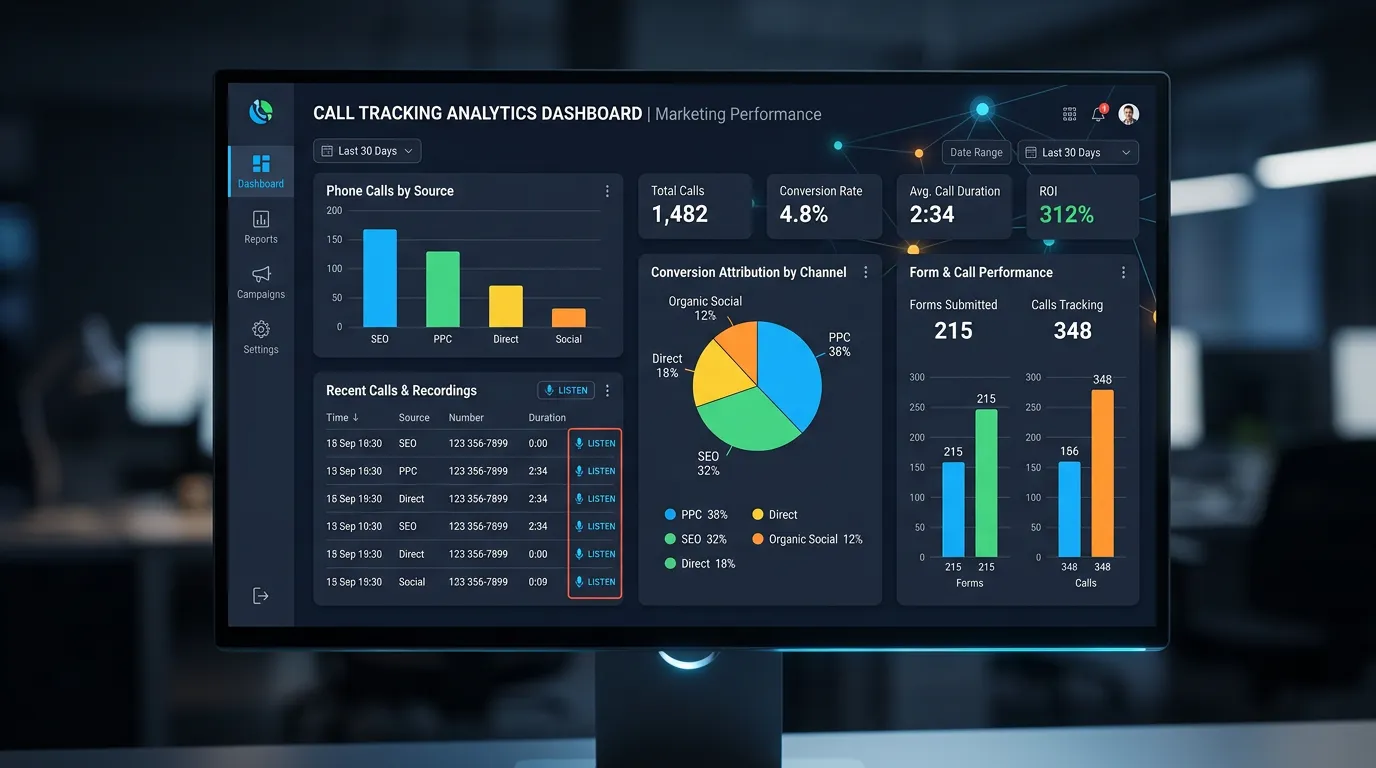
Tracking is a set of connected tools, installed with care. Call tracking software, usually CallRail, assigns a pool of numbers. It swaps the number shown based on how the visitor arrived. A Google Ads visitor sees one number and an organic visitor sees another. Your real number stays on your Google Business Profile, which protects consistency. Form submissions fire GA4 events with the source captured in hidden fields. Every campaign link carries proper UTM tags, so nothing lands in the direct bucket by accident. We review call recordings and durations, so a 12 second wrong number never counts as a lead. Then conversions get imported back into Google Ads. The platform can then optimize toward real leads instead of clicks.
Signs you need this
- You cannot say how many calls came from Google Ads last month
- Your ad platform reports far more conversions than your office remembers
- A large share of your analytics traffic is labeled direct
- You have never listened to a recording of an inbound sales call
- Every marketing channel uses the same phone number
What is included
- Call tracking account setup with a number pool sized to your traffic
- Dynamic number insertion configured by traffic source and campaign
- Your primary number preserved on Google Business Profile and citations
- GA4 conversion events for form submissions, calls, chats, and bookings
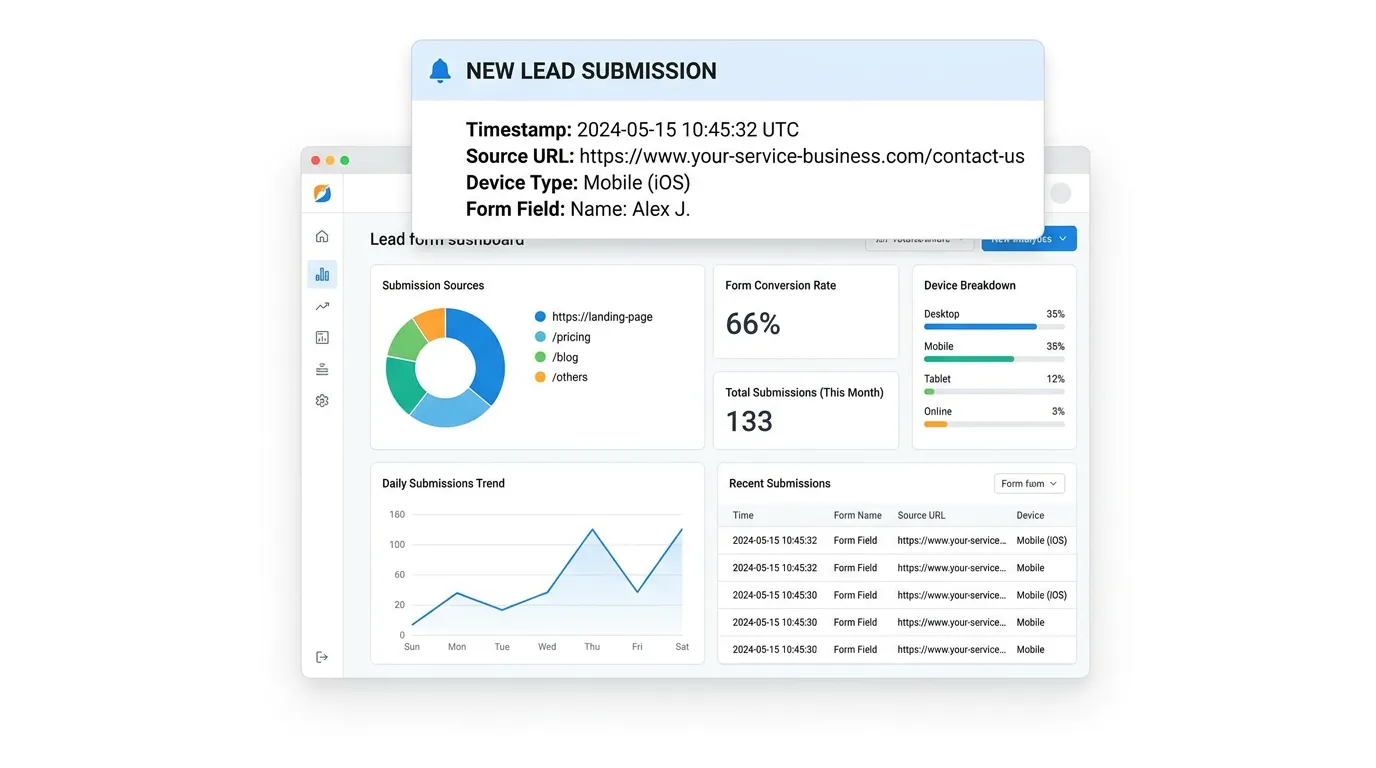
- Hidden source fields on every form so lead origin travels into the CRM
- UTM tagging standard documented and applied across every campaign link
- Call recording, transcription, and minimum duration rules to filter noise
- Offline conversion import back into Google Ads for smarter bidding
- Missed call and after hours reporting so lost calls become visible
- Monthly attribution report showing leads and cost per lead by source
Our process
Audit What Exists
Week 1We check current GA4 events, any existing call tracking, and how links are tagged. Most audits find duplicate conversion events inflating numbers and a chunk of traffic sitting in direct because links were never tagged.
Install Call Tracking
Week 1 to 2Numbers get provisioned with local area codes, dynamic insertion goes on the site, and routing is tested from several phones. Your Google Business Profile number stays untouched so listing consistency is not damaged.
Wire Form Events
Week 2Every form gets a GA4 event with source, medium, campaign, and landing page carried in hidden fields. Those values then flow into the CRM record, which is what makes source reporting survive past the website.
Set Quality Rules
Week 2 to 3Calls under 30 seconds, repeat callers, and known vendor numbers get excluded from lead counts. Without these rules your reporting overstates volume and you optimize toward noise.
Feed the Platforms
Week 3 to 4Qualified conversions get imported into Google Ads so automated bidding learns from real leads. This one step often improves ad performance more than any change to the ads themselves.
Review and Reconcile
Ongoing, monthlyEach month we compare tracked leads against what your office actually experienced. When the numbers disagree we find out why, because trust in the data is the entire point of building it.
Realistic timeline: Two to four weeks to install and validate. Data becomes genuinely reliable after 30 days, and channel level decisions should wait for 60 to 90 days of clean history.
What happens between the click and the CRM
Tracking looks like one tool. It is really five handoffs, and a lead loses its source at whichever one is missing.
Break any one link and the lead still arrives. It just arrives with no idea where it came from.
Sizing a number pool without wasting money
A pool gives each visitor their own number for a while. Too few numbers and two visitors share one, which mixes up the report.
| Monthly site visits | Numbers in the pool | Rough software cost | What goes wrong if it is too small |
|---|---|---|---|
| Under 1,000 | 4 to 6 | 45 to 75 dollars | Rarely a problem at this size |
| 1,000 to 3,000 | 6 to 10 | 60 to 120 dollars | Busy hours start to overlap |
| 3,000 to 8,000 | 10 to 20 | 100 to 200 dollars | Two visitors get the same number |
| 8,000 to 20,000 | 20 to 40 | 150 to 300 dollars | Reports credit the wrong campaign |
| Several locations | One pool per location | Varies by count | Locations get credit for each other |
Check current vendor pricing before you budget. Most tools bill numbers and minutes separately.
Setup details that decide whether you trust the data
Call tracking either produces numbers your office recognizes or numbers everyone argues about. These details decide which one you get.
Do this
- Keep your real number in the page code and on your listing
- Use local area codes so calls do not look like spam
- Set a minimum call length, usually 30 or 45 seconds
- Tag every link, including email footers and printed QR codes
- Send qualified calls back into Google Ads as conversions
Not this
- Do not put a tracking number on your Google Business Profile
- Do not count a reloaded thank you page as a second lead
- Do not run two call tracking scripts on the same site
- Do not judge a channel on twelve days of data
- Do not record calls nobody has time to listen to
How the monthly reconciliation works
Once a month we put three numbers next to each other. What the ad platform reported, what call tracking counted after filters, and how many new records the CRM created.
They never match exactly. A gap under about 10 percent is normal. It comes from repeat callers, people who call and then also fill out a form, and calls answered on a cell phone that never touched the website.
A gap over 30 percent means something is broken. Usually it is a duplicate conversion event, a form that quietly stopped posting to the CRM, or a tracking script that a site update knocked off half the pages.
The goal is not a perfect number. It is that when your office says twelve and the dashboard says forty, you can find out which one is wrong in an afternoon.
A tracking number nobody reconciles is just a more confident way to be wrong.