Google Business Profile Optimization
Google Business Profile Photo and Video Management
Fresh, real photos beat stock images every time
- Timeline
- Cleanup and first batch inside 2 weeks
Call (714) 823-3164 or ask a question. Clear recommendations, even if we never work together.
Photo and video management for a Google Business Profile means uploading current, real images and short clips of the business, its team, and its finished work. It is ongoing work, not a one time upload. Fresh media makes a listing look active, answers questions before someone calls, and directly affects whether a searcher picks you.
The problem
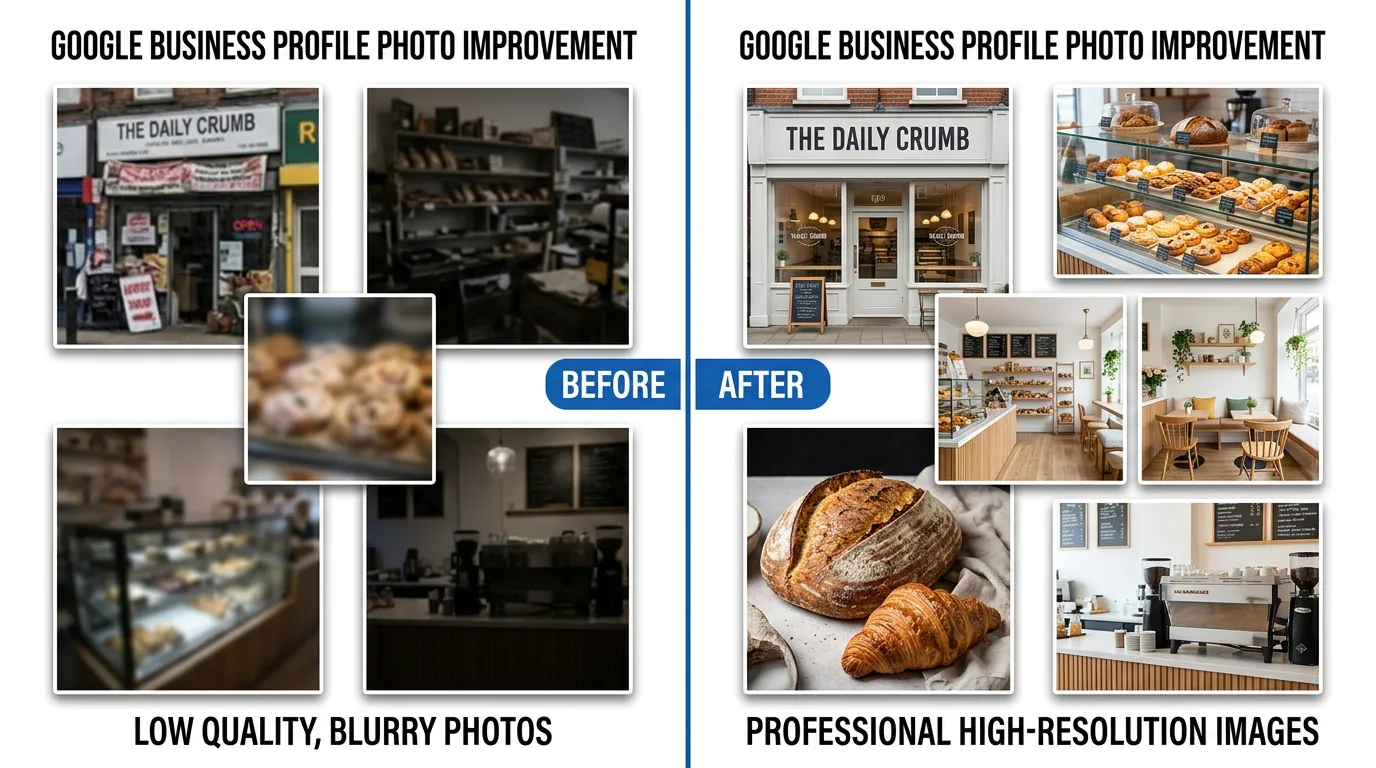
The typical profile has four photos: a stock image of a smiling technician, a logo, a blurry shot of a truck, and something a customer uploaded in 2018. Meanwhile the competitor above you has ninety photos of actual jobs. A homeowner deciding between two companies scrolls the photos, and the one that shows real crews doing real work looks safer to let into a house. That decision happens before anybody reads a word of your website.
What it is
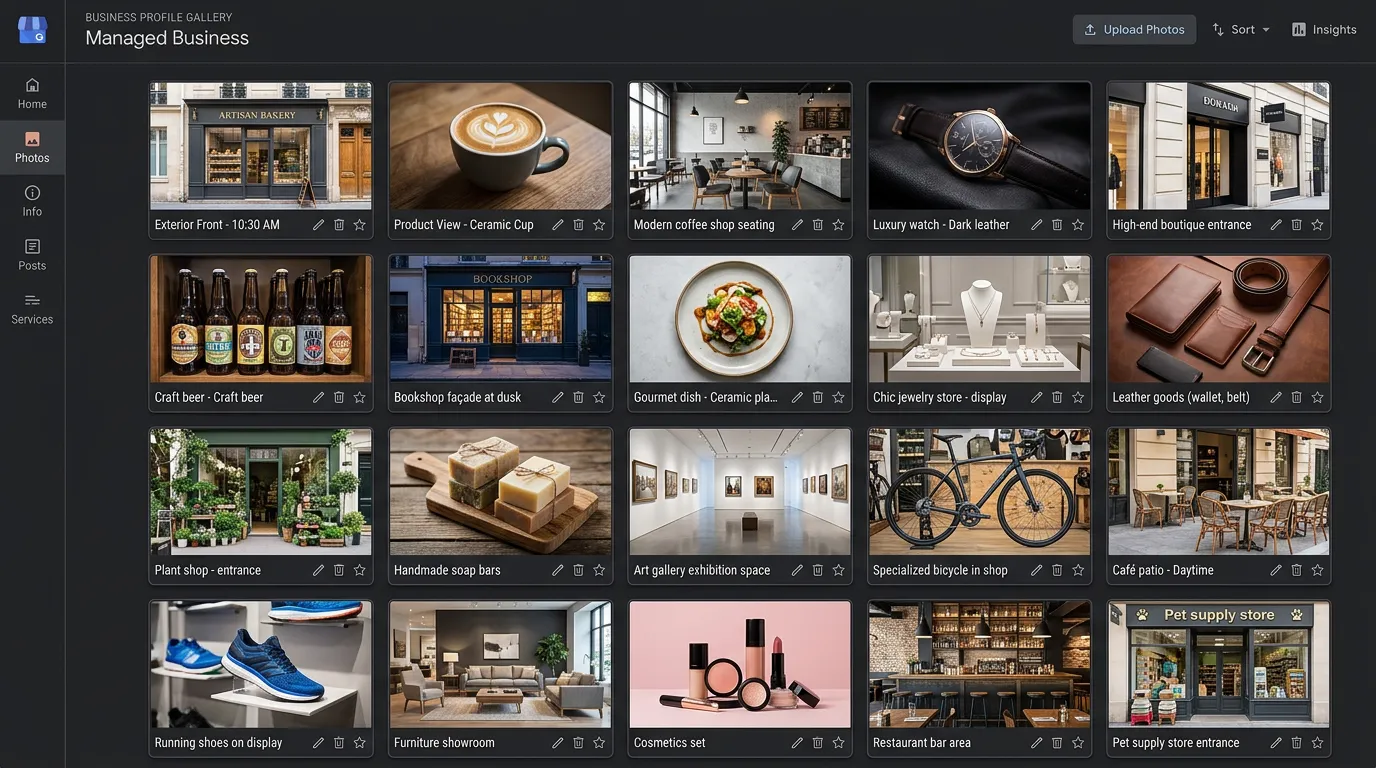
Google supports several photo types on a profile: logo, cover, exterior, interior, team, at work, and product. It also takes short videos up to 30 seconds and 75 MB. Media management starts with a shot list built for what your business needs. Then you collect photos from the field on a regular basis. You file and name them properly, and upload on a schedule so the Google business profile never looks abandoned. It also means watching the photos customers upload and asking Google to remove any that break policy. Geotagging image files does nothing for ranking, and that myth is worth putting to rest. The freshness and volume of real photos does affect engagement.
Signs you need this
- Your Google business profile photos are stock images or older than three years
- A competitor above you has ten times as many photos
- Customers ask basic questions your photos could have answered
- A customer uploaded an unflattering or irrelevant photo of your business
- You have hundreds of job photos on phones and none on your Google business profile
What is included
- Shot list built for your specific trade and Google business profile categories
- Audit and cleanup of existing photos, including stock image removal
- Logo and cover image sized and set correctly
- Monthly upload batch of 8 to 15 new photos
- Short vertical video clips under 30 seconds from job sites
- Before and after sets from completed jobs with customer permission
- Team and vehicle photos that show real people and branding
- Monitoring of customer uploaded photos with removal requests where needed
- Simple field capture guide so your crews can shoot usable photos on a phone
Our process
Audit and clear out
Week 1We review every photo on the Google business profile, remove stock imagery and anything outdated like an old logo or a truck you sold, and flag customer uploads that violate policy for removal requests.
Build the shot list
Week 1 to 2Different trades need different proof. A dental office needs the operatory and the waiting room. A roofer needs completed roofs, crews on site, and the truck. We write the list so nobody has to guess what to photograph.
Train the field capture habit
Week 2 to 3We give your techs a one page guide: horizontal for job shots, good light, no faces without permission, and a before shot before touching anything. Then set a simple drop point, usually a shared album or a text thread.
Upload on a schedule
Ongoing, monthlyBatches go up monthly, spread over a few days rather than dumped all at once. Videos get trimmed under 30 seconds. File names and categories get set correctly at upload.
Review engagement
Every 3 monthsGoogle business profile insights show photo views compared to similar businesses. We use that plus call volume to decide whether to shift the mix toward more job photos, more team photos, or more video.
Realistic timeline: Cleanup and first batch inside 2 weeks. Photo view counts usually respond within 30 days. The compounding benefit comes from sustaining monthly uploads across 6 to 12 months, not from one big upload.

Photo Types and What Each One Is For
Each photo type does a different job on the profile, and each one goes stale on a different schedule. Uploading everything as one undifferentiated pile wastes half of them.
| Type | What to show | How often to refresh | Common mistake |
|---|---|---|---|
| Logo | Your mark on a plain background | Only when the logo changes | A stretched website header |
| Cover | The one shot tied to your name | Twice a year | A collage nobody can read on a phone |
| Exterior | Building, signage, and the street | Yearly, or after a move | Shot at night with the sign unlit |
| Interior | Where a customer waits or sits | Twice a year | Empty rooms with nobody in them |
| Team | Real staff in uniform | Twice a year | Stock models wearing headsets |
| At work | Jobs in progress and finished | Every month | Nothing but trucks in a parking lot |
Google picks which image leads. Giving it a strong option in every type is most of the control you get.
Shooting Photos Worth Uploading
Your crews already carry good cameras. What they need is five rules short enough to remember on a job site.
Do this
- Shoot in daylight, or turn on every light in the room first
- Take the before shot before anyone touches the job
- Hold still and get closer than feels natural
- Ask the homeowner before any photo of their interior goes up
- Put a person in roughly a third of the shots
Not this
- Do not upload stock photography of any kind, ever
- Do not paste prices, phone numbers, or logos across the image
- Do not show a house number, a door code, or an alarm panel
- Do not dump ninety photos in one afternoon and then go quiet for a year
- Do not pay anyone to geotag your files, because the data is stripped on upload
Video Is Where Most Profiles Have Nothing
Almost no local profile has video. That alone makes one decent clip stand out. Thirty seconds is the hard ceiling, so a clip covers one idea, not a tour of the business.
Three formats earn their time. The explain clip: a tech points at the failed part and says in one sentence what went wrong. The finished job: a slow pan across the work, ending on the marked truck. The walkthrough: twenty seconds of your shop or waiting room so a first time customer knows what they are walking into.
Assume the sound is off. Most people scroll a profile with the phone muted, so the picture has to carry the point on its own. One practical fix before you shoot: set the camera to 1080p instead of 4K. A thirty second 4K clip can run past the file size limit and fail the upload with no useful error.
Photo Questions After the First Month
Why is a customer photo showing as my main image?
How far back should I clear out old photos?
Is there a photo count I should be aiming for?