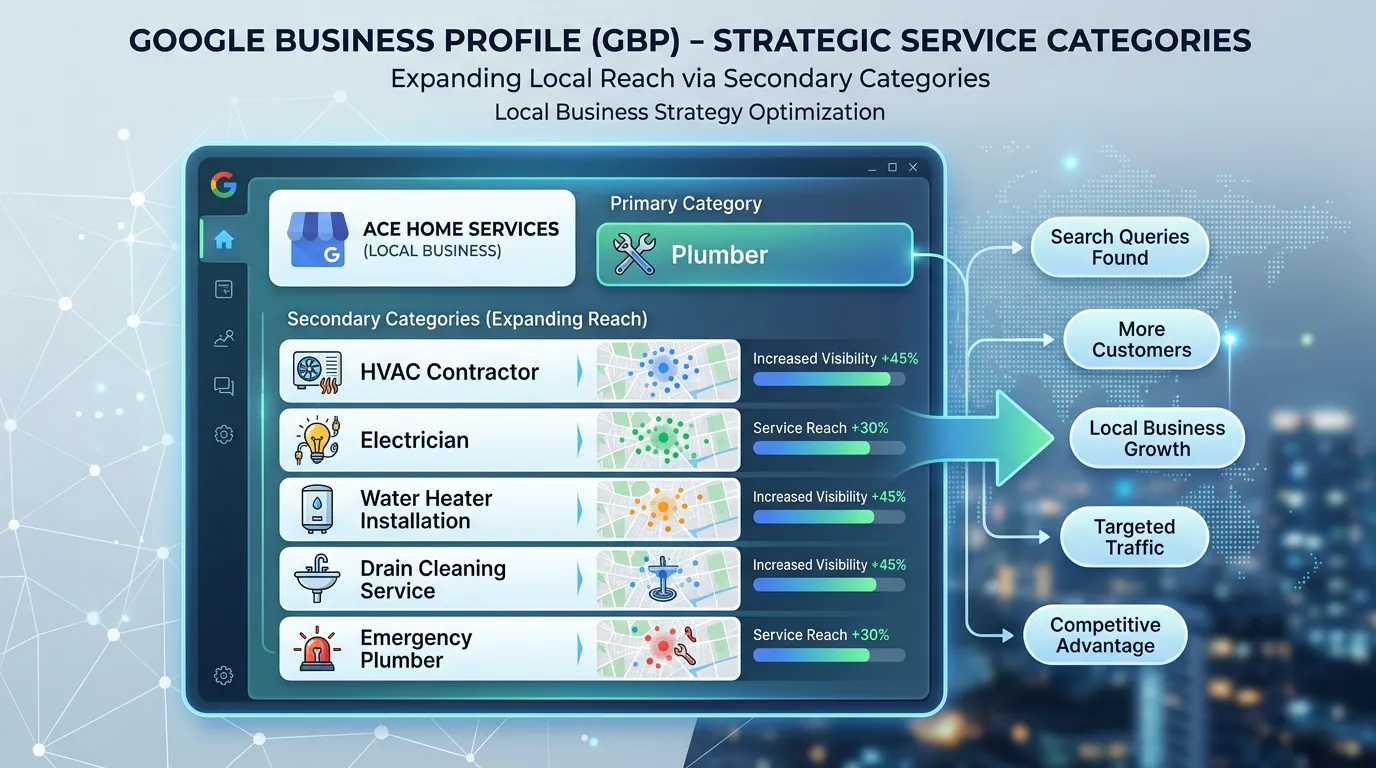
Google Business Profile Optimization
Google Business Profile Category Optimization
Primary category is the single strongest relevance signal in Maps
- Timeline
- Research and first change inside 2 weeks
Call (714) 823-3164 or ask a question. Clear recommendations, even if we never work together.
Category optimization means choosing the primary and secondary Google Business Profile categories that match what a business does and what its market rewards. The primary category is the strongest relevance signal in local ranking. Pick the wrong one and a business can stay out of the map pack entirely.
The problem
Most profiles carry whatever category the owner picked in ninety seconds years ago, or worse, the one Google guessed. A drain company listed as Plumber instead of Drainage Service, or a med spa listed as Doctor, will struggle for its most valuable searches no matter how many reviews it collects. The second failure is the opposite: piling on twelve loosely related secondary categories, which dilutes relevance and can pull you into searches that generate calls you do not want.
What it is
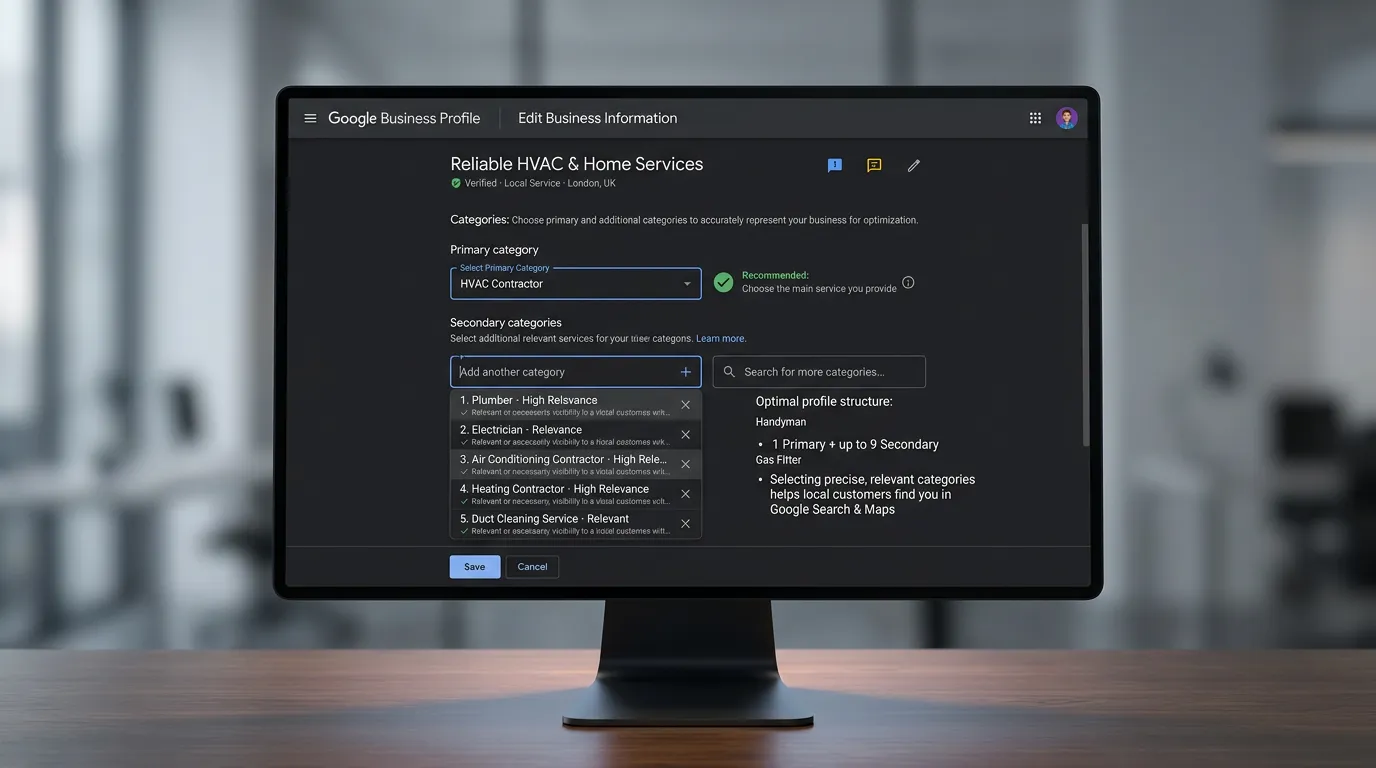
Google offers roughly four thousand categories, and each one decides which searches your profile can show up for. The primary category carries by far the most weight. Secondary categories make you eligible for related searches, but they do not carry the same power. Category work starts with research. We look at what the businesses ranking in your target city use, which tools like PlePer or GMB Everywhere will show you. Then we match that against your real revenue mix. The primary category should point at the Google business profile service you most want to sell, not at the broadest label. After that we test, measure with a geogrid, and revert fast if the change goes the wrong way.
Signs you need this
- You rank for general terms but never for your most profitable service
- Your category was set once at signup and never reviewed
- You have ten secondary categories and cannot explain why
- Competitors in the pack are all using a category you do not have
- You get calls for work you stopped offering two years ago
What is included
- Full category audit of your current primary and secondary selections
- Competitor category extraction for the top ten results in your target city
- Revenue weighted recommendation for the primary category
- Secondary category list limited to the ones that actually apply
- Geogrid baseline captured before any change is made
- Change log with dates so effects can be attributed properly
- Post change geogrid comparison at 14 and 30 days
- Revert plan if the test moves rankings the wrong direction
Our process
Extract competitor categories
Week 1We pull the primary and secondary categories used by the businesses ranking in the top ten for your main keywords in each target city. Patterns show up quickly, and sometimes the winning category is one you would never have guessed.
Map categories to revenue
Week 1We list your services by revenue and margin, then match those against the available categories. The primary should point at the Google business profile work you want more of, which is not always the work that makes up the most volume.
Baseline and change
Week 2A geogrid scan gets saved first. Then the primary category changes, and only that, so the effect is attributable. Secondary categories change in a separate step a week or two later.
Measure at 14 and 30 days
Week 4 to 6Re-scan the same grid with the same keywords. If average rank improved, we keep it and consider the next test. If it dropped materially, we revert and try a different hypothesis.
Seasonal review
Every 3 monthsSome businesses benefit from a category shift as demand changes, such as a company that sells heating in winter and cooling in summer. We review category fit each quarter rather than setting it once.
Realistic timeline: Research and first change inside 2 weeks. Ranking effects typically visible in 2 to 6 weeks. A full test cycle including measurement and possible revert takes about 6 weeks per hypothesis.

How One Category Test Runs
A category change is a test, not a decision. Running it in this order is the only way to know whether the change helped or whether something else moved at the same time.
Change two things at once and you learn nothing from either one.
Categories That Pull the Wrong Calls
These are patterns we see often. The label on the left is not wrong, it is just broader than the work the business wants to sell.
| Business | Primary often in place | Often a better fit | What changes |
|---|---|---|---|
| Drain and sewer crew | Plumber | Drainage Service | Reaches sewer and clog searches |
| Shop doing collision work | Auto Repair Shop | Auto Body Shop | Separates body work from oil changes |
| Med spa with a physician | Doctor | Medical Spa | Reaches the aesthetic searches |
| Roofer doing mostly repairs | Construction Company | Roofing Contractor | Drops a label that means nothing |
| Cooling heavy HVAC company | Heating Contractor | Air Conditioning Contractor | Matches what the market searches |
Google adds and retires categories, so check the live list in your dashboard before you plan around any name here.
Category Rules Worth Following
Most of the damage done to categories comes from moving fast and keeping no record. These habits cost nothing and prevent nearly all of it.
Do this
- Change one category at a time so you can tell what caused the movement
- Read the top ten map results in every city you care about, not only your own
- Point the primary at the work you want more of, not the work with the most volume
- Recheck the available list each quarter, since Google adds and drops entries
- Log every change with a date in one shared sheet
Not this
- Do not add a category for work you cannot actually deliver
- Do not stack nine secondary categories just because the limit allows it
- Do not edit the category and the business name in the same week
- Do not judge a test by searching once on your own phone from your own office
- Do not copy a competitor's primary without checking what they really sell
Questions That Come Up Mid Test
How much can one category change move me?
Does the order of my secondary categories matter?
Can a category change hurt rankings I already have?