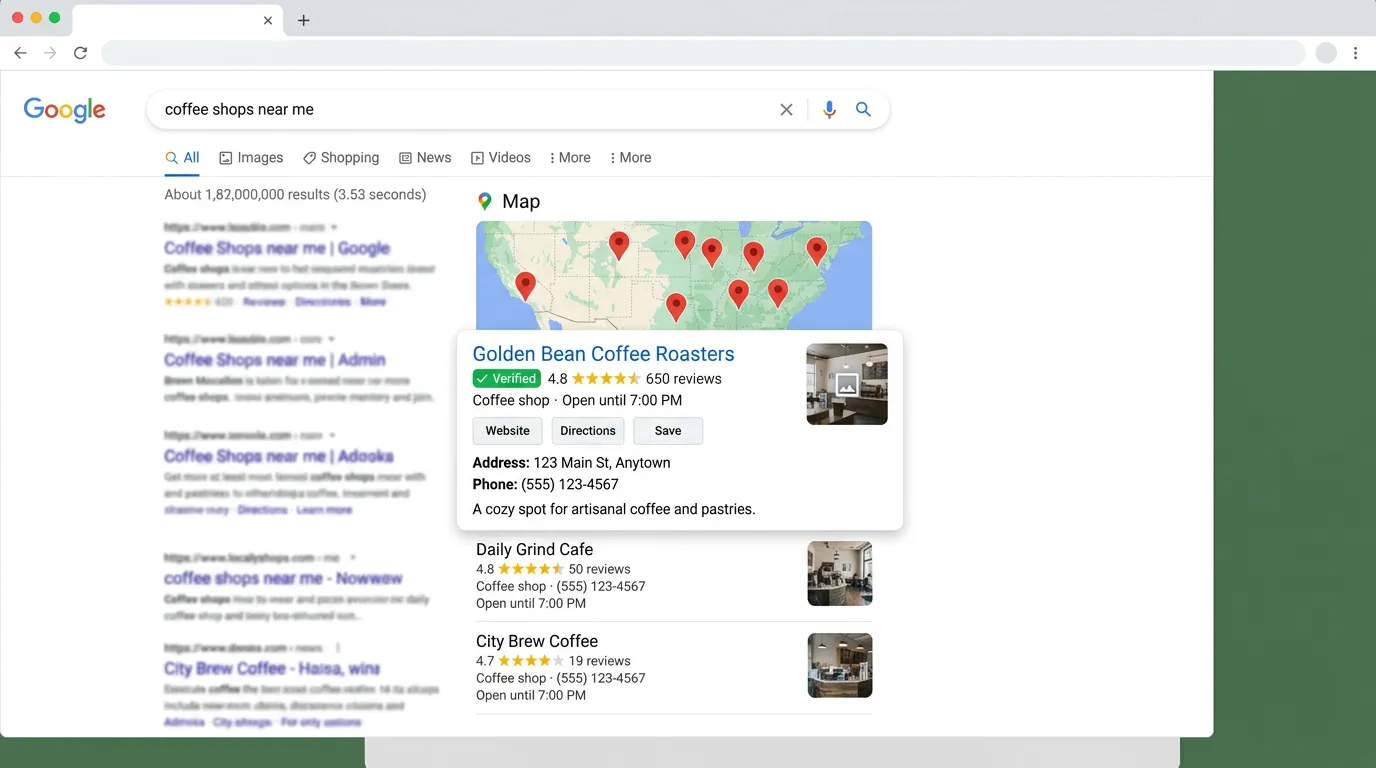
Google Business Profile Optimization
Google Business Profile Setup and Verification
Creates or claims the listing and gets it verified
- Timeline
- Straightforward video verification usually clears in 3 to 7 business days
Call (714) 823-3164 or ask a question. Clear recommendations, even if we never work together.
Google Business Profile setup and verification means creating or claiming a listing, then proving to Google that the business is real and sits where it says. Verification happens by video, postcard, phone, or email. You have to finish it before the Google business profile can show up in Maps.
The problem
Verification is where most business owners get stuck. Google asks for a video walkthrough that has to show signage, equipment, and proof you can access the space, and the recording gets rejected for reasons nobody explains. Or the Google business profile is already claimed by a former employee, a marketing company that stopped answering emails, or a previous owner of the building. Or it got suspended, and the appeal form gives you a form letter back. Each of these has a specific path through it, and guessing burns weeks.
What it is
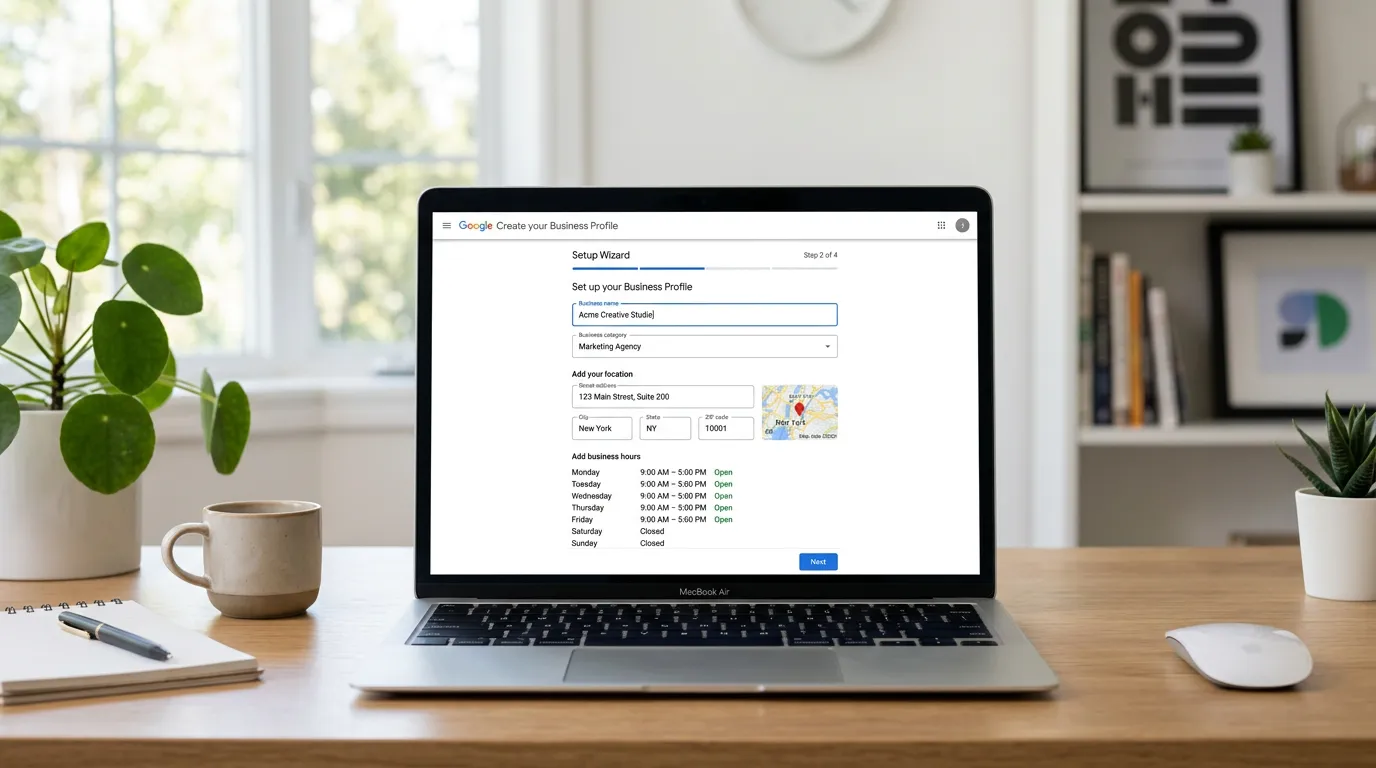
Setup means creating the listing with correct data, or claiming a listing Google already built from third party sources. Verification is Google confirming the business exists at that address. Video is now the most common method. You record one unedited clip that shows the street and your signage, then the interior or your work vehicles and equipment. It also has to show proof of management access, such as opening a locked door or using the point of sale. Service area businesses record different evidence, usually branded vehicles, tools, and licensing. If someone else holds the Google business profile, we run the ownership request process. If it is suspended, we build the reinstatement packet with documentation.
Signs you need this
- Your business does not appear in Google Maps at all
- A former employee or old marketing company still controls the listing
- Your Google business profile was suspended and the appeal came back denied
- Video verification failed twice and Google will not say why
- You see a listing for your business you never created
What is included
- Listing creation or claim of an existing auto generated profile
- Verification method selection based on your business type
- Video verification shot list and coaching before you record
- Ownership request filing when another party holds the listing
- Reinstatement appeal packet for suspended profiles
- Correct owner and manager permissions so access survives staff changes
- Business address and service area configured to guidelines
- Documentation pack: licenses, utility bills, signage photos, registration
Our process
Status check
Days 1 to 3We find out what actually exists: an unclaimed auto generated listing, a claimed profile held by someone else, a suspended profile, or nothing at all. Each of those takes a different path, and starting the wrong one wastes weeks.
Prepare the evidence
Days 2 to 7We collect what Google will want: business license, utility bill or lease at the address, photos of signage and vehicles, and state registration. Having this ready before you start is what keeps the process from dragging.
Run the verification
Days 5 to 14For video verification we send a shot list and walk you through the recording so it passes the first time. For postcard or phone, we submit and track. If a method fails, we move to the next one instead of retrying the same way.
Resolve disputes or suspensions
Week 2 to 6Ownership requests go through Google's transfer process with a seven day response window for the current owner. Suspension appeals get filed with the full documentation packet and a written explanation of the likely cause.
Lock down access
Week 2 to 3Once verified, the profile gets owned by an account the business controls permanently, with managers added rather than passwords shared. We document who has what access so the next staff change does not lose the listing.
Realistic timeline: Straightforward video verification usually clears in 3 to 7 business days. Postcards take 1 to 3 weeks. Ownership transfers take a minimum of 7 days and often longer. Suspension reinstatements run 1 to 8 weeks depending on the reason and the appeal queue.
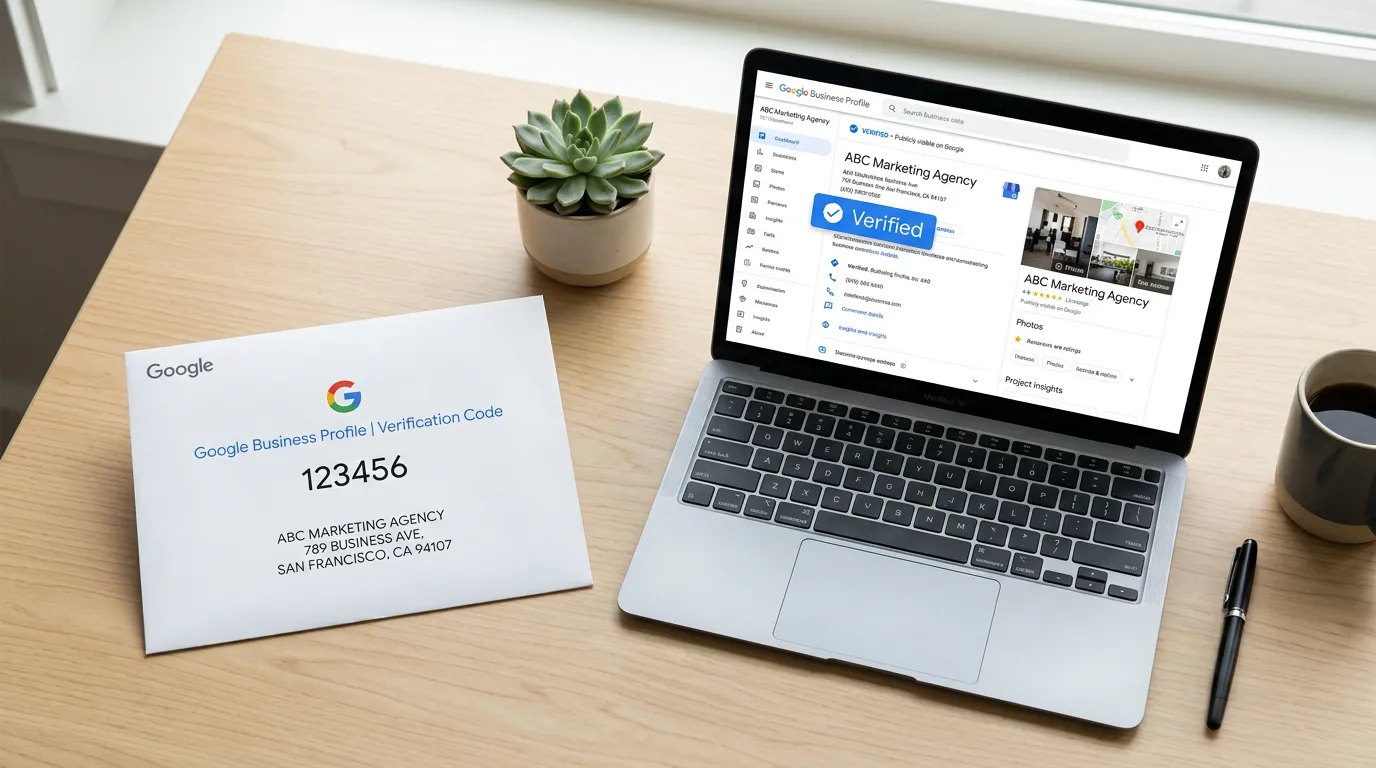
Verification Methods and What Each One Needs
Google decides which methods it offers you. You cannot pick freely from the whole list, so it helps to know what each one asks for before it appears on your screen.
| Method | Who usually gets offered it | Typical wait | Where it goes wrong |
|---|---|---|---|
| Video recording | Most new profiles, especially trades | 3 to 7 business days | Cuts in the footage or no proof of access |
| Live video call | Storefronts with clear signage | Booked slot, minutes on the call | Nobody on site who can open locked areas |
| Postcard | Storefronts and some older listings | 1 to 3 weeks | Mail never arrives or the code expires |
| Phone or text | Offered rarely, and only sometimes | Minutes | The number does not match public records |
| Rare, needs a matching business domain | Minutes | A free email address is not accepted |
If one method fails twice, stop repeating it. Ask for a different method instead.
Have This Ready Before You Start
Verification stalls because paperwork gets hunted down mid process. Gather all of this first and the whole thing usually takes days instead of weeks.
Business license or state registration
The name must match the listing exactly, including LLC or Inc
A utility bill or lease at the address
Dated inside the last 90 days
Photos of your signage
Street number readable in at least one shot
A branded vehicle, cleaned
Wrap and plate need to read on camera
Keys, badge, or register access
You will be asked to open something
Tools and stocked parts
Proof the work really happens here
One owner email the business controls
Never an employee's personal address
Insurance certificate
Not needed for video, useful in appeals
What the Video Actually Has to Prove
Google is checking three things in one unbroken clip: that the business is real, that it sits at the address on the listing, and that you are the person who runs it. Most rejected videos prove one or two and stop.
Start outside. Film a street sign or a neighboring address number, pan to your signage, then walk in without stopping the recording. Inside, show the space doing its job. Chairs, bays, racked parts, a stocked shelf. Then show access: unlock a door, open the register, or badge into a back room.
A service area business films a different story. Begin at the vehicle, show the wrap and the plate, open the bins, then show tools and stock. Finish by holding your license and a piece of mail with the business name on it. Two to three minutes is plenty. Do not narrate a sales pitch, because none of that is what the reviewer is looking for.
When the Profile Already Belongs to Someone Else
Three situations look identical from the outside and none of them are handled the same way. A listing an old marketing firm claimed. A listing left behind by a different business that used to occupy your address. And a listing Google built on its own from public data that nobody ever claimed.
The unclaimed one is easiest. You claim it and verify it, and there is no dispute at all. A held listing goes through the ownership request, and the current owner gets seven days to answer. Silence usually works in your favor. A flat refusal moves you to an appeal with documents.
The old tenant case is the slow one, and the fix is not what people expect. You do not edit their listing into yours, because the reviews and history belong to that business. Mark it permanently closed, then create and verify your own at the address. Bring the lease, the license, and photos of your sign on the building. Expect a few weeks.