Content Marketing
Educational Content Systems
A library your team sends, not just pages Google finds
- Timeline
- Eight to eleven weeks to build the core library
Call (714) 823-3164 or ask a question. Clear recommendations, even if we never work together.
An educational content system is a kept up library of guides, checklists, and answers that teaches customers what they need to know before and after they buy. It does two jobs at once. It earns search traffic, and it gives your sales and service teams something to send instead of retyping the same explanation.
Jump to a section
The problem
Your estimator explains the same thing eleven times a week. What a permit costs. Why the cheap bid is cheap. What happens on day one of the job. How financing works. Each explanation takes twelve minutes and is slightly different every time, which means the quality of what a customer hears depends on who they got and how tired that person was. After the sale it repeats: the same three questions come in from every customer, and someone answers them by phone. None of it is written down. When a good employee leaves, all of it walks out the door with them.
What it is
An educational content system captures the explanations your business gives over and over. It turns them into assets anyone on your team can send. Pre sale material covers cost breakdowns, how to compare bids, what to ask any contractor, and what the educational content process looks like week by week. Post sale material covers care instructions, warranty walkthroughs, what to do before the crew arrives, and troubleshooting steps that head off service calls you do not need. Each asset has a named owner, a review date, and a set use. That might be the link the office sends, the PDF the estimator leaves behind, or the page the ad points to. It is written once, improved on a schedule, and used every day.
Signs you need this
- Your estimators explain the same five things on every appointment
- Support answers identical questions from nearly every new customer
- Nothing is written down, so quality depends on which employee answers
- New hires take months to explain your process correctly
- You lose bids to cheaper competitors because value was never explained clearly
What is included
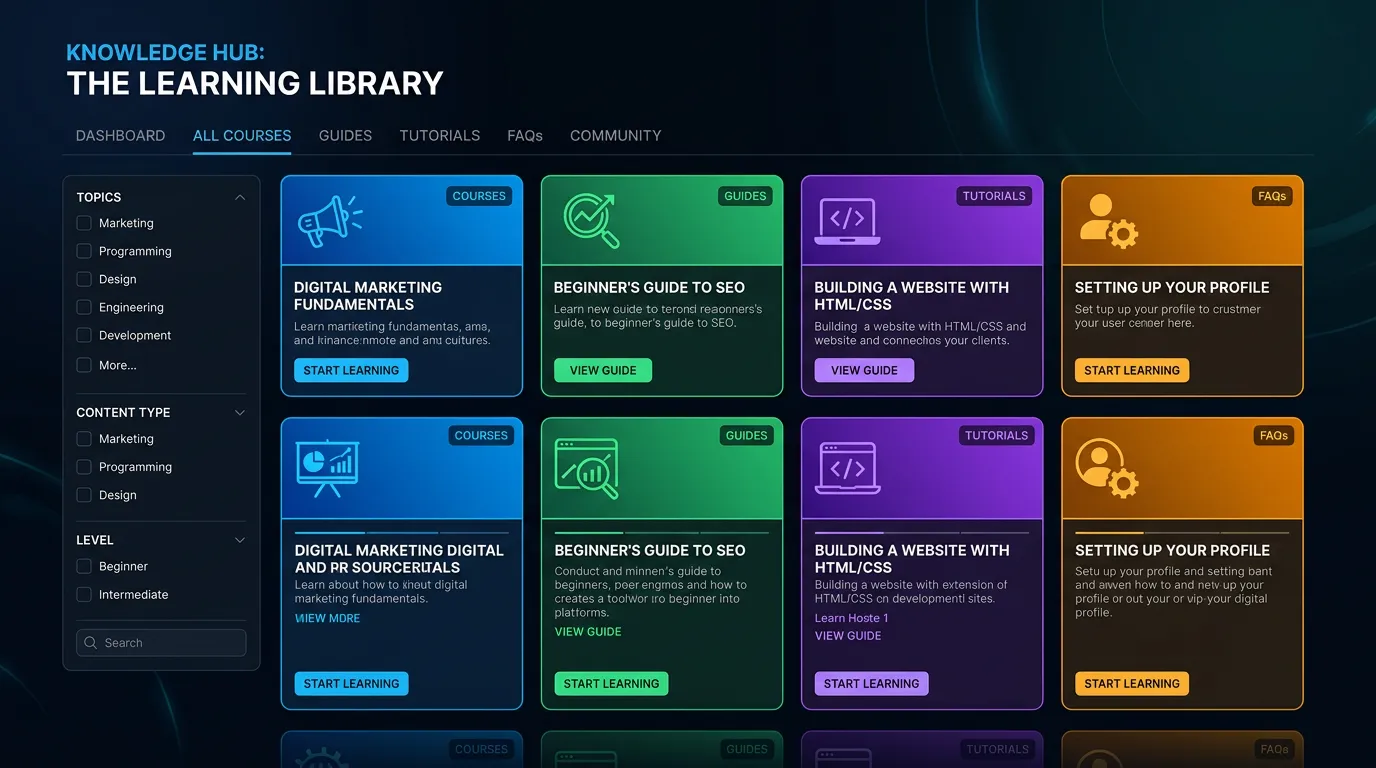
- Question inventory built from recorded sales calls and support tickets
- Pre sale library: cost guides, bid comparison guides, and process explainers
- Post sale library: preparation checklists, care instructions, and troubleshooting steps
- Downloadable one page PDFs your team can leave behind or attach to an email
- Canned email and text snippets linking each asset for common situations
- FAQ hub organized by service with FAQPage schema on every section
- Internal usage guide telling staff which asset to send in which situation
- Named owner and review date for every asset
- Quarterly review pass on accuracy, pricing, and warranty language
Our process
Record the Repeats
Week 1 to 2For two weeks we collect the questions your team answers, from call recordings, inbox exports, and a simple tally sheet at the front desk. Frequency decides priority, and the ranking usually surprises the owner.
Split Pre Sale and Post Sale
Week 2 to 3Pre sale material is written to remove doubt and speed a decision. Post sale material is written to prevent confusion and unnecessary service calls. They use different tone and different formats, so they get built separately.
Build the Core Set
Week 3 to 9We produce the top ten to fifteen assets first, each in two forms: a web page for search and a one page PDF or short email version your team can send in five seconds.
Put It in the Workflow
Week 9 to 11Assets get loaded into your CRM or email tool as snippets, added to estimate templates, and taught to staff. An unused library is just a nicer looking blog, so adoption is a real step with a real owner.
Track Use and Refresh
QuarterlyWe look at which assets get sent, which pages get read to the end, and which questions still come by phone anyway. Gaps become the next batch, and every asset gets reviewed quarterly for accuracy.
Realistic timeline: Eight to eleven weeks to build the core library. Sales cycle effects show quickly, often within a month of adoption. Search effects follow the normal 3 to 6 month curve.
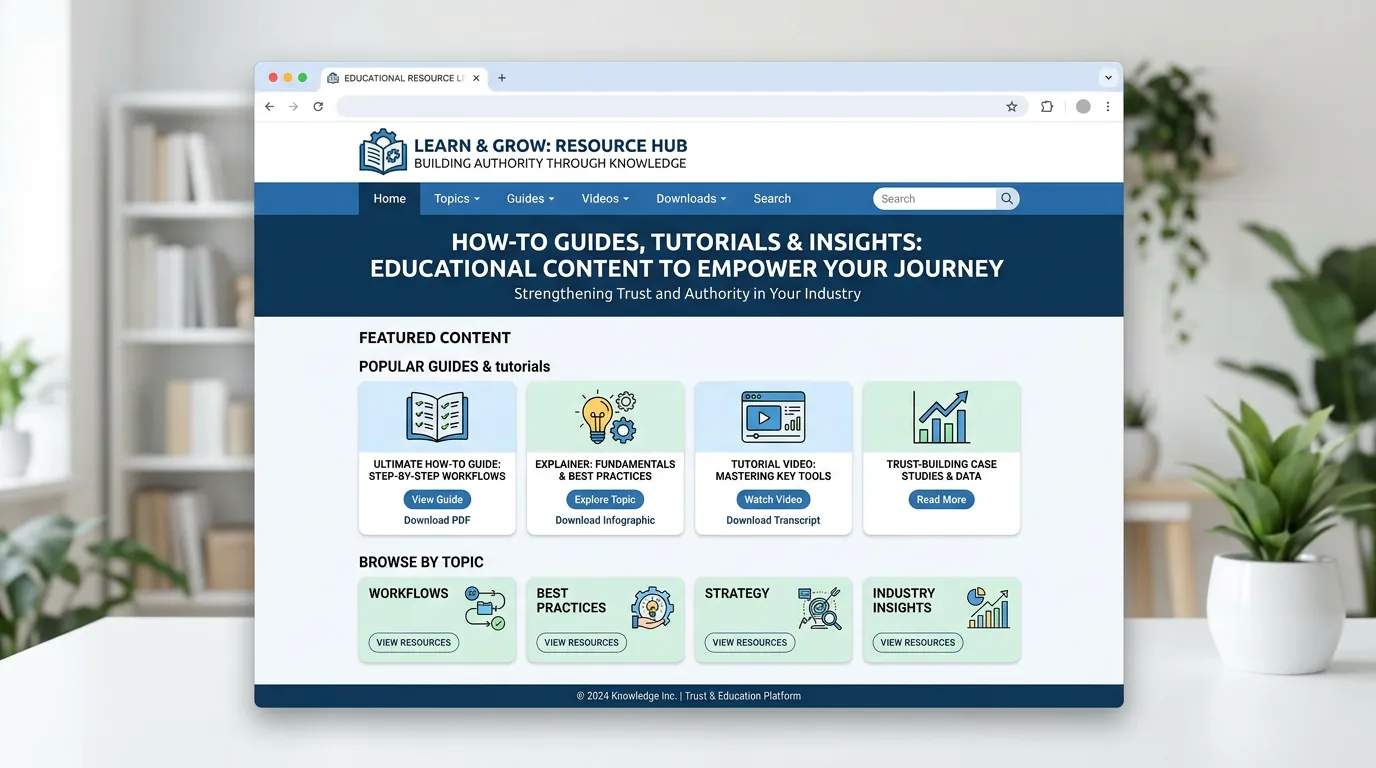
From a repeated question to a finished asset
Every piece in the library starts as something your team already says out loud. The path from there is short, and each step has a name attached to it.
The step people skip is the last one. An asset with nobody's name on it goes stale within a year, and you find out when a customer quotes it back to you.
The math on an explanation you give every week
Say an estimator explains permits eleven times a week and it runs twelve minutes each time. That is a bit over two hours a week, or close to a hundred hours a year, on one topic.
Writing it down takes maybe three hours plus a fifteen minute call with that estimator. After that the answer is a link. He still walks the customer through it, but from the same page, in half the time.
The bigger gain is that everyone says the same thing. Your newest hire gives the answer your best hire gives. On a bid where the customer is comparing three companies, that consistency is worth more than the saved hours.
Which asset to send, and when
A library only works if staff know which piece fits which moment. This is the short version of the usage guide that goes to your team.
| Moment | What to send | Format | What it does |
|---|---|---|---|
| Price question on the phone | Cost range guide | Link in a text | Sets expectations before the visit |
| Day before the estimate | What to expect walkthrough | Short email | Fewer surprises at the door |
| Left behind after the bid | How to compare bids | One page PDF | Survives the second and third quote |
| Week before the crew arrives | Prep checklist | Text with a link | Crew starts on time |
| Two weeks after the job | Care and warranty steps | Fewer callbacks, better reviews |
Four of these five get sent by a person, not found by a search. That is the real difference between this and a blog.
The post sale half almost nobody builds
Pre sale material gets all the attention because it wins jobs. The post sale half saves money instead, which is quieter, so it usually never gets made.
Three pieces do most of the educational content work. A prep sheet sent the week before the crew arrives. A care and warranty page sent after the job closes. A troubleshooting page for the two or three faults that are not really faults, like a tripped reset switch or a filter nobody changed.
Every avoided trip pays for itself. A no fault call costs you a slot on the schedule and the drive time, and the customer ends up annoyed either way.
Getting the library used instead of shelved
These systems fail on adoption far more often than on writing. The habits below decide which way yours goes.
Do this
- Load every asset into your CRM as a snippet staff can send in one click
- Put one person's name on each asset, not a department
- Write for someone who has never hired your trade before
- Put the price range in the asset instead of saving it for the call
- Ask staff each quarter which question still comes in by phone anyway
Not this
- Do not gate the useful pages behind a form
- Do not send fifteen pages when four paragraphs answer the question
- Do not let legal wording creep into something a customer reads
- Do not build all twenty assets before anyone has used the first five
- Do not assume staff read the email announcing the library