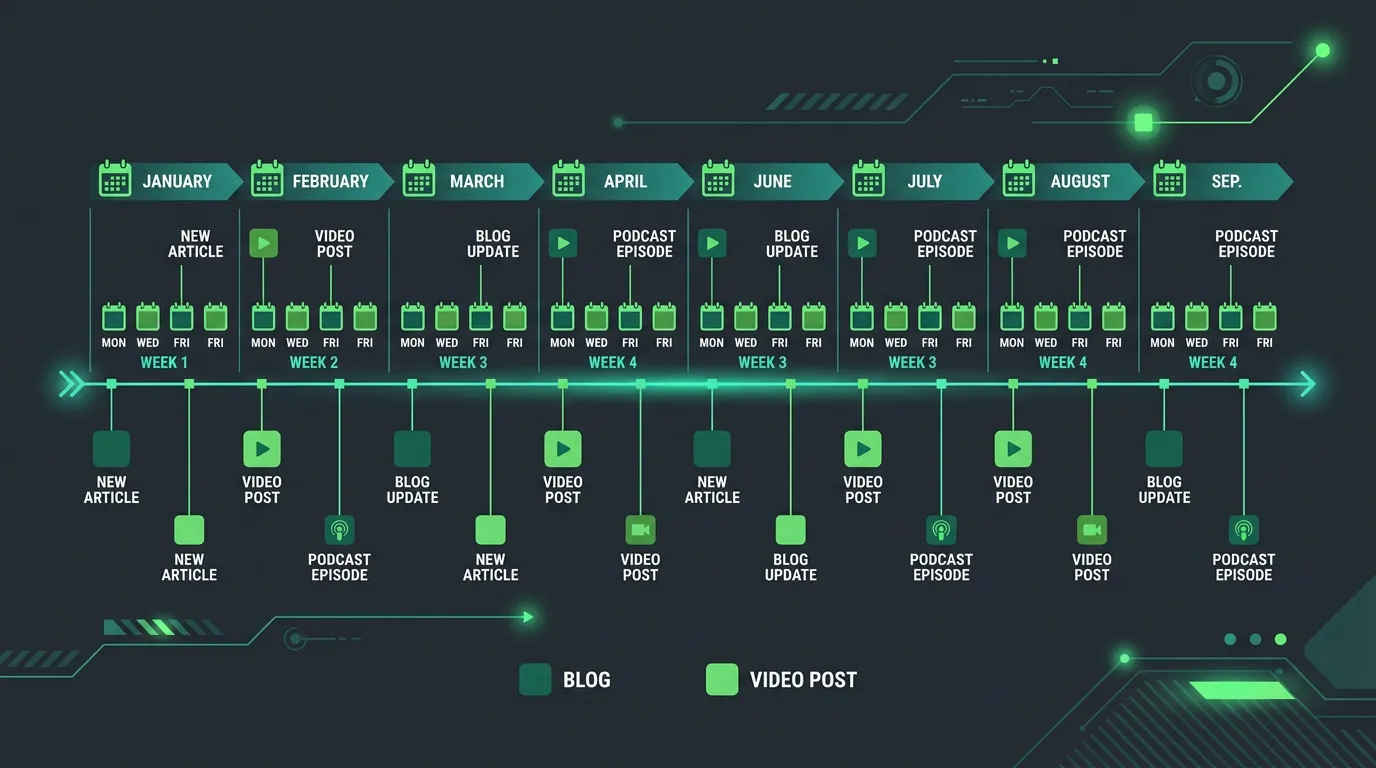
Content Marketing
Content Calendar Management
Assigns every piece an owner, a deadline, and an approval step
- Timeline
- One to two weeks to build the content calendar and workflow
Call (714) 823-3164 or ask a question. Clear recommendations, even if we never work together.
Content calendar management is running the schedule that keeps content actually publishing: assigned topics, named owners, real deadlines, approval steps, and seasonal timing. It is the day to day layer that turns a strategy document into pages that go live on time. It keeps that happening month after month, without the owner chasing anyone.
The problem
Content stops when the business gets busy, which is exactly when it is most valuable to have already published. A strategy gets approved in January, two pieces go out in February, then a heat wave hits and nobody thinks about the blog again until October. The other version is timing failure: the article about preparing your AC for summer publishes in July, three months after people searched for it, and misses the entire season. Both problems are operational. The topics were fine. Nothing owned the schedule.
What it is
Content calendar management is the workflow that runs behind publishing. Every planned piece gets a row: target publish date, brief due date, draft due date, review window, assigned writer, assigned reviewer, and current status. Seasonal topics get scheduled six to ten weeks ahead of demand. Search interest in furnace repair starts climbing in October, so a piece published in December has missed it. We run the reminders, chase the approvals, and hold the deadlines. When a piece slips, we tell you the same week, not at the end of the quarter. The content calendar also balances formats, so you are not publishing five cost guides in a row. It holds back room for reactive pieces when something changes in your market.
Signs you need this
- Your last four blog posts were published in the same week after a long gap
- Seasonal content goes live during the season instead of before it
- Drafts sit waiting for owner approval for weeks at a time
- Nobody can say what is scheduled to publish next month
- Content output drops to zero every time the business gets busy
What is included
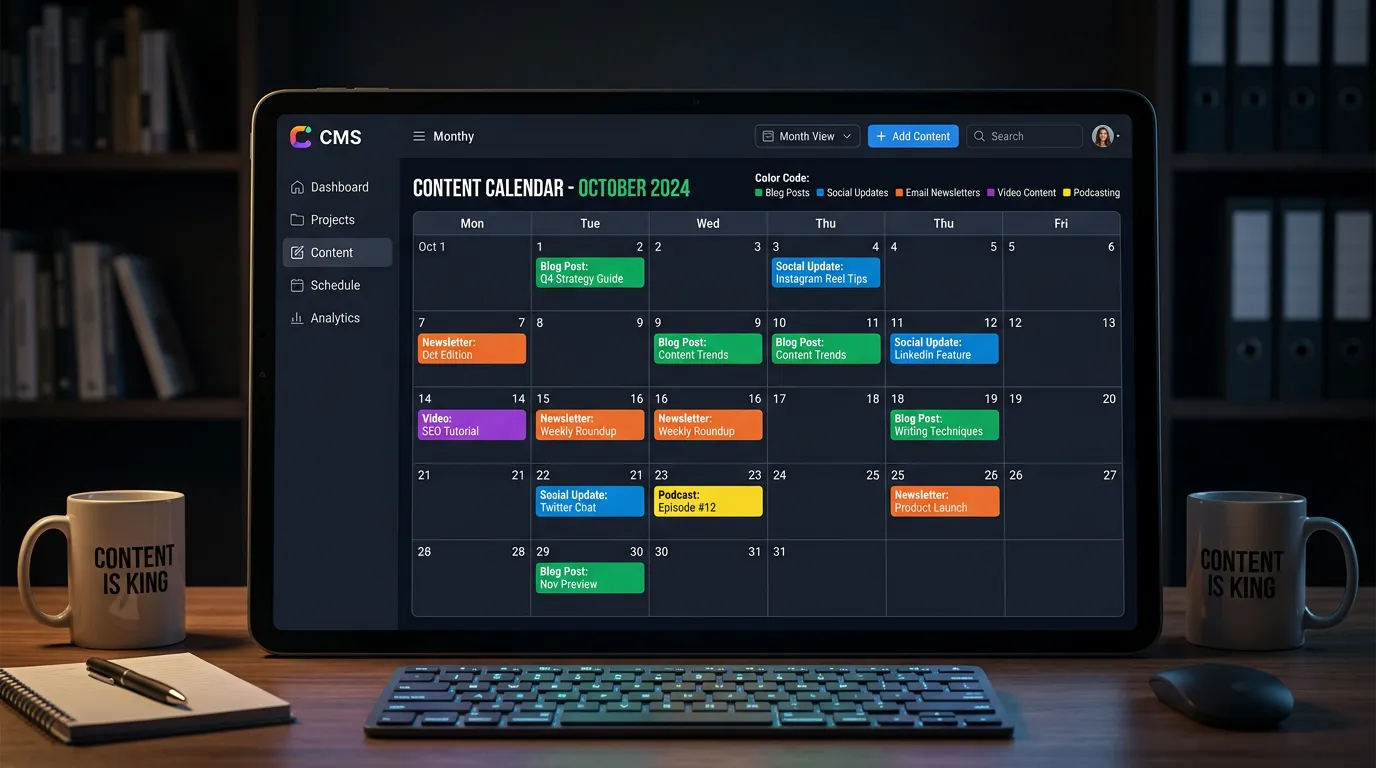
- Rolling twelve month calendar with target publish dates for every planned piece
- Seasonal timing map aligned to Southern California demand curves
- Named owner and reviewer for each stage of every piece
- Status board tracking each piece through brief, draft, review, and live
- Deadline reminders sent to your team before things are late, not after
- Format balance so cost guides, explainers, and comparisons rotate
- Reserved slots each quarter for reactive or promotional content
- Monthly publishing report showing planned versus actual output
- Backlog of approved topics ready to pull forward when a slot opens
Our process
Map the Season
Week 1We chart when demand rises for each of your services using Google Trends and your own job history, then work backwards. Furnace content publishes in September. Pool opening content publishes in March. Publishing during the peak is publishing late.
Load the Calendar
Week 1 to 2Approved topics get placed onto dates with every upstream deadline calculated backwards from publish day. If the review window is five days, the draft is due eight days before publish, and everyone can see that.
Assign and Confirm
Week 2Each piece gets a writer and a reviewer by name, and both confirm the dates. Assigning work to a role instead of a person is the most common reason deadlines slip in small businesses.
Run the Weekly Check
Ongoing, weeklyA short weekly status pass moves pieces forward, flags anything at risk, and pulls a backlog topic in if something is blocked. Problems surface in days rather than at the end of the month.
Review and Rebalance
Ongoing, monthlyEach month we compare planned output to actual, look at which formats performed, and adjust the next quarter. Consistently missed deadlines usually mean the volume was set too high, so we lower it rather than pretend.
Realistic timeline: One to two weeks to build the content calendar and workflow. Weekly status passes and monthly rebalancing after that, running continuously.
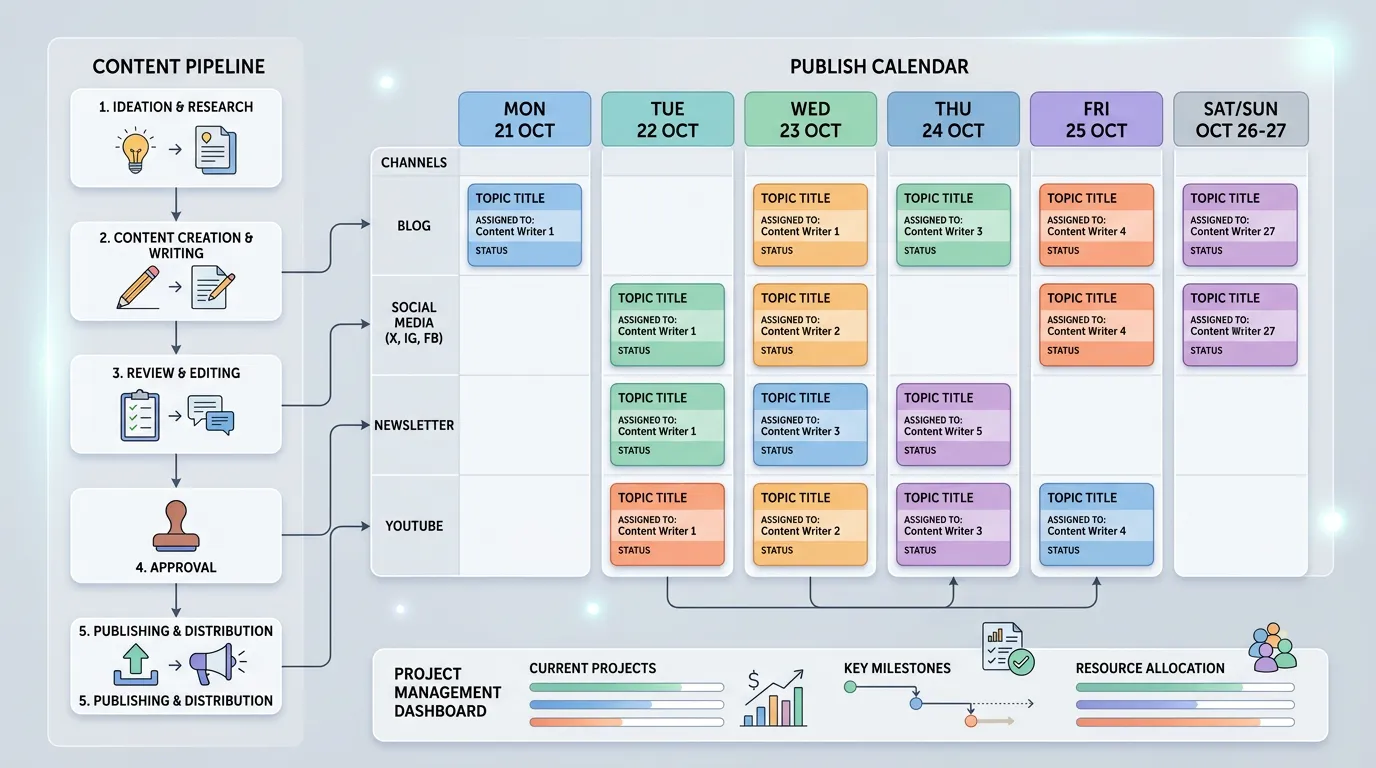
Southern California publish dates by season
Interest in these services climbs at fairly predictable times here. The publish date gets set backward from that, never on top of it.
| Topic | When people search | Publish by | Why that early |
|---|---|---|---|
| Furnace and heating | Late October to January | Early September | Needs weeks to index and settle |
| Air conditioning repair | Late May through August | Mid March | The first heat wave sets the season |
| Pool opening and service | March to May | Late January | Searches jump in the first warm week |
| Roof leaks and gutters | November to February | September | Rain arrives faster than rankings do |
| Tax and bookkeeping help | January to April | November | Many people pick a preparer in December |
| Air ducts and filtration | September to December | July | Santa Ana winds drive those searches |
| Remodel planning | January and September | Two months before each | New year budgets and post summer plans |
A page published the week demand peaks has almost no chance of ranking in time. Publishing early is not a preference here. It is the only version that works.
Counting backward from the publish date
Every upstream date is set from the day the piece goes live, not from the day someone starts working on it.
If approval lands on day 17 instead of 15, the piece still ships. If it lands on day 25, the next piece is already late. That is why we nudge on day 13.
What to do when you already missed the season
It happens every year. It is August and the heating content still is not written. The instinct is to skip it and wait until next fall.
Publish it anyway, in September, even though that feels late for the season starting. A page needs months to settle. Getting it up now means it is ranked and earning by next October instead of starting from zero again.
What you should not do is rush it out in December as an emergency job. That is paying a rush price for a page that will not rank until the cold ends. Move it to next year's calendar and use the open slot for something that is not tied to a season, like a cost guide.
More on running the schedule
What actually happens in the weekly check?
Is a content calendar worth it if we only publish once a month?