
How To Articles
How to Make Marketing Videos When the Budget Is Small
Sound first, light second, camera last. The kit, the phone settings, and the one hour routine that produces a month of usable clips.
Call (714) 823-3164 or ask a question. Clear recommendations, even if we never work together.
Spend on sound first, light second, and the camera last. A phone from the last few years shoots fine video, so the money belongs in a microphone, something to hold the phone still, and an editor. Film several clips in one sitting, keep each one short, and pay only where quality shows.
Jump to a section
- Cheap Video Gives Itself Away Through the Sound
- What to Buy First, and What to Skip
- Phone Settings That Do the Most Work
- Free Light and a Quiet Room
- One Hour of Filming, Eight Usable Clips
- What Is Worth Paying For
- Buy in This Order
- From Job Site to Posted Clip
- Keeping Cheap Video From Looking Cheap
- Two Questions Before Your First Shoot
- Questions
Cheap Video Gives Itself Away Through the Sound
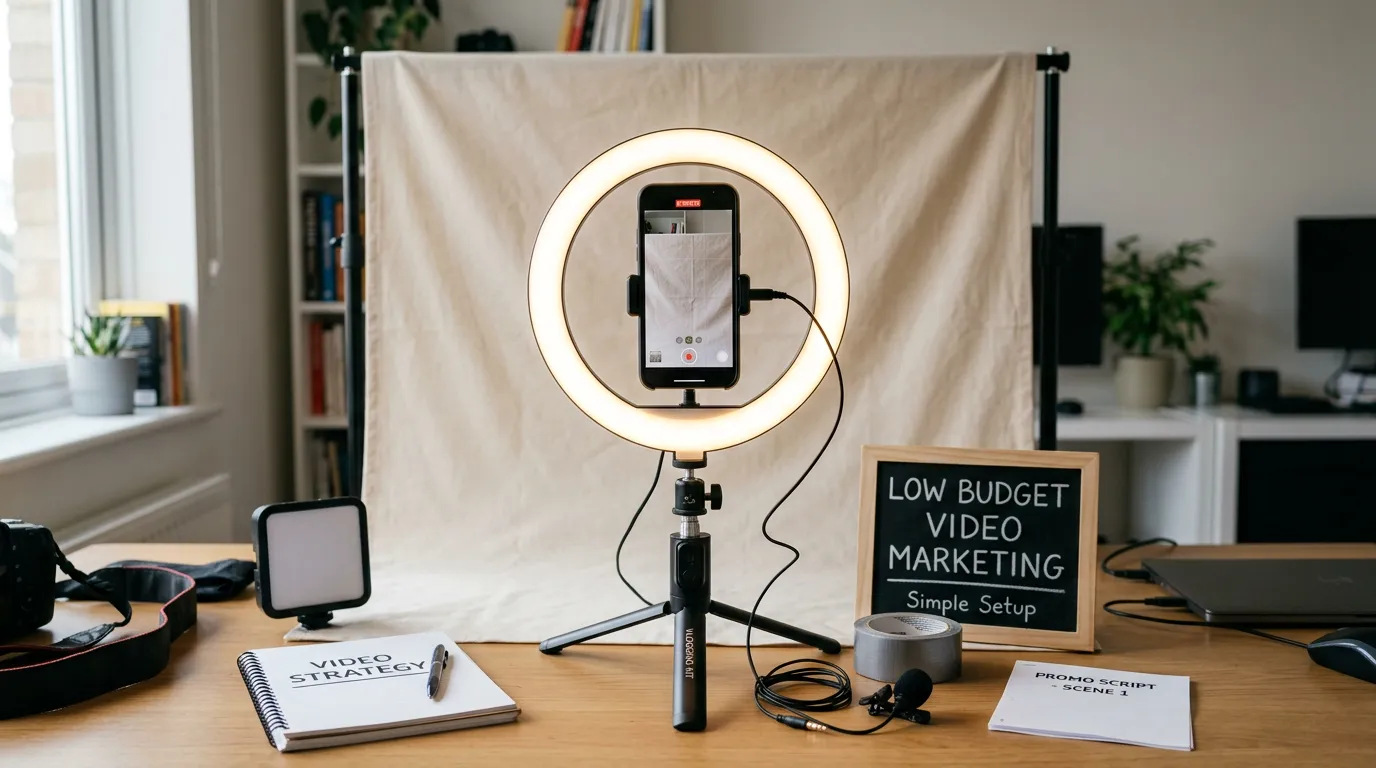
People forgive a soft picture. They will not sit through bad audio. Echo in an empty room, a fan running, wind on a phone microphone, a voice recorded from six feet away. Any one of those makes a viewer leave in seconds, and none of them can be fixed later in editing. So the spending order is sound, then light, then the camera. That order is the opposite of how most people shop. The microphone inside a phone was built for phone calls, not for someone standing across a room. A wired clip on microphone commonly runs twenty five to sixty dollars, and it does more for your video than a two thousand dollar camera would. Test it before you rely on it. Record thirty seconds, put on headphones, and listen. You are listening for hiss, echo, and the noise you stopped hearing because you work there. The compressor, the highway, the fridge, the shop radio. Your ear filters those out in the room. The recording does not. Clean sound and steady framing read as professional. Rough sound cannot be saved by color, music, or a logo at the end.
What to Buy First, and What to Skip
A working kit costs less than most people expect. A phone you already own, a clip on microphone, something to hold the phone still, and a way to add light. Start with the microphone. A wired one that plugs straight into the phone is cheap and hard to get wrong. Wireless is nicer and starts higher. Buy the adapter your phone needs at the same time, since that is the piece everyone forgets on the day. Second, get something to hold the phone. A small tripod, a clamp, or a stack of books all work. Handheld footage reads as amateur faster than anything else on this list. Third, light. A window is free and usually better than a cheap panel. If you film after dark or inside a garage, one soft light on a stand covers most of it. Skip the gimbal, the drone, the second camera, and the expensive editing software. Skip anything that adds a step you have to think about while filming. Every piece you have to hunt for costs you a video.
Phone Settings That Do the Most Work
Five minutes in the camera settings changes more than any accessory. Film in 1080p at thirty frames a second unless you have a reason not to. 4K eats storage and slows down every step after filming. Lock focus and exposure before you record. On most phones you hold a finger on the subject until it locks. Without that, the picture pulses brighter and darker whenever someone walks past, and that pulse is the clearest sign a video was shot in a hurry. Use the rear camera. The front one is worse on every phone. Frame the person with a little space above the head instead of centering them like a passport photo, and get the phone closer than feels right. Close is flattering, and close is easier to hear. Do not zoom, walk. Wipe the lens with a shirt first, because a phone that lives in a pocket is smeared. Turn on do not disturb so a call does not end the take, and check your storage before you leave. Film one horizontal take for the website and one vertical take for feeds. Cropping one into the other cuts off heads.
Free Light and a Quiet Room
Light and quiet are usually free. They just take a minute of setup. Put the person facing a window, not with their back to it. A camera exposes for the bright part, so a window behind someone turns a face into a shadow. If the window can only be behind them, move outside instead. Skip overhead lights when you can. They drop shadows under the eyes and give skin an odd color once daylight mixes in. One soft source from the front at an angle beats four fixtures in a ceiling. Outdoors, shade beats sun. Direct sun makes people squint and blows out white shirts. For sound, pick the smallest room with the most soft stuff in it. Carpet, couches, and curtains kill echo. A bare conference room is the worst spot in most buildings. Turn the air conditioning off while you record and put it back on after. Close the door. Ask the shop for five quiet minutes instead of hoping. Record ten seconds of silence in the room before you start. An editor can use that to pull the background hum down, and capturing it costs you nothing.
One Hour of Filming, Eight Usable Clips
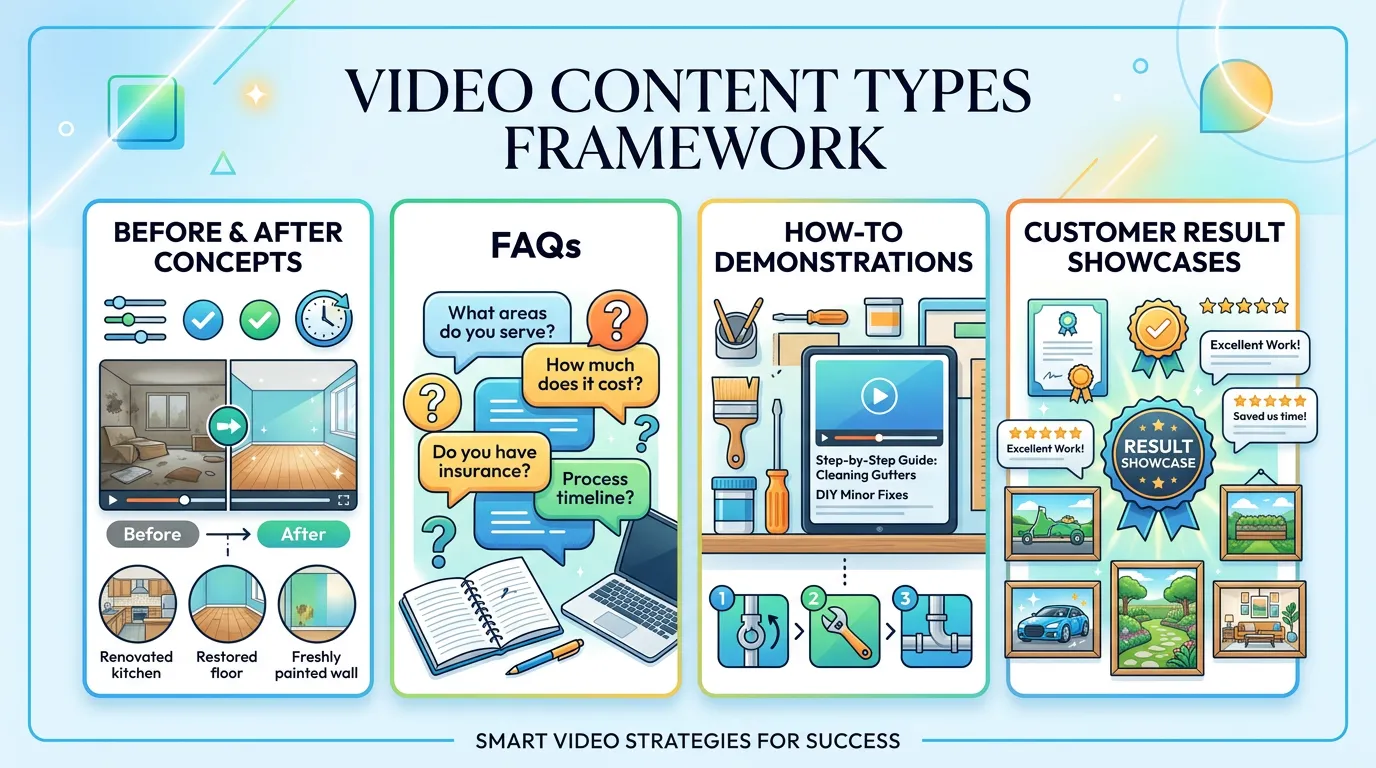
Filming one video at a time is what kills a video plan. Setup is most of the marketing work, so once the light and the microphone are ready, keep going. Write the list first. Eight questions your customers actually ask, one per clip, in the order you want to answer them. Use the questions your phone gets, not the ones you wish it got. Say the question out loud at the start of each take. It gives the editor a clean cut point and gives you the title later. Keep each answer under ninety seconds. Two takes, then move on. The third take is almost always worse and it eats the hour. If someone stumbles, have them start that sentence again rather than the whole answer, because a cut hides it. Spend the last twenty minutes filming the room, the truck, the tools, and the crew working. That footage covers mistakes in the edit and fills feeds for months. On job sites the rule is simpler. Get three shots on every job, before, during, and after, with the customer's permission and nothing identifying in frame. Send them all to one shared album. A month of that is more material than most businesses shoot in a year, and it costs nobody an extra trip.
What Is Worth Paying For
Doing all of it yourself is not the cheapest path. The cheapest path is deciding which parts show. Editing is the first thing to hand off. Sorting clips, cutting dead air, adding captions, and exporting the sizes takes longer than the filming did, and it is the part most owners quit on. Freelance editors commonly charge by the hour or by the finished minute, and one batch of short clips is a small job. Captions matter more than they sound. Most feed viewers watch with the sound off. The automatic captions a platform makes are free and roughly right, and they still need one pass for names, brands, and trade words. Thumbnails and titles are cheap and get skipped anyway. A clear thumbnail with a few readable words beats a frame grabbed at random. Pay for one good video if you can only afford one. Make it the piece that answers the question costing you the most jobs, and put it on the page that sells that service. Film everything else yourself. Nobody expects a job site clip to look like a commercial. They expect it to look real, and the phone in your pocket does real better than a crew does.
Buy in This Order
Common US price ranges, not quotes. The first three rows fix most of what makes a video look cheap.
| Buy | What it fixes | Rough cost | Skip it when |
|---|---|---|---|
| Clip on mic | Echo and distant voices | $25 to $60 | Every shot is outdoors and close |
| Tripod or clamp | Shaky, tiring handheld shots | $15 to $40 | Almost never, it is cheap |
| Phone adapter | Mic that will not plug in | $10 to $30 | Your mic already fits the phone |
| One soft light | Dark shops and evenings | $40 to $120 | You always film beside a window |
| Editor time | Cuts, captions, exports | $30 to $100 an hour | You honestly enjoy editing |
Spending more on a camera before you own a microphone is the most common way small video budgets get wasted.
From Job Site to Posted Clip
The pipeline matters more than the gear. Most video plans die between capture and edit.
One shared album is the cheapest fix on this page. Footage stuck on five phones never becomes anything.
Keeping Cheap Video From Looking Cheap
None of these cost money. They change what you get back from the same hour.
Do this
- Record thirty seconds and listen on headphones before the real take
- Lock focus and exposure at the start of every take
- Get the phone closer to the person than feels comfortable
- Film a horizontal take and a vertical take of the same answer
- Keep the kit in one bag with the adapter already inside
Not this
- Do not film with a bright window behind the person
- Do not trust the phone mic for anyone more than three feet away
- Do not zoom, walk closer instead
- Do not shoot a third take when the second one was fine
- Do not add music loud enough to fight the voice
Two Questions Before Your First Shoot
Do I need a script?
What if I hate being on camera?
Would rather we handled it?
This article covers how to do the work yourself. If you would rather have it done for you, that is what our video marketing service is.
Video Marketing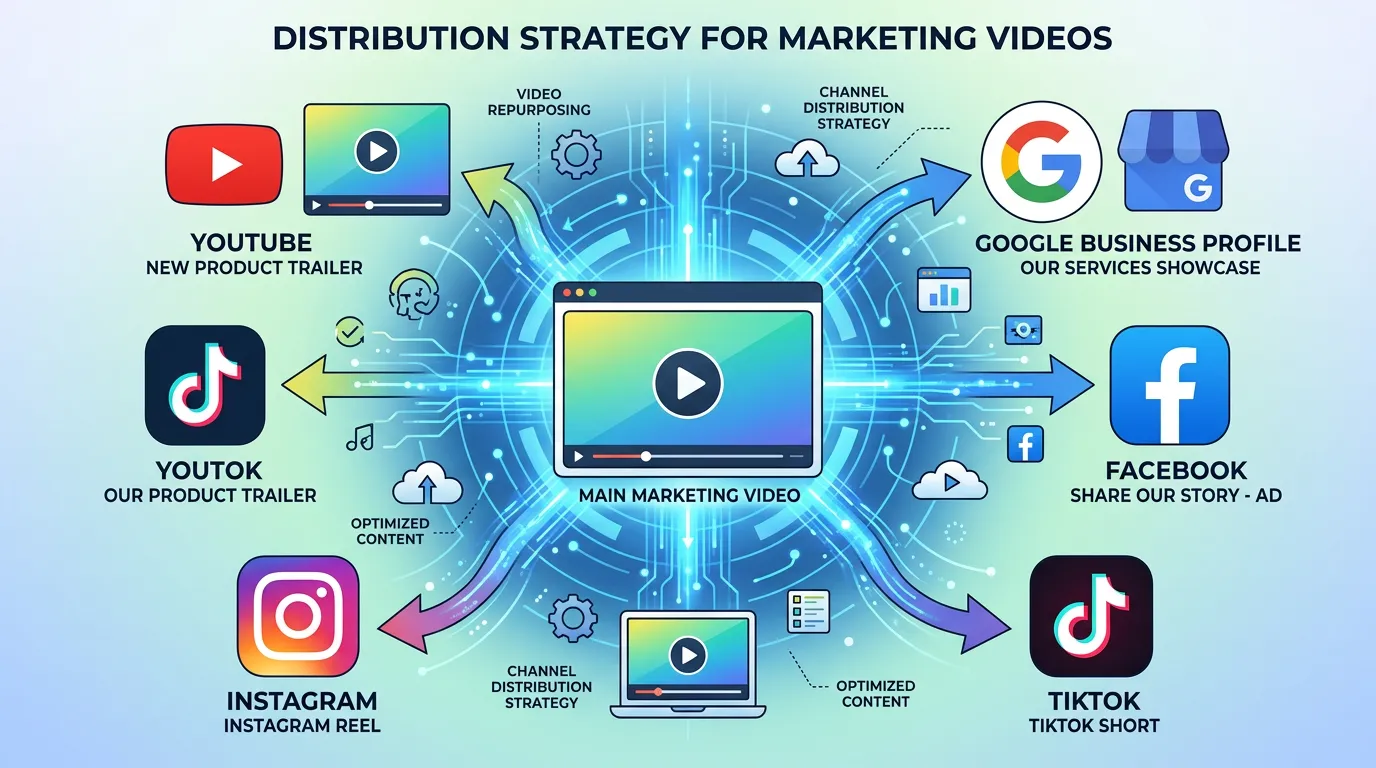
Frequently asked questions
Can a phone really replace a camera for business video?
How long should a low budget video be?
What is the cheapest way to get captions?
How often do I need to film?
Sources
- Google Search Central: Video SEO best practices(opens in a new tab) Titles, thumbnails, and giving each video its own page are free to do and matter more for findability than camera quality.
- Google Business Profile Help: Add photos and videos(opens in a new tab) Google's rules for video on a Business Profile, which is one of the free places a phone clip can be published.
- Google Search Central: Video structured data(opens in a new tab) VideoObject markup tells search engines what an embedded video is about, and it costs nothing beyond the time to add it.