
FAQ and Problem Solution Articles
Why Your Business Is Not Showing Up on Google Maps
Five reasons a business vanishes from Google Maps, how to tell which one you have, and the order to fix them in.
Call (714) 823-3164 or ask a question. Clear recommendations, even if we never work together.
Most of the time the profile is not missing, it is ranking below the three spots Google shows. The rest of the time it is unverified, suspended, set to the wrong category, competing with a duplicate listing, or too far from where the search happened. Check which of those it is before changing anything.
Jump to a section
- First, Test It the Way a Customer Would
- Cause One: The Profile Is Not Verified, or Got Suspended
- Cause Two: The Primary Category Does Not Match the Search
- Cause Three: A Duplicate Listing Is Splitting You in Two
- Cause Four: You Are Too Far From Where People Search
- Cause Five: Something in the Profile Breaks Google's Rules
- The Order to Fix Things In
- Four Ways a Business Can Be Missing
- A Ten Minute Check Before You Call Anyone
- Missing and Ranking Low Look the Same From Your Phone
- Fast Answers on Disappearing Listings
- Questions
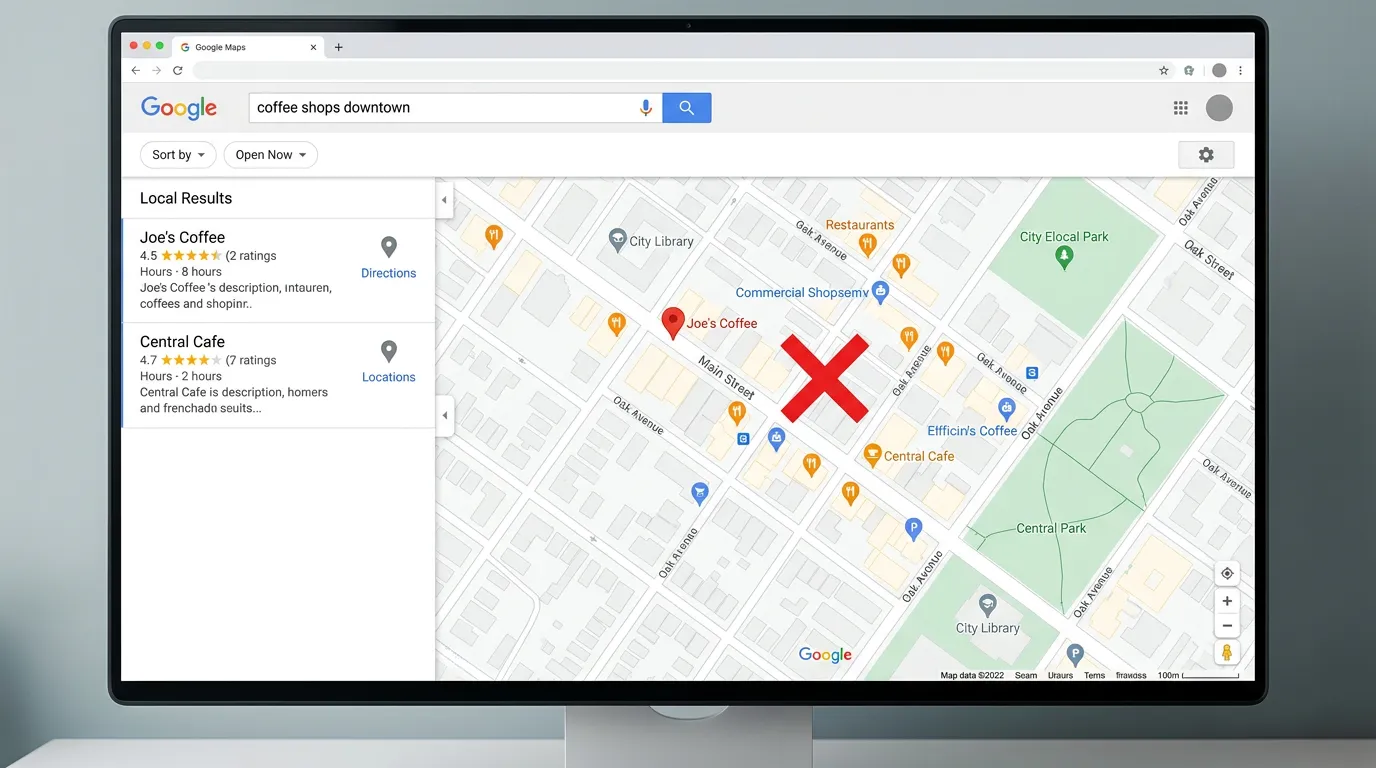
First, Test It the Way a Customer Would
Before you assume the listing is gone, test it properly. Google personalizes what you see, and searching your own business from your own office while signed in is the least reliable check there is. Run three searches on a phone instead. First, type your exact business name. If the profile comes up, it exists and it is live, which rules out half the causes on this page. Second, type the Google maps service plus your city, the way a customer would. If your name is not in the three results, you are not missing, you are ranking below them. That is a different problem with a different fix. Third, ask someone a few miles away to run the same search. Two different answers tells you distance is doing the Google maps work. Turn location on for the browser, since a search with no location gets a guess based on your network. Signing out or using a private window helps, though it does not remove location. Write down what each test showed. Most people skip this step and then spend three weeks fixing a problem they never had.
Cause One: The Profile Is Not Verified, or Got Suspended
A profile that was never verified does not appear in Google maps for anyone but you. This catches more businesses than you would expect, usually when someone started the setup, reached the postcard or video step, and never finished it. Sign in and look for a verify prompt on the dashboard. If it is there, that is your whole answer. Suspension is the harder version. A suspended profile drops out of Google maps with little warning and often no email you noticed. Common triggers are a business name with extra keywords in it, an address that does not match where you work, a mailbox or virtual office, a category that does not match your license, and edits that look drastic, such as changing the name and address on the same day. Google publishes an appeal process for suspended and disabled profiles. Appeal once with real evidence: photos of signage, a utility bill, your license, and a shot of the building. Do not build a new profile to get around a suspension. That usually ends with both gone and a harder appeal.
Cause Two: The Primary Category Does Not Match the Search
If the profile shows for your name but not for your service, check the category first. Google leans on the primary category when deciding which businesses are even considered for a search. One word off keeps you out of the running. Open the three businesses currently showing for your search and read the category line under each name. If all three say Air Conditioning Contractor and yours says Contractor, you found it. This happens most often to businesses that picked a category at setup years ago and then changed what they sell. A shop that started with general handyman work and now mostly does bathroom remodels is often still listed as a handyman. Change the primary category, then add the secondary categories that match work you truly do. Expect a few days for the change to settle, and watch what happens rather than changing it again on day two. A new primary category can also cost you searches you used to win, so write down where you rank before you touch it.
Cause Three: A Duplicate Listing Is Splitting You in Two
Duplicate listings are common and quietly damaging. They appear when a business moves, when a former owner made a profile, when a franchise system generated one, or when Google built a listing on its own from other data. The result is two records for one business. Reviews land on one, your work goes into the other, and neither builds enough to compete. Find them by searching your business name in quotes, your old address, and your old phone number inside Maps. Look for near matches too, since a duplicate often carries a slightly different name. Once you find one, do not delete it on impulse. Reviews on a deleted profile are gone for good. The better move is usually to claim both and ask Google to merge them, which keeps the reviews attached to your business. If the duplicate has no reviews and no owner, marking it as a duplicate inside Maps is faster. Sort this out before spending on anything else, because every signal you send while two profiles exist gets split between them.
Cause Four: You Are Too Far From Where People Search
Distance is the cause people like least, because effort does not fix it. Google measures how far each business sits from the person searching. If your shop is eleven miles from the city you want, you are behind before the ranking starts. This is where service area settings confuse owners. Listing service areas tells customers where you travel, and Google allows up to twenty of them, but it does not extend how far you rank. There is no setting that moves your business closer to a search. What can be done is narrower and more honest. Compete hardest in the ring where you sit near the middle. Build real pages for the further cities so you can win the blue links under the map, which is slower but reachable. If a distant city genuinely pays your bills, the only real answer is a real presence there: a staffed office, a shared shop, or a partner business. Fake locations get profiles suspended, which trades a ranking problem for a much worse one.
Cause Five: Something in the Profile Breaks Google's Rules
Some listings are live but keep getting filtered, edited, or reported. The name field causes most of it. Google requires the business name to match the real world name, with no city names or services bolted on. Add them and Google can edit the name back, and repeat problems can cost you the profile. Address mismatches come next. If the profile shows a suite number that does not exist, or a street address that Google maps to a place you no longer rent, the record stops matching everything else on the web. Then there are the quiet ones. Hours left blank or wrong can pull you out of results when someone filters for open now. A category that needs a license you have not shown can attract a review. Competitors do report listings they believe break the rules, and a report puts a human in front of your profile. None of this calls for paranoia. It calls for a profile that is plainly accurate, because an accurate profile survives being looked at.
The Order to Fix Things In
Work through these in order, because doing it out of order wastes weeks. Start with existence. If there is no profile, create one and verify it, and nothing else matters until that is done. Second, clear any suspension. There is no point improving a profile that is not showing to anyone. Third, deal with duplicates, since every signal you add gets split while two records exist. Fourth, fix the primary category and fill in the Google maps service list, which is the fastest change with the largest effect on which searches you appear in. Fifth, correct the name, address, phone, and hours everywhere they appear, starting with the biggest directories. Only then move to the slow work of reviews, pages, and local links. Give each step time before you judge it. Profile edits often show within a few days. Duplicate merges can take a couple of weeks. Listing corrections spread across a quarter. If you have done all of it and you are still outside the three, you are no longer dealing with a broken listing. You are dealing with competition, which is a longer and different job.
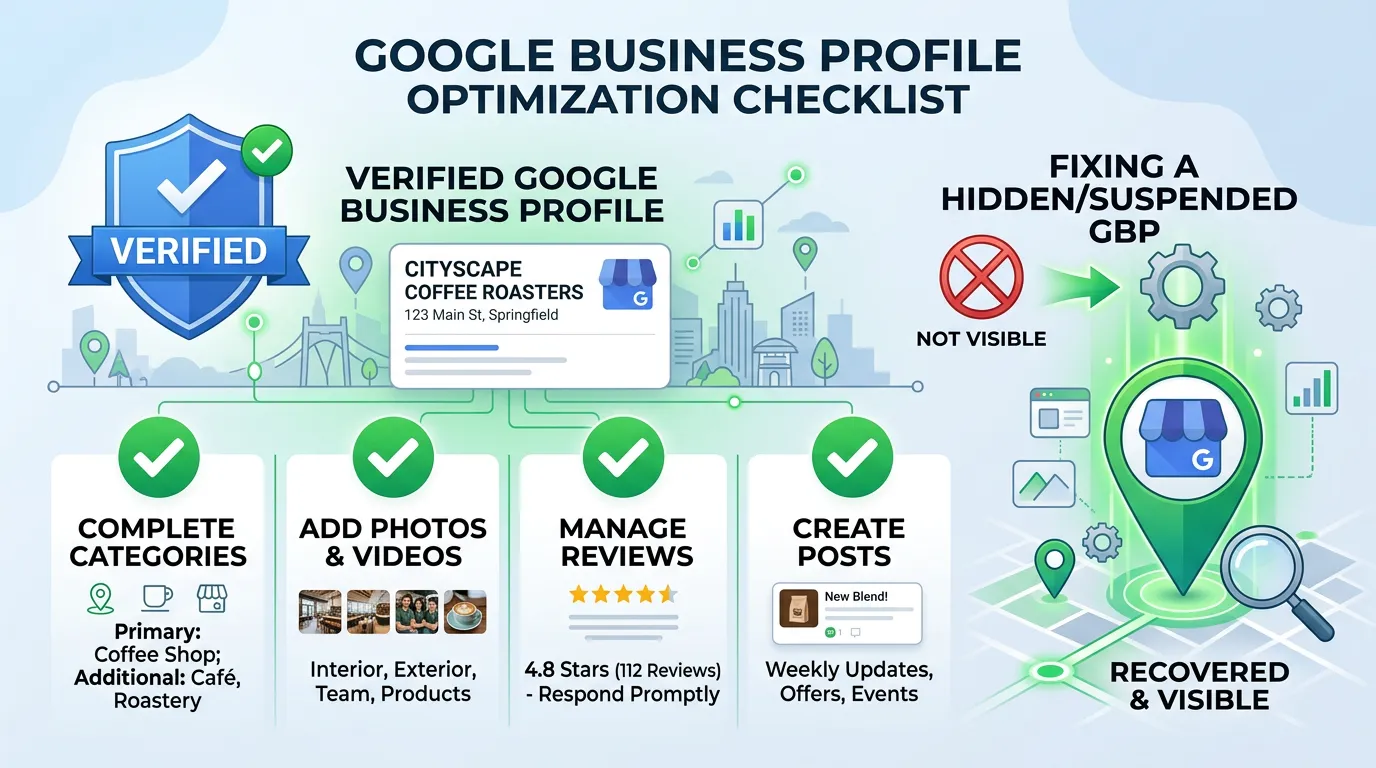
Four Ways a Business Can Be Missing
These look identical from your phone and need completely different fixes.
The first three are yes or no questions you can settle today. The fourth is a program, not a fix.
A Ten Minute Check Before You Call Anyone
Run these in order on a phone. By the end you will know which of the five causes you have.
Search your exact business name
On a phone, signed out, with location on.
Search the service plus your city
Showing for one and not the other means low rank.
Open your profile dashboard
Look for a verify button or a suspension notice.
Search your name plus your old address
Two results means a duplicate is live.
Compare your category to the top three
Open each map result and read its category line.
Check today's hours on the profile
Marked closed drops you from open now searches.
Read the name field word by word
Extra service or city words can trigger an edit.
Missing and Ranking Low Look the Same From Your Phone
Almost every owner who says the business disappeared from Google Maps still has a live profile. What changed is the ranking, or the search they ran, or where they were standing when they ran it.
That difference decides who you call and what you pay for. A verification or duplicate problem is a one time fix that a careful owner can often handle alone in an afternoon. Ranking below three established competitors is months of steady work.
So settle the yes or no questions first. Does the profile exist, is it verified, is there only one of it, and does the category match. Anyone who takes your money before answering those four is guessing.
Fast Answers on Disappearing Listings
My listing shows on desktop but not on my phone. Why?
How long does a suspension appeal take?
Can a competitor get my listing taken down?
Would rather we handled it?
This article covers how to do the work yourself. If you would rather have it done for you, that is what our local seo service is.
Local SEO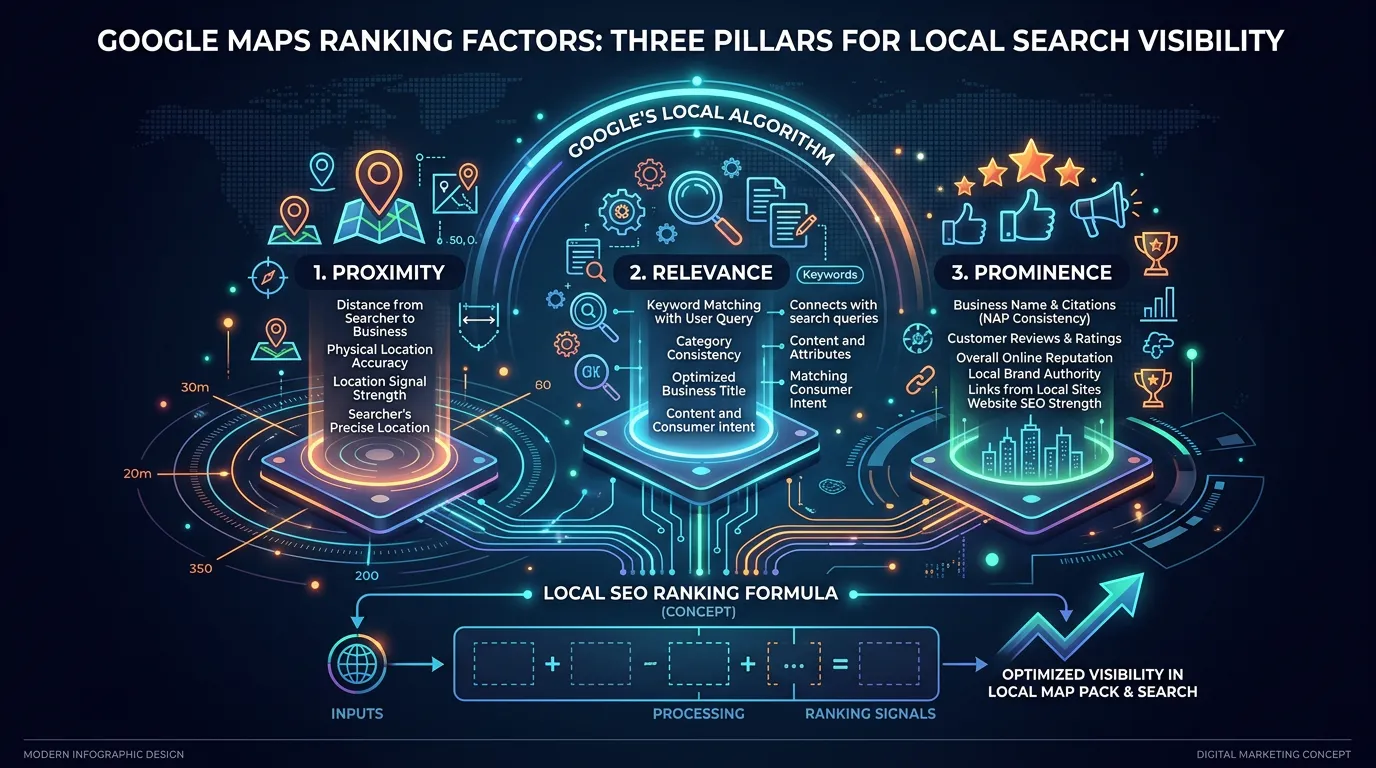
Frequently asked questions
I moved my business. Why did my Maps ranking drop?
My profile shows but the website link is missing. Does that matter?
Do Google Business Profile edits ever get reverted?
I have great reviews but still do not show up. What now?
Sources
- Google Business Profile Help: Add or claim your Business Profile(opens in a new tab) Google documents how a profile is created and claimed, which is the step unverified businesses have usually missed.
- Google Business Profile Help: Fix suspended or disabled profiles(opens in a new tab) Google provides an appeal process for suspended and disabled profiles and asks for evidence that the business operates as described.
- Google: Guidelines for representing your business on Google(opens in a new tab) The business name must reflect the real world name with no added keywords, and the address must be a place the business is staffed during posted hours.
- Google Business Profile Help: Manage your service areas(opens in a new tab) Service areas can be listed up to twenty regions, and they describe where a business travels rather than extending ranking reach.