Video Marketing
Video for Google Business Profile
Up to 30 seconds, under 75 megabytes, 720p or better
- Timeline
- First uploads within two weeks
Call (714) 823-3164 or ask a question. Clear recommendations, even if we never work together.
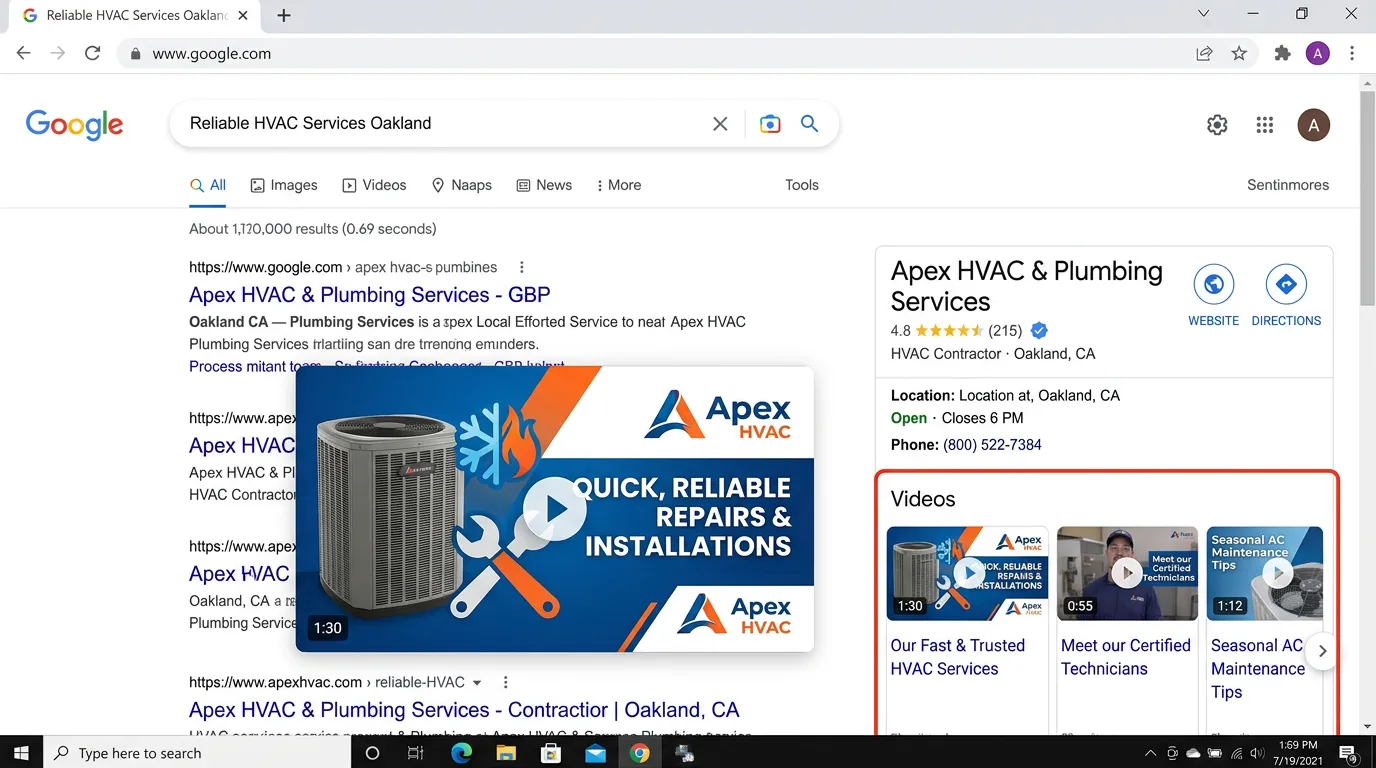
Video on a Google Business Profile is short footage you upload straight to your listing. It shows up in the photos section on Google Search and Maps. Videos must be 30 seconds or shorter, under 75 megabytes, and at least 720p. Most local competitors post none, so this is easy ground to take.
The problem
A Google Business Profile is where a local buying decision usually gets made. Someone searches, sees three map results, and taps through to compare. On most profiles they find a logo, a photo of a storefront taken in 2019, and nothing else. There is no sense of who these people are or what the work looks like. Meanwhile the profile that shows a 20 second clip of a technician finishing a panel upgrade, filmed last week, feels current and real. That is a decision made in eight seconds, and most businesses never even enter the comparison.
What it is
Google lets you upload video straight to your profile, within set limits: 30 seconds maximum, 75 megabytes maximum, and 720p resolution or higher. The clips appear in the photos area of your listing on Search and Maps. What works here is different from social media. Nobody expects sound, and viewers are already close to deciding. The useful content is proof: a finished job, a crew arriving in branded trucks, a before and after reveal, a quick shop tour. We cut these from footage you already have and upload them on a schedule. We also watch for the occasional rejection, so a removed video gets replaced instead of quietly disappearing.
Signs you need this
- Your Google Business Profile has no videos at all
- The newest photo on your profile is more than a year old
- Competitors' profiles look more active than yours
- You have footage from a shoot that never got used anywhere
- Your profile gets impressions but a low rate of clicks and calls
What is included
- Clips cut to 30 seconds and compressed under the 75 megabyte limit
- Resolution and format checked against Google's requirements before upload
- A posting schedule of two to four videos per month
- Content mix across finished jobs, crew, shop, and before and after reveals
- Text overlays so clips work with no sound, which is how most are viewed
- Uploads posted from the profile owner account, not a third party tool
- Monitoring for rejected or removed videos with replacements posted
- Photo and video view counts tracked in the profile performance report
- Coordination with your Google Business Profile posts so the profile stays active
Our process
Profile and Media Review
Days 1 to 3We check what is already on the profile, when it was last updated, and what your top three local competitors have posted. This sets a realistic target for volume and content type.
Clip Selection
Week 1We pull the most persuasive 30 second moments from existing footage: the reveal, the finished work, the crew at the truck. Long explainers do not belong here, since nobody watches a full explainer from a map listing.
Format and Compress
Week 1 to 2Each clip gets trimmed, captioned or text overlaid, and compressed to fit under 75 megabytes while staying above 720p. Files that fail specs get rejected, sometimes days after upload with no clear notice.
Scheduled Uploads
Ongoing, monthlyWe upload two to four videos a month, spaced out rather than dumped at once, so the profile shows recent activity every time someone checks it.
Monitor and Replace
Ongoing, monthlyGoogle removes videos sometimes without explanation. We check the profile monthly, replace anything missing, and track photo and video views in the performance report.
Realistic timeline: First uploads within two weeks. Video and photo view counts respond within a month. Effect on calls is gradual and shows up alongside other profile work rather than on its own.
Where Profile Video Sits in a Local Decision
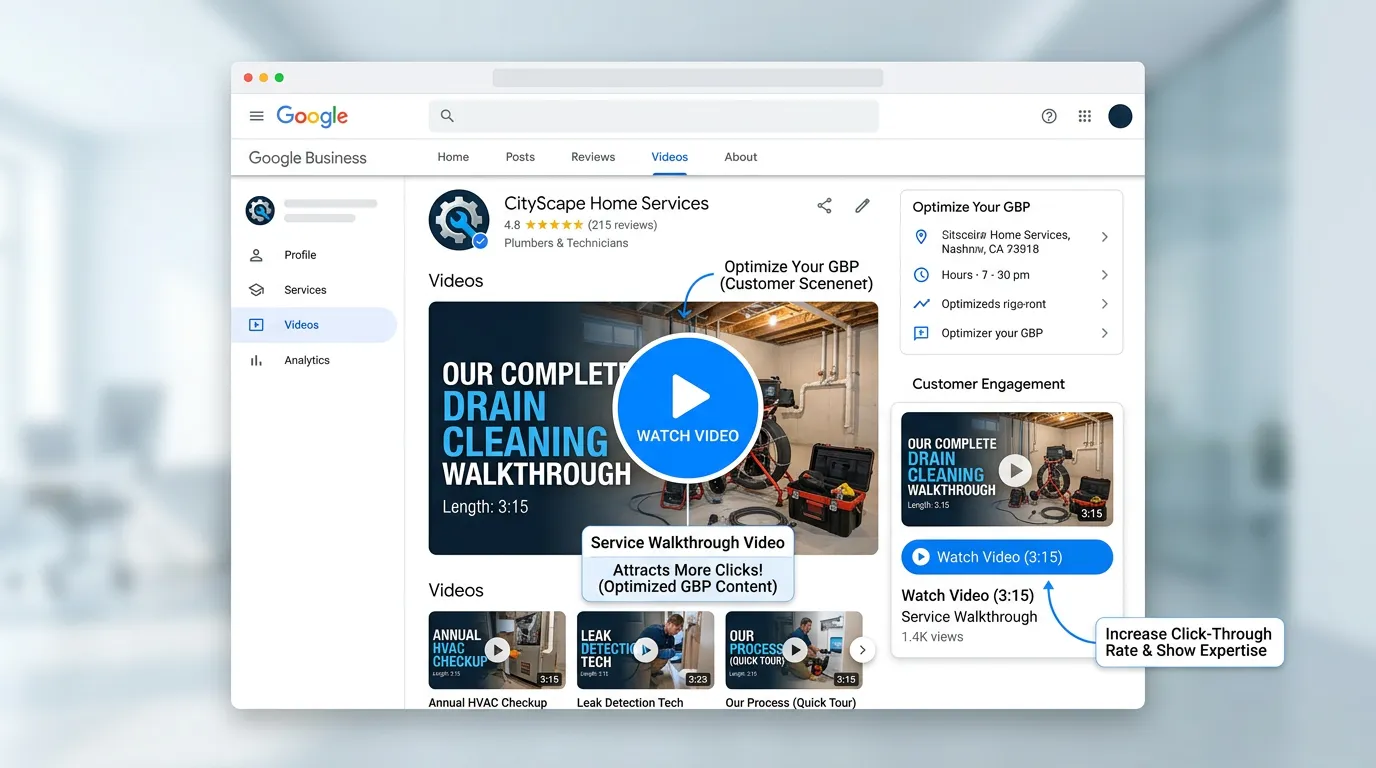
Profile video does not bring anyone to your listing. It decides what they do in the few seconds after they arrive.
Almost nobody comes back to compare again later. The first look is the whole chance.
Spec Check Before Anything Gets Uploaded
Run every clip through this before it goes near the profile. A file that fails can upload fine and vanish days later.
Trimmed to 28 seconds or less
The limit is 30. Leaving two seconds of room means rounding never fails you.
File size under 75 megabytes
A raw phone clip can pass on length and still fail on size at high quality settings.
Resolution at 720p or better
Any recent phone clears this easily, but exported files sometimes get downscaled.
Text on screen in the first two seconds
Nearly every view happens with the sound off, so the clip has to work silent.
No prices or phone numbers burned in
Media that reads as an advertisement gets removed more often than plain work footage.
Uploaded from the owner account
Third party scheduling tools post to profile media less reliably than posting directly.
Filmed within the last few months
Old footage gives itself away through vehicles, phones, and worn uniforms.
Logged in a simple upload record
You cannot spot a removal without a list of what should be there.
What Belongs on a Profile and What Does Not
This is the only place in video where the viewer already knows who you are. They searched, they saw your name, and they tapped in. So the job is not attention. The job is proof, delivered fast, before they go back and tap the next result.
That rules out a lot. A trimmed service explainer does not work, because nobody watches a lesson from a map listing. Slideshows of stock photos look like every other business that gave up. What does work is short and physical: the finished panel, the clean drain line, a marked truck pulling up, a walk through the shop that shows you have a real place of business.
Watch for two things after you start. Customer uploaded video sits in its own section separate from yours, and it carries more weight with a stranger, so ask a happy client when the moment fits. Second, the view counts in the profile performance report lag by a few days. Read them by the month, not the afternoon, and expect video and photo views to move well before calls do.
Clip Types That Earn Their Place on a Listing
Five formats cover most of what a local buyer wants to see. Each is easy to capture on a job you are already doing.
| Clip | What it proves | How to film it |
|---|---|---|
| The reveal | The work is finished and it is clean | One slow pan from the problem area to the result, no cuts |
| Truck arrival | A real marked company shows up | Fifteen seconds of the van, then the tech walking to the door |
| Shop or yard walk | You have an actual place of business | Walk it once, steady, in daylight, with the doors open |
| Hands on the repair | Somebody here knows how to do this | Close up on the work. No faces needed and no talking required |
| Before and after | The size of the change | Same angle twice. Mark the floor with tape so it lines up |
Five clips like these cover about two months of posting at a rate of two uploads a month.