Social Media Marketing
Social Media Community Management
Answers every comment and message within a set time
- Timeline
- Backlog cleared and daily monitoring live within two to three weeks
Call (714) 823-3164 or ask a question. Clear recommendations, even if we never work together.
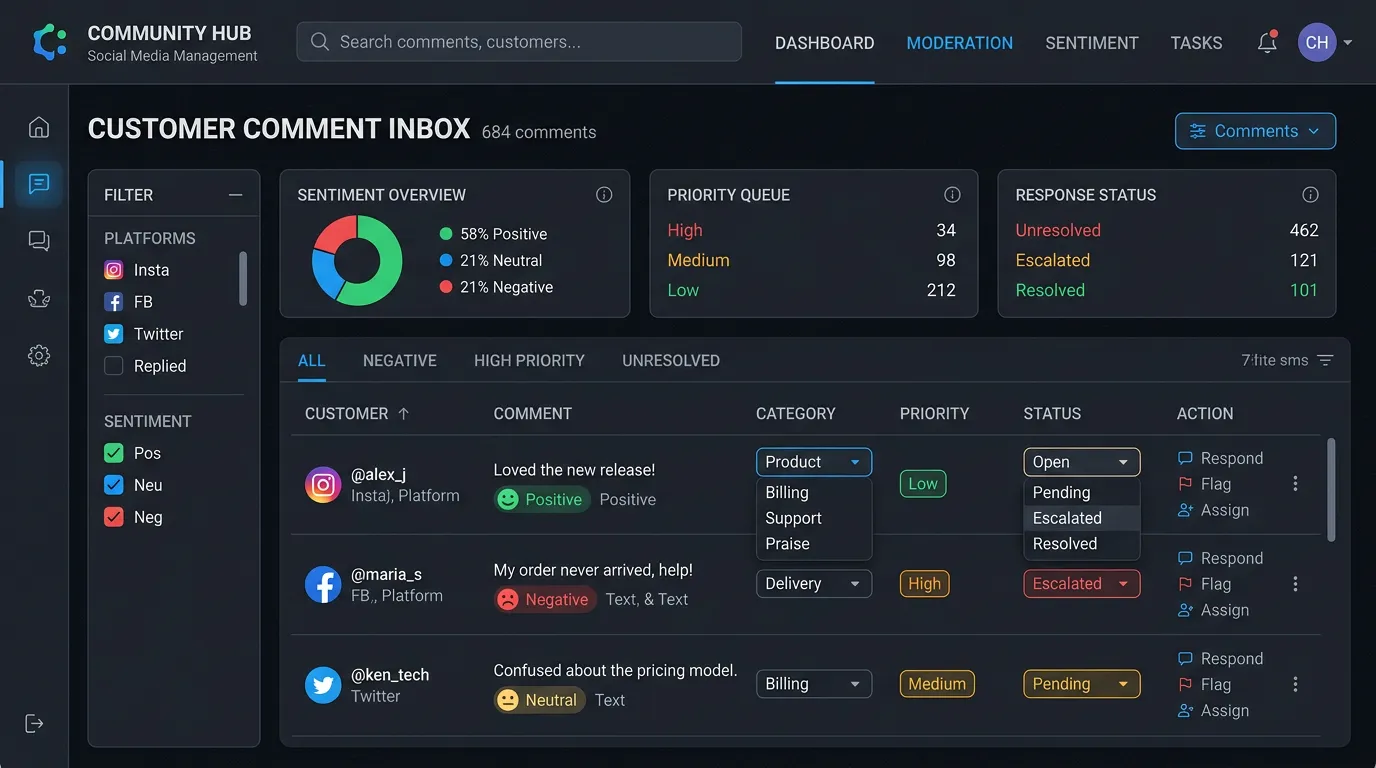
Community management is handling everything that comes back at you on social media: comments, direct messages, tags, questions, and complaints. For a service business it matters more than posting. An unanswered message is a lost customer. A public complaint left alone becomes the first thing people see.
The problem
The message icon shows 14 unread. Some are vendors, some are spam, and three are homeowners asking whether you service their area and what a repair would cost. The oldest is from March. On the last post, a former customer wrote a two sentence complaint about a missed appointment and there is no reply beneath it, so it reads as true and unanswered. Nobody owns the inbox, so nobody checks it, and Facebook shows a response time badge to every visitor that quietly tells them you do not answer. Posting more content into this situation makes it worse.
What it is
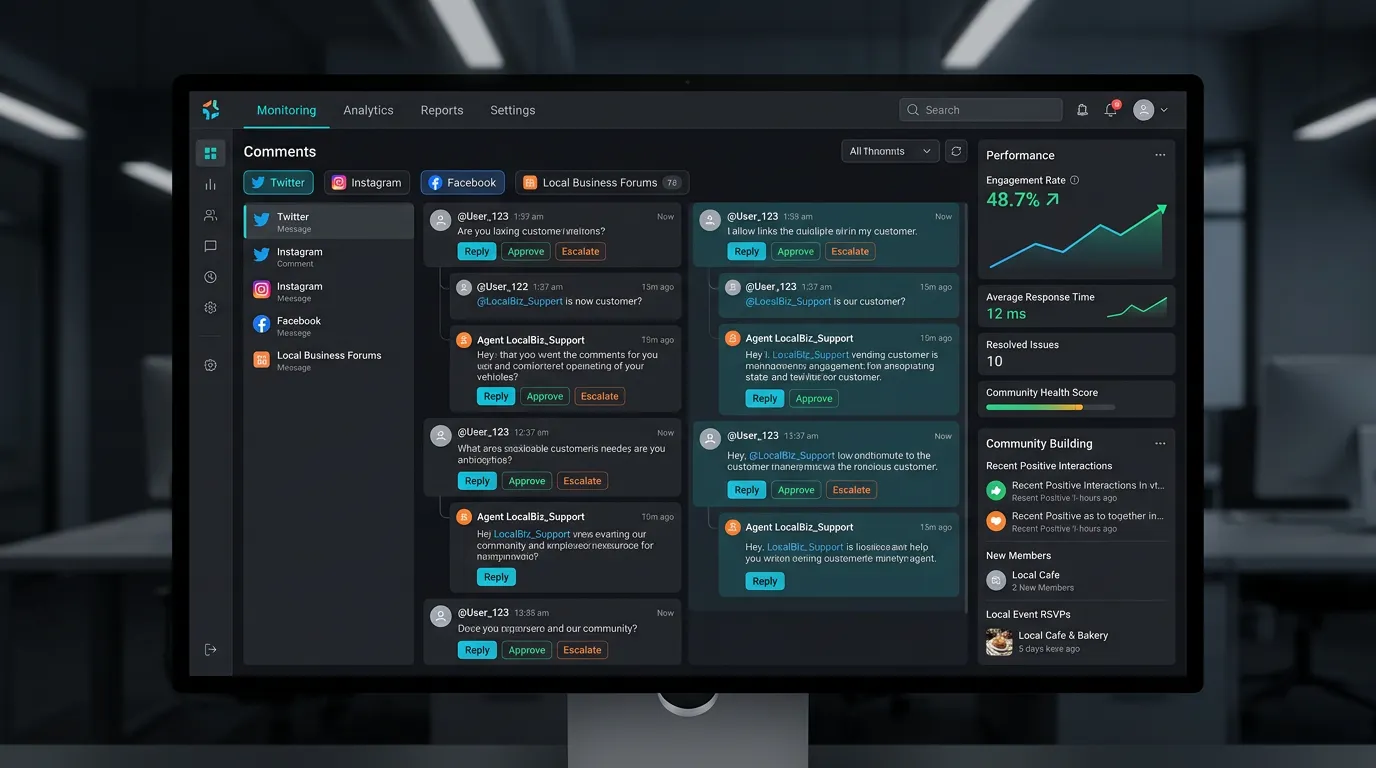
Community management is a monitored inbox with rules. Someone checks comments, direct messages, tags, and mentions on a set schedule during business hours. Real inquiries get a fast reply. They then get logged as leads in your CRM with the source recorded, so a Facebook message counts the same as a form fill. Routine questions get answered from approved wording that covers service area, hours, pricing ranges, and scheduling. That keeps replies consistent no matter who sends them. Complaints get one calm public reply, then move straight to phone or private message. Anything involving safety, damage, legal threats, or an accusation about an employee goes to you the same day. Nobody else handles those. Spam and vendor pitches get cleared out so the real messages are easy to see.
Signs you need this
- You have unread direct messages older than a week
- A negative comment sits on your page with no reply under it
- Facebook shows a slow or missing response time on your profile
- Nobody in the company is responsible for the social inbox
- Customers say they messaged you and never heard back
What is included
- Monitored inbox covering comments, direct messages, tags, and mentions
- Defined response time target for business hours and after hours
- Approved reply language for service area, pricing ranges, hours, and scheduling
- Inquiry logging into your CRM with social recorded as the lead source
- Complaint response protocol with a public reply and a private follow up
- Escalation rules routing safety, legal, and employee issues to you same day
- Spam, vendor, and bot comment cleanup
- Local group and recommendation request monitoring where permitted
- Weekly summary of message volume, response times, and inquiries generated
- Quarterly review of recurring questions, which usually become content or FAQ pages
Our process
Clear the Backlog
Week 1We work through every unanswered message and comment, replying honestly to old ones. A late reply that acknowledges the delay recovers more people than pretending the message never arrived.
Write the Reply Playbook
Week 1 to 3We draft approved answers for the twenty questions that come up most, and you approve the pricing and policy language. This is what makes fast replies possible without someone guessing on your behalf.
Set Escalation Rules
Week 2 to 3We define exactly what we never answer alone: injury or damage claims, legal threats, complaints about a named employee, and anything involving a refund. Those reach you the same day with a recommended response.
Route Inquiries as Leads
Week 3 to 5Any message asking about service, price, or availability gets logged into your CRM with source attached and handed to whoever handles quotes. Social inquiries stop living and dying inside an app.
Monitor Daily
Ongoing, dailyChecks happen on a set schedule each business day rather than whenever someone thinks of it. Response time improves immediately, and on Facebook a fast response badge is visible to every visitor.
Feed Back What You Hear
QuarterlyEvery quarter we review the recurring questions and complaints. Repeated questions become website FAQ content. Repeated complaints are an operations signal and get reported to you plainly.
Realistic timeline: Backlog cleared and daily monitoring live within two to three weeks. Reply playbook complete by week three. Response time improvements are immediate and visible on your public profile within days.
Who answers what, and how fast
Everything that comes in gets sorted on the first read. The bucket decides the reply time and who writes it.
| What came in | Target reply | Where it ends up |
|---|---|---|
| Price or service area question | Within an hour in business hours | Logged in your CRM as a lead |
| Booking or scheduling request | Within an hour | Handed to your scheduler that day |
| Public complaint on a post | Within two hours | One public reply, then a phone call |
| Injury, damage, or legal claim | No public reply at all | Escalated to the owner same day |
| Vendor pitch or spam | No reply | Cleared in the daily check |
| Recommendation ask in a group | Same day | A reply from a named person |
The targets get agreed with you and written down. A response time nobody signed off on is a wish, not a standard.
The first 48 hours of a public complaint
Complaints follow a predictable shape. Handled on this clock, most of them end quietly.
The public reply is written for the next hundred people who read it, not for the one person who is angry today.
What a slow inbox really costs
Facebook can show how quickly a page usually replies, and that shows up to anyone who opens your page to send a message. A page that looks responsive gets messaged more often.
The bigger cost never shows up in a report. A homeowner messages three companies on a Sunday afternoon and hires whoever answers first on Monday. Nobody calls to tell you that you lost that one.
That is why we clear the backlog in week one instead of week four. An honest late reply works better than people expect. A short note saying sorry for the slow reply, are you still looking, brings back a real share of old messages.
The community management work after that is boring on purpose. Checks happen at set times each business day, so nothing depends on someone remembering after lunch.
Replying to a complaint in public
You are not writing to the upset customer. You are writing to everyone who reads the thread later.
Do this
- Reply once in public, briefly, using their first name if you know it
- Say what you will do next, not why they are wrong
- Offer a phone number or a private message in that first reply
- Pull the job file before replying so the facts are right
- Add a short public note if the issue gets resolved
Not this
- Do not delete a real complaint, because that reliably makes it bigger
- Do not argue the timeline in public, even when you are right
- Do not paste the same apology under every complaint
- Do not reply in the first ten minutes while you are still annoyed
- Do not offer money or a refund in a public comment
An unread message is not a marketing problem. It is a customer who called someone else on Monday morning.