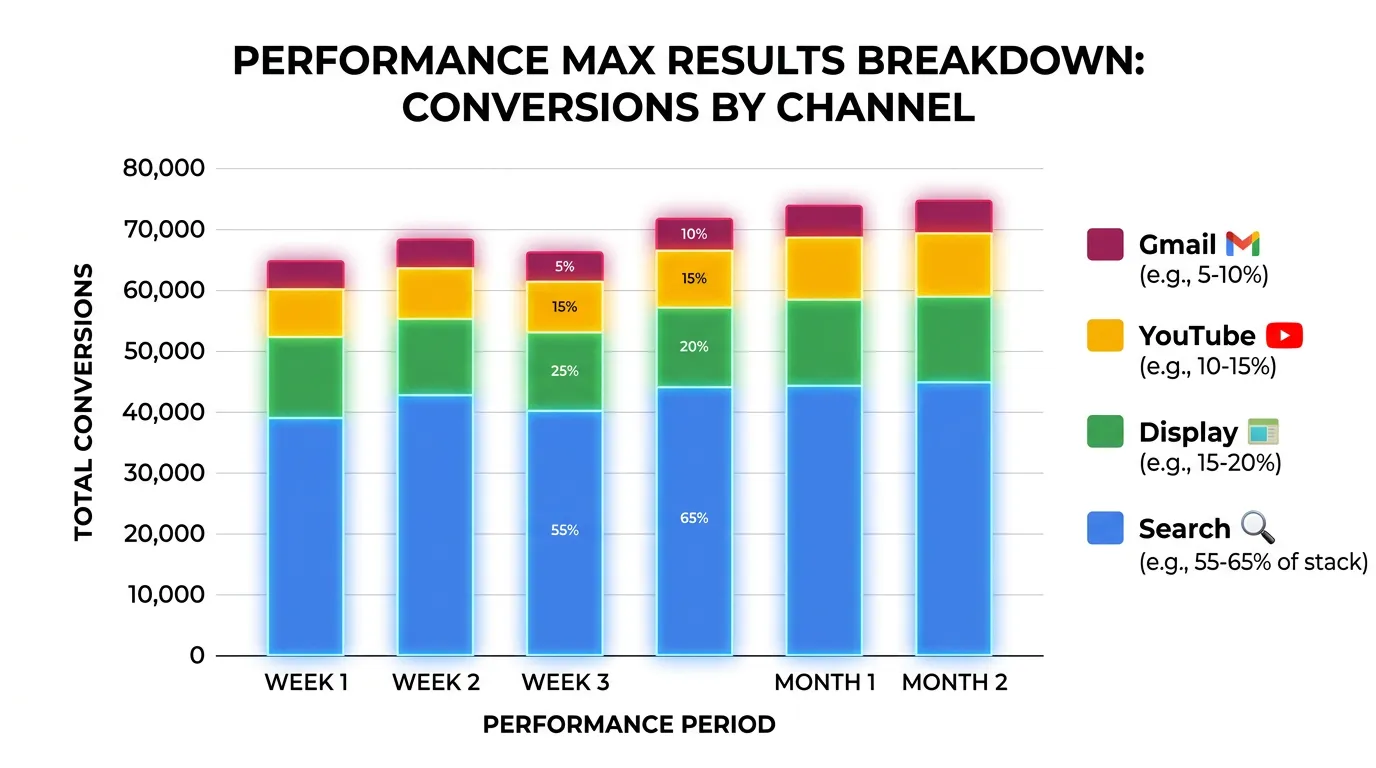
Pay Per Click Advertising
Performance Max Campaign Management
One campaign spends across Search, Maps, YouTube, Display, and Gmail
- Timeline
- Two to three weeks to build assets properly
Call (714) 823-3164 or ask a question. Clear recommendations, even if we never work together.
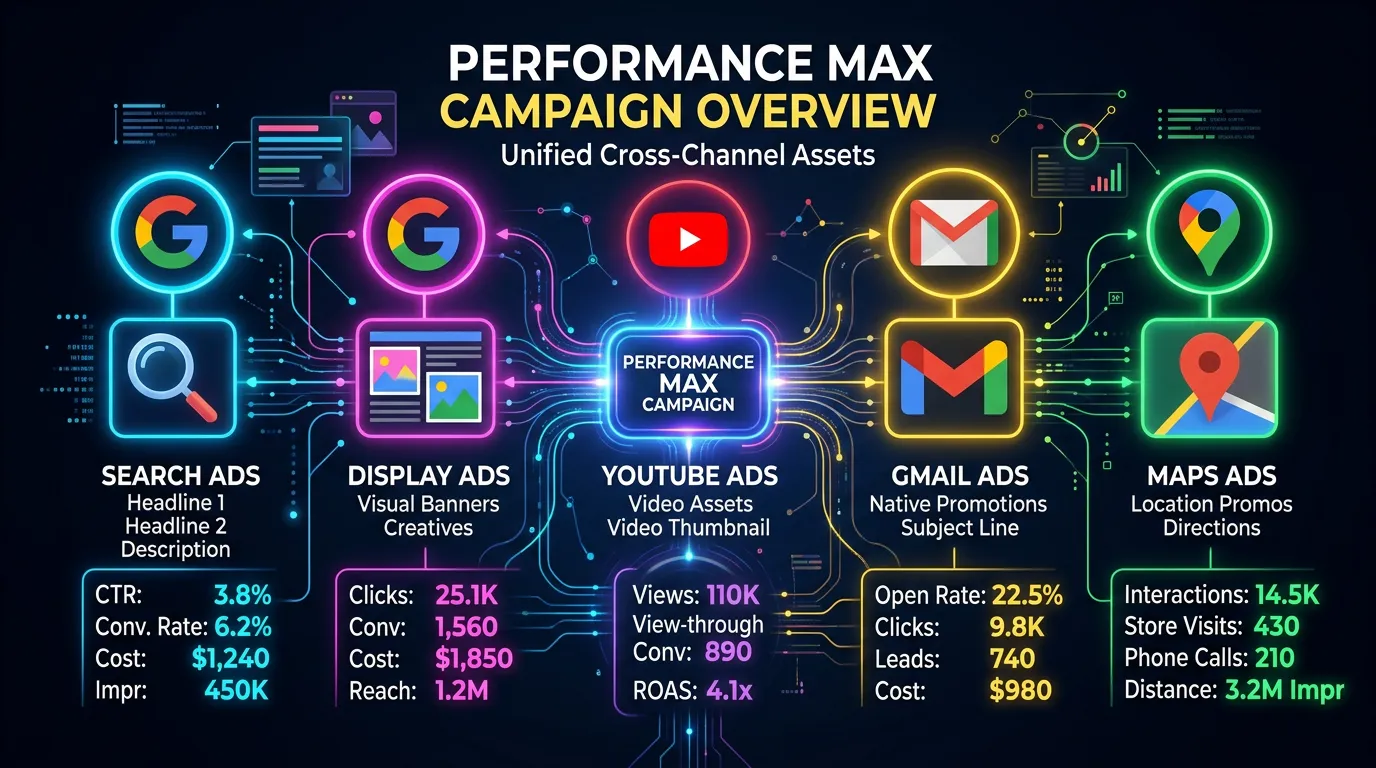
Performance Max is a Google campaign type that runs ads across Search, Maps, YouTube, Display, Discover, and Gmail on one budget. You supply the text, images, video, and audience signals. Google's automation then decides where ads show and what to bid. It needs strong conversion data and tight exclusions to work.
Jump to a section
The problem
Performance Max is the campaign type Google reps push hardest, and it is the one that most often produces numbers an owner should not trust. Left alone it will spend most of the budget on your own brand searches and on cheap Display placements, then report a beautiful cost per conversion. The owner sees a 15 dollar cost per lead and assumes the campaign is working. In reality it is buying people who already knew the company name, plus a pile of accidental app clicks. Meanwhile the search campaigns that were actually finding new customers get starved of budget.
What it is
Performance Max replaced Smart Shopping and Local campaigns. It now covers every Google inventory type from a single campaign. You give it asset groups made of headlines, descriptions, images, logos, and video. You also give it audience signals that hint at who to target. Google's automation handles the rest. For local service businesses it can work well as a supporting campaign once search is dialed in. That only holds with brand exclusions in place, a real video asset instead of an auto generated slideshow, and conversion goals that count booked calls rather than every page view.
Signs you need this
- Your Google rep keeps recommending Performance Max and you are not sure why
- Your Performance Max cost per conversion looks too good next to your search campaigns
- Search campaign volume dropped after Performance Max launched
- You have no idea which placements or search terms your budget is buying
- Your asset groups use stock photos and a Google generated slideshow video
What is included
- Asset groups built per service line, not one generic group for the business
- Fifteen headlines, five long headlines, and five descriptions per asset group
- Image assets in every required ratio plus a real uploaded video
- Audience signals from customer match lists, site visitors, and custom segments
- Brand keyword exclusion list applied at the account level
- Location targeting set to presence only with excluded areas listed
- A placement and search category script run monthly for visibility
- Final URL expansion controlled so traffic lands on pages you chose
- Monthly report separating Performance Max leads from search campaign leads
Our process
Readiness Check
Days 1 to 5Performance Max needs at least 30 conversions a month across the account to learn properly. If you are not there, we hold off and put the budget into standard search until the data exists. Running it early wastes money on a learning phase that never ends.
Asset Production
Week 1 to 3We write headlines and descriptions per service line and gather real photos of your trucks, crews, and finished work. Stock photos underperform badly here. If you have no video we produce a simple one, because the auto generated slideshow gets poor placements.
Exclusions and Guardrails
Week 3Before launch we apply the brand keyword exclusion list, turn off final URL expansion, set presence only targeting, and exclude the geographies you cannot serve. These four settings are what keep the reported numbers honest.
Launch and Learning Period
Week 4 to 7The campaign runs with a budget it can actually spend, usually at least 50 dollars a day. We leave settings alone for the first two to three weeks because constant edits restart the learning phase.
Placement and Term Review
Ongoing, monthlyEach month we run a script that pulls placements and search category data the standard interface hides, then add negatives and adjust asset groups based on what is actually converting.
Realistic timeline: Two to three weeks to build assets properly. Two to three weeks of learning after launch. A trustworthy read on performance at 60 to 75 days.
The Five Gates Before a Performance Max Campaign Launches
Each gate has to be closed before the next one matters. Skip one and the numbers the campaign reports will not mean anything.
Most disappointing Performance Max results trace back to gate one or gate two, not to the ads themselves.
What You Can See in Performance Max Versus Search
The reporting gap is the real tradeoff. It is worth knowing exactly what you give up before you move budget.
| Question you will ask | Search campaigns | Performance Max |
|---|---|---|
| Which search term paid? | Full search terms report | Category themes only |
| Where did the ad show? | Placement report | Partial, impressions only |
| Which channel spent it? | Search only, nothing to split | Not broken out for you |
| Which asset worked? | Ratings per ad | Ratings per asset group |
| Can I block a term? | Yes, any time | Account level list, limited |
| Is this new demand? | Visible by keyword | Hidden without brand exclusions |
This is why we run a monthly script. It pulls placement and category data into a sheet so there is at least something to act on.
What Actually Sits Inside an Asset Group
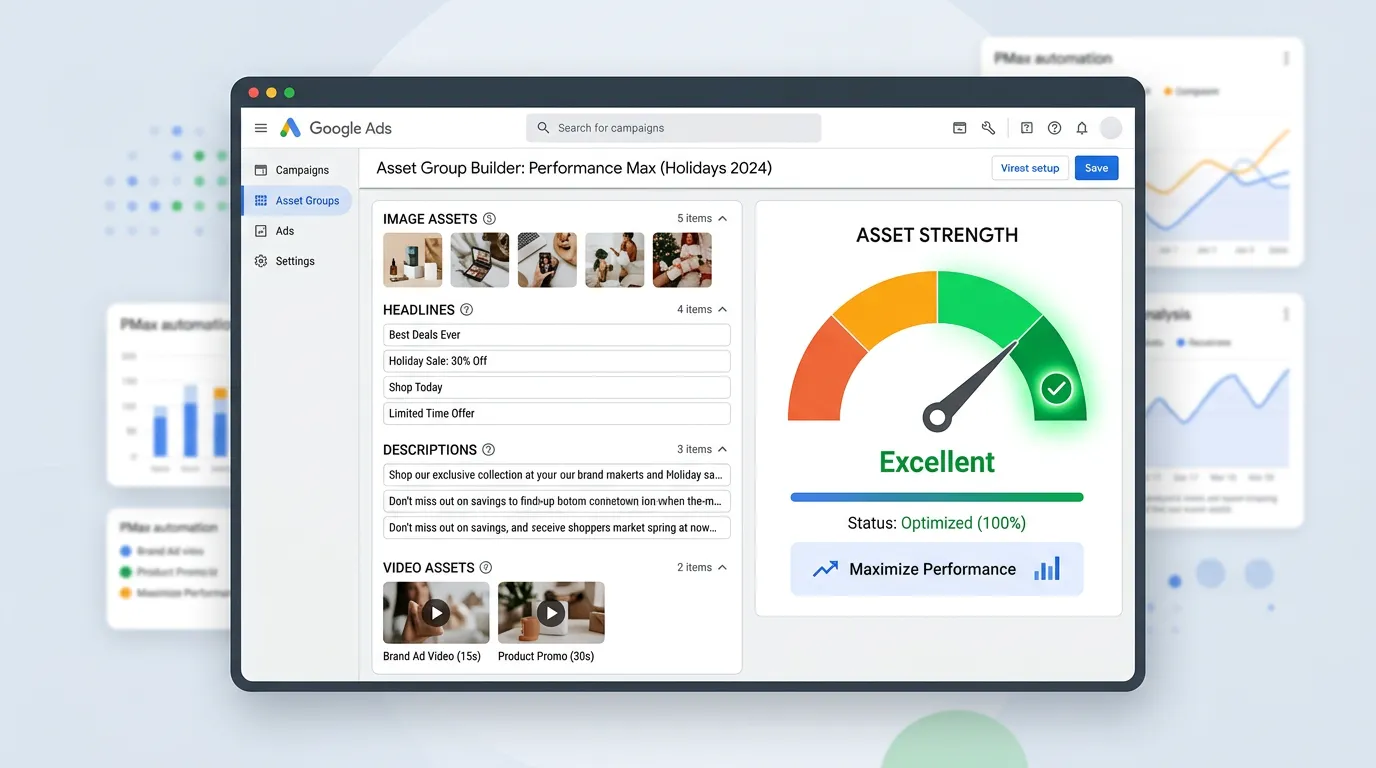
An asset group is the Performance Max version of an ad group, except it holds no keywords. It holds headlines, descriptions, images, a logo, video, one final URL, an audience signal, and search themes.
Two of those get misunderstood constantly. The audience signal is a hint about where to start looking, not a fence. Google will go outside it. Search themes work the same way for queries. They point the system toward phrases, they do not restrict it to them. Neither one behaves like an exact match keyword, and treating them as targeting is how budgets end up somewhere strange.
That is also why the final URL setting matters so much. With expansion left on, Google can send a paid click to any page it thinks fits, including your careers page and your blog. We turn expansion off so traffic lands on the pages we picked.
One asset group per service line beats one group for the whole company. A roofer selling repair, replacement, and gutters should run three, because the photos, the headlines, and the right landing page are different for each job.
Working With a Google Rep Without Losing the Account
Reps can be genuinely helpful. They are also measured on spend, and Performance Max is what they are asked to push hardest.
Do this
- Ask what a recommendation does to your search campaign budget
- Ask to see the change history before approving anything
- Ask for the number again after brand traffic is excluded
- Turn off auto apply recommendations in the account settings
- Take a week to decide, since the offer will still be there
Not this
- Do not hand a rep edit access to make changes directly
- Do not accept broad match plus smart bidding as a bundle
- Do not judge a change by whether optimization score went up
- Do not let working search campaigns get merged into one Performance Max
- Do not assume the rep can see booked jobs, they see conversions
A Performance Max report without a brand exclusion list is a mirror. It shows you the customers you already had and calls them new.