Google Business Profile Optimization
Google Business Profile Optimization for Local Businesses
Storefront, service area, and multi location each need different setups
- Timeline
- Single location work completes inside 30 days
Call (714) 823-3164 or ask a question. Clear recommendations, even if we never work together.
Google Business Profile optimization for local businesses fits the profile work to the business type. That means storefronts customers visit, service area businesses that travel, multi location companies, and practices with individual practitioner listings. Each type has its own verification rules, its own profile fields, and its own tactics that actually move rankings.
Jump to a section
The problem
Generic profile advice assumes one storefront with a front door. Real businesses are messier. A dental practice with four dentists has rules about practitioner listings that most offices break. A three location HVAC company has to decide which location owns which service area, and they routinely cannibalize each other. A home based contractor gets told to add interior photos of a business that has no interior. Following the wrong playbook wastes months and sometimes triggers a suspension.
What it is
This is profile optimization matched to structure. Storefronts get interior and exterior photos, accurate hours, popular times, and the attributes customers filter by. Service area businesses hide the address, set the city list, and lean on vehicle and job site media. Multi location companies get a location group in Business Profile Manager. Naming and categories stay consistent across locations, and each location gets its own landing page. We also plan which location targets which cities, so they do not compete with each other. Practices with licensed practitioners can run a separate listing for each provider, under specific rules. Those listings help for name searches, and they hurt badly when done wrong.
Signs you need this
- Your two locations show up for each other's searches and confuse customers
- Every location profile links to the same homepage
- You have individual dentist or attorney listings and are not sure they are set up right
- Your listing shows a residential address publicly
- Each of your locations was set up by a different person with different conventions
What is included
- Business type assessment: storefront, service area, hybrid, or multi location
- Correct address and service area configuration for your type
- Location group setup in Business Profile Manager for multiple locations
- Consistent naming, category, and attribute standards across all locations
- A distinct landing page for each location, linked from its profile
- Service area division so locations do not compete for the same cities
- Practitioner listing setup or cleanup where your industry allows it
- Attribute selection matched to what customers filter by in your category
- Bulk upload and verification handling for larger location counts
Our process
Classify and plan
Week 1We determine the correct business type for each listing, since that decides address visibility, verification method, and which fields you get. Hybrid businesses that both serve walk-ins and travel get handled as storefronts with a service area.
Structure the locations
Week 1 to 3Multiple locations get organized into a location group with consistent naming that matches real signage. We assign primary cities per location so their service areas do not overlap and split their own rankings.
Landing page mapping
Week 2 to 6Every profile links to a page specific to that location, not the homepage. Each page carries that location's address, phone, hours, staff, and local proof, with schema matching the profile exactly.
Practitioner and attribute work
Week 3 to 6Where your industry supports practitioner listings, we set them up correctly and link them to the practice. Attributes get selected against what customers actually filter for, such as wheelchair access, languages spoken, or emergency service.
Standardize and monitor
Ongoing, monthlyA written standard covers how every location fills every field, so future locations get set up correctly from day one. Monthly checks catch drift between locations.
Realistic timeline: Single location work completes inside 30 days. Multi location rollouts run 6 to 12 weeks depending on count and how many need verification. Ranking effects follow the usual 2 to 6 week window per location.
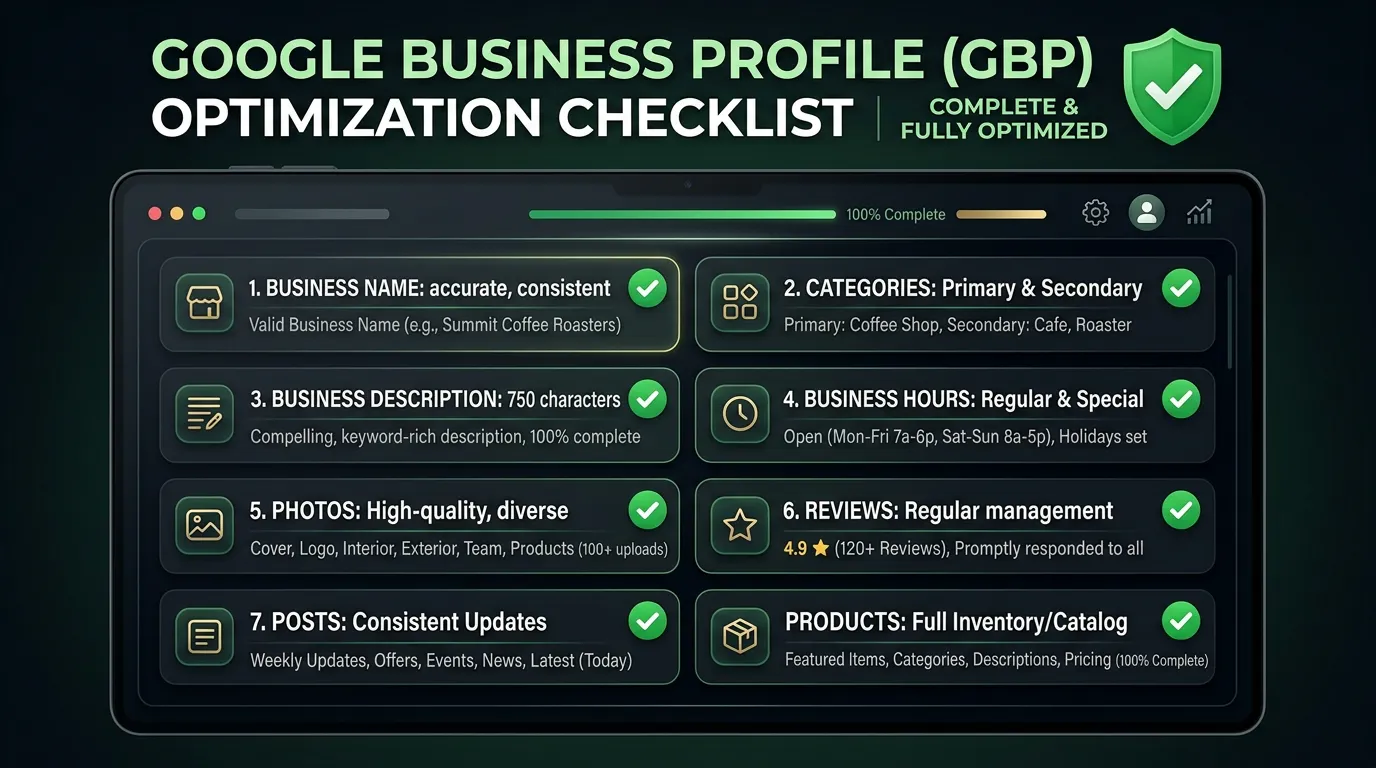
Four business types, four different setups
The rules change with the structure. Find yours before you touch a single field on the profile.
Choosing the wrong type is one of the most common reasons a listing gets suspended.
When two of your locations fight each other
Picture an HVAC company with shops in Chino and Corona, about twenty miles apart. Both profiles claim service areas covering the whole region. For most searches Google shows whichever shop is nearer the searcher and hides the other, so the second one looks broken in cities you thought it covered.
That is proximity working normally, not a penalty. The fix is to divide by drive time. Give each shop the cities it reaches fastest, build a landing page for each with that shop's address, staff, and job photos, and let the middle overlap a little. Some overlap is fine and unavoidable.
What not to do is open a listing at a mailbox, a friend's storefront, or an empty suite to cover the gap. Google treats that as a fake location, and the risk lands on every listing you own. If the middle matters that much, staff a real location or run paid ads while you decide.
The location standard every profile follows
Write this once and hand it to whoever opens location number four. Consistency across locations is worth more than clever settings on any single one.
Name written exactly as the sign reads
Same words everywhere, no city added
One primary category across the brand
Unless a shop truly does different work
A local phone number for each location
Not one shared call center line
Its own landing page, never the homepage
Address, staff, hours, local photos
Hours that match what is on the door
Including the shop that closes early
Photos shot at that location only
No shared library across locations
Service area drawn by drive time
Not by county or a long zip list
Attributes rechecked twice a year
Google adds new ones by category
Practitioner listings, and when to skip them
Google allows a separate listing for a licensed professional who works with the public. Think of a dentist, a lawyer, or a doctor. The listing uses the person's name, sits at the practice address, and uses their specialty as the category. It catches searches for the person, not the practice.
It goes wrong in two ways. A provider leaves and the listing stays live for years, sending patients to somebody who is not there. Or the listing uses the practice name instead of the person's name, which creates a duplicate that gets merged or suspended, sometimes dragging the practice listing with it.
The plain rule is this. Set one up when the individual has a name people search for, or their own referral base. Otherwise put that effort into the practice listing. And add one line to your offboarding checklist: when a provider leaves, close or transfer their listing that same week.
Structure questions we get most
We work out of the house. Can we still rank in our city?
We opened a second shop. New profile or move the old one?