
How To Articles
How Technical SEO Works, From Crawl to Search Result
Discovery, crawling, rendering, indexing, serving. The five steps a search engine takes with your site, and what fails at each one.
Call (714) 823-3164 or ask a question. Clear recommendations, even if we never work together.
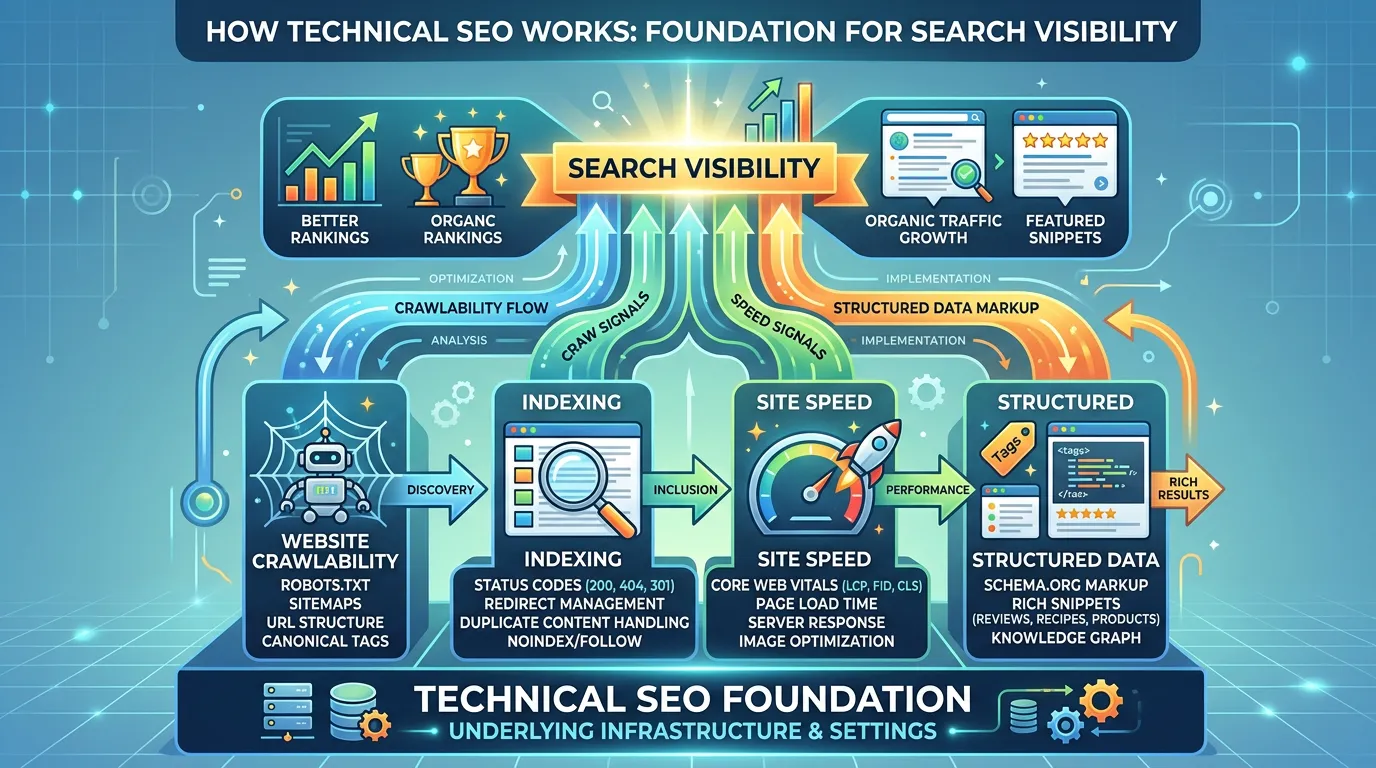
Technical SEO works by removing anything that stops a search engine from reaching, reading, and trusting your pages. Google finds a URL, crawls it, renders it, decides whether to index it, then decides whether to show it. Technical work clears the blockers at each of those five steps.
Jump to a section
- Technical SEO Is One of Three Legs
- Step One: How Google Finds a URL at All
- Step Two: Crawling, Status Codes, and Robots Rules
- Step Three: Rendering, Where Modern Sites Lose Content
- Step Four: Indexing and Which Version Google Keeps
- Step Five: Serving, Where Speed and Schema Fit
- How to Watch All Five Steps for Free
- The Five Steps Between Your Page and a Search Result
- What Each Instruction Actually Tells Google
- Crawl and Index Habits That Help or Hurt
- Two Questions Owners Ask Right After a Redesign
- Questions
Technical SEO Is One of Three Legs
Search work splits into three parts. Content is what you say. Links are who vouches for you. Technical is whether the machine can read any of it. The first two get the attention. The third decides whether the first two count for anything. Think of a shop with no sign and a locked front door. The technical SEO work inside might be excellent. Nobody gets to see it. So technical SEO is not a ranking trick. It is the removal of friction. Nothing here will make a weak page beat a strong one. It will stop a strong page from being ignored. That difference matters when you decide where to spend. If your site has ten pages and no real content yet, technical work has almost nothing to act on. Write the pages first. If your site has two hundred pages and traffic that never grew, technical problems are a fair first suspect. The rest of this article walks through the five steps a search engine takes with your site. Each step has its own kind of failure, and each one looks different in the reports you already have.
Step One: How Google Finds a URL at All
Google cannot index a page it never found. Finding happens three ways. A link from another page on your site. A link from someone else's site. Or a listing in your XML sitemap. Most sites lean on the first one and forget the other two. A page with no link pointing at it is called an orphan. It can sit on your server for years. Owners find these after a redesign, when the old menu linked to a service page and the new menu does not. The page still loads. Nothing points at it. Your sitemap is a hint, not an order. It tells Google which URLs you think are worth having. It does not force a crawl and it does not promise indexing. A sitemap full of URLs that redirect or return errors makes the hint less useful, so keep it clean. In Search Console you may see a status called discovered, currently not indexed. That means Google knows the URL exists and has not fetched it yet. On a small site that usually points at weak internal linking rather than any crawl limit.
Step Two: Crawling, Status Codes, and Robots Rules
Crawling is the fetch. Googlebot asks your server for a URL and gets back a status code. A 200 means here is the page. A 301 means it moved for good. A 404 means it is gone. A 500 means your server broke. Those codes are the whole conversation, and getting them wrong costs pages. Two rules get mixed up constantly, so here is the difference. A disallow line in robots.txt stops the crawl. A noindex tag stops the listing. If you block a URL in robots.txt, Google never fetches it, so it never sees the noindex tag on it. That is how a page ends up blocked and still listed, with no description under it. Pick one. Use robots.txt for things you do not want fetched, and noindex for things you do not want listed. Redirect chains are the other common waste. One redirect is fine. Four in a row is not. Point the old URL straight at the final one. Crawl budget is real but oversold. Under about ten thousand URLs, it is almost never your problem.
Step Three: Rendering, Where Modern Sites Lose Content
Google fetches the HTML first. Then, in a separate pass, it runs the page like a browser and looks again at what appeared. That second pass is rendering. If your service copy only shows up after JavaScript runs, it depends on that pass finishing. Usually it does. Sometimes it does not. A script that fails, a file blocked in robots.txt, or a slow third party call can leave Google with a page that looks empty. The safe rule is simple. Anything you need ranked should be in the HTML your server sends, not added later by a script. That includes headings, body copy, internal links, and structured data. Menus built entirely in JavaScript are a common trap, because the links inside them may never get followed. You can check this yourself in minutes. Open the URL Inspection tool in Search Console, run a live test, and read the rendered HTML and the screenshot. If your main content is missing there, it is missing for Google too. That one check settles arguments people have for weeks.
Step Four: Indexing and Which Version Google Keeps
Indexing is Google deciding to keep a copy. It is a decision, not an automatic result. The most common surprise here is duplicate versions of the same page. A site can serve the same content at six addresses at once. With www and without. With http and https. With a trailing slash and without. Google keeps one and treats the rest as copies. Your canonical tag says which one you prefer. It is a strong hint, not a command. When the tag says one thing and your internal links, sitemap, and redirects say another, Google follows the weight of the evidence. So make them agree. Then there is the status that reads crawled, currently not indexed. It means Google fetched the page, read it, and chose not to keep it. There is no error to fix. It is a quality judgment. Ten city pages with the same paragraph and a swapped town name trigger it every time. The fix there is writing, not code, and that is a harder conversation than most owners expect.
Step Five: Serving, Where Speed and Schema Fit
A page in the index can be shown. What decides whether it gets shown for a search is mostly content and links. Technical factors sit at the edges. They matter, and they are smaller than the people selling them suggest. Speed is the clearest example. Google measures three things on real visits and calls them Core Web Vitals. How fast the biggest element appears, how quickly the page answers a tap, and whether the layout jumps while loading. Passing them does not push you up the page. Failing them badly can hold you back, and it costs you visitors who leave before anything loads. That field data updates on a rolling 28 day window, so a fix made today shows in the report over the following month. Structured data works differently. It does not raise your position. It describes the page to machines in a format they read directly, which can change how your listing looks and helps answer engines quote you correctly. Speed removes a drag. Schema improves the display. Neither replaces having something worth ranking.
How to Watch All Five Steps for Free
You can watch every step with free tools. Start with the Page Indexing report in Search Console. It groups URLs by what happened to them, and the group names line up with the steps above. Not found. Blocked by robots. Duplicate. Discovered but not crawled. Crawled but not indexed. Read the counts before anything else. Next, run URL Inspection on three pages that matter. A service page, a city page, and a recent post is a fine set. Check whether the URL is indexed, which canonical Google chose, and what the rendered page looked like. If Google picked a different canonical than you did, you just found a real problem. Then run those same three pages through PageSpeed Insights and read the field data at the top, not the score. The score is a lab estimate. The field data is what real people got. Do this once a quarter and write the numbers down. Most sites do not need a paid tool to find their first ten problems. They need someone to open the free reports and read them.
The Five Steps Between Your Page and a Search Result
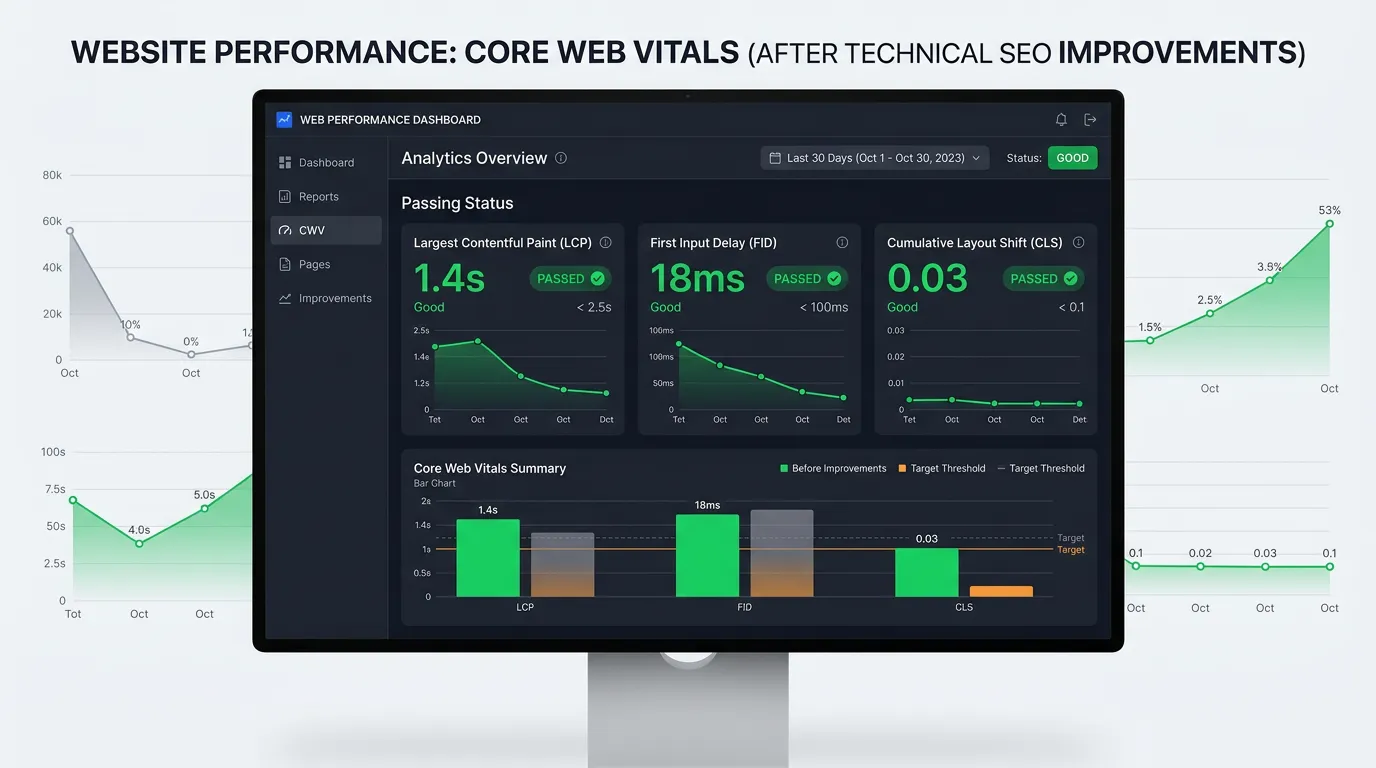
Every page goes through these in order. A page stuck at step two never reaches step five, no matter how good it is.
Find the first step where your page stops. Fixing anything after that step changes nothing.
What Each Instruction Actually Tells Google
These get used as if they mean the same thing. They do not, and picking the wrong one is how pages quietly vanish.
| Instruction | What it does | What it does not do | Use it when |
|---|---|---|---|
| Robots disallow | Stops the fetch | Does not remove a listing | A folder should not be fetched |
| Noindex tag | Keeps it out of results | Does not stop crawling | A page must exist but not rank |
| Canonical tag | Names your preferred copy | Does not force the choice | Near copies both need to exist |
| 301 redirect | Sends people and bots on | Does not keep the old page | A page moved for good |
| 410 gone | Says it is deleted for good | Does not move its rankings | A page is dead and should drop |
Block a page in robots.txt and Google never reads the noindex tag on it. Use one or the other, never both.
Crawl and Index Habits That Help or Hurt
None of these take long. All of them get skipped on sites that were built in a hurry.
Do this
- Link to every page you want ranked from somewhere in the site
- Send every URL version to one address and stay on it
- Keep the sitemap free of redirects, errors, and noindexed URLs
- Put important copy in the HTML, not in a script that runs later
- Read the Page Indexing report before you buy any tool
Not this
- Do not block a page in robots.txt when you want it out of results
- Do not point every canonical tag at your homepage
- Do not leave the staging site crawlable after launch
- Do not stack new redirects on top of redirects from an old move
- Do not chase crawl budget on a site with a few hundred pages
Two Questions Owners Ask Right After a Redesign
How long after a redesign should I start worrying?
Do I need a paid crawler to check my own site?
Would rather we handled it?
This article covers how to do the work yourself. If you would rather have it done for you, that is what our technical seo service is.
Technical SEO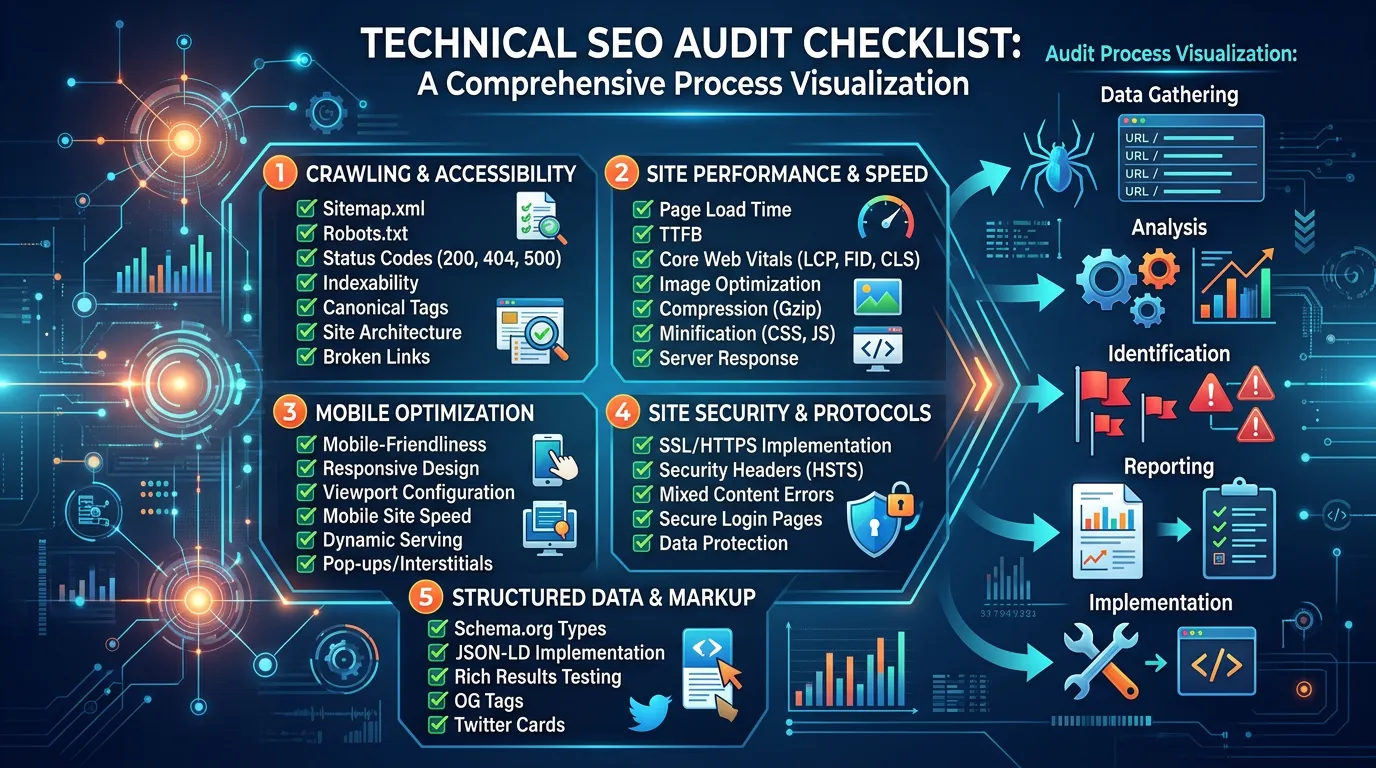
Frequently asked questions
What is the difference between crawling and indexing?
Does a small site really need an XML sitemap?
Why do some pages show as indexed but get no traffic?
Can technical changes hurt a site if they are done badly?
Sources
- Google Search Central: In Depth Guide to How Google Search Works(opens in a new tab) The crawling, indexing, and serving stages every page passes through.
- Google Search Central: Introduction to robots.txt(opens in a new tab) What a robots.txt disallow rule stops, and what it leaves alone.
- Google Search Central: Block Search Indexing With noindex(opens in a new tab) Why a blocked page can still appear in results without a description.
- Google Search Console Help: Page Indexing report(opens in a new tab) The free report that shows which step each of your URLs stopped at.