
FAQ and Problem Solution Articles
Why Is My Lead Generation Not Working? Find the Leak First
Leads come in and nothing gets booked. How to tell a traffic problem from a leak, and the six places leads quietly die.
Call (714) 823-3164 or ask a question. Clear recommendations, even if we never work together.
Most of the time the problem is not traffic. Leads arrive and then stall, because nobody owns the callback, the form emails the wrong person, or after hours contacts wait until Monday. Start by counting visits, leads, and booked jobs for one month. The gap between two of those numbers shows you the leak.
Jump to a section
- Is It a Traffic Problem or a Leak?
- The Ten Minute Test You Can Run Today
- The Six Places Leads Die
- Why Your Lead Count Never Matches the Ad Platform
- Fix These in This Order
- When It Really Is a Traffic Problem
- Symptom, Likely Cause, First Fix
- Where a Hundred Leads Go
- Fixing This Without Making It Worse
- Questions That Come Up During the Fix
- Questions
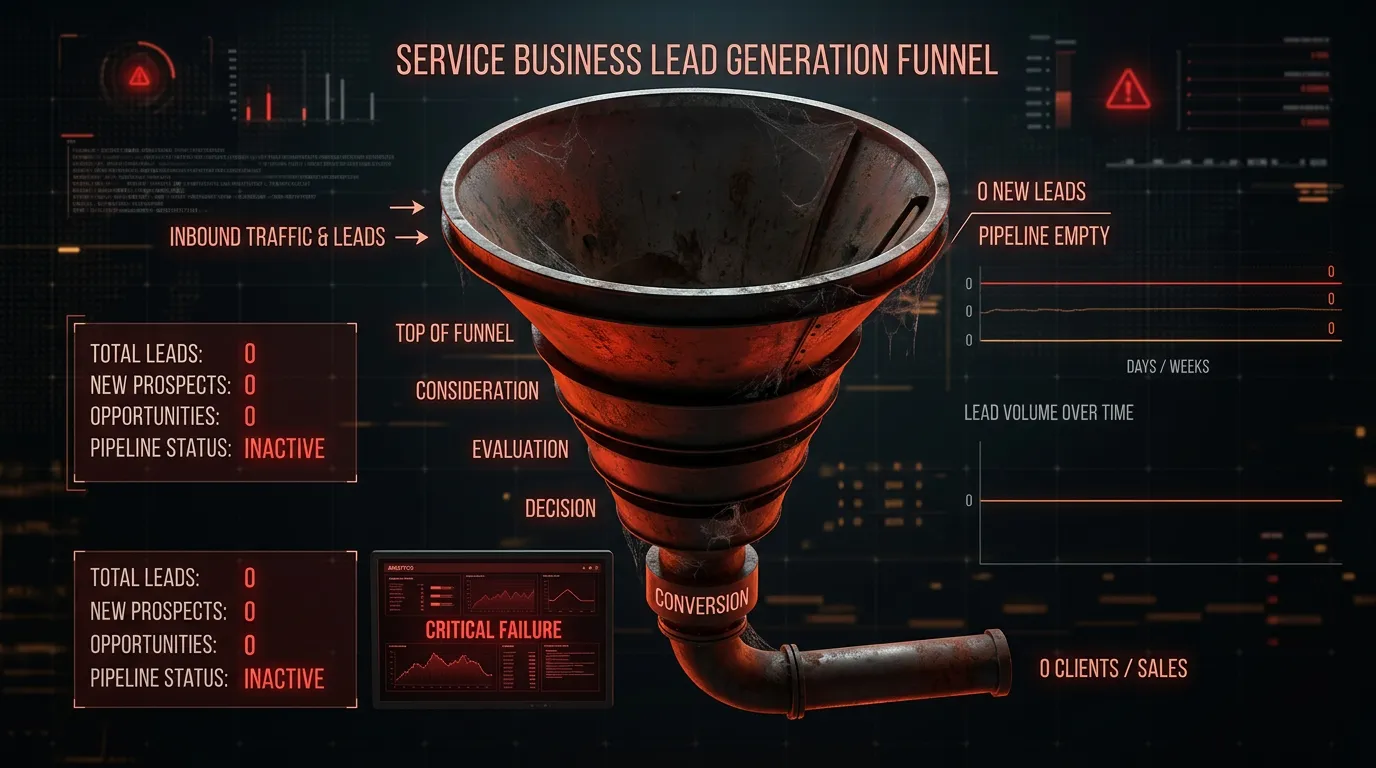
Is It a Traffic Problem or a Leak?
Before you change anything, find out which problem you actually have, because the two fixes point in opposite directions. Pull three numbers for last month. How many people visited the site, how many contacted you in any way, and how many jobs got booked. Then do two divisions. Leads divided by visits is your capture rate. Booked jobs divided by leads is your close rate. For most local service sites, two to five percent of visits turning into contacts is a normal band. If you sit at half a percent, you have a leak on the site itself. If you sit at four percent and still feel starved of work, you have a traffic problem, and no amount of form tinkering will fix that. Now look at the second number. If you got 30 leads and booked 4, the site did its job and something after the lead is broken. That is by far the most common version of this complaint. Owners say the leads are bad when the truth is the leads were fine and nobody called them back the same day. Write these three numbers down every month from now on. The first month tells you where to look. The third month tells you whether the fix actually worked.
The Ten Minute Test You Can Run Today
Do this yourself, on your own phone, using cell data instead of the office wifi. Open your site the way a customer would, by searching your service and your city rather than typing your address bar. Tap the phone number. It should dial without you copying anything. If nothing happens, the number is an image or plain text, and every phone visitor is being asked to type it by hand. Next, fill in your own contact form using a personal email address, not a company one. Put the word test in the message so nobody dispatches a truck. Then start a timer. Did anything confirm on screen? Did an email arrive, and exactly where did it land? Check the spam folder. Check whether the notification address still belongs to somebody who works there. Then call your own main number during lunch and count the rings. Do it again after 6pm and listen to what the voicemail actually says. Finally, open the site on a phone and try to find the contact path from a service page and from a blog post. If you have to scroll back to the top or hunt through a menu, so does everyone else. Most businesses find at least one hard failure in this test, and it usually explains more than the last three months of reports did.
The Six Places Leads Die
After the self test, the leaks fall into six buckets, and they are worth naming because each one has a different fix. The first is the form itself, when it asks for too much or simply breaks on a phone. The second is delivery, when the form works but the notification lands in spam or with a former employee. The third is ownership, when a lead arrives and no single person is responsible for calling back, so three people each assume someone else did. The fourth is timing, when the callback happens tomorrow instead of within the hour. The fifth is the after hours gap, when evenings and weekends have no path at all and the customer hires whoever answered. The sixth is follow up, when a quote goes out, gets no reply, and that person is never contacted again. That last one is the biggest pile of money in most companies, because the lead already cost full price and somebody already drove out to measure the job. Notice how few of these are marketing problems. Four of the six are process. That is good news, because process is cheaper to change than traffic and it usually moves the numbers faster. Work out which bucket you are in before you spend anything. Pick one lead from last month that should have closed and trace it by hand, from the moment it arrived to the last thing anybody did with it. That single trace usually names the bucket for you.
- The form asks too much or breaks on a phone
- The notification lands in spam or with the wrong person
- Nobody owns the callback by name
- The callback goes out the next day
- Evenings and weekends have no path at all
- Quotes go quiet and nobody follows up
Why Your Lead Count Never Matches the Ad Platform
At some point you will notice the ad account reporting 42 conversions while the office swears it saw 19 leads. Both numbers can be honest at the same time. Here is why they differ. Ad platforms count conversion actions, and one person can create several of them. Somebody might submit a form, then call, then click the booking link. That is three conversions and one human being. Platforms also credit a conversion back to the click that started it, even if the person came back a week later, so a conversion recorded this week can belong to last week's spend. Then there is the junk. Bot form fills and eight second calls both get counted until somebody sets rules to exclude them. Fix it in three steps. First, decide which actions count as a lead and turn the rest into secondary numbers you can still see but do not report as leads. Second, set a minimum call length, often 30 or 60 seconds, so misdials drop out. Third, reconcile once a month by hand. Open the platform list, open your own lead list, and match them for one week. That single hour usually finds the setup mistake that was quietly inflating every number above it.
Fix These in This Order
Order matters here, because the cheap fixes also happen to be the fastest ones. Start with answering the phone. If calls ring out during business hours, nothing else you do will show up in the numbers. An answering service costs a few hundred dollars a month and buys back every one of those calls. Second, set a callback rule with one name attached to it and a target measured in minutes. Third, fix the form. Cut it to name, phone, and a short description of the job, then confirm the notification lands somewhere a human opens daily. Fourth, add an after hours path, even if it is only an automatic text promising a call at 8am. Fifth, put unsold quotes into a follow up list with two or three touches over the following month. Only after all of that should you spend on tracking, dashboards, and automation. That order feels backwards to people who want a report first, but a report on a broken process just measures the loss more precisely. Change one thing at a time and give each change about two weeks. If you switch on five fixes in one week, you will never know which one worked, and you will keep paying for the four that did nothing.
When It Really Is a Traffic Problem
Sometimes the honest answer is that the system is fine and there is simply not enough coming in. You will know because the rates look healthy and the totals are small. Three percent of visits contact you, half of those book, and the month still ends with six jobs. Nothing is leaking. The pipe is just narrow. At that point the fix is demand, not process. That usually means your map listing, your reviews, real pages for the services and towns you actually serve, and possibly a small search budget. Under roughly 15 leads a month, moving your booked rate by ten points is worth about one extra job, so process work has very little to chew on. There is also a third possibility worth checking before you spend a dollar. Your leads may be fine in number and wrong in type. If most of them want work you do not want, or budgets you cannot serve, the problem is the promise on your pages and the search terms sending traffic, not the funnel underneath. Fix what your pages say you do before you pay more to say it louder. One more honest note. A narrow pipe and a leaky pipe can both be true at the same time. If that is you, fix the free process items first, then spend on demand. The traffic you buy next month is worth more once it lands somewhere that works.

Symptom, Likely Cause, First Fix
Match what you are seeing on the left with where to look next. Try the first fix before you buy anything at all.
| What you notice | Likely cause | First fix |
|---|---|---|
| Traffic looks fine, almost no contacts | The form or phone path breaks on mobile | Run the phone test on cell data |
| Leads arrive, few of them answer | The callback is hours or a day late | Name one owner and set a target in minutes |
| Piles of junk leads | No screening and no call length rule | Add two screening questions and a 30 second rule |
| Quotes go out and go quiet | Nothing happens after the estimate | Two follow up touches in the first ten days |
| Weekend leads never convert | Nobody covers evenings and weekends | Auto text now, plus a Monday morning list |
Most companies have two or three of these at once. Fix the top one first, then read the numbers again in two weeks.
Where a Hundred Leads Go
A hypothetical month drawn out end to end. The drop between two steps is where your money went.
The 22 leads lost between real and reached cost exactly as much to earn as the ones you booked. That gap is a phone habit, not a marketing problem.
Fixing This Without Making It Worse
The usual reaction to a slow month makes the diagnosis harder. These habits keep it clean.
Do this
- Change one thing at a time and wait two weeks
- Write the three numbers down before and after every change
- Listen to ten recorded calls a month if you record them
- Ask every caller how they found you until tracking exists
- Test your own forms again after any website update
Not this
- Do not add ad spend before you know your capture rate
- Do not add form fields to filter junk, ask better questions instead
- Do not judge a channel on a single slow month
- Do not blame the leads before you check the callback times
- Do not rebuild the website before testing the one you have
Questions That Come Up During the Fix
My leads are all price shoppers. Is that a system problem?
How fast is fast enough for a callback?
Should I keep ads running while I fix this?
Would rather we handled it?
This article covers how to do the work yourself. If you would rather have it done for you, that is what our lead generation systems service is.
Lead Generation Systems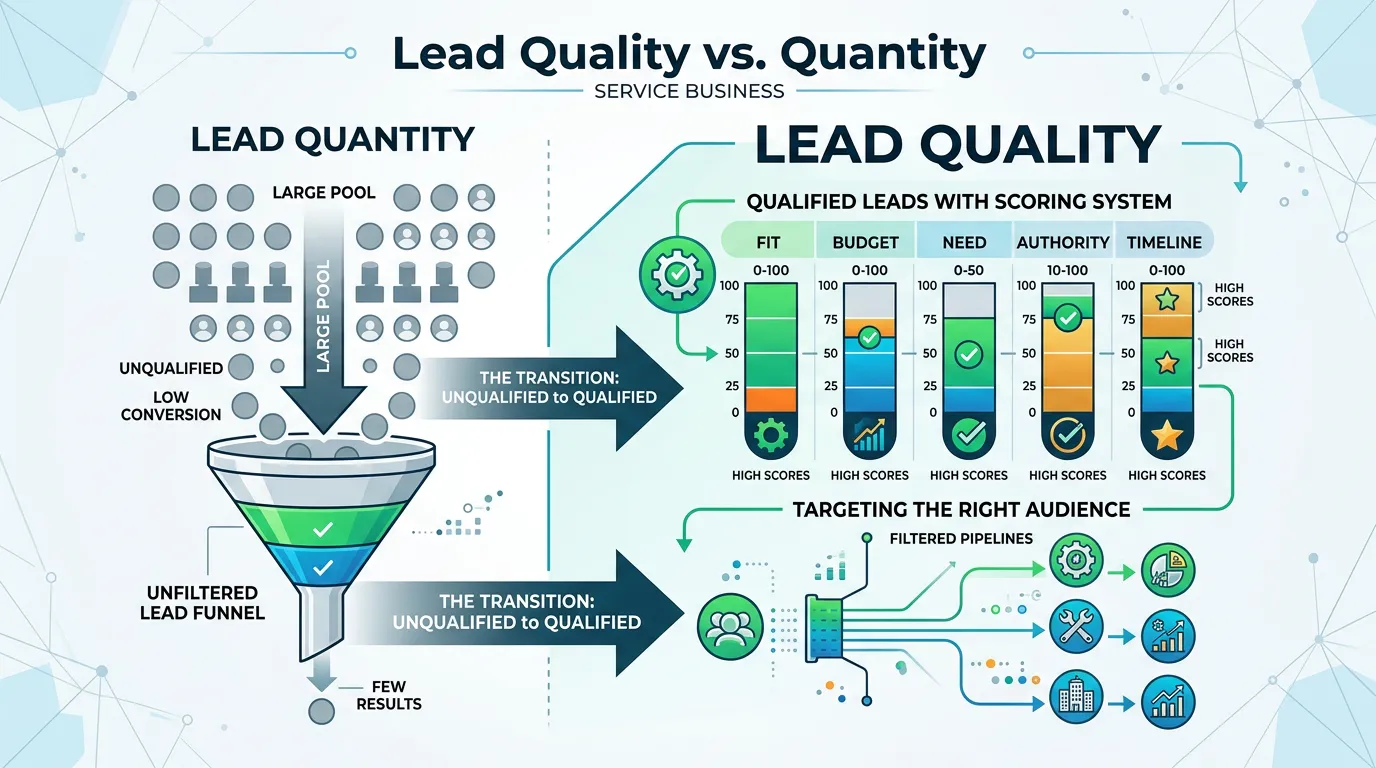
Frequently asked questions
How do I know if my contact form is actually sending?
Why did my leads drop after a website redesign?
Should I buy leads while I sort this out?
How long before I know if the fixes worked?
Sources
- Google Analytics 4 events guide(opens in a new tab) Form fills and calls are recorded as GA4 events, which is where broken or duplicated lead counts usually get spotted.
- CAN-SPAM Act: A Compliance Guide for Business(opens in a new tab) Follow up email sent to leads and unsold quotes has to meet the FTC rules on identification, honest subject lines, and opt out.