
FAQ and Problem Solution Articles
Why Your Google Review Is Not Showing Up, and What to Do
The three reasons Google reviews go missing, how to tell which one you have, and which cases are actually worth appealing.
Call (714) 823-3164 or ask a question. Clear recommendations, even if we never work together.
Usually it is one of three things. The review is still in Google's automated screening, which can take a few days. It landed on a duplicate or old profile. Or it was removed for a policy problem, such as contact details, off topic content, or a reviewer with a conflict of interest.
Jump to a section
- Give It a Few Days Before You Panic
- Make Sure It Landed on the Right Profile
- The Content Reasons Google Takes One Down
- Patterns That Get a Whole Batch Filtered
- When the Reviewer Is the Reason
- What to Actually Do, in Order
- Stop It From Happening Next Time
- Run This Before You Call Anyone
- Symptom, Likely Cause, Next Step
- The Order to Work Through It
- Other Questions About Missing Reviews
- Questions
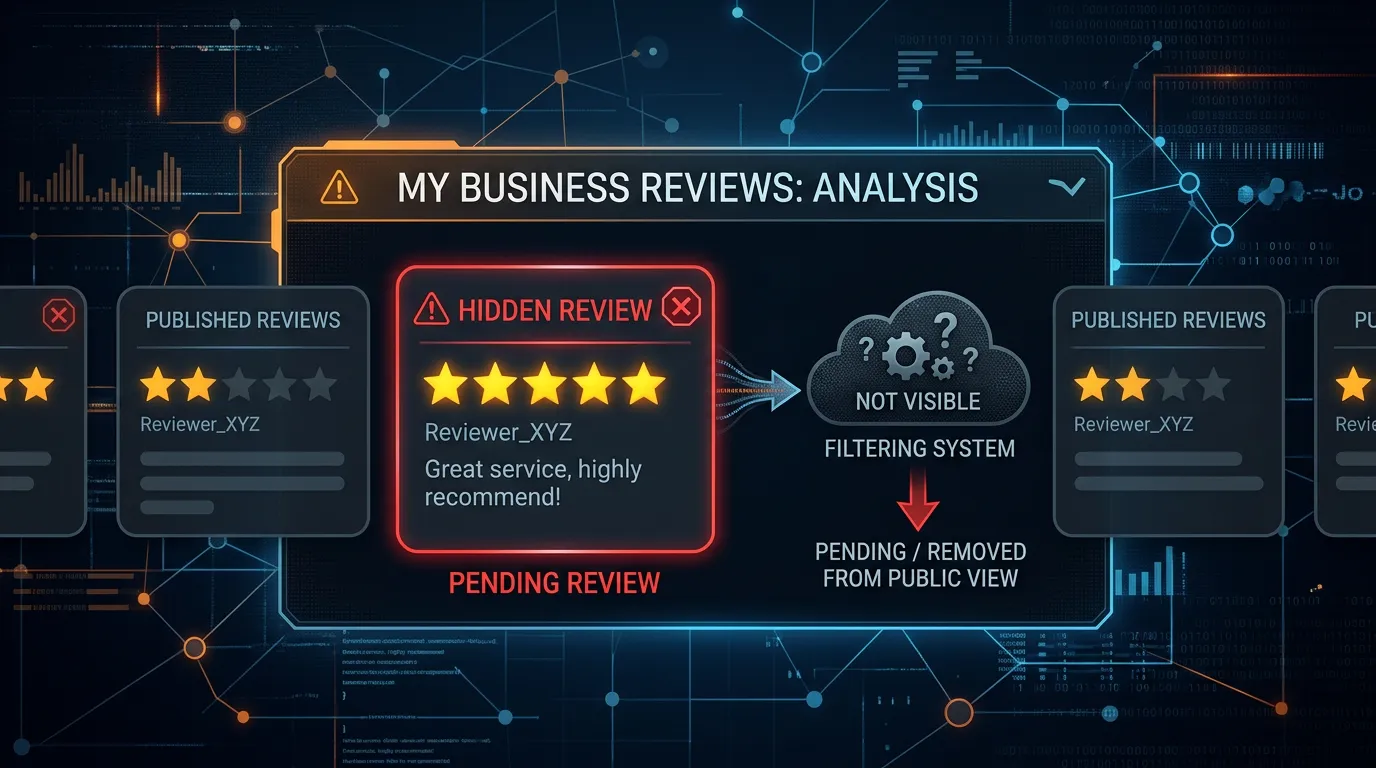
Give It a Few Days Before You Panic
Most missing reviews are not missing. They are in a queue. Every review posted to Google goes through automated checks before it shows up. Google says this usually happens quickly, and that in some cases the check takes a few days. So a Google review your customer swears they left this morning may simply not be published yet. Wait five days before you treat it as a problem. Two things make the wait look worse than it is. First, a customer can often see their own review when nobody else can. People see their own contributions inside their Google account whether or not the review is live. A screenshot from a customer is not proof that it published. Second, your Business Profile dashboard and the public listing do not always refresh at the same moment. Check the public listing in a private browser window, signed out, on a phone. That is what your next customer sees, and it is the only view that counts. One more thing worth checking on day one. Ask the customer which app they used. Reviews left in Google Maps and reviews left from a search result land in the same place, so that is rarely the issue. Reviews left on Facebook or a directory by mistake are a different story, and that mix up happens more than you would think.
Make Sure It Landed on the Right Profile
The second common cause is that the Google review is fine, and it went somewhere else. Duplicate profiles are the usual reason. A business that moved, rebranded, or got listed twice years ago can have a second profile floating around that nobody ever claimed. Customers searching your name may find that one instead. Search your business name and your address in Maps, signed out, and look for any listing that is yours but not yours. Google's guidelines allow one profile per real location, so duplicates need reporting and merging. Service area businesses hit a second version of this problem. If you hide your address, customers sometimes leave the Google review on a nearby pin or on an old listing that still shows the address. Practices with several providers hit a third version. A review meant for the dentist can land on the practice, or the other way around, and neither one looks wrong to the person leaving it. If reviews went missing right after a merge, that is normal. Google says reviews from both profiles can take a few days to show up together after two profiles are combined.
The Content Reasons Google Takes One Down
If the Google review published and then vanished, it usually broke a policy. Google's content rules for Maps cover more ground than most owners expect, and the automated systems apply them before any person looks. The common trips are ordinary, not dramatic. A Google review with a phone number or an email address in it can be pulled for personal information or for advertising. A rant about a political topic gets pulled as off topic. Profanity, even mild, gets caught. So does a review from someone with a conflict of interest, which includes employees, former employees, and competitors. Reviews that read as incentivized go too. If you handed out a discount in exchange for reviews, the ones you collected can be removed and your profile can be flagged. One more catches good businesses off guard. If a review names an employee in a way that reads as an attack, or describes a health matter in detail, it can be pulled for offensive content or personal information. The customer meant well and the review is gone anyway. Removed reviews do not come back. Google says reviews taken down for policy violations are not restored. It also says the systems sometimes make mistakes, and support can look at those cases. That matters, because it changes what you should do next.
Patterns That Get a Whole Batch Filtered
Sometimes it is not one review, it is five at once. That points at the pattern rather than the content. The clearest cause is a sudden wave. A shop that got two reviews a year emails four hundred old customers on a Monday, and the burst that follows looks nothing like its normal behavior. Spread requests across weeks instead, all year, at a pace you can hold. The second is how the Google review got left. Reviews typed one after another on the same tablet, at the same counter, on the same network are more likely to get caught. Google does not publish the exact triggers, so treat this as a precaution rather than a rule. Let people leave reviews on their own phone, on their own time. The third is the reviewer's account. A brand new account with no photo, no history, and one review is thin evidence to an automated system. You cannot control that, which is another reason not to chase reviews from people who barely use Google. Ask everyone, keep the pace steady, and let the mix sort itself out.
When the Reviewer Is the Reason
A share of missing reviews have nothing to do with you or with policy. The customer deleted it, often by accident while tidying their Google account. Deleting a Google account takes every review in it along too. Old phones and old app versions cause a quieter version of the same thing. Google suggests updating the Maps app when someone has trouble leaving a review, which tells you those failures are real. The submit tap does not always land. Then there is the sign in wall. Leaving a Google review requires a Google account. Plenty of customers, especially older ones and iPhone users, do not have one signed in on their phone. They tap your link, hit a login screen, and stop. That Google review was never written at all. It is invisible in your reporting, because nothing failed loudly. If several customers say they left a review and none of them appear, test your own link on an iPhone that is not signed in to Google, and watch what happens. That one test explains more missing reviews than any policy article will.
What to Actually Do, in Order
Work the causes from cheapest to most expensive. Start by waiting five days and checking the public listing signed out. Then search for duplicate profiles and report any you find. Then ask the customer, gently, to open their Google account and look at their contributions. They can see whether the Google review is still there, and sometimes they can see a notice about it. If it is gone and you believe it was removed by mistake, Google's tool for reporting reviews is also the door to appeals, and support can look at the case. Do not open with an argument. Explain what the Google review said and why you believe it does not break a rule, in a few lines. Keep your expectations honest. Reviews removed for a real policy break stay removed, and no service can change that. Set a limit on how much time you will spend on any single missing review, and an hour is plenty. Log what you tried, so the second time it happens you are not starting over. If the review is simply gone, the useful response is not another appeal. It is a request to the next three customers. Recovering one review can cost hours. Three new ones cost three text messages.
Stop It From Happening Next Time
Almost every cause above has a habit that prevents it. Ask on the customer's own phone, at the end of the job, with a short link you tested this quarter. Send at a steady pace all year rather than in bursts. Never offer anything in exchange, not even a raffle entry, because that puts every Google review you collect at risk. Keep one profile per location, and get duplicates merged before they collect reviews you will lose later. Tell customers what to expect, in one sentence. Something like: it needs a Google account, and it can take a couple of days to show up. That one line prevents most of the confused phone calls, and it stops a customer from writing the Google review twice. Writing it twice is its own problem, since repeated text often gets flagged. Last, keep a simple log. Date, customer, platform, and whether it appeared. After two months that log tells you whether you have a policy problem, a link problem, or no problem at all.
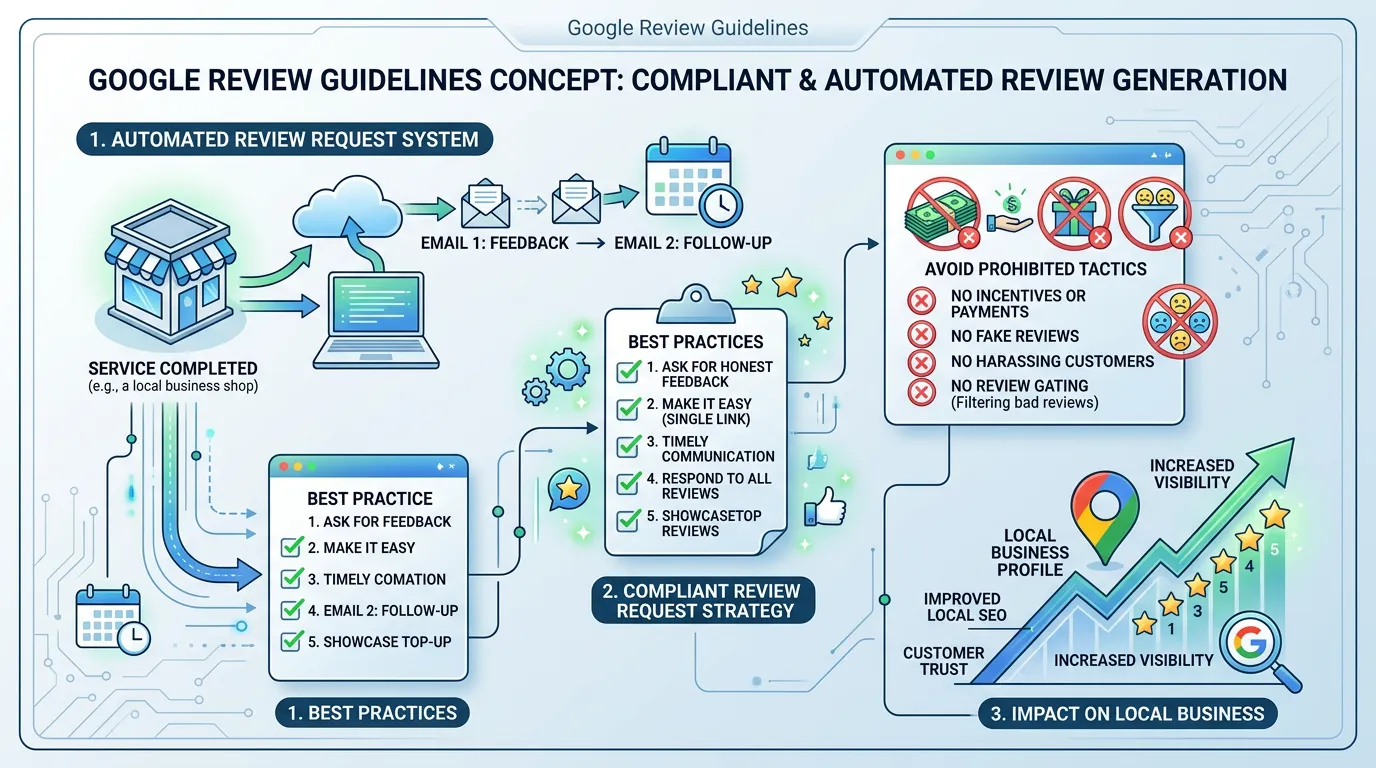
Run This Before You Call Anyone
Ten minutes of checking sorts most missing reviews into one of three buckets: not published yet, wrong profile, or removed.
Check the public listing signed out
Use a private window on a phone, not your dashboard.
Count the days since it was left
Under five days is usually just the queue.
Search your name and address in Maps
Look for a second listing that is also yours.
Ask which app the customer used
Facebook and Yelp get mixed up with Google often.
Have them open their Google contributions
They can see if it is still on their account.
Read the text for a phone number or link
Contact details get pulled as advertising.
Check whether the reviewer works for you
Staff and competitor reviews get removed.
Look at your last thirty days of Google review pace
A sudden wave draws the spam checks.
Symptom, Likely Cause, Next Step
Match what you are seeing to the most likely cause before you spend an afternoon on an appeal.
| What you see | Most likely cause | What to do |
|---|---|---|
| Left today, not visible | Still in automated screening | Wait five days, then check again |
| Customer sees it, you do not | Not published, or removed | Check the public listing signed out |
| Was live, now gone | Policy removal | Read the text for contact details or a rant |
| Five vanished at once | A burst drew the spam checks | Slow the pace and keep asking normally |
| Review sits on another listing | Duplicate or old profile | Report the duplicate and ask for a merge |
| Customer never finished it | The Google sign in wall | Test your link on a signed out iPhone |
Only two rows here are worth an appeal. The rest get fixed by changing a habit, not by contacting support.
The Order to Work Through It
Cheapest checks first. Most missing reviews are explained before you reach step four.
If you reach the last step more than once a quarter, the problem is how reviews are being asked for, not how Google is judging them.
Other Questions About Missing Reviews
Can I ask the customer to post it again?
Do removed reviews ever come back?
My count dropped and I cannot tell which one went. What now?
Would rather we handled it?
This article covers how to do the work yourself. If you would rather have it done for you, that is what our reputation management service is.
Reputation Management
Frequently asked questions
Why can I see the Google review but my customers cannot?
Does reporting a review ever backfire?
Are Yelp reviews missing for the same reasons?
How long should I wait before contacting support?
Sources
- Google Business Profile Help: About missing or delayed reviews(opens in a new tab) Reviews are checked before publishing and the check can take a few days, merged profiles delay reviews, older app versions cause failures, and reviews removed for policy violations are not restored.
- Maps User Generated Content Policy: Prohibited and restricted content(opens in a new tab) Lists the content rules that get a review removed, including personal information, advertising, off topic content, conflicts of interest, and incentivized reviews.
- Google Business Profile Help: Remove reviews from your Business Profile on Google(opens in a new tab) The review reporting tool is how a business flags a review, and only reviews that violate Google policy are eligible for removal.
- Google Business Profile Help: Guidelines for representing your business on Google(opens in a new tab) A business gets one profile per real location, which is why duplicate listings need to be reported and merged.