
FAQ and Problem Solution Articles
Why Your Emails Go to Spam, and How to Get Back In
How to tell which of the four causes is yours, and the order to fix them in so you do not make the problem worse.
Call (714) 823-3164 or ask a question. Clear recommendations, even if we never work together.
Business email lands in spam for four reasons. Your domain is not signed with the right DNS records, too many people marked you as spam, the list holds dead or bought addresses, or the message itself looks like bulk mail. Fix the DNS records first. Then prune the list and lower your volume while your sending recovers.
Jump to a section
- First, Prove It Is Actually Happening
- Cause One: Your Domain Is Not Signed
- Cause Two: People Are Reporting You
- Cause Three: The List Itself Is the Problem
- Cause Four: How the Message Is Built
- The Repair Order, and How Long It Takes
- The Thirty Minute Deliverability Check
- Which Symptom Points to Which Cause
- The Warm Back Up Order
- Habits That Keep You Out of the Junk Folder
- Questions
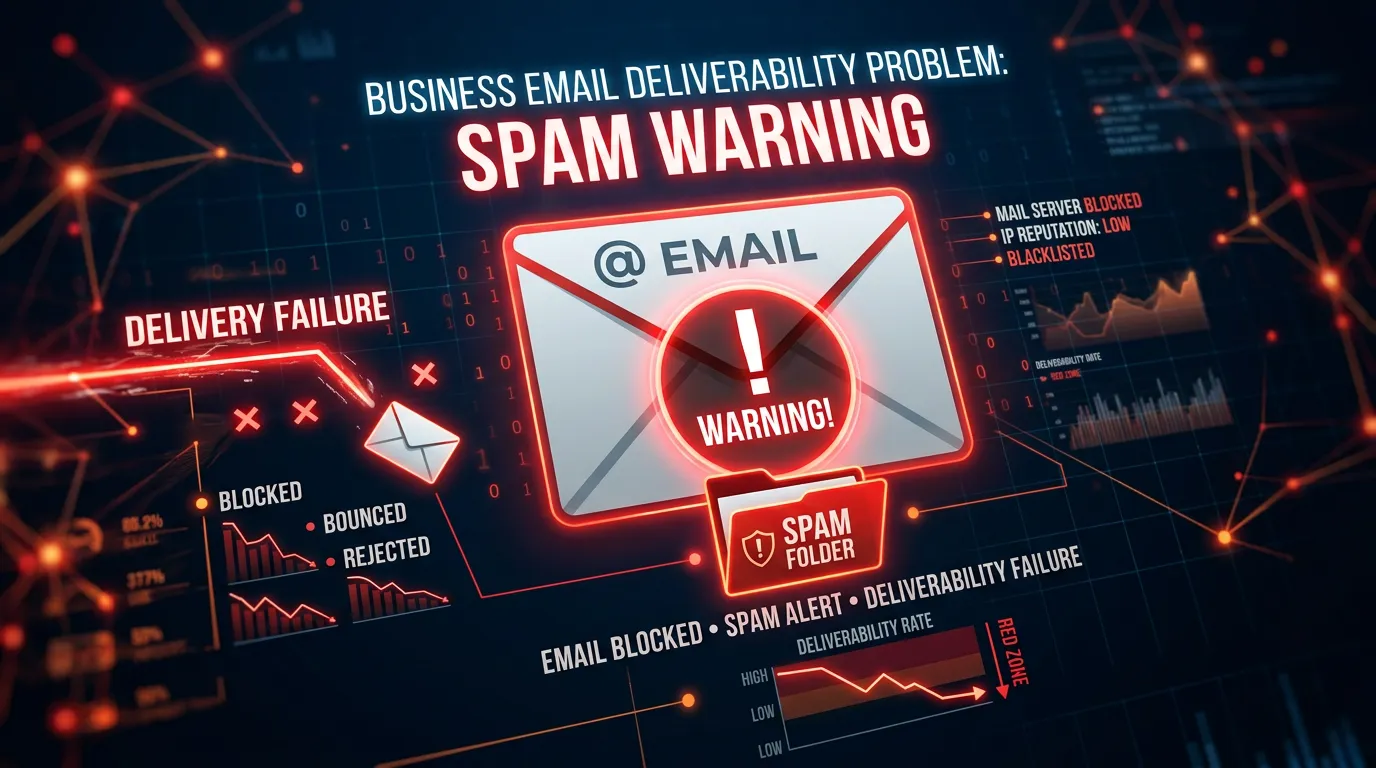
First, Prove It Is Actually Happening
Most spam panic starts with one customer saying she never got an email. That is not proof of anything. Before you change a setting, find out how bad it is and where. Set up test addresses on the big three: a free Gmail, an Outlook or Hotmail, and a Yahoo. Add them to your list under a tag nobody else uses. Send your next real campaign, then look in all three. Inbox, promotions, junk. Write down what you find. Next, check your own reports. Compare the delivered number to the open number. If delivery looks fine and opens fall off a cliff, that gap is the signal. Open rates are not reliable alone anymore, since some privacy features load images automatically, but a sharp drop still means something changed. Then turn on Gmail Postmaster Tools. It is free, it takes one DNS record to verify, and it shows what Gmail thinks of your domain: your complaint rate, your reputation, and whether your records pass. Gmail is usually most of a local list. If Gmail is unhappy, that is most of your problem. Do this first, or you will fix the wrong thing and never know.
Cause One: Your Domain Is Not Signed
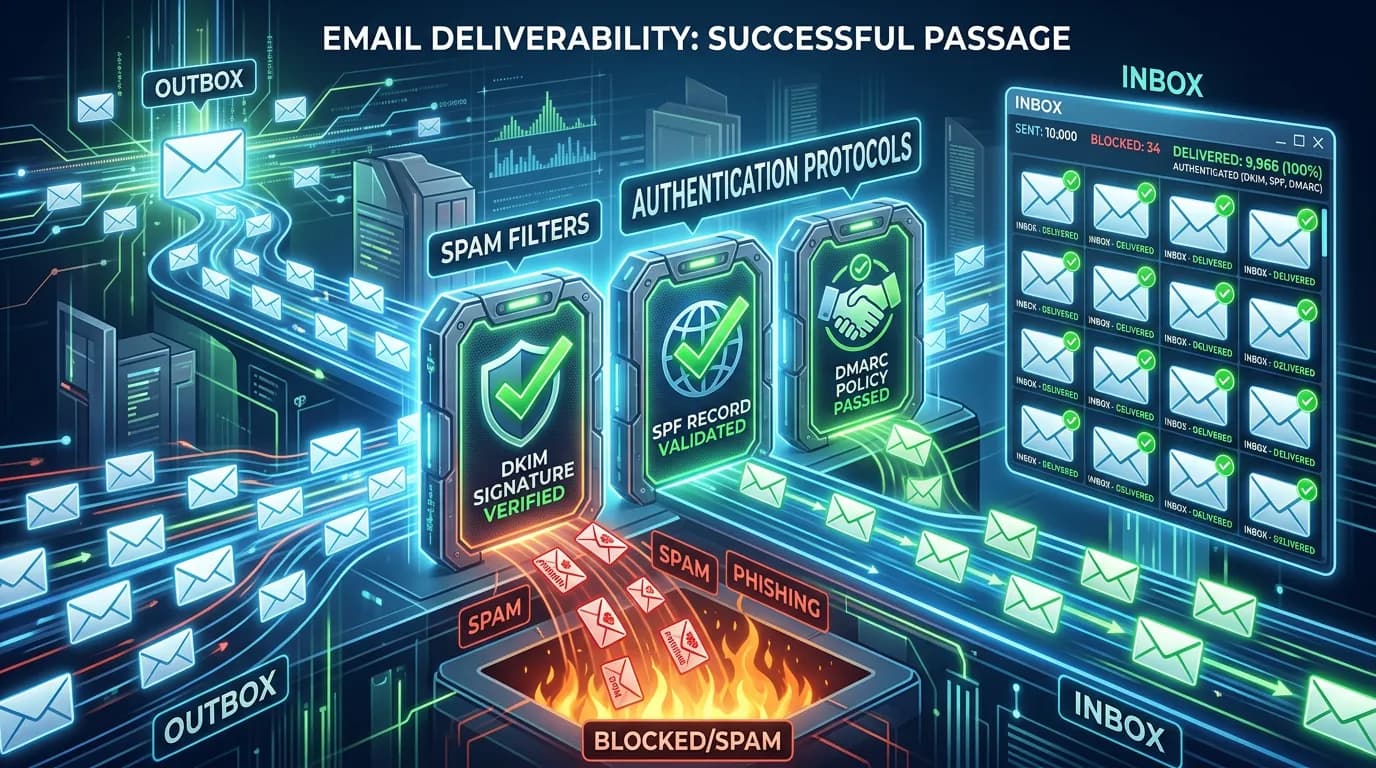
This is the most common cause and the easiest to fix. Mailbox providers need to know an email really came from you. Three DNS records do that job, and they live wherever your domain is registered, not inside your email tool. SPF is a list of who is allowed to send on your behalf. DKIM is a signature that proves the message was not changed on the way. DMARC tells the receiver what to do when the first two fail, and it asks for reports. Think of it as the return address, the wax seal, and a standing instruction for the mail room. Miss any of them and your mail looks like it could be forged. Google and Yahoo both tightened this. Anyone sending real volume to Gmail, which Google defines as five thousand messages a day or more, has to pass SPF and DKIM, publish a DMARC record, and offer one click unsubscribe. Smaller senders still need at least SPF or DKIM. Your platform hands you the exact records. It is a fifteen minute job at the registrar and can take a few hours to take effect. One extra check: the domain you send from should match the domain in your from address.
Cause Two: People Are Reporting You
Every time someone hits the report spam button, that gets counted against your domain. Google publishes the numbers to aim for. Keep your reported spam rate under 0.1 percent, and never let it reach 0.3 percent. That sounds tiny, and it is. On a list of five thousand, five complaints in one send puts you at the danger line. Complaints almost never come from people who hate you. They come from people who do not remember you. Somebody handed over an address at a job three years ago, and now a newsletter shows up. The fastest fix is to make the exit easy and obvious. A visible unsubscribe link at the bottom, plus the one click header mailbox providers read, beat any subject line trick. People who cannot find the exit use the spam button instead. The other big source is frequency nobody agreed to. Going from two emails a year to two a week will spike complaints even with good writing. Ramp up slowly and say what to expect when people sign up. Then check where the addresses came from. If a wave of complaints traces back to one import, that batch was never really opted in.
Cause Three: The List Itself Is the Problem
You can do everything else right and still land in spam because of who you send to. Old addresses are the first issue. People leave jobs and change providers. An address that has not opened anything in two years is usually gone, and some get recycled into spam traps by the mailbox providers themselves. Hitting a trap is a fast way to get filtered. Hard bounces are second. If your tool is still trying an address that bounced twice, that signals you are not paying attention. A decent platform removes those, but imported lists often drag old bounces along. Bought and scraped lists are third, and they are the worst. They are cheap, they feel like a shortcut, and they can wreck a sending domain for months. They also break rules you are legally bound by. Role addresses like info@ and office@ are a smaller issue but worth a look, since nobody personally opted in at those. The fix is boring. Twice a year, pull everyone who has not opened or clicked in twelve months. Send one honest message asking if they want to stay. Delete the ones who never answer.
Cause Four: How the Message Is Built
Content matters less than people think, but it is not zero. A few build habits get flagged more than others. One giant image with almost no text is the classic. Filters cannot read an image, so a message with no readable words looks like it is hiding something. Keep real text in every send. Link shorteners are next. They hide the destination, which is what a bad actor does, and shared shortener domains carry other people's reputation. Link to your own domain instead. A from name that does not match the business, or a reply address on another domain, both add friction. Use a real person or the business name, and send from an address someone reads. Never use a no reply address, because replies help your reputation and they are often the booking. Subject lines that promise what the email does not deliver earn complaints fast. So do all caps, rows of exclamation points, and the word free next to a dollar amount. Skip attachments in bulk mail and link to the file instead.
The Repair Order, and How Long It Takes
Order matters here more than effort. Fix things in the wrong order and you burn weeks. Start with the DNS records, because nothing else counts until your mail is signed. Verify in Postmaster Tools that they pass. Second, clean the list. Remove bounces, remove anyone with no activity in a year, and remove any batch whose source you cannot explain. Third, cut your volume. Do not send to the whole list to see whether the fix worked. Send to your most engaged people first, the ones who opened something in the last thirty days, and keep batches small for two to three weeks. Watch the complaint rate after each send. Fourth, widen slowly. Add the six month segment, then the twelve month segment, and only if the numbers hold. Expect two to six weeks before things feel normal, and longer if a bought list was involved. No button resets a reputation. It is earned back by sending mail people open and do not report. If your domain is badly burned and you are tempted to buy a fresh one, do not. You lose the history, the new domain has no reputation at all, and the same habits put you right back here.
The Thirty Minute Deliverability Check
Run this before you change anything. Every item is a yes or no you can answer today.
Seed addresses on Gmail, Outlook, and Yahoo
Add them to the list and check all folders.
SPF record present and listing your sender
Check at the registrar, not in the email tool.
DKIM signing turned on and verified
Your platform shows a verified badge when it passes.
DMARC record published
Start at a policy of none so you get reports.
Gmail Postmaster Tools connected
Free, and it shows your real complaint rate.
Unsubscribe link visible in every send
Plus the one click header your platform sets.
Every address has a source you can name
If you cannot say where it came from, drop it.
Which Symptom Points to Which Cause
Match what you are seeing to the likely cause before you start changing settings. The wrong fix costs a week.
| What you see | Likely cause | Where to look | First move |
|---|---|---|---|
| Gmail junks it, Outlook does not | Complaint rate or reputation | Gmail Postmaster Tools | Cut volume and prune the list |
| Every provider filters you | Missing SPF or DKIM | Your DNS records | Add the records your platform gives you |
| Fine for months, then not | A new import or a new offer | Your last three sends | Find the batch that changed |
| High bounces on a new list | Old or bought addresses | The list source | Stop sending to that batch now |
| Lands in the Promotions tab | Normal for bulk mail | Nothing is broken | Leave it alone, that is not spam |
The Promotions tab is not the spam folder. Chasing your way out of it usually costs more than it returns.
The Warm Back Up Order
After a fix, volume decides whether it holds. This is the sequence that works, and skipping a step undoes the rest.
Two to six weeks is normal. Sending to everyone in week one undoes the whole repair.
Habits That Keep You Out of the Junk Folder
None of these are clever. They are the dull habits that separate senders who land in the inbox from those who do not.
Do this
- Send from a real address that a person reads and answers.
- Ask for the address in a way people will still remember six months later.
- Prune anyone with no opens or clicks in twelve months, twice a year.
- Keep readable text in every email, even the pretty ones.
- Check Postmaster Tools once a month, right after your biggest send.
Not this
- Do not buy, rent, or scrape a list, ever, at any price.
- Do not hide the unsubscribe link or make people log in to use it.
- Do not blast the full list to test whether a fix worked.
- Do not send from a no reply address.
- Do not switch to a fresh domain to escape a bad reputation.
Would rather we handled it?
This article covers how to do the work yourself. If you would rather have it done for you, that is what our email and marketing automation service is.
Email and Marketing Automation
Frequently asked questions
How long does it take to get out of the spam folder?
Does the Promotions tab mean I am in spam?
Can one bad campaign ruin my sending?
Do I need DMARC if I only send a few hundred emails?
Sources
- Gmail Help: Email sender guidelines(opens in a new tab) The spam rate thresholds, the SPF, DKIM and DMARC requirements, and the one click unsubscribe rule for bulk senders
- Gmail Postmaster Tools(opens in a new tab) Where to see your own domain reputation and reported spam rate for mail sent to Gmail
- FTC: CAN-SPAM Act Compliance Guide for Business(opens in a new tab) Rules against misleading subject lines and from lines, and the requirement to honor unsubscribe requests