
FAQ and Problem Solution Articles
Why Your Google Business Profile Is Not Showing Up
Five causes explain almost every missing profile. Here is how to tell yours apart and the order to fix them in.
Call (714) 823-3164 or ask a question. Clear recommendations, even if we never work together.
A Google business profile usually goes missing for one of five reasons: it was never verified, it was suspended, a duplicate listing is showing instead, the category does not match the search, or it ranks fine but not where you are testing from. Check verification and suspension first, since both stop everything else from mattering.
Jump to a section
- Check This Before You Panic
- Unverified or Suspended, the Two Hard Stops
- Duplicates and Ghost Listings
- Live, But Invisible for the Search You Care About
- Small Guideline Problems That Hide You
- New Profiles and Recent Edits
- Fix It in This Order
- The Order To Check Things In
- Symptom, Likely Cause, and How Long the Fix Takes
- A Fifteen Minute Diagnosis
- What To Do While You Wait
- Questions
Check This Before You Panic
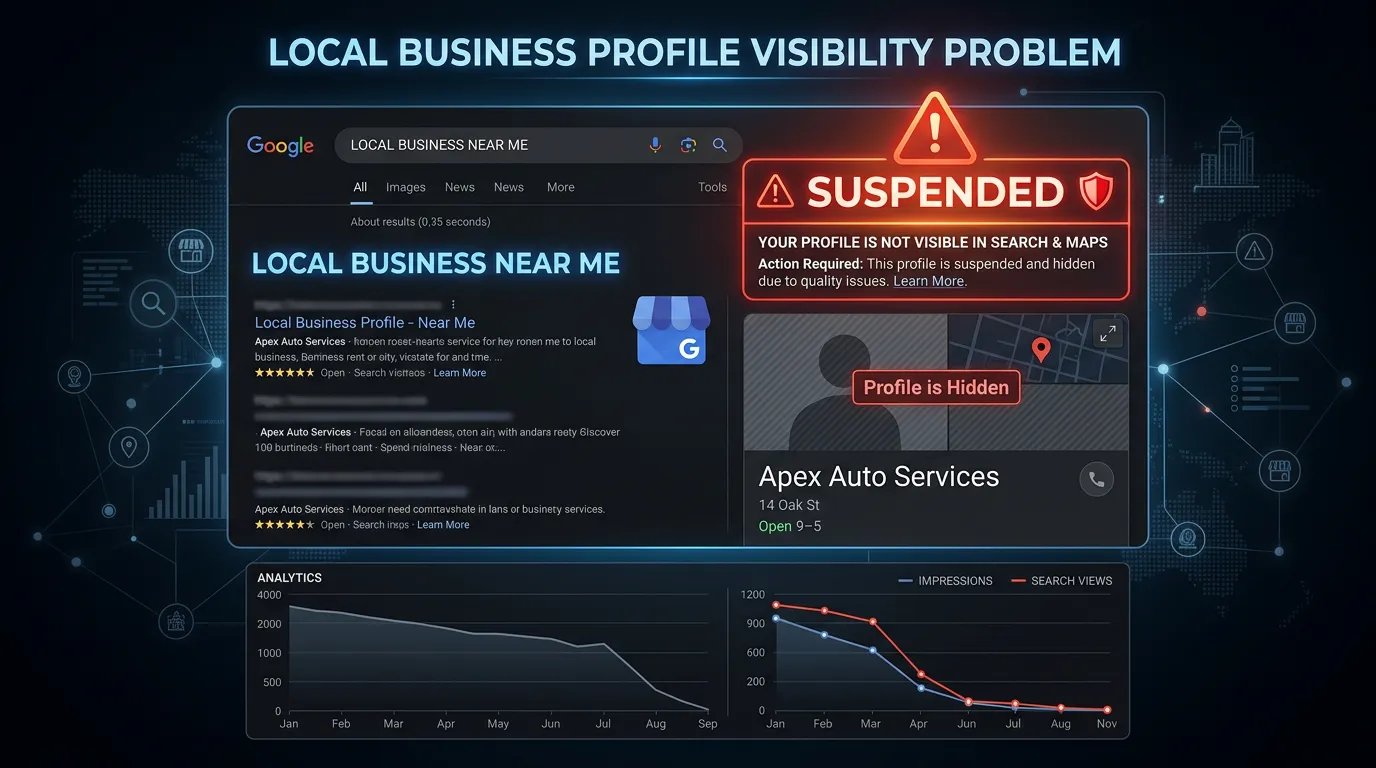
Start by separating two very different problems. Missing means Google has no listing to show. Not ranking means the listing exists but sits below the fold. Search your exact business name plus your city while signed out. If your Google business profile panel appears on the right side, the listing is alive and your problem is ranking, not existence. If nothing appears, the listing is gone, unverified, or suspended. Next, stop testing from inside your own building. Google leans on the searcher's location, so your shop is the easiest place to rank. Try the same search from home, from a job site, or ask a customer in another town what they see. A grid tool that checks the same search from many points on a map shows the pattern properly. Most owners who think they vanished have actually shrunk. They still rank near the shop and lost ground three miles out, which is a different problem.
Unverified or Suspended, the Two Hard Stops
These two cause most true disappearances. An unverified profile can exist in your dashboard and still never show publicly. Sign in and look for a verification prompt or badge. If verification lapsed after a move or a name change, Google may quietly pull the listing until you redo it. Suspension is the other stop, and it comes in two forms. A soft suspension leaves the listing visible but strips your ability to edit it. A hard suspension removes it from Maps and search entirely. The dashboard usually shows a notice, though the wording rarely explains the real cause. Common causes are a keyword stuffed business name, a mailbox rental or virtual office address, a service area business showing a home address it should hide, hours that do not match reality, or too many listings for one operation. Fix the underlying problem before you appeal. Appealing an unchanged profile just repeats the rejection.
Duplicates and Ghost Listings
Duplicates are easy to miss. They appear when a business moves, changes its name, gets claimed twice by different staff, or when Google auto creates a listing from data it found elsewhere. Google may show the older one, the one with more reviews, or the one closest to the searcher, and it may not be the one you manage. Search your business name in Maps and pan around. Then search your old address, old business name, and phone number, since ghosts live there. The fix depends on what you find. An unclaimed duplicate can be reported. A claimed one may need an ownership request first. If both hold real reviews, merging matters, because letting the wrong pin die takes those reviews with it. Slow work, but leaving it alone splits your signals forever.
Live, But Invisible for the Search You Care About
A Google business profile can be verified, clean, and still absent from the search you keep testing. That is usually a relevance mismatch. Your primary category decides which searches you are eligible for at all. A tile setter filed under general contractor may never appear for tile installer, no matter how many photos get uploaded. Check what the competitors already in the map pack use, since they show what Google accepts for that search. The services list is the second half. Services let you name work in the exact words customers type. Empty services lists are everywhere and they cost real visibility. One more mismatch trips up traveling businesses. If you serve customers at their location and hide your address, you are a service area business, and your reach is drawn from your pin outward. Setting a service area that covers half the county does not make you eligible across half the county.
Small Guideline Problems That Hide You
Some profiles are not suspended and not missing, just quietly buried, and the cause is usually small. A temporarily closed flag is the worst offender. Mark it during a remodel and forget to remove it, and your visibility drops hard while the flag sits there. A business name that does not match your signage and paperwork can get edited by Google or reported by a competitor. An address that changed without an update leaves Google trusting two conflicting sources. Public edits are the sneaky one. Strangers can suggest changes to your hours, category, and even your closure status, and Google sometimes applies them without asking. That is how a profile shows permanently closed on a Tuesday for no reason anyone at the business knows. Check weekly. Reverting a bad edit is easy. Noticing it six weeks later, after the phone went quiet, is the expensive version.
New Profiles and Recent Edits
Sometimes nothing is broken and the answer is patience. A brand new profile takes time to settle. Verification can clear in days, but showing up steadily for competitive searches takes longer, because prominence comes from reviews and links that do not exist yet. Edits also go into review. Change your category, name, or address and the update may sit pending for a few days. Name and address edits sometimes trigger a manual look, which is normal. What does not help is editing again while the first change is still in review, since that resets the clock. Give a change a week to appear and three to four weeks to judge. If you moved recently, expect a rougher ride. Address changes touch the strongest signal Google has, and old citations will keep arguing with you until they are updated.
Fix It in This Order
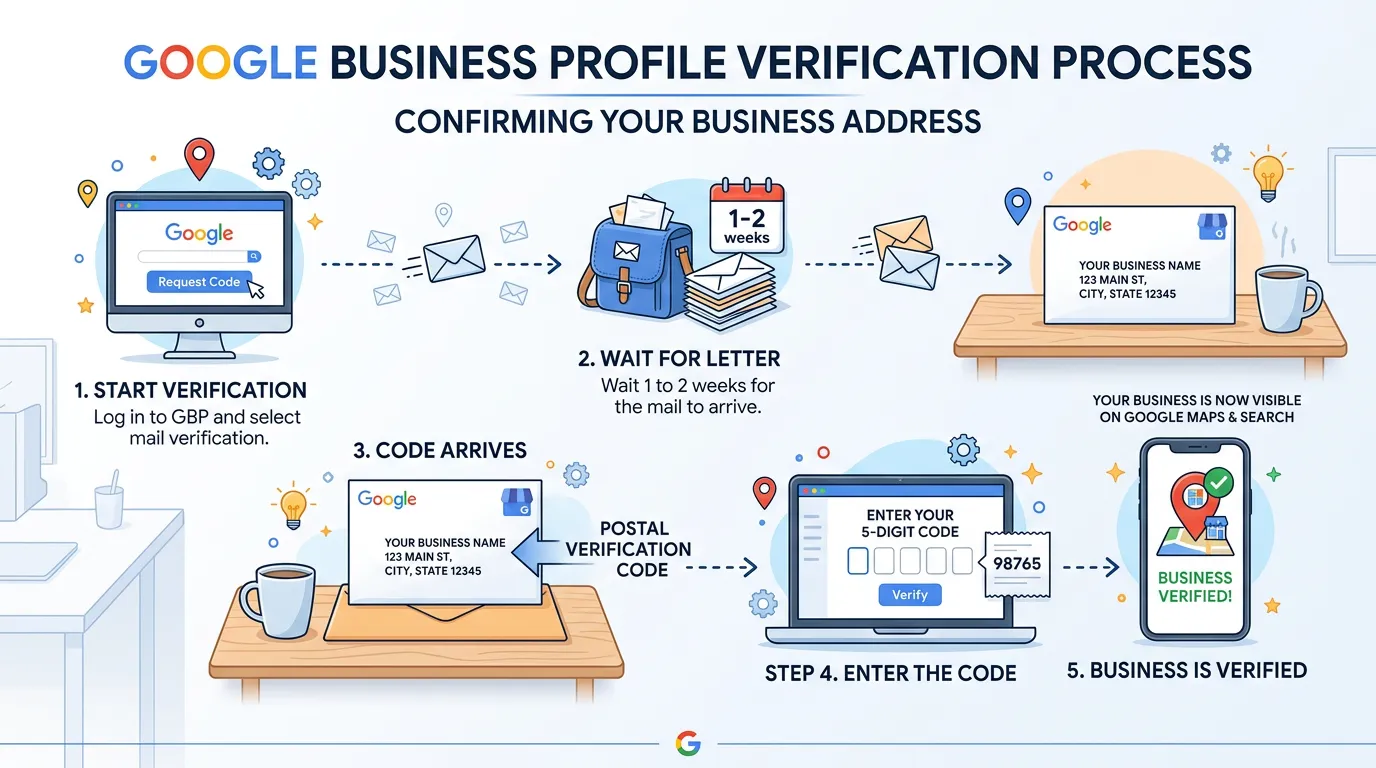
Order matters here, because working on the wrong layer wastes weeks. Confirm the listing exists and is verified. Confirm it is not suspended. Clear duplicates. Then fix relevance with category and services. Then work on prominence with reviews and links. Doing this backwards is the classic mistake: fifty photos uploaded to a listing that was never verified. Timeframes are worth setting straight too. Verification often clears in a few days to two weeks. Duplicate removal takes days or several weeks depending on whether it is claimed. Category changes tend to show in two to six weeks. Suspension appeals are the slow one, and one to eight weeks is fair. Change one thing at a time and write down the date. That habit turns guessing into a diagnosis you can trust.
- Step 1: confirm the listing exists and is verified
- Step 2: rule out a soft or hard suspension
- Step 3: find and clear duplicate or ghost listings
- Step 4: fix primary category, secondary categories, and services
- Step 5: build reviews, photos, and local links over the following months
The Order To Check Things In
Each step only makes sense if the one before it passed. Stop at the first no.
Photos and posts belong after all five, never before.
Symptom, Likely Cause, and How Long the Fix Takes
Match what you see to the row that fits. Timeframes are typical, not promised, since Google controls the queue.
| What you see | Most likely cause | How to confirm it | Typical time to fix |
|---|---|---|---|
| Nothing at all, even for your name | Unverified, suspended, or removed listing | Sign in and look for a prompt or notice | Days for verification, one to eight weeks for an appeal |
| Visible, but you cannot edit it | Soft suspension | Edits are blocked, the listing stays public | One to four weeks after the cause is fixed |
| Two pins with your name on the map | Duplicate or auto created listing | Search your old address, old name, and phone number | Days if unclaimed, weeks if someone claimed it |
| Shows for your name, not for your services | Wrong primary category or an empty services list | Compare with the category competitors in the pack use | Two to six weeks after the change |
| Fine near the shop, gone a few miles out | Distance, working exactly as designed | Run it from several points across your area | Not a fix, plan city pages and paid search instead |
Only one row here is a real emergency. The last one is not broken.
A Fifteen Minute Diagnosis
Do these in order, signed out, on a phone that is not sitting in your building.
Search your exact business name plus your city, signed out
Panel on the right means the listing is alive.
Sign in and check for a verification badge or prompt
Looks fine to you, invisible to everyone else.
Read any notice in the dashboard, word for word
Vague, but they tell you which type you have.
Search your old address, old name, and phone number in Maps
Where duplicates and ghost listings hide.
Check the temporarily closed and permanently closed flags
A forgotten closure flag buries a Google business profile fast.
Compare your primary category to three competitors in the pack
Shows what Google accepts for that search.
Open the services list and count the entries
Empty, or three generic lines, is fixable today.
Run the same search from two points a few miles away
Separates a broken profile from normal distance falloff.
What To Do While You Wait
What you do during the wait decides whether the fix holds.
Do this
- Fix the real cause before you file any appeal
- Gather your license, a utility bill, and signage photos
- Keep a dated log of every change you make
- Point ads and your website at the work while it is down
- Add managers so a staff change cannot lock you out
Not this
- Do not file the same appeal again with nothing changed
- Do not create a second profile to replace a suspended one
- Do not edit the category three times in one week
- Do not delete a duplicate that holds real reviews
- Do not put keywords in your business name while under review
Would rather we handled it?
This article covers how to do the work yourself. If you would rather have it done for you, that is what our google business profile optimization service is.
Google Business Profile Optimization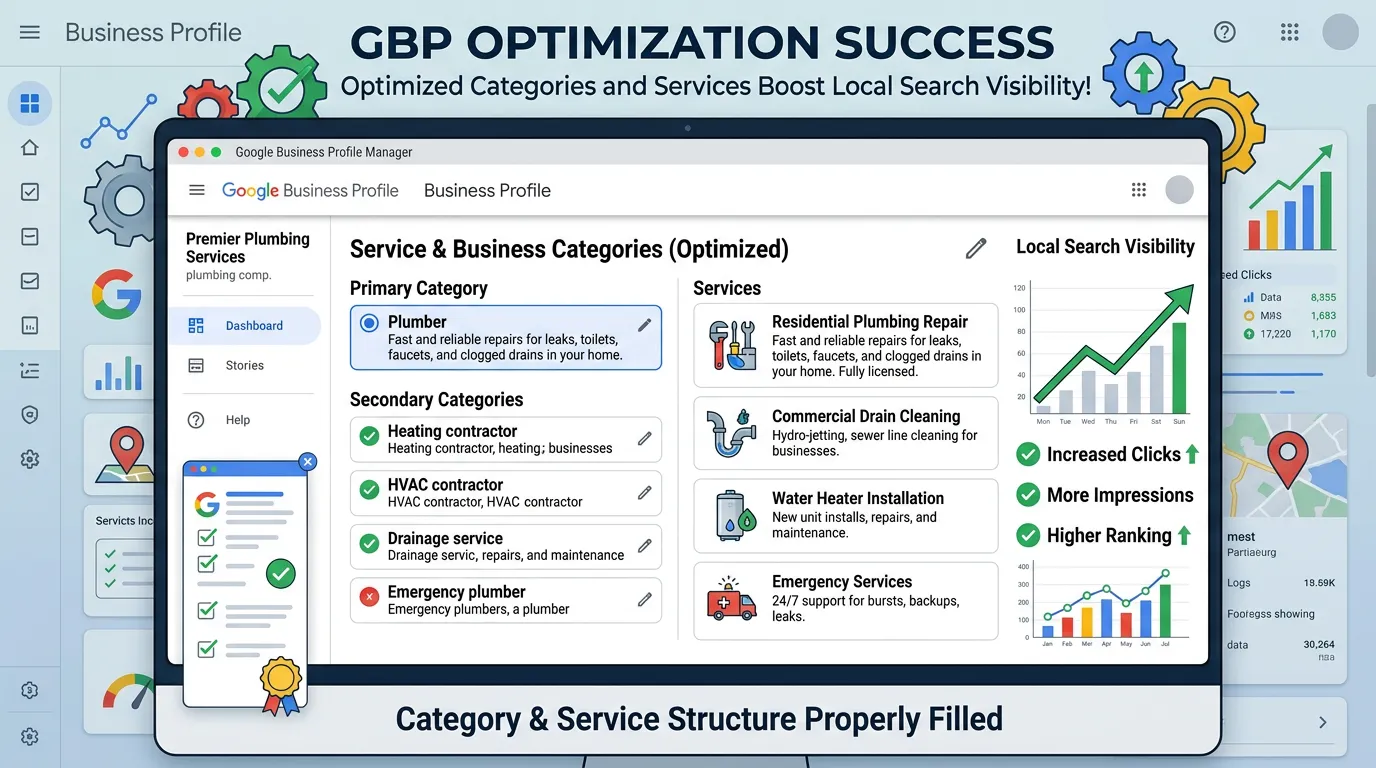
Frequently asked questions
My profile shows for my business name but not for my services. Why?
How do I tell a suspension from a low ranking?
Google says my business is permanently closed. How?
Will deleting a duplicate delete my reviews?
I moved offices and my rankings dropped. Is that permanent?
Sources
- Google: Guidelines for representing your business on Google(opens in a new tab) Name, address, and duplicate listing rules that cause profiles to be removed or suspended.
- Google: Improve your local ranking on Google(opens in a new tab) Distance from the searcher is one of the three local ranking factors, which is why results change by location.
- Google Business Profile Help(opens in a new tab) Google's own help center for verification, suspension appeals, and profile access problems.