
Free calculator
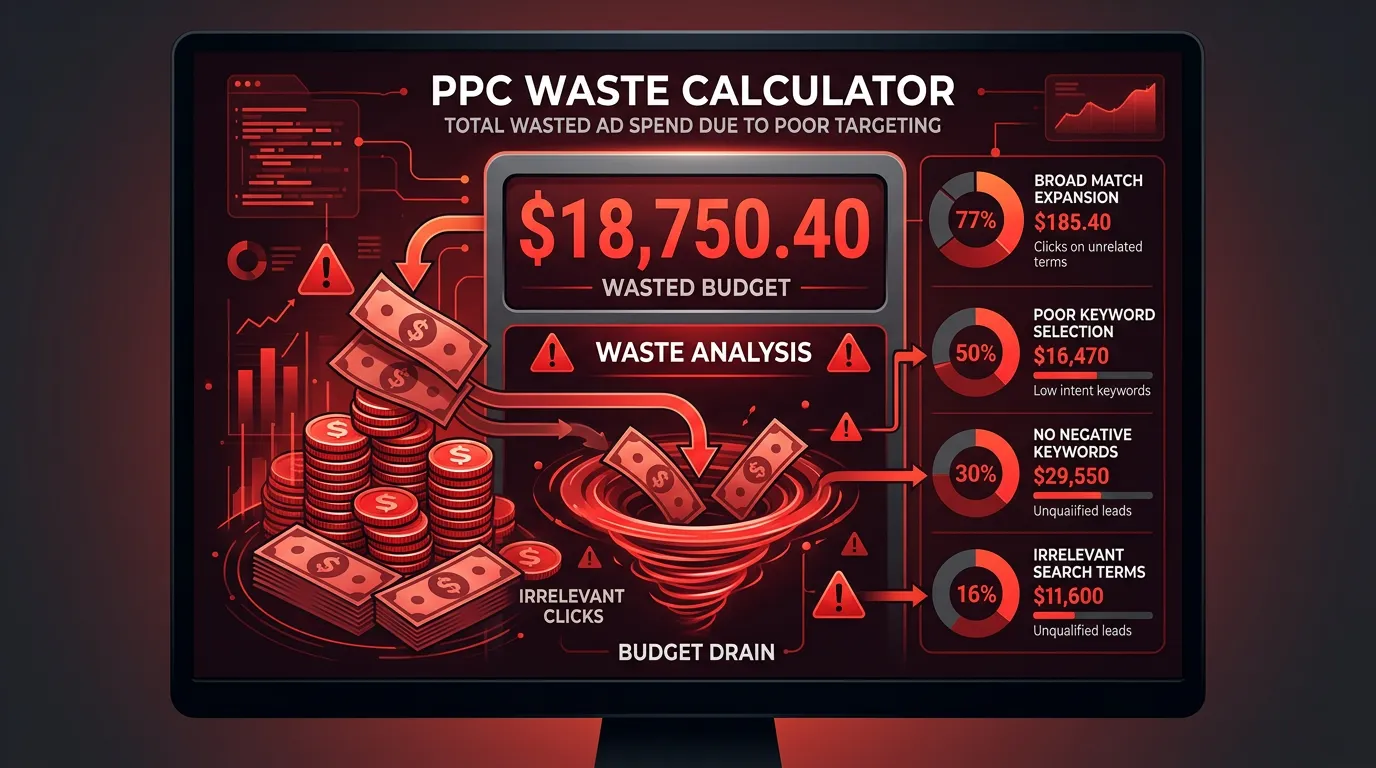
PPC Waste Calculator
Estimate how much of your ad budget goes to clicks that were never going to call.
Call (714) 823-3164 or ask a question. Clear recommendations, even if we never work together.
This calculator estimates how much of a monthly Google Ads budget is wasted. It combines three common leaks: clicks from search terms that never had buying intent, visitors who land on a page that does not match what they searched, and conversions that go untracked so bidding optimizes toward the wrong thing.
Your numbers
Change anything. The result updates as you type.
Check your search terms report
Homepage instead of a matching service page
Estimated monthly waste
$1,425
- Irrelevant search terms
- $750
- Landing page mismatch
- $450
- Untracked conversions
- $225
- Working budget
- $1,575
- Annual waste
- $17,100
Roughly $1,575 of your $3,000 is doing real work. Over a year the leak is about $17,100, which is usually more than it costs to fix the tracking, add the negative keywords, and build the landing pages properly.
The math
waste = spend x irrelevant% + (spend x remaining) x mismatch% x 0.5 + (spend x remaining) x untracked% x 0.25
Assumptions
- Irrelevant search terms are counted as a total loss, because those clicks were never going to convert.
- Landing page mismatch is counted at half loss. Some visitors still find their way and call.
- Untracked calls are counted at a quarter loss. The call still happened, but bidding optimizes blind, so budget drifts to the wrong campaigns over time.
- Leaks are applied in sequence so the same dollar is never counted as wasted twice.
This is an estimate, not a forecast. It is only as good as the numbers you put in.
Where to find your real numbers
Open Google Ads, go to Insights and Reports, then Search Terms. Sort by cost and read the top fifty. Anything that is clearly a different job, a DIY search, a job application, or a competitor name is waste. That percentage is your first input. For landing page match, look at your final URLs: if most ad groups point at your homepage, your mismatch number is high. For tracking, check whether calls from ads appear as conversions. If your only conversion action is a form submission and most of your customers phone you, you are optimizing on a fraction of the truth.
Why landing page mismatch costs so much
Someone searching for emergency drain cleaning at eleven at night does not want your homepage. They want a page that says you do emergency drain cleaning, that you are available now, and a phone number large enough to tap without thinking. Every extra decision between the click and the call loses a percentage of people. Sending paid traffic to a generic page is paying full price for a click and then making the visitor work for the thing they already asked for.
The order to fix these in
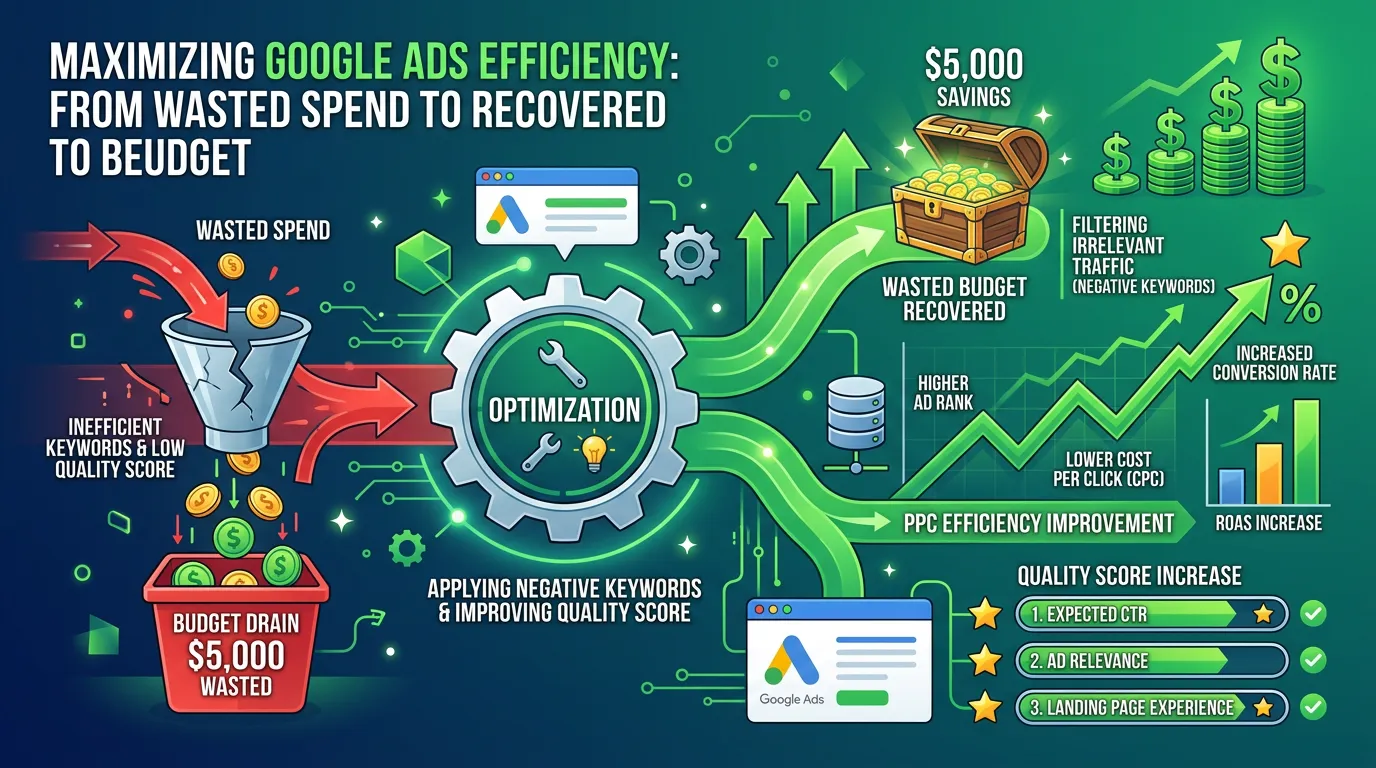
Tracking first, always. Until calls are tracked back to the campaign and keyword that produced them, every other decision is a guess and the bidding algorithm is optimizing toward the wrong signal. Negative keywords second, because that stops the bleeding immediately and costs nothing but attention. Landing pages third, since they take the longest to build and their value is easier to measure once tracking is honest.
Frequently asked questions
Is twenty five percent irrelevant search terms normal?
Why is untracked call waste only counted at a quarter?
Can I just pause ads and do SEO instead?
Does this apply to Local Services Ads too?
What each input actually means
None of these four inputs are opinions. Every one is a number you can read out of your own Google Ads account in about twenty minutes.
Monthly ad spend is the money that actually left your bank account last month. It is not your daily budget times thirty. Google overspends on busy days and underspends on slow ones.
Search terms with no buying intent means the words people really typed, not the keywords you bid on. Those are two different lists. A tight keyword still pulls in job hunters, DIY guides, and people shopping for parts.
Clicks going to a generic page means any click landing somewhere other than a page about the exact service searched. Your homepage is the usual offender. Untracked calls are calls you cannot trace back to a campaign.
Where to find each number in your own account
Open Google Ads in one tab and work down this list. Write the four numbers down before you touch the sliders.
| Input | Where to look | What to write down |
|---|---|---|
| Monthly ad spend | Campaigns, date range set to last month | Total cost across all campaigns |
| Irrelevant search terms | Insights and Reports, then Search Terms, sorted by cost | Cost of the junk terms divided by total cost |
| Generic landing page clicks | Ads and assets, checking each ad group's final URL | Share of clicks pointed at your homepage |
| Untracked calls | Goals, then Conversions, looking for a call action | Zero if calls are tracked, high if only forms count |
Twenty minutes in the account replaces four guesses with four real numbers.
How the three leaks stack up
The calculator applies the leaks in order. Each one only touches what is left after the leak above it, so the same dollar is never counted as wasted twice.
Order matters. Adding the three percentages together would overstate your waste badly.
Reading your result
The headline is a monthly number. The one that changes behavior is the annual figure under it. A leak of six hundred dollars a month sounds survivable. Seven thousand two hundred a year does not.
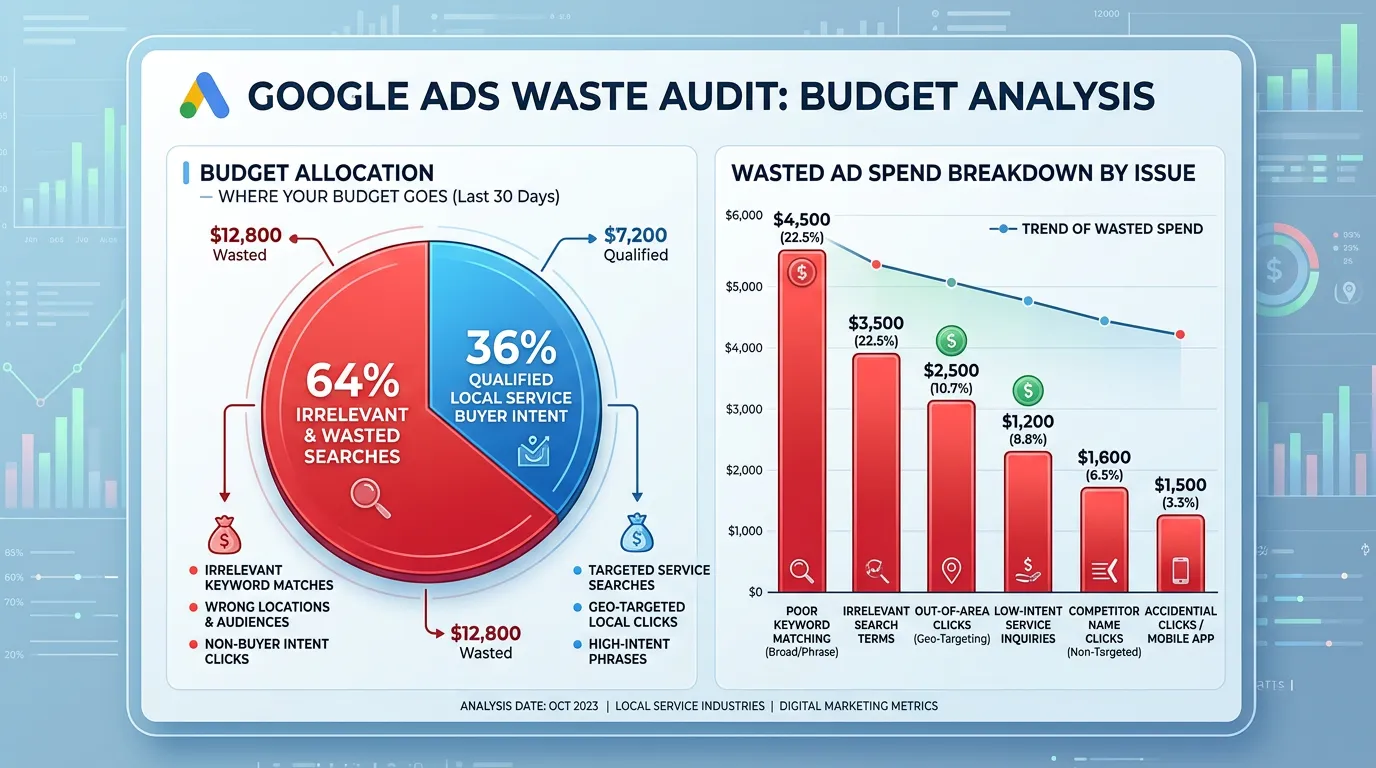
As a rough guide, and this is a typical range that varies by trade and account age, a well maintained account tends to land under fifteen percent waste. An account nobody has opened in a year often runs between twenty five and forty percent.
Look at the split, not the total. If irrelevant terms lead, you have a match type and negative keyword problem. If mismatch leads, your ads are fine and your website is the bottleneck. If untracked leads, you may have no problem at all. You just cannot see what works yet.
Three changes that move this number
Waste is not one big mistake. It is three habits, each cheap to change once you can see it.
Do this
- Read the search terms report every two weeks, while the junk list is short.
- Turn on call tracking so calls from ads count as conversions, not just form fills.
- Send each ad group to a page about that one service, phone number near the top.
- Check your own ads on a phone, where most service searches happen.
Not this
- Do not run broad match without a negative keyword list you actually maintain.
- Do not point every ad group at your homepage to save setup time.
- Do not judge a campaign on clicks when your customers reach you by phone.
- Do not pause the account after one bad month before tracking is honest.